
MountMate for Mac
Lightweight menu bar utility to mount and unmount external drives in one click.
By homielab. Free and open source, MIT licence.
MountMate at a glance
- Version
- 5.19
- Released
- 4 September 2026
- Download size
- 4.1 MB
- Works on
- Apple silicon and Intel
- Licence
- MIT
- Category
- Menu Bar and Notch
- Developer
- homielab
- GitHub stars
- 505
About MountMate
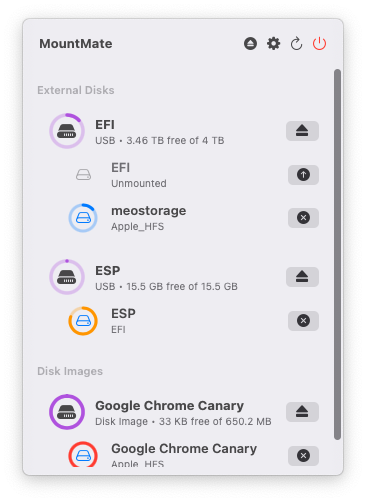
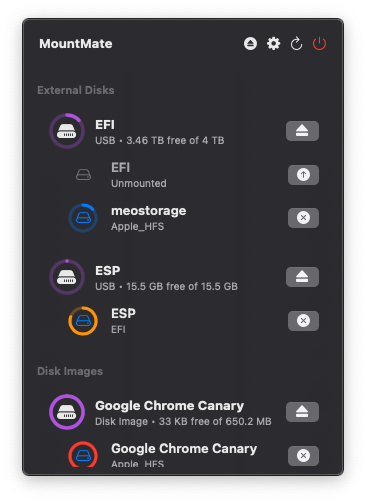
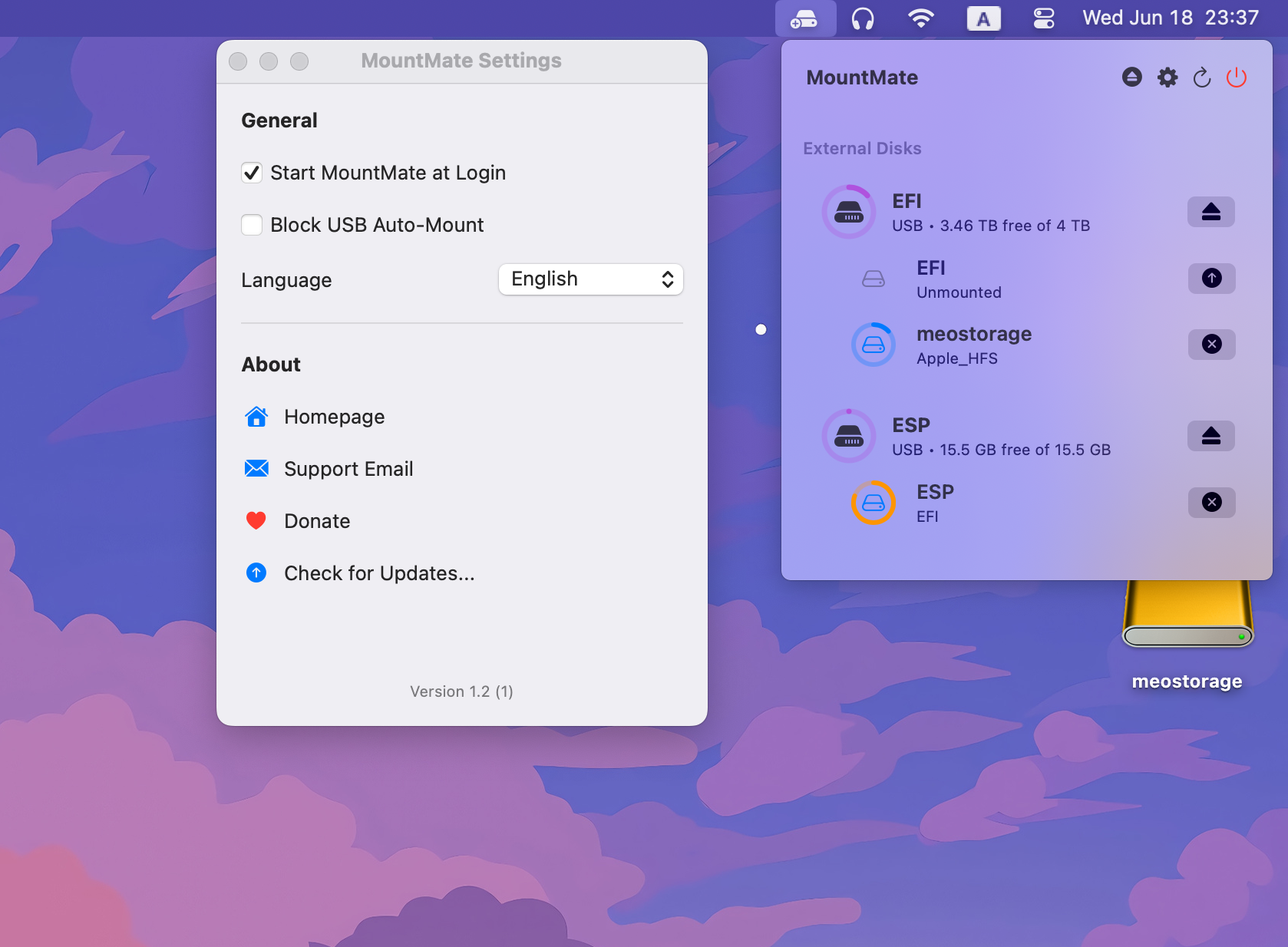
A simple macOS menu bar app to manage external drives
Screenshots
How to install MountMate on a Mac
- Get OpenDMG. It is a free app store for open source Mac apps. Download OpenDMG.
- Search for MountMate and press Get. OpenDMG downloads version 5.19 from homielab's own GitHub release.
- Open it. The download is checked against its SHA-256 fingerprint and its signature is checked on your Mac before it lands in Applications.
Updates to MountMate show up in OpenDMG and install with one button. No account is needed.
Prefer to do it by hand? The developer's file is on GitHub: MountMate_5.19.dmg (4.1 MB).
What is new in MountMate 5.19
### Added

- **Runtime Auto-Mount Blocking**: Blocked volumes are persisted in MountMate and rejected by Disk Arbitration while the app is running. This avoids modifying `/etc/fstab`, which is protected on recent macOS versions.
- **Startup Unmount Sweep**: When MountMate launches and finds a blocked volume already mounted because it was mounted before the app started, it unmounts it automatically, retrying briefly if the volume is still busy.
- **Keep Alive (Auto-Reconnect)**: MountMate can now keep mounts alive automatically. Network shares and volumes marked "Keep Mounted" are remounted when they drop unexpectedly, with retry attempts at a configurable interval and exponential backoff.
- **Network Change Handling**: MountMate watches the network path and remounts active shares through the new primary interface when Wi-Fi/Ethernet changes, then reconnects dropped shares as soon as connectivity recovers.
- **Mount on Login & Wake**: Keep-alive shares and volumes mount at login and reconnect promptly after the Mac wakes from sleep. Volumes unmounted by "Unmount All Disks on Sleep" come back on wake.
- **NFS & AFP Shares**: Network shares now support the NFS and AFP protocols in addition to SMB, including import of manually mounted NFS/AFP shares.
…
More Menu Bar and Notch apps
-
 StatsmacOS system monitor in your menu bar
-
 IcePowerful menu bar manager for macOS (upstream, temporarily inactive)
-
 Hidden BarAn ultra-light MacOS utility that helps hide menu bar icons
-
 ThawThe open-source menu bar manager: hide, organize, and take control of menu bar icons
-
 Boring NotchTurn your MacBook notch into a music and file control center
-
 eulmacOS status monitoring app written in SwiftUI