
Metrune for Mac
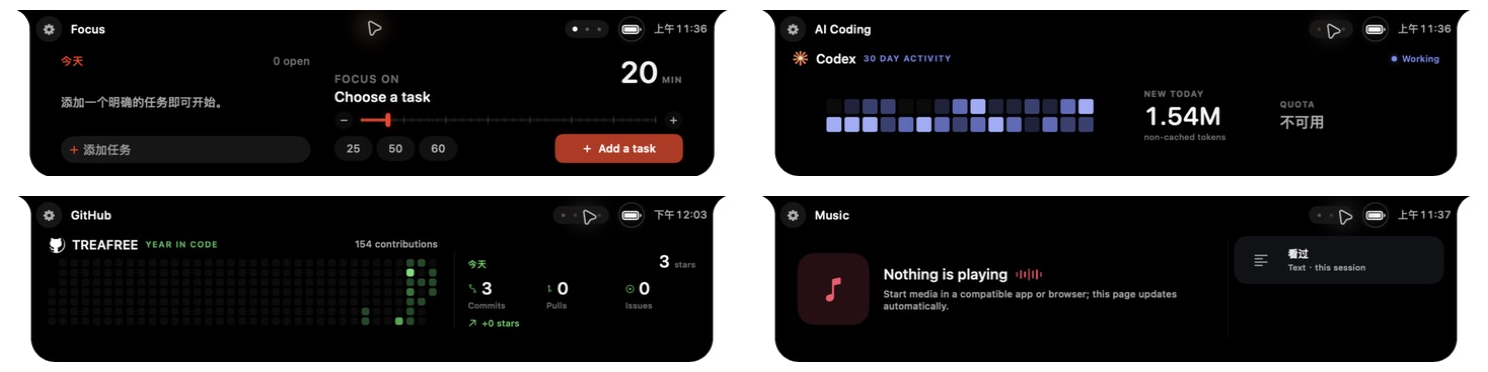
Local-first productivity workbench that packs task focus, dev activity, device status, and long-term growth stats into a compact bar at the top of the screen.
By TREAFREE. Free and open source.
Metrune at a glance
- Version
- 0.1.0
- Released
- 26 August 2026
- Download size
- 30 MB
- Works on
- Apple silicon and Intel
- Category
- Menu Bar and Notch
- Developer
- TREAFREE
- GitHub stars
- 14
About Metrune
Local-first Mac notch workspace for Focus, Codex, GitHub, music, badges, and activity reports.
Screenshots

How to install Metrune on a Mac
- Get OpenDMG. It is a free app store for open source Mac apps. Download OpenDMG.
- Search for Metrune and press Get. OpenDMG downloads version 0.1.0 from TREAFREE's own GitHub release.
- Open it. The download is checked against its SHA-256 fingerprint and its signature is checked on your Mac before it lands in Applications.
Updates to Metrune show up in OpenDMG and install with one button. No account is needed.
Prefer to do it by hand? The developer's file is on GitHub: Metrune-0.1.0.dmg (30 MB).
What is new in Metrune 0.1.0
# Metrune 0.1.0 Community Release

Metrune’s first stable community release for Apple Silicon Macs running macOS 15 or later.

## Highlights

- Task-based Focus sessions with pause, break, completion, and reliable recovery
- Compact and expanded notch surfaces for Focus, Codex, GitHub, and system media
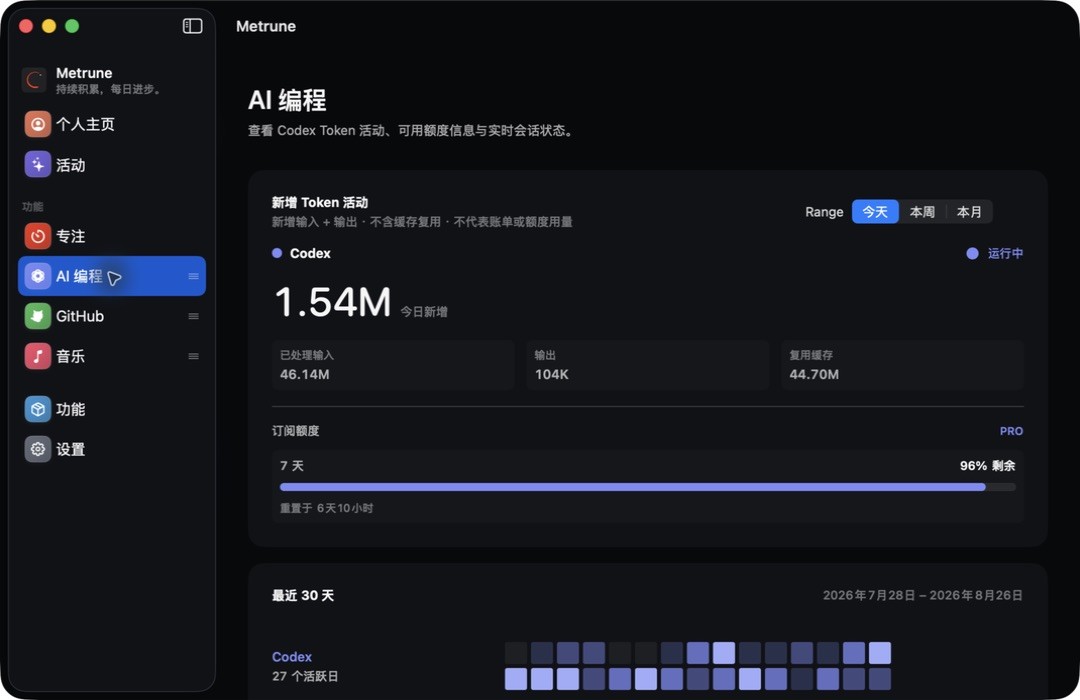
- Honest local Codex activity and read-only quota status
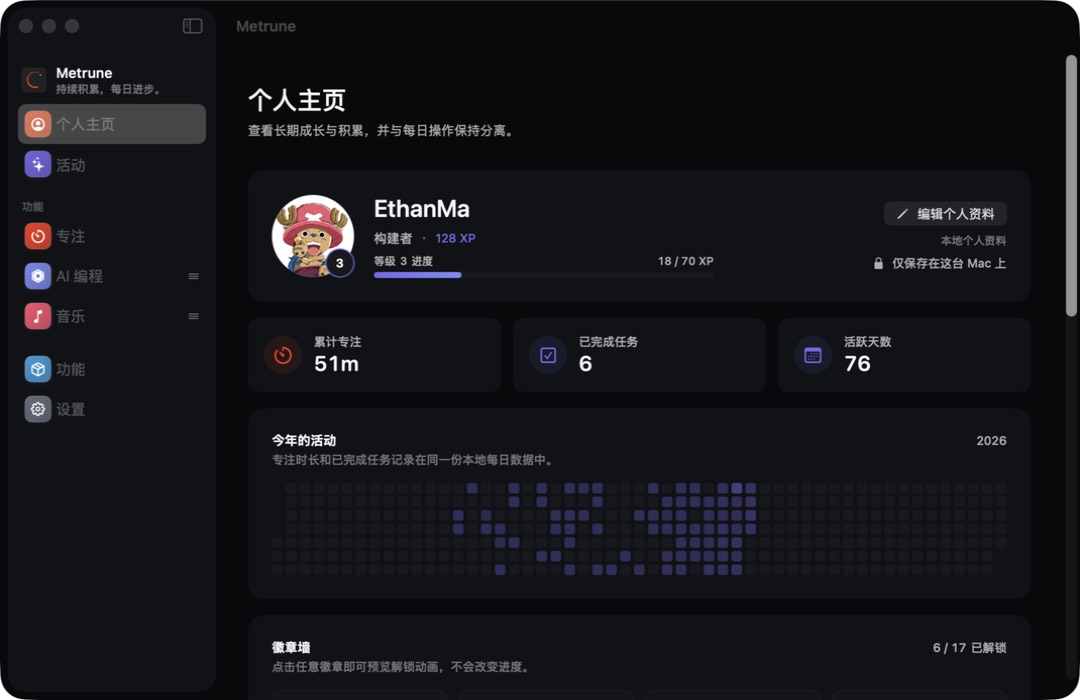
- GitHub activity, local profiles, levels, titles, and Focus/GitHub/AI Coding badge walls
- Weekly and monthly report studio with modular layouts, custom backgrounds, animated previews, and static sharing
- Power and Bluetooth live activities
- Local backup/restore, diagnostics export, and multilingual onboarding
- Per-capability placement, animation previews, and multi-display strategies

## Requirements

- Apple Silicon Mac
- macOS 15 or later

## Installation

1. Download `Metrune-0.1.0.dmg`.
2. Open the image and drag `Metrune.app` to Applications.
3. Because this community build is ad-hoc signed and not Apple-notarized, macOS may block its first launch. In Finder, right-click Metrune and choose **Open**.

Download only from this official GitHub Release.

## Privacy and license

Core activity data stays on the Mac by default. Metrune is source-available under the PolyForm Noncommercial License 1.0.0; unauthorized commercial use is prohibited.

## Verification
…
More Menu Bar and Notch apps
-
 StatsmacOS system monitor in your menu bar
-
 IcePowerful menu bar manager for macOS (upstream, temporarily inactive)
-
 Hidden BarAn ultra-light MacOS utility that helps hide menu bar icons
-
 ThawThe open-source menu bar manager: hide, organize, and take control of menu bar icons
-
 Boring NotchTurn your MacBook notch into a music and file control center
-
 eulmacOS status monitoring app written in SwiftUI