
MakLock for Mac
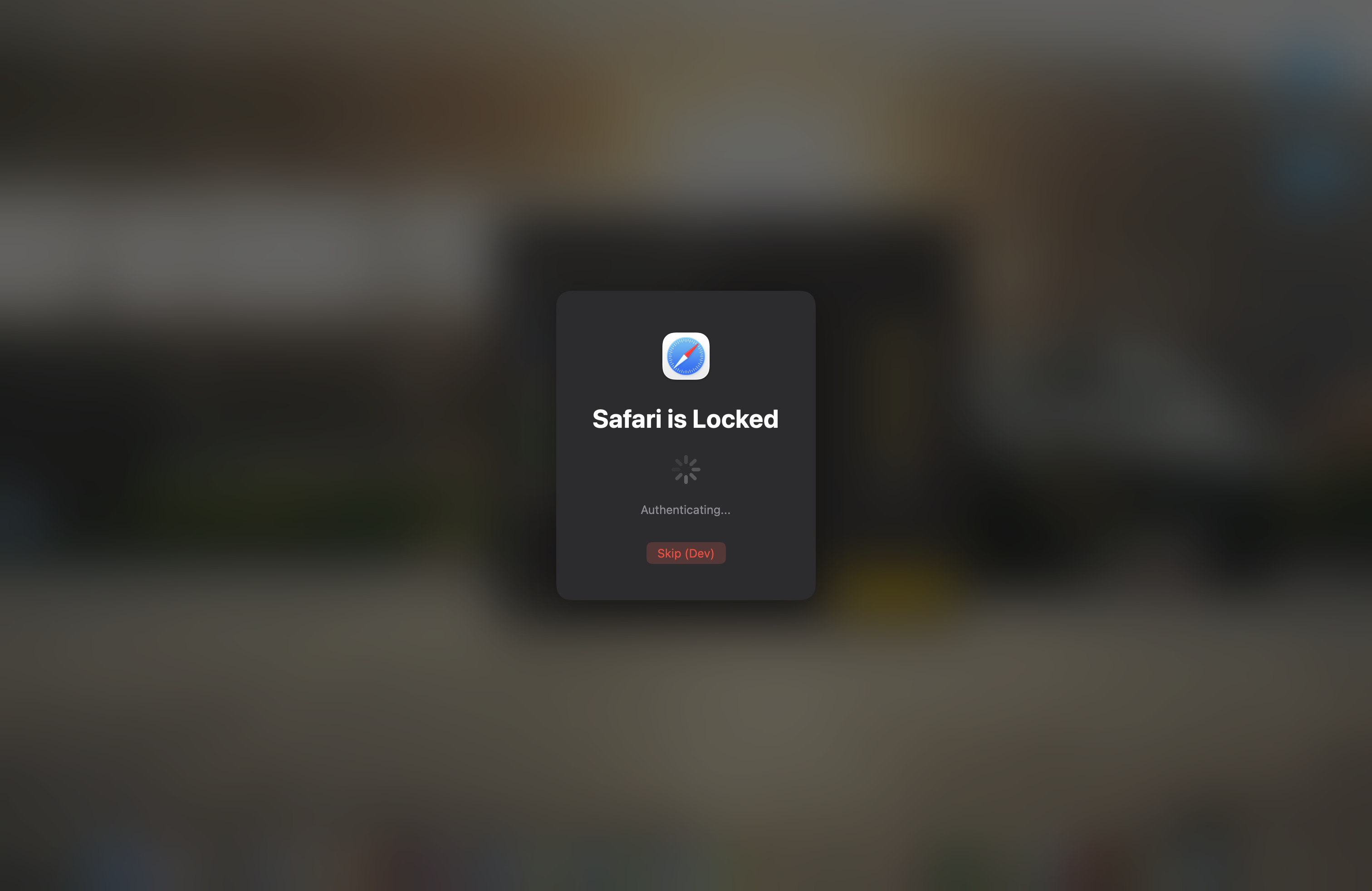
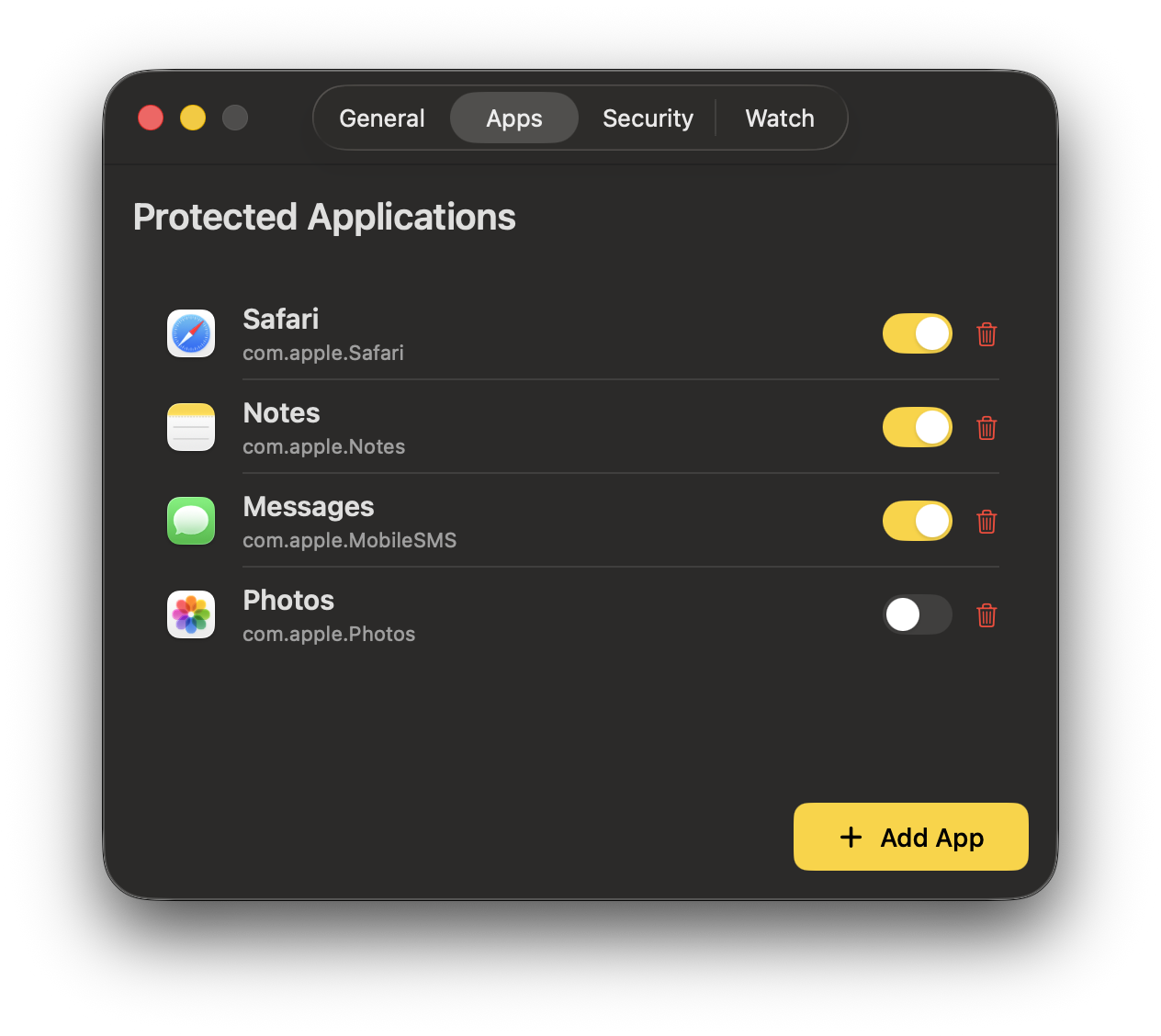
Menu bar app that locks applications with Touch ID, Apple Watch proximity, or password using a full-screen blur overlay.
By dutkiewiczmaciej. Free and open source, MIT licence.
MakLock at a glance
- Version
- 1.0.1
- Released
- 17 March 2026
- Download size
- 2.4 MB
- Works on
- Apple silicon and Intel
- Licence
- MIT
- Category
- Security and Privacy
- Developer
- dutkiewiczmaciej
- GitHub stars
- 145
About MakLock
Free, open-source macOS app that locks applications with Touch ID, Apple Watch, and trusted Wi-Fi. The only open-source app locker for macOS.
Screenshots
How to install MakLock on a Mac
- Get OpenDMG. It is a free app store for open source Mac apps. Download OpenDMG.
- Search for MakLock and press Get. OpenDMG downloads version 1.0.1 from dutkiewiczmaciej's own GitHub release.
- Open it. The download is checked against its SHA-256 fingerprint and its signature is checked on your Mac before it lands in Applications.
Updates to MakLock show up in OpenDMG and install with one button. No account is needed.
Prefer to do it by hand? The developer's file is on GitHub: MakLock-1.0.1.dmg (2.4 MB).
What is new in MakLock 1.0.1
### Bug Fixes
- Fixed Apple Watch BLE reconnection and proximity reliability
- Improved Watch connectivity after sleep/wake cycles
More Security and Privacy apps
-
 GlanceUnlock your Mac at a glance through on-device face recognition in a dynamic island-style…
-
 FaceGateLock sensitive apps behind Face ID, Touch ID, or a password — all processed on-device
-
 SentrySecurity monitor that alerts on activity while you're away
-
 TouchBridgeBiometric authentication tool using phone, watch, or browser for sudo and unlock
-
 MergenCIS benchmark security audit tool that checks 85 controls and auto-fixes most failures
-
 TracexySession-based network intelligence — capture live traffic or open saved captures, then…