

MacTools for Mac
Free, open-source native menu bar toolset that bundles high-frequency system utilities in a lightweight, low-distraction workflow.
By mactools-app. Free and open source, GPL-3.0 licence.
MacTools at a glance
- Version
- 2.0.0
- Released
- 22 September 2026
- Download size
- 13 MB
- Works on
- Apple silicon and Intel
- Licence
- GPL-3.0
- Category
- Menu Bar and Notch
- Developer
- mactools-app
- GitHub stars
- 1.3K
About MacTools
A free and open-source collection of native macOS menu bar tools.
Screenshots
How to install MacTools on a Mac
- Get OpenDMG. It is a free app store for open source Mac apps. Download OpenDMG.
- Search for MacTools and press Get. OpenDMG downloads version 2.0.0 from mactools-app's own GitHub release.
- Open it. The download is checked against its SHA-256 fingerprint and its signature is checked on your Mac before it lands in Applications.
Updates to MacTools show up in OpenDMG and install with one button. No account is needed.
Prefer to do it by hand? The developer's file is on GitHub: MacTools.dmg (13 MB).
What is new in MacTools 2.0.0
### Added

- Apple silicon Nightly builds can install the CLI from Settings, update it with MacTools, and roll back until the next app release. Failed installation or removal can be retried without affecting manual installations.
- Added preference sync through iCloud Drive or a custom folder, with conflict resolution, retryable imports, and protection for pending local edits and device-specific settings.
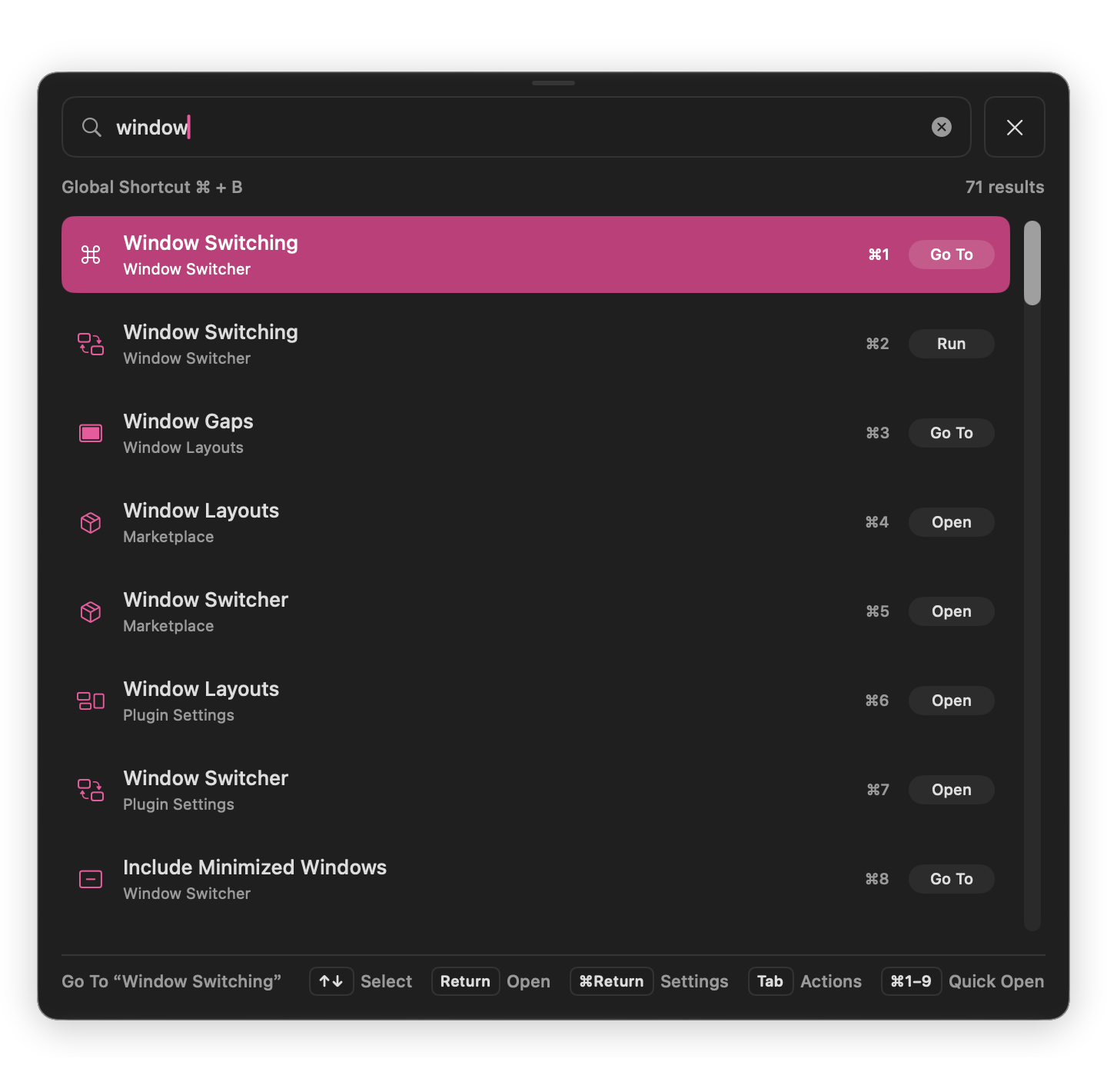
- Command Palette supports dragging and snapping with alignment guides, saved screen-relative positions, and a reset action.
- Command Palette accepts text for supported actions, with customizable trigger phrases, Tab completion, and safeguards for unfinished IME input and conflicting triggers.
- Create up to five menu-bar panels that mix widgets and feature actions, with customizable tab icons and a searchable widget library that supports multiple copies.
- Reorder items within or between panels using drag and drop or move menus, with automatic saving and Undo. Edit panels and manage widgets directly from the menu bar.
- Added MacTools Original, the original T menu-bar icon, to the online gallery.
- Plugin installation and activation now check macOS and app version requirements, explain incompatibilities, and offer a recheck option.
…
More Menu Bar and Notch apps
-
 StatsmacOS system monitor in your menu bar
-
 IcePowerful menu bar manager for macOS (upstream, temporarily inactive)
-
 Hidden BarAn ultra-light MacOS utility that helps hide menu bar icons
-
 ThawThe open-source menu bar manager: hide, organize, and take control of menu bar icons
-
 Boring NotchTurn your MacBook notch into a music and file control center
-
 eulmacOS status monitoring app written in SwiftUI