
MAcordion for Mac
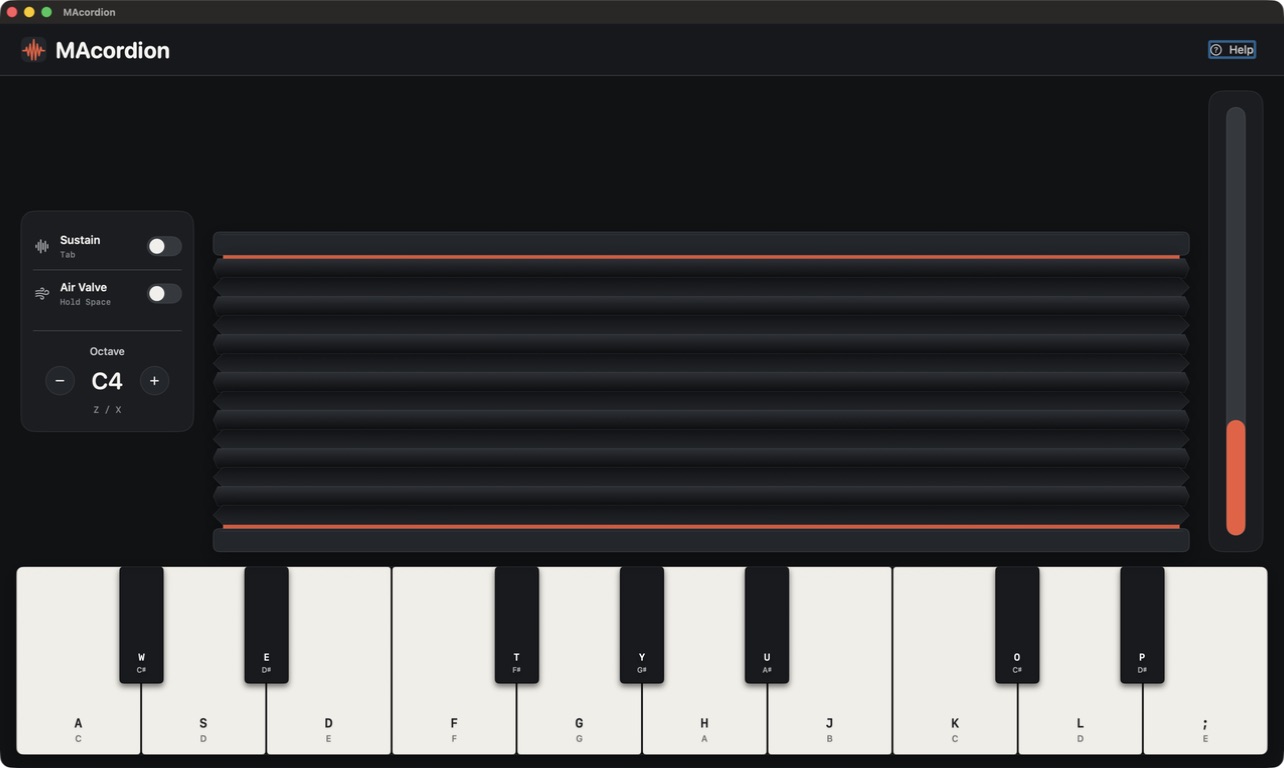
Turns a laptop into a playable accordion — open and close the display to work the bellows and play notes with the keyboard.
By bruiselea. Free and open source.
MAcordion at a glance
- Version
- 1.4
- Released
- 25 June 2026
- Download size
- 1.0 MB
- Works on
- Apple silicon and Intel
- Category
- Audio and Music
- Developer
- bruiselea
- GitHub stars
- 17
About MAcordion
You can play an acordion with your Macbook!!
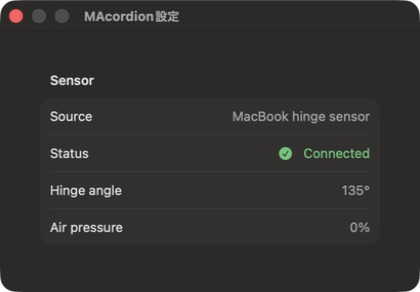
Screenshots
How to install MAcordion on a Mac
- Get OpenDMG. It is a free app store for open source Mac apps. Download OpenDMG.
- Search for MAcordion and press Get. OpenDMG downloads version 1.4 from bruiselea's own GitHub release.
- Open it. The download is checked against its SHA-256 fingerprint and its signature is checked on your Mac before it lands in Applications.
Updates to MAcordion show up in OpenDMG and install with one button. No account is needed.
Prefer to do it by hand? The developer's file is on GitHub: MAcordion.dmg (1.0 MB).
What is new in MAcordion 1.4
## Highlights

- 🔊 **Fixed silent playback on recent macOS** — replaced the old DLS-sampler path (which relied on `gs_instruments.dls`, removed from newer macOS) with a self-contained additive synth via `AVAudioSourceNode`. Sound now works out of the box.
- 🌬️ **Eliminated lingering notes** in the Python build (`accordion.py`) via a velocity deadzone, idle-timeout volume decay, and proactive channel cleanup when the bellows stop.
- 📈 **Smoother bellows curve** — asymmetric attack/release smoothing and a softer mid-range mapping so quiet playing stays quiet and dynamics feel less twitchy.
- 📝 Docs reorganized to point at GitHub Releases plus a new quick-start guide.

## Install

Download `MAcordion.dmg`, open it, and drag MAcordion.app into Applications. On first launch, Gatekeeper may block it — open System Settings → Privacy & Security and click **Open Anyway**.

## Requirements

- macOS 13.0+ (Apple Silicon)
- Python 3 with `pybooklid` for the hinge-sensor "bellows" mode. Without it, the app runs in keyboard-only mode (fixed volume).
More Audio and Music apps
-
 MonitorControlAdjust external monitor settings
-
 FluidVoiceVoice-to-text app with AI enhancement
-
 eqMacSystem-wide audio equalizer and volume mixer
-
 VoiceInkReal-time speech-to-text app
-
 LyricsXDisplay lyrics for iTunes/Spotify
-
 FreeFlowPush-to-talk speech-to-text tool that inserts polished transcripts into any app