

MacCheck for Mac
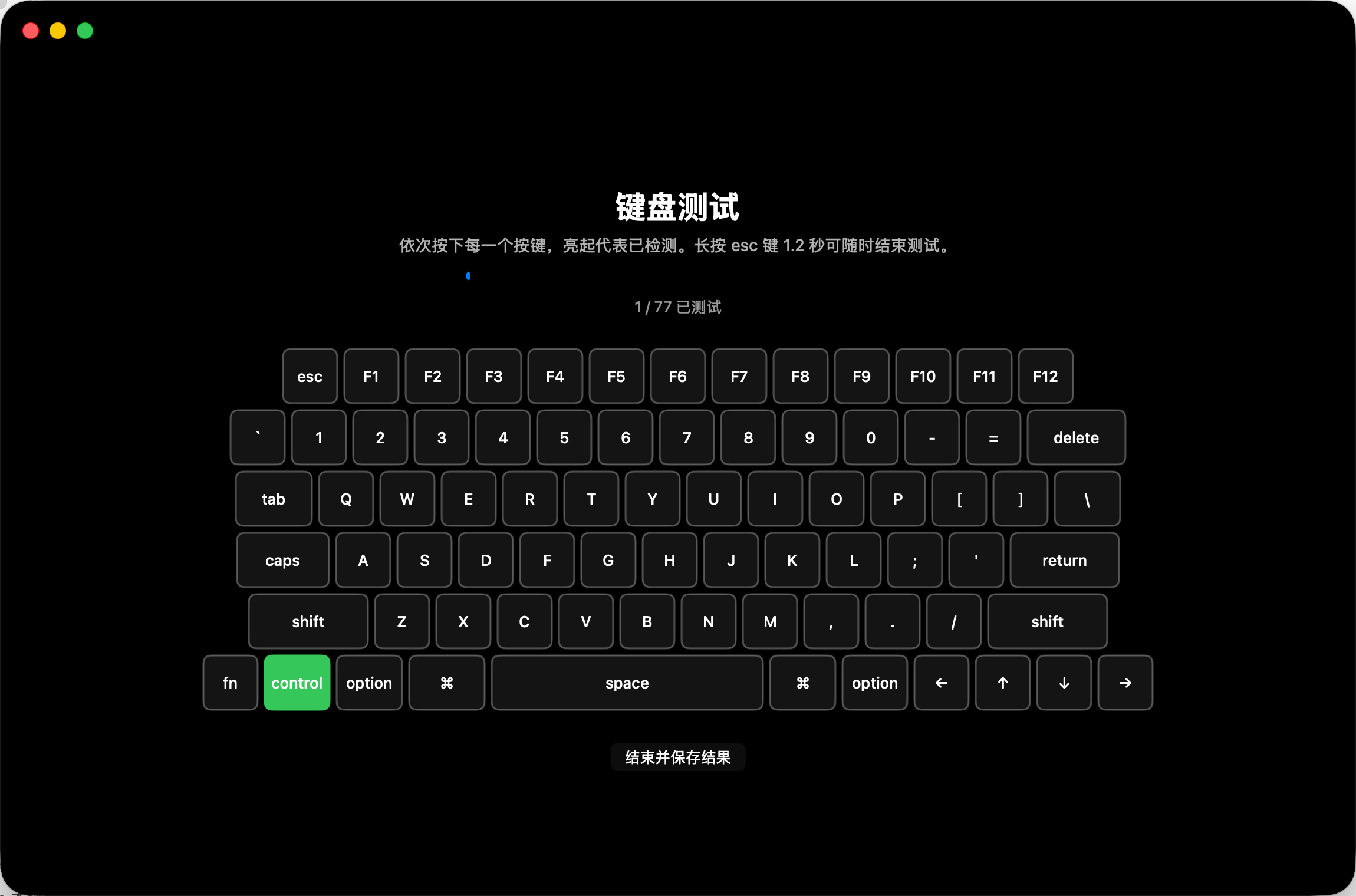
Hardware inspection tool for used Mac trading, with interactive tests for keyboard, screen, camera, and more, plus PDF/PNG report export.
By andyhuo520. Free and open source.
MacCheck at a glance
- Version
- 1.2
- Released
- 15 July 2026
- Download size
- 1.2 MB
- Works on
- Apple silicon and Intel
- Category
- System Tools
- Developer
- andyhuo520
- GitHub stars
- 702
About MacCheck
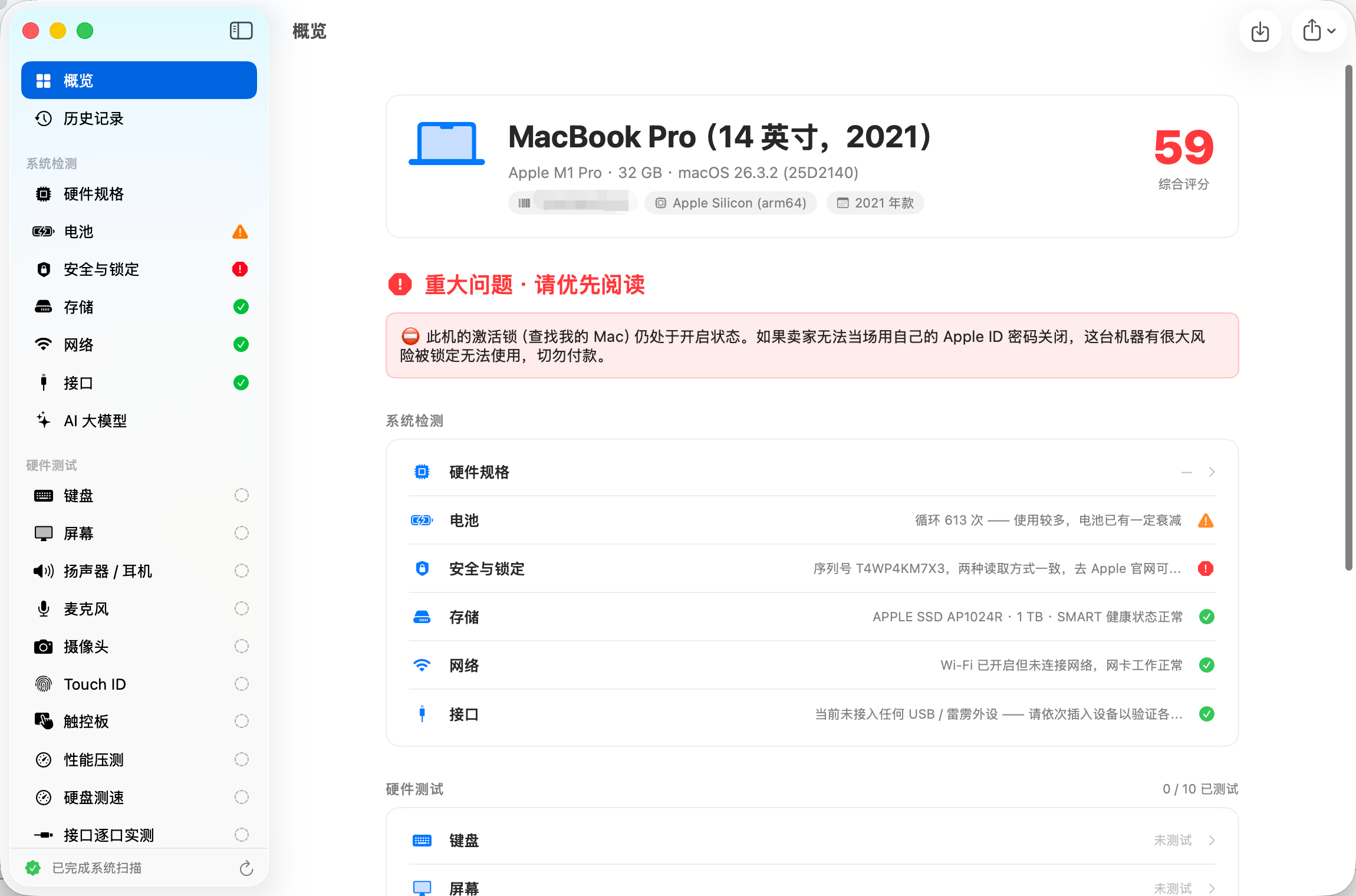
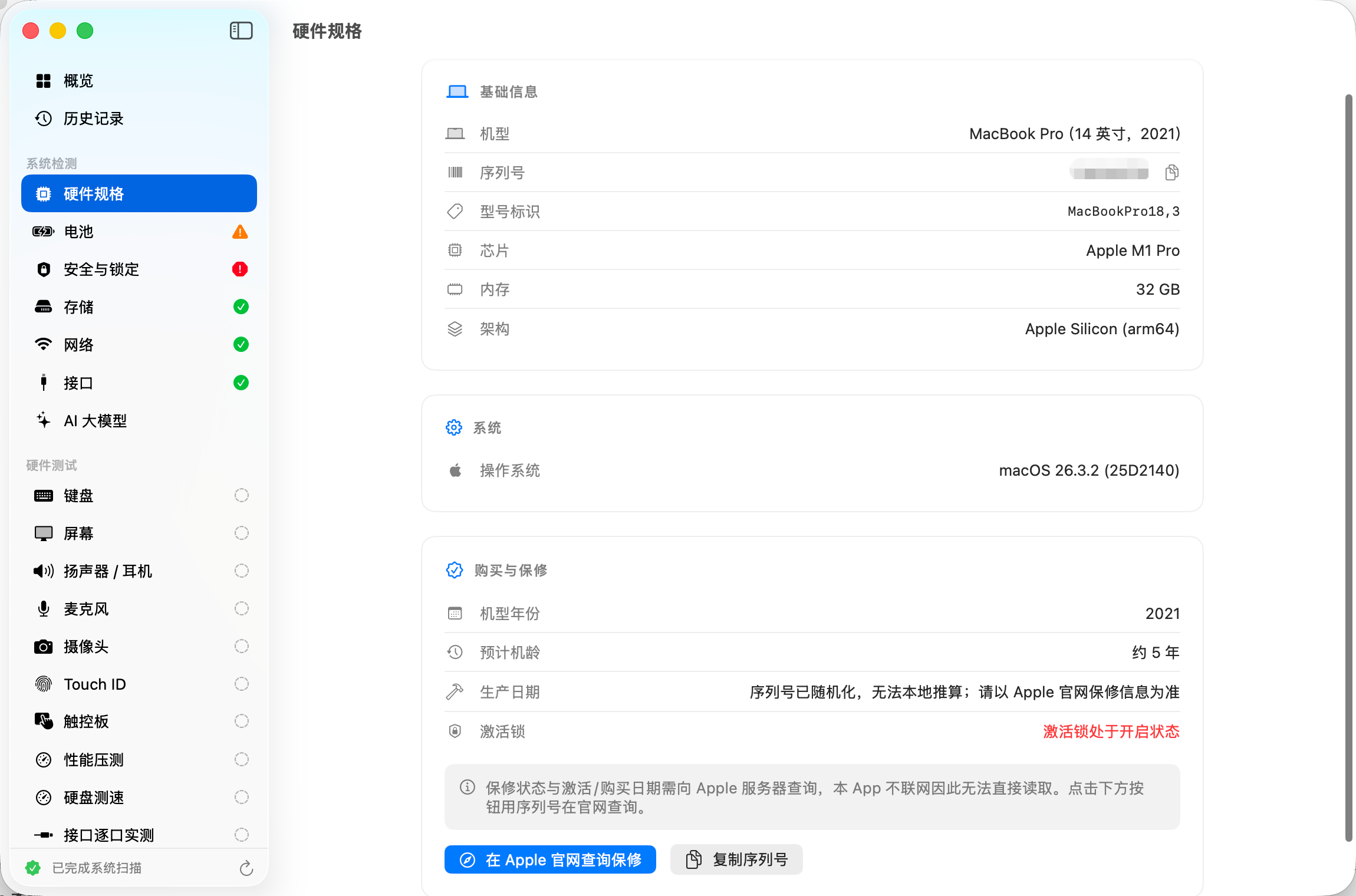
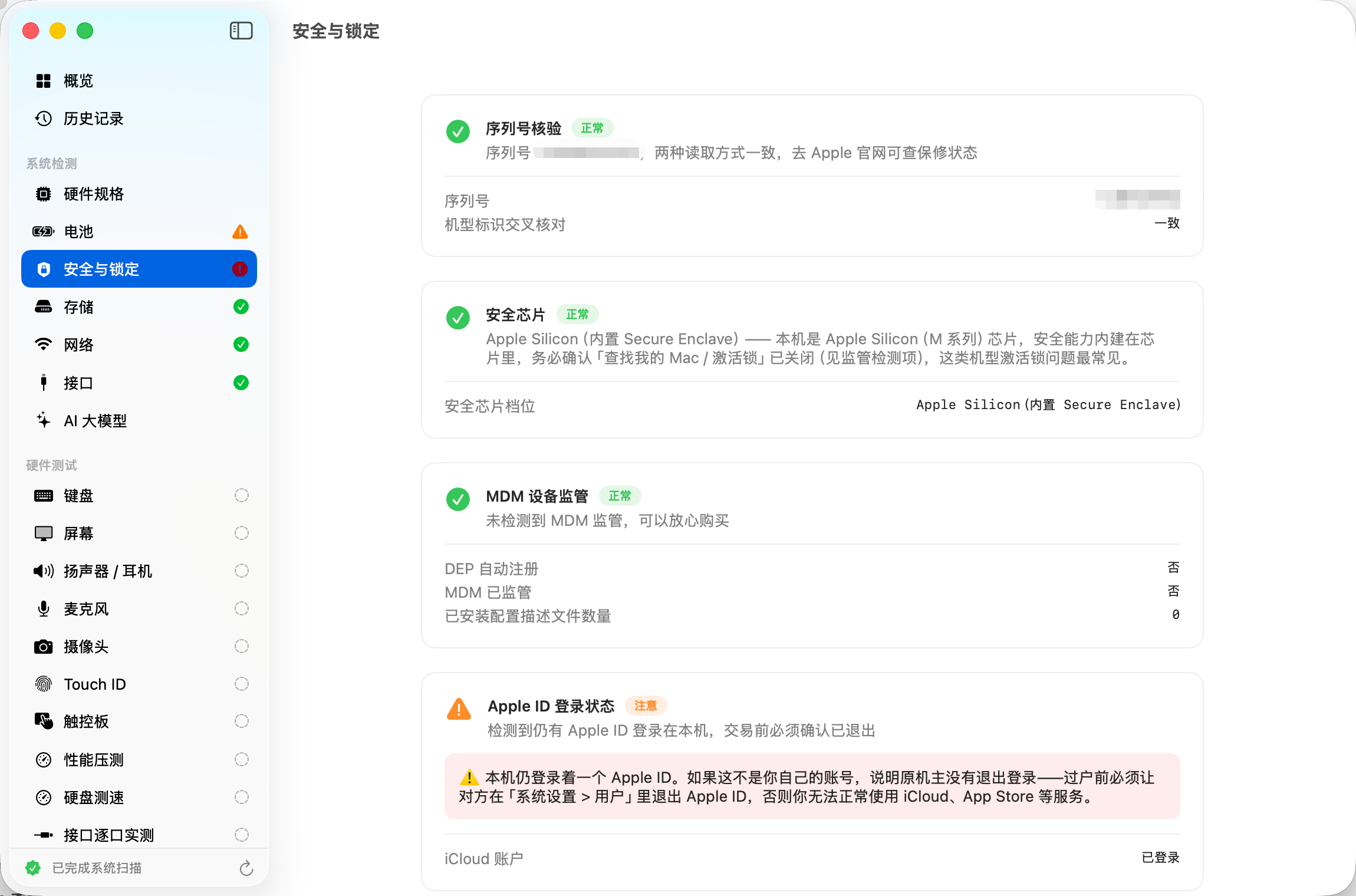
MacCheck 验机宝:本地 Mac 硬件检测、交互验机与 PDF/PNG 报告导出工具
Screenshots
How to install MacCheck on a Mac
- Get OpenDMG. It is a free app store for open source Mac apps. Download OpenDMG.
- Search for MacCheck and press Get. OpenDMG downloads version 1.2 from andyhuo520's own GitHub release.
- Open it. The download is checked against its SHA-256 fingerprint and its signature is checked on your Mac before it lands in Applications.
Updates to MacCheck show up in OpenDMG and install with one button. No account is needed.
Prefer to do it by hand? The developer's file is on GitHub: MacCheck-1.2.dmg (1.2 MB).
What is new in MacCheck 1.2
修复麦克风权限与读取问题:\n\n- 新增 MacCheck entitlements,包含 microphone audio-input 与 camera 权限能力\n- 麦克风测试页先检查授权状态,再启动监听\n- 权限被拒时可直接打开系统麦克风隐私设置\n- 监听启动失败时显示具体错误,支持重新检测\n\n注意:此 DMG 为当前机器生成的 ad-hoc 签名版本,适合本地测试;公开分发建议配置 Developer ID 签名和 Apple 公证。
More System Tools apps
-
 PearcleanerApp Cleaner and Uninstaller Tool
-
 OpenInTerminalFinder toolbar tool for opening the current folder in a terminal
-
 PureMacFree open-source system cleaner with privacy protection
-
 DockDoorWindow peeking for macOS
-
 LatestApp update checker that notifies you of available updates for installed applications
-
 DorsoPosture reminder that progressively blurs your screen when you slouch