
Mac-Monologue for Mac
One-key video of yourself or your screen, with green screen, pause/resume, and on-device subtitles.
By alexanderpuschkinberlin. Free and open source, MIT licence.
Mac-Monologue at a glance
- Version
- 0.7.1
- Released
- 27 September 2026
- Download size
- 1.2 MB
- Works on
- Apple silicon and Intel
- Licence
- MIT
- Category
- Video and Screen Capture
- Developer
- alexanderpuschkinberlin
- GitHub stars
- 1
About Mac-Monologue
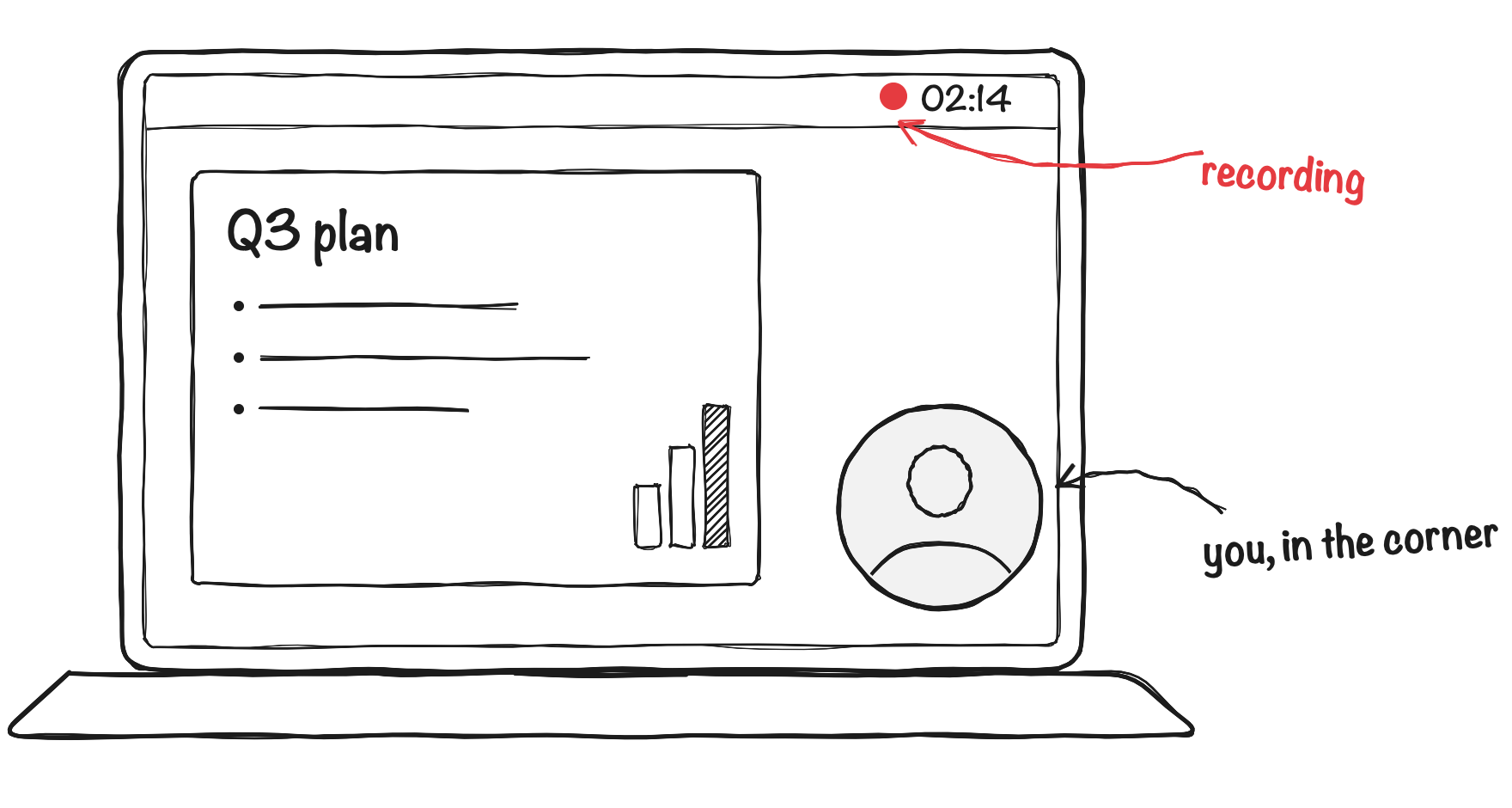
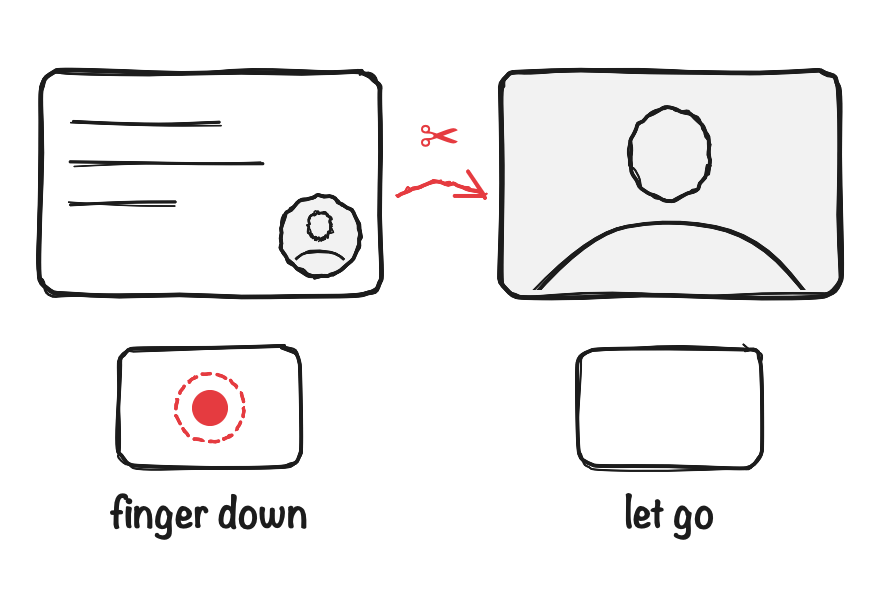
Record yourself, or your screen with you in it - Touch Cut, green screen, pause and resume, on-device subtitles. Native macOS, free and open source.
Screenshots

How to install Mac-Monologue on a Mac
- Get OpenDMG. It is a free app store for open source Mac apps. Download OpenDMG.
- Search for Mac-Monologue and press Get. OpenDMG downloads version 0.7.1 from alexanderpuschkinberlin's own GitHub release.
- Open it. The download is checked against its SHA-256 fingerprint and its signature is checked on your Mac before it lands in Applications.
Updates to Mac-Monologue show up in OpenDMG and install with one button. No account is needed.
Prefer to do it by hand? The developer's file is on GitHub: Mac-Monologue.zip (1.2 MB).
What is new in Mac-Monologue 0.7.1
- **Every take in a folder of its own.** The video and its subtitle files now
 sit together in `~/Movies/Monologue/Monologue-<date>/`, instead of all
 takes and .srt files mixed in one folder. Takes recorded before stay where
 they are. Discarding a take moves its whole folder to the Trash.
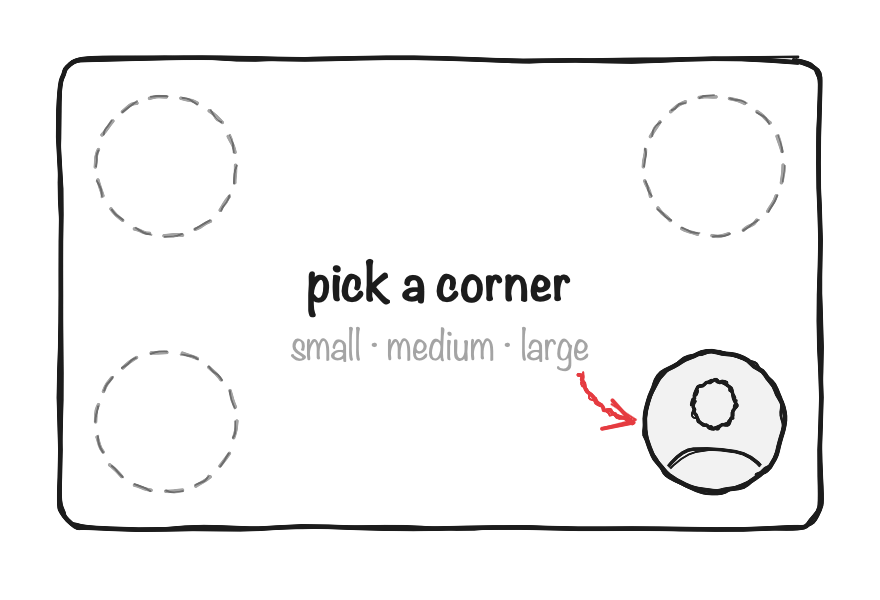
- **Nothing covers the recording any more.** The preview is now a card in the
 shape of the video, without black bars, and the sound fader sits in the bar
 below it instead of over the corners where your bubble or you stand.
- **The quality is a proper button** next to the summary, and the full name
 of a screen, camera or microphone shows when you point at it.
- **⌘1 to ⌘5 switch the mode**, also in the new Mode menu.
- **Text you hold up reads the right way round** in the file, with any camera,
 an iPhone included. The camera preview is a mirror, and now says so.
More Video and Screen Capture apps
-
 IINAThe modern video player for macOS
-
 Palmier ProOpen source video editor where you and AI agents generate and edit videos together in the…
-
 macshotScreenshot and screen recording tool with annotation, OCR, and scroll capture
-
 SnapzyOpen-source tool for screenshots, screen recording, annotation, and editing
-
 ScreendropBeautiful screenshot and screen recording tool — a native, self-hostable, and free Loom…
-
 BetterCaptureFree and open source screen recorder with professional encoding support