

Mac Clean for Mac
Open-source cleaner that removes junk, scans for malware, uninstalls apps completely, and visualizes disk usage.
By iliyami. Free and open source, BSD-3-Clause licence.
Mac Clean at a glance
- Version
- 1.24.1
- Released
- 9 October 2026
- Download size
- 14 MB
- Works on
- Apple silicon and Intel
- Licence
- BSD-3-Clause
- Category
- System Tools
- Developer
- iliyami
- GitHub stars
- 1.8K
About Mac Clean
Mac Sai: the open-source Mac cleaner, optimizer, and malware scanner. A free, Apple-notarized alternative to CleanMyMac, built with Swift 6 and SwiftUI.
Screenshots
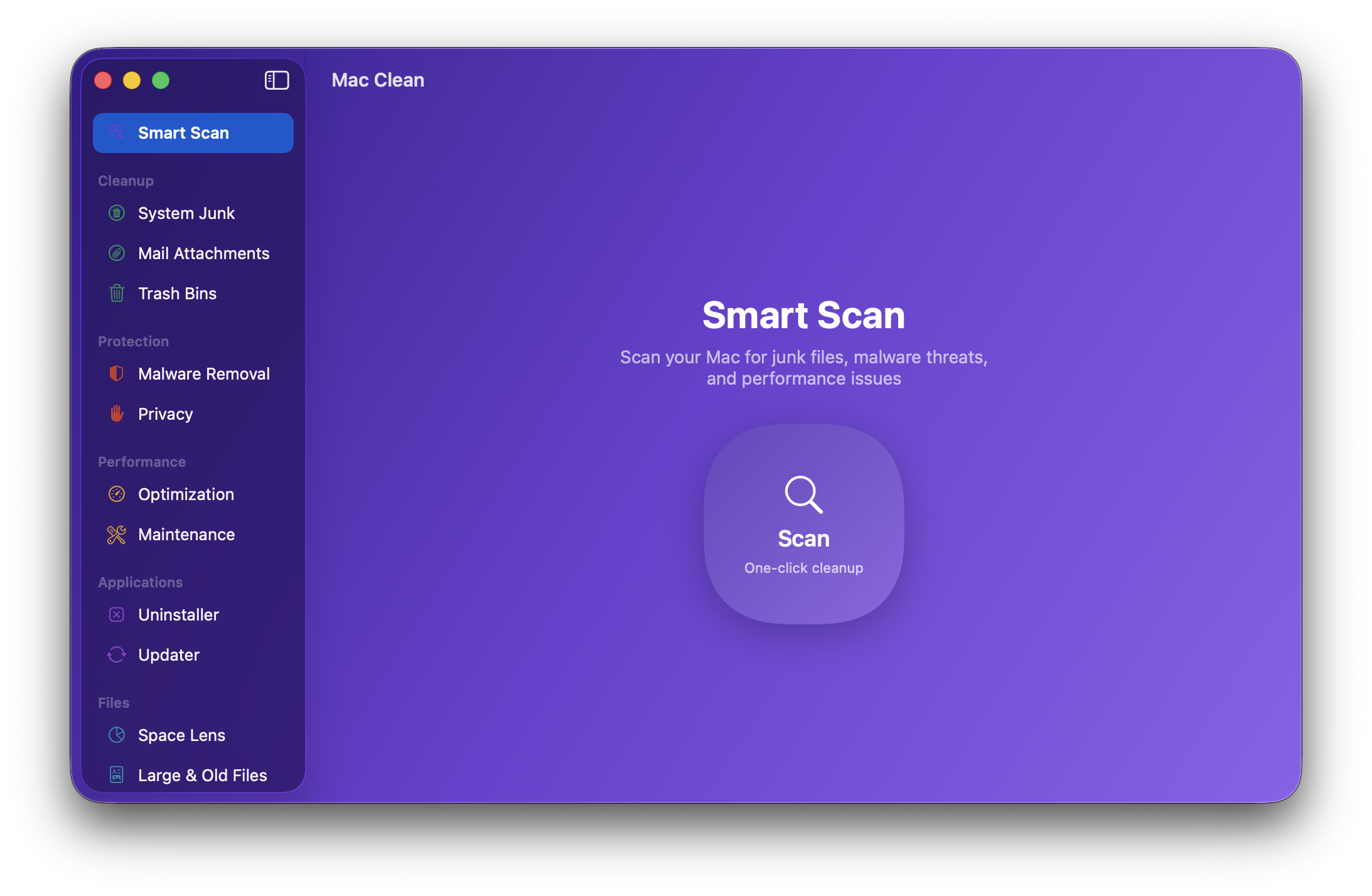
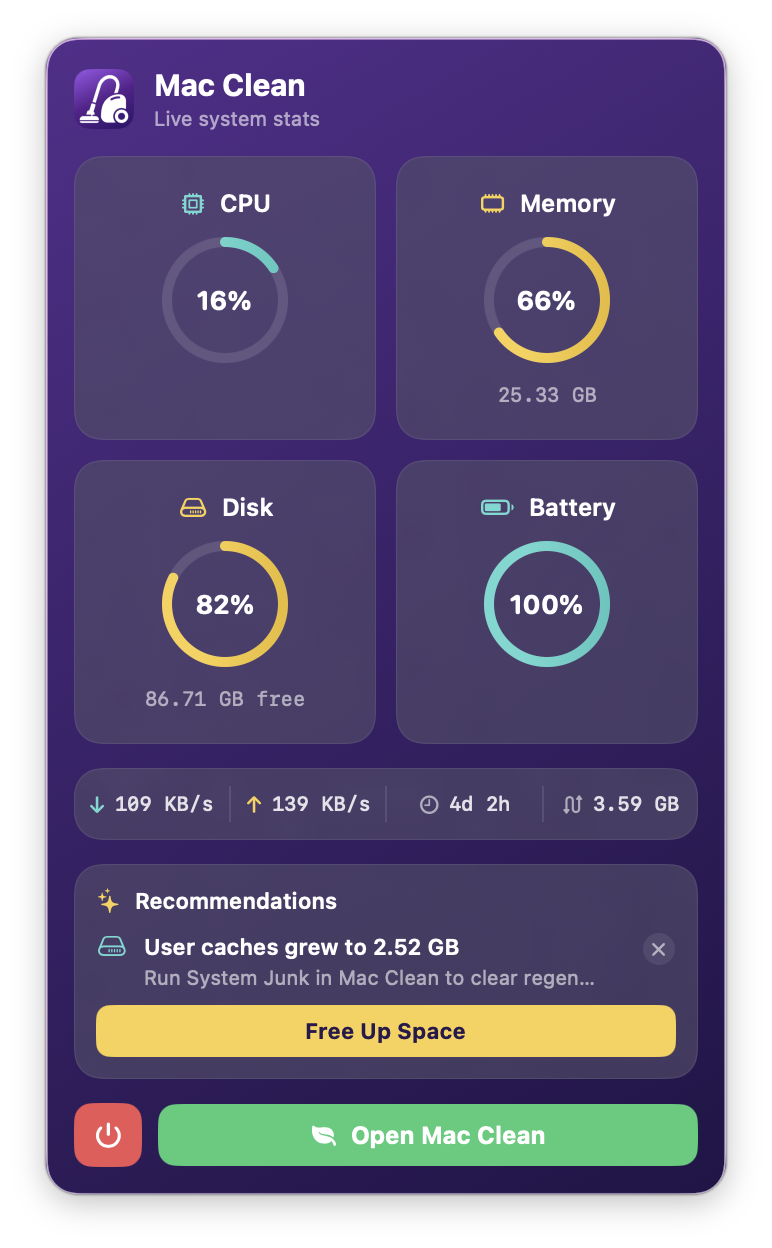
How to install Mac Clean on a Mac
- Get OpenDMG. It is a free app store for open source Mac apps. Download OpenDMG.
- Search for Mac Clean and press Get. OpenDMG downloads version 1.24.1 from iliyami's own GitHub release.
- Open it. The download is checked against its SHA-256 fingerprint and its signature is checked on your Mac before it lands in Applications.
Updates to Mac Clean show up in OpenDMG and install with one button. No account is needed.
Prefer to do it by hand? The developer's file is on GitHub: MacSai-1.24.1.dmg (14 MB).
What is new in Mac Clean 1.24.1
## Mac Sai v1.24.1

### Download (fastest)

Download **MacSai-1.24.1.dmg** below, open it, and drag Mac Sai to your Applications folder. Updating? Quit Mac Sai first and replace the old copy.

### Homebrew

```
brew install --cask mac-sai # new install
brew upgrade --cask mac-sai # already installed with Homebrew
```

Homebrew picks up new releases automatically, usually within a day or two. Until then it still serves the previous version, so if `brew` doesn't offer 1.24.1 yet, use the DMG above. If you installed from the DMG, keep updating with the DMG: `brew install` refuses to replace an app it didn't install.

### Requirements
- macOS 14 (Sonoma) or later
- Grant Full Disk Access in System Settings for complete scan results

### Safety
All deletions go to Trash by default. Protected system paths are blocklisted. Every operation is logged.

## What's changed
- Startup Items lists every login item, not just the last one (#210, fixes #203)
- Homebrew and pip caches stay in the opt-in Package Manager Caches card instead of also being cleaned by default under User Caches (#208, fixes #197)
- Timeouts stop waiting at their budget even if an operation hangs, keeping the menu bar stats responsive (#207, fixes #199)

Thanks to @Borisserz for all three fixes.

**Full Changelog**: https://github.com/iliyami/MacSai/compare/v1.24.0...v1.24.1
More System Tools apps
-
 PearcleanerApp Cleaner and Uninstaller Tool
-
 OpenInTerminalFinder toolbar tool for opening the current folder in a terminal
-
 PureMacFree open-source system cleaner with privacy protection
-
 DockDoorWindow peeking for macOS
-
 LatestApp update checker that notifies you of available updates for installed applications
-
 DorsoPosture reminder that progressively blurs your screen when you slouch