
Lockpaw for Mac
Menu bar screen guard — lock/unlock your display with a hotkey, Touch ID fallback.
By sorkila. Free and open source, MIT licence.
Lockpaw at a glance
- Version
- 1.6.0
- Released
- 7 October 2026
- Download size
- 13 MB
- Works on
- Apple silicon and Intel
- Licence
- MIT
- Category
- Security and Privacy
- Developer
- sorkila
- GitHub stars
- 158
About Lockpaw
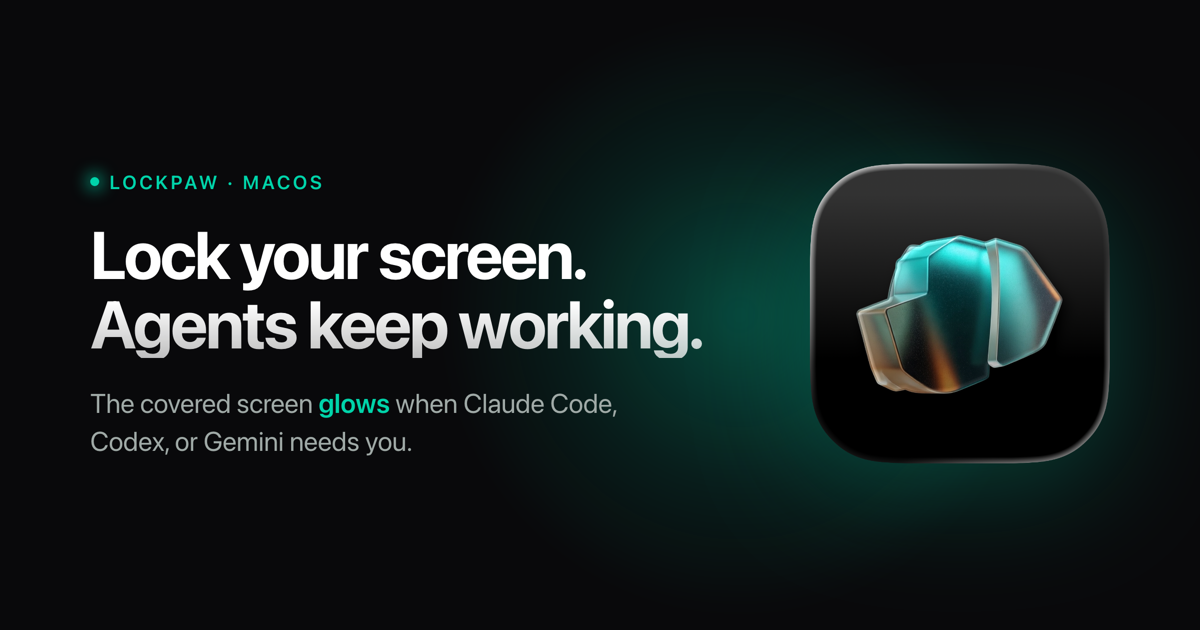
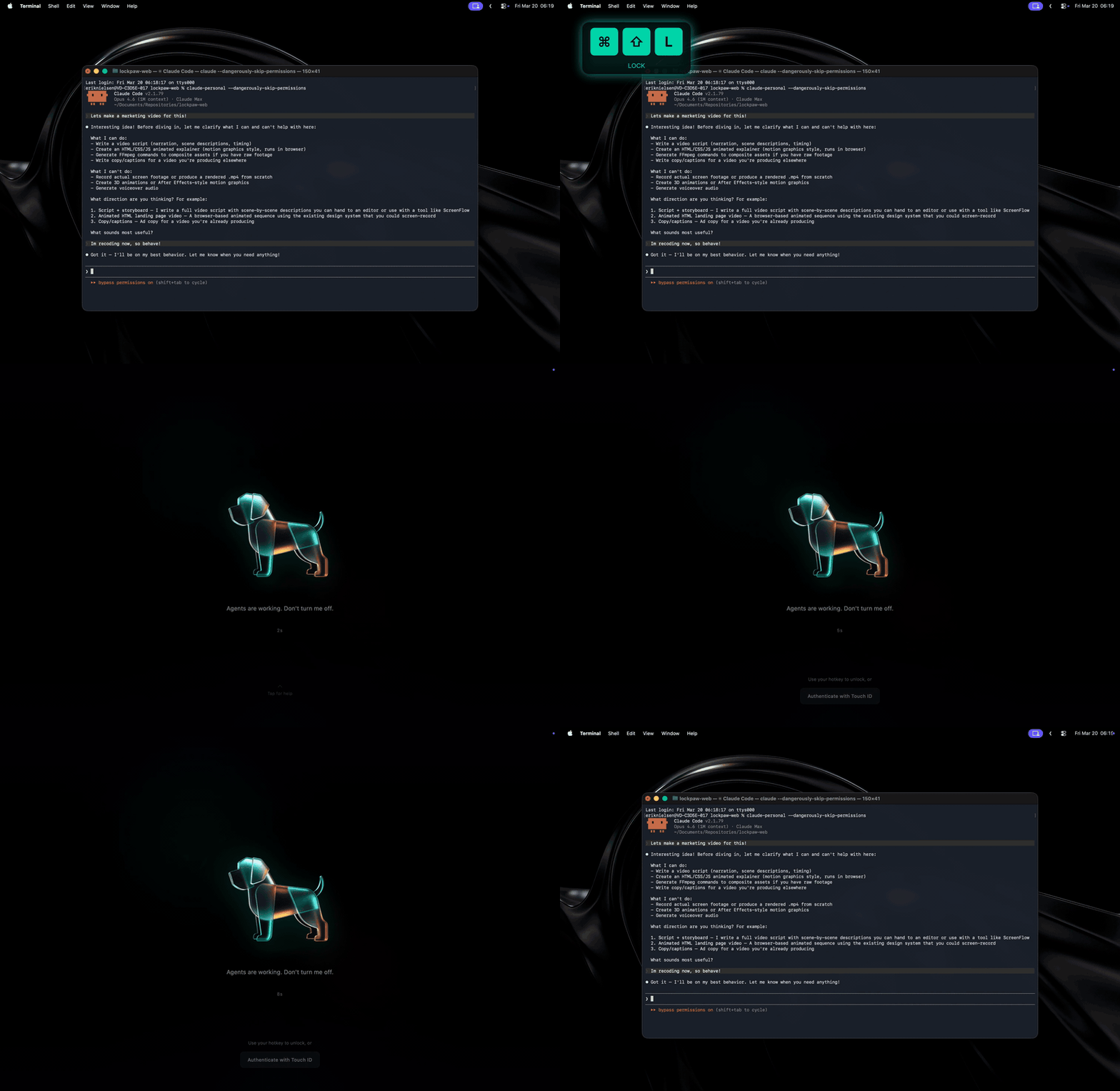
Cover your Mac's screen with a hotkey while AI agents keep running, even with the lid closed. The covered screen glows when Claude Code, Codex or Gemini needs you. Touch ID unlock.
Screenshots
How to install Lockpaw on a Mac
- Get OpenDMG. It is a free app store for open source Mac apps. Download OpenDMG.
- Search for Lockpaw and press Get. OpenDMG downloads version 1.6.0 from sorkila's own GitHub release.
- Open it. The download is checked against its SHA-256 fingerprint and its signature is checked on your Mac before it lands in Applications.
Updates to Lockpaw show up in OpenDMG and install with one button. No account is needed.
Prefer to do it by hand? The developer's file is on GitHub: Lockpaw.dmg (13 MB).
What is new in Lockpaw 1.6.0
### Added

- **Stay awake with the lid closed** (Settings → Lock Screen, off by default). While locked, close the lid and your agents keep running, no external display needed. macOS offers no way to do that short of `pmset disablesleep`, which needs root, so this installs one small helper that you allow once in System Settings → Login Items. It does exactly one thing, turning sleep off and on, and it only accepts Lockpaw. Sleep comes back when you unlock, when the Mac runs hot, at 20% battery, a minute after Lockpaw goes away (crash, force quit), and at every boot. Opening the lid onto the same display puts the cover straight back with no desktop flash. See SECURITY.md for exactly what the helper can do.
- **Unlock with your Mac** (Settings → Lock Screen, off by default). If macOS locks its own session while Lockpaw is up, which closing the lid usually does, unlocking your Mac unlocks Lockpaw too. Off: Lockpaw stays locked and one more Touch ID press opens it.
…
More Security and Privacy apps
-
 GlanceUnlock your Mac at a glance through on-device face recognition in a dynamic island-style…
-
 FaceGateLock sensitive apps behind Face ID, Touch ID, or a password — all processed on-device
-
 SentrySecurity monitor that alerts on activity while you're away
-
 TouchBridgeBiometric authentication tool using phone, watch, or browser for sudo and unlock
-
 MergenCIS benchmark security audit tool that checks 85 controls and auto-fixes most failures
-
 TracexySession-based network intelligence — capture live traffic or open saved captures, then…