

KV Studio for Mac
Browse keys, inspect binary-safe values, run RESP2 commands, and manage local servers.
By Aybavs. Free and open source, MIT licence.
KV Studio at a glance
- Version
- 1.0.0
- Released
- 24 August 2026
- Download size
- 5.0 MB
- Works on
- Apple silicon and Intel
- Licence
- MIT
- Category
- Developer Tools
- Developer
- Aybavs
- GitHub stars
- 1
About KV Studio
Native macOS client and control plane for go-kv-store. Browse keys, inspect binary-safe values, run RESP2 commands, and manage local servers.
Screenshots
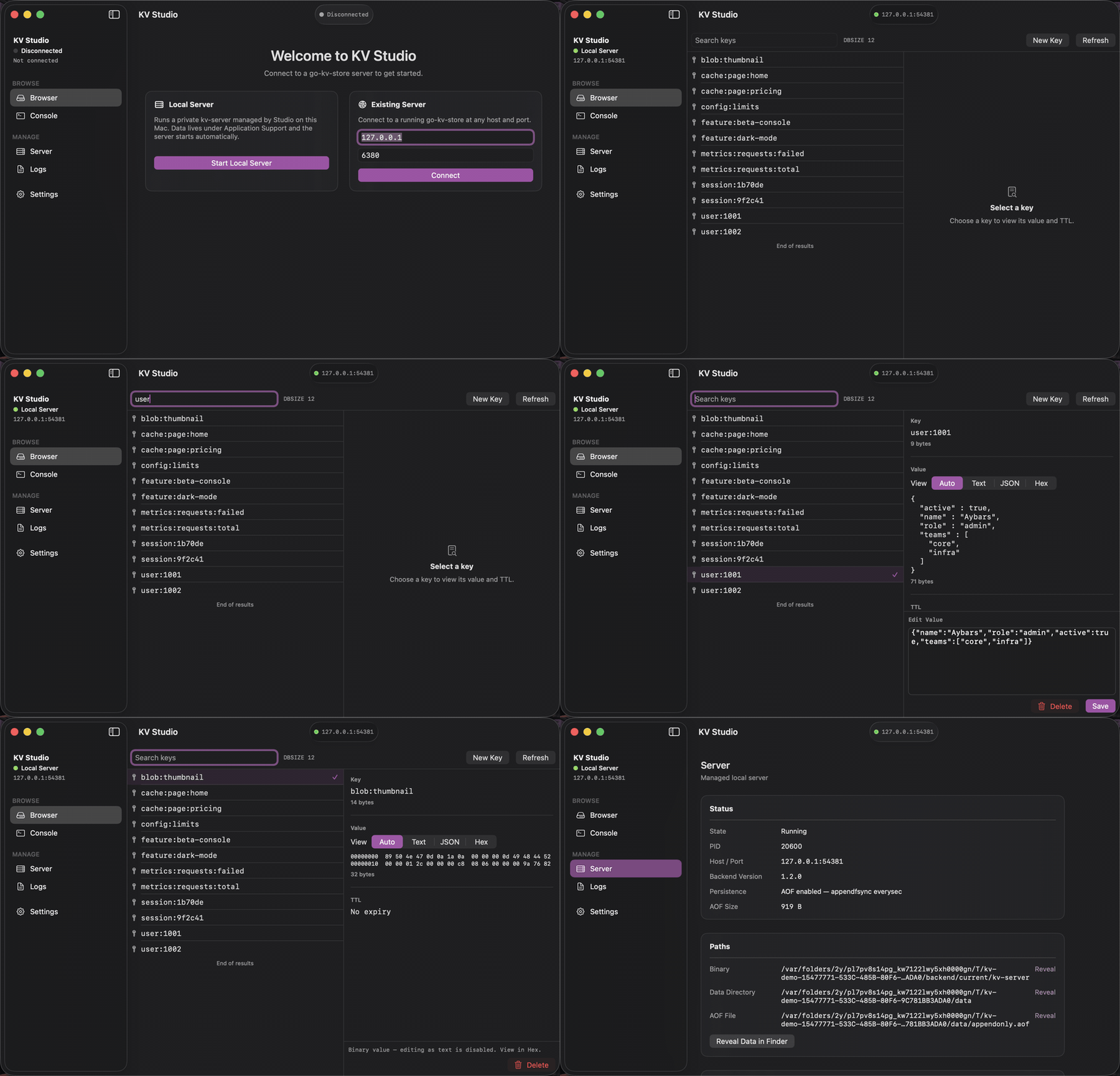
How to install KV Studio on a Mac
- Get OpenDMG. It is a free app store for open source Mac apps. Download OpenDMG.
- Search for KV Studio and press Get. OpenDMG downloads version 1.0.0 from Aybavs's own GitHub release.
- Open it. The download is checked against its SHA-256 fingerprint and its signature is checked on your Mac before it lands in Applications.
Updates to KV Studio show up in OpenDMG and install with one button. No account is needed.
Prefer to do it by hand? The developer's file is on GitHub: KVStudio.dmg (5.0 MB).
What is new in KV Studio 1.0.0
A native macOS client and control plane for [`go-kv-store`](https://github.com/Aybavs/go-kv-store).
It speaks the server's RESP2 wire protocol directly from Swift, with no Redis client dependency.

**Requires macOS 14 or later.** Universal (Apple silicon and Intel), signed and notarized.

### Install

Download `KVStudio.dmg`, open it, and drag KV Studio to Applications.

A `kv-server` 1.2.0 is bundled, so **Start Local Server** works with nothing else installed. You
can also connect to a server you are already running from the Existing Server card.

### What it does

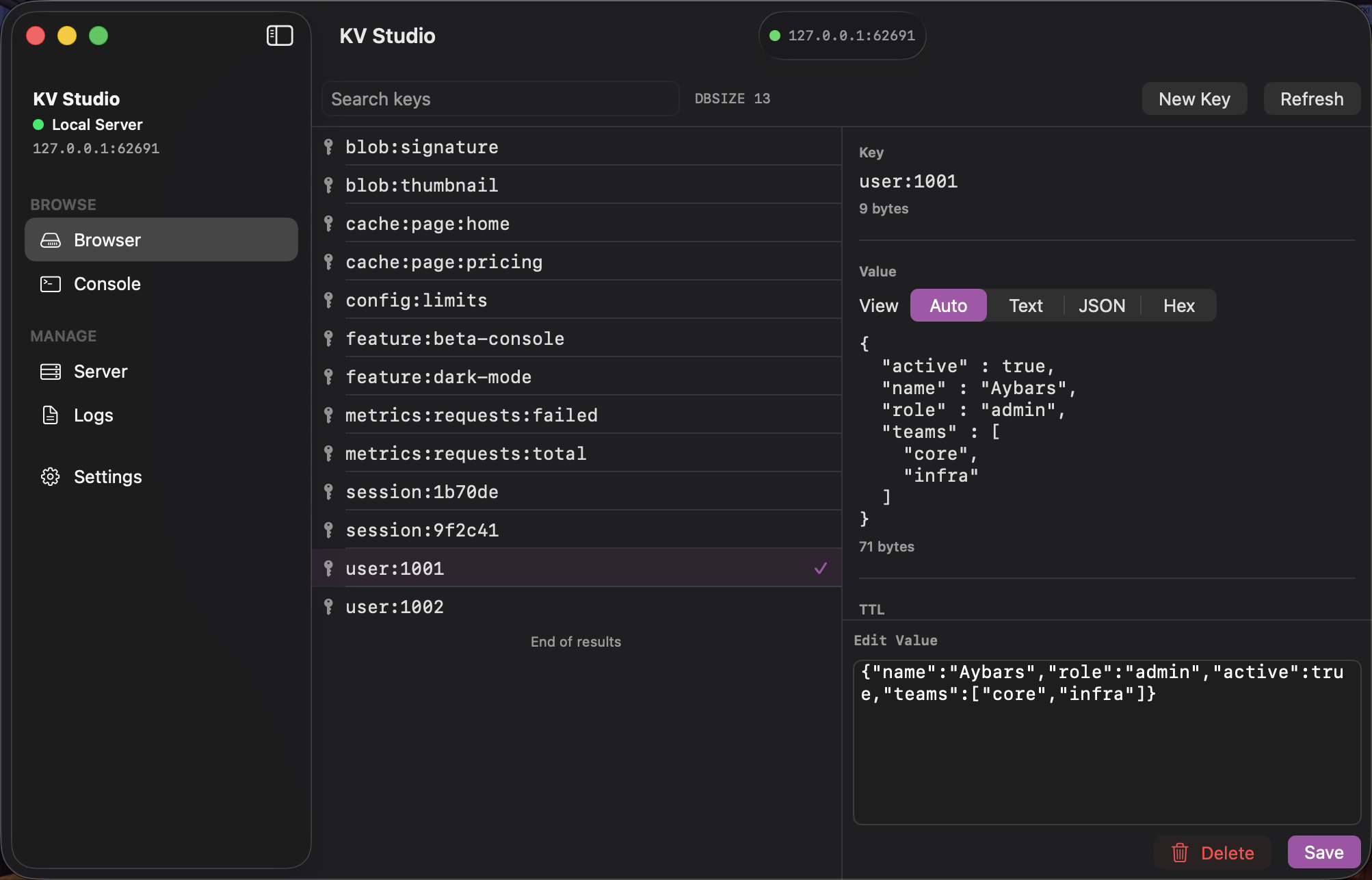
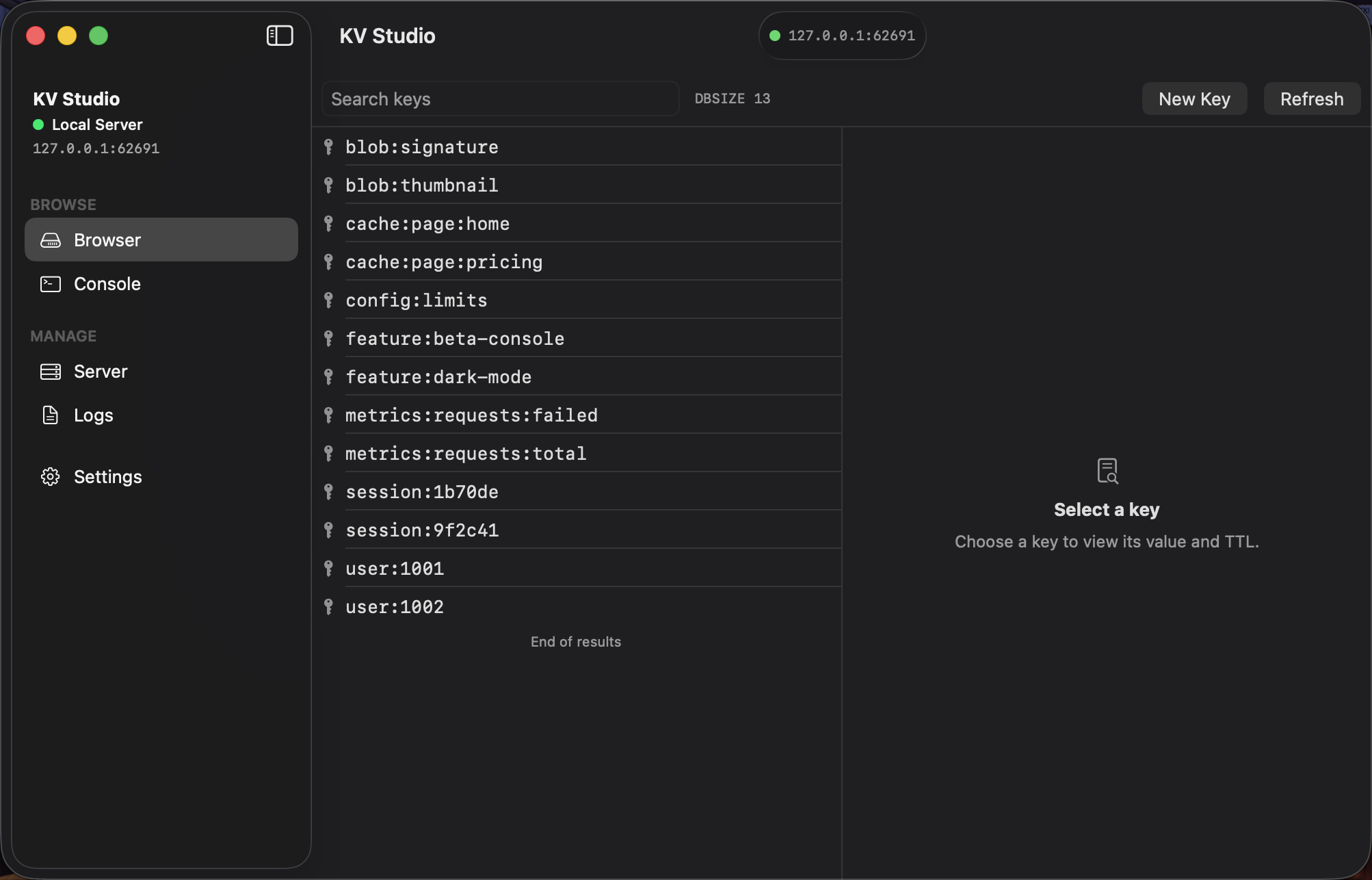
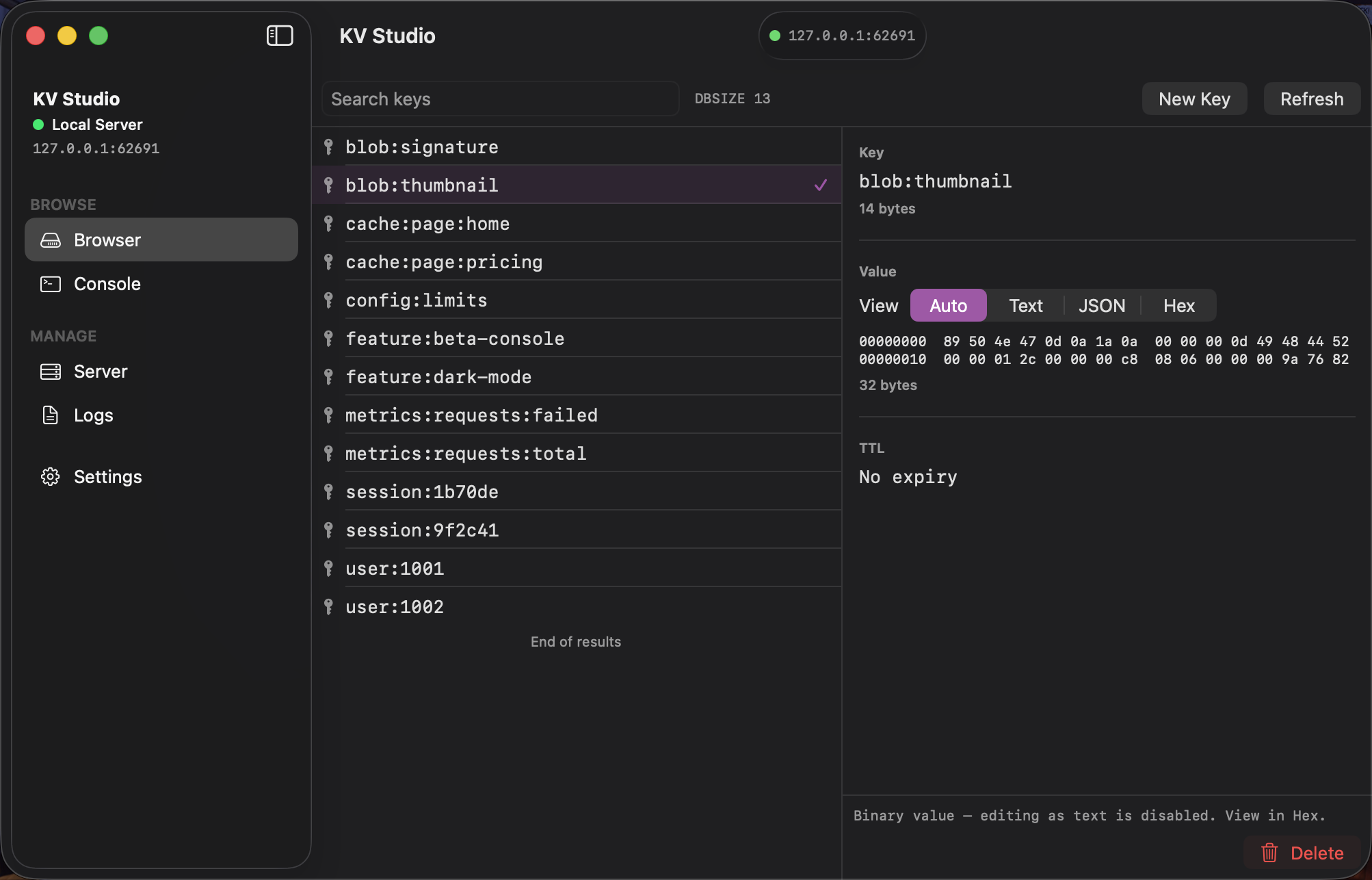
- **Browser** — infinite scroll over `SCAN`, server-side `MATCH` search, and a value viewer that
 shows Text, formatted JSON, or a hex dump. Keys and values are bytes end to end: `NUL`, `CRLF`
 and invalid UTF-8 all round-trip unchanged.
- **Console** — send commands and read the RESP reply, on its own connection so a long browse
 never blocks a command.
- **Server** — start, stop, and restart the managed server; see its PID, endpoint, version,
 persistence mode, and paths. For a server you connected to rather than started, Disconnect
 closes the connection and leaves the process running.
- **Logs** — the managed server's live output, with search and pause.

KV Studio will not take a port it does not own: if something else is already there, it says so and
…
More Developer Tools apps
-
 UTMVirtual machines for iOS and macOS
-
 vphone-cliCLI to boot a virtual iPhone (iOS 26) with Apple Virtualization.framework and PCC…
-
 VirtualBuddyVirtual machine manager for running recent macOS versions on Apple Silicon
-
 WWDCUnofficial WWDC app for macOS
-
 Xcodes.appThe easiest way to install and switch between multiple versions of Xcode
-
 Postgres.appThe easiest way to get started with PostgreSQL on the Mac