

IPTVMac for Mac
Native IPTV player for Mac with Xtream Codes, M3U, subtitles, PiP, catch-up, and downloads.
By Goelir. Free and open source, GPL-3.0 licence.
IPTVMac at a glance
- Version
- 0.9.0
- Released
- 8 October 2026
- Download size
- 15 MB
- Works on
- Apple silicon and Intel
- Licence
- GPL-3.0
- Category
- Video and Screen Capture
- Developer
- Goelir
- GitHub stars
- 3
About IPTVMac
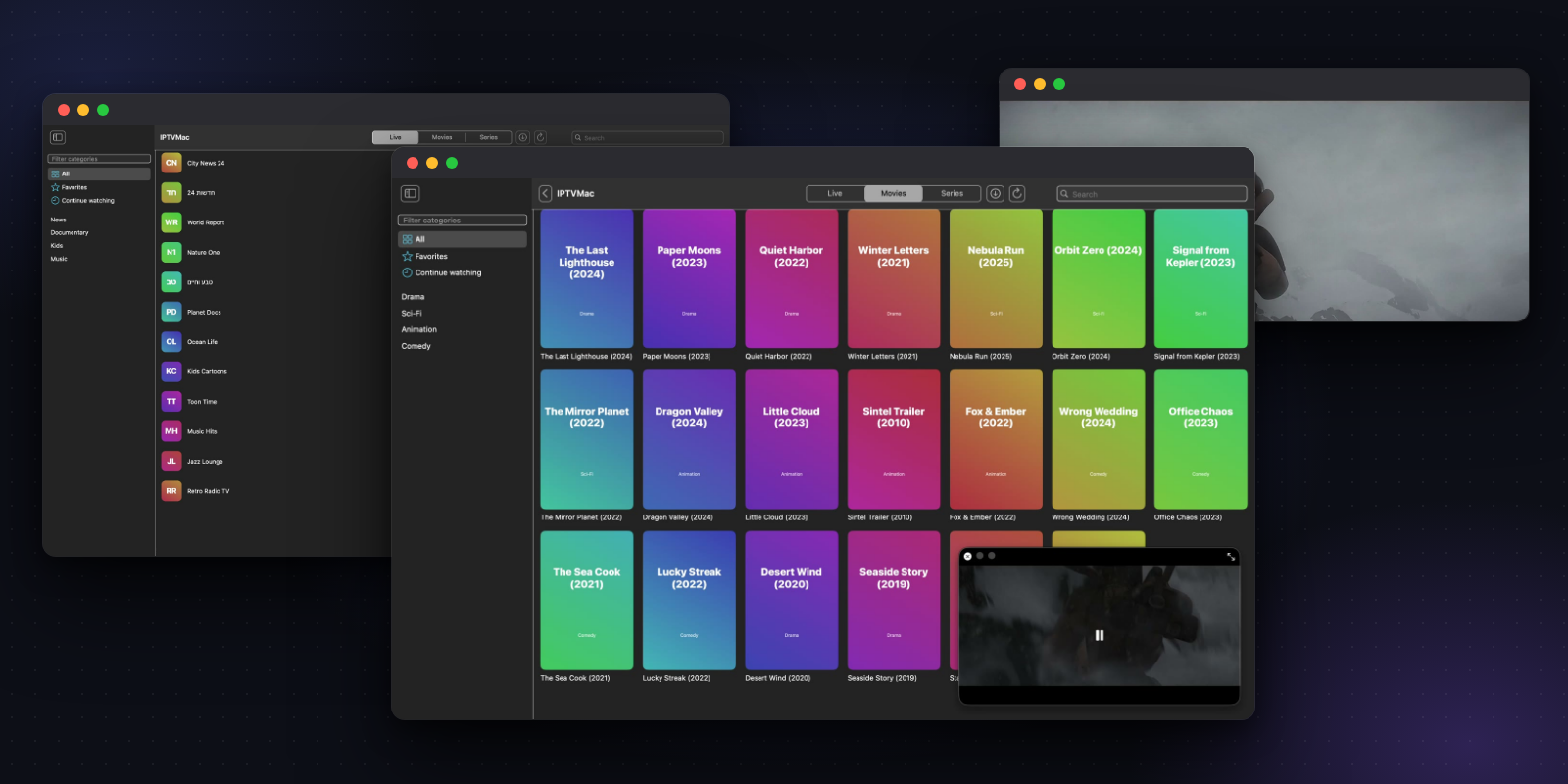
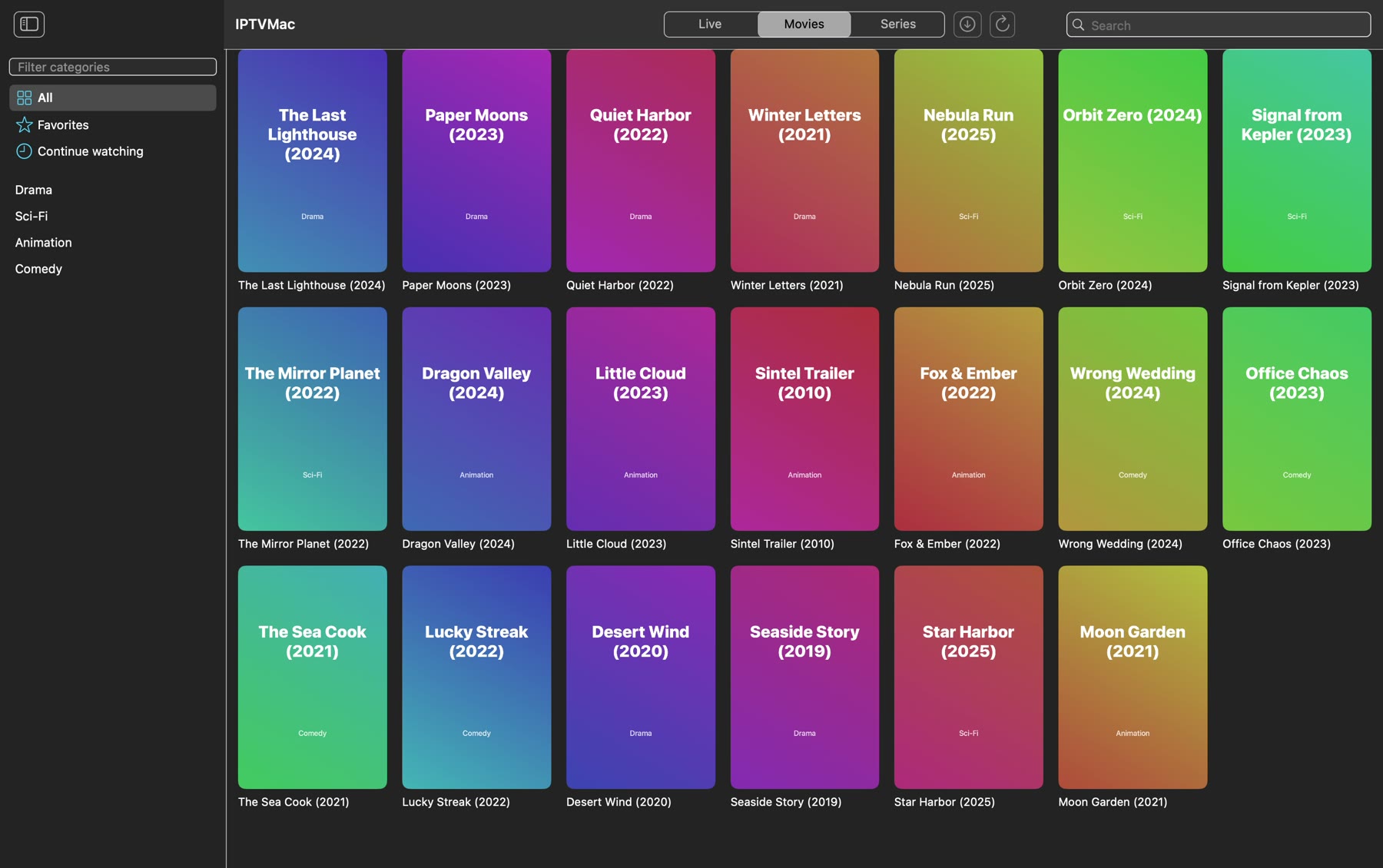
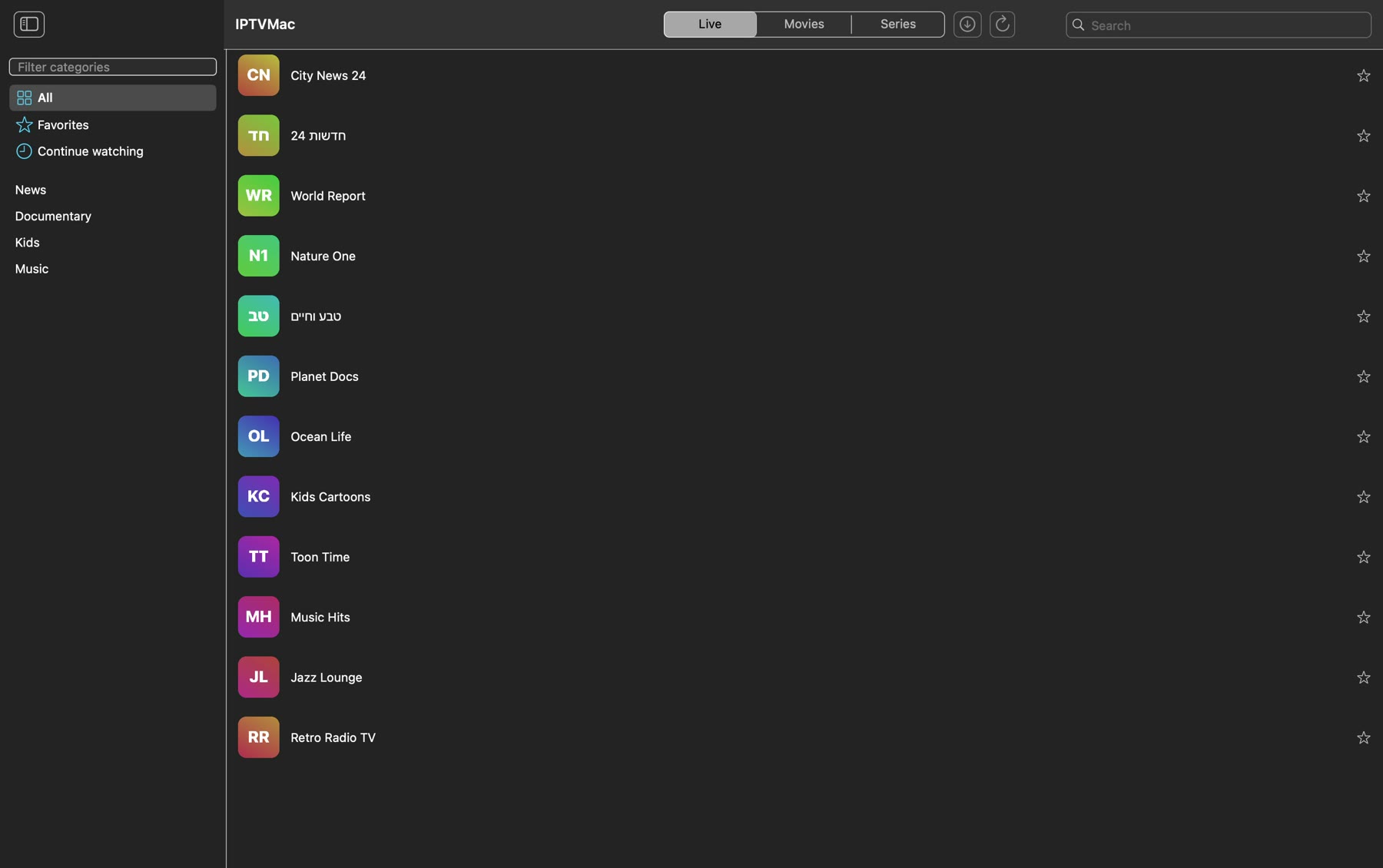
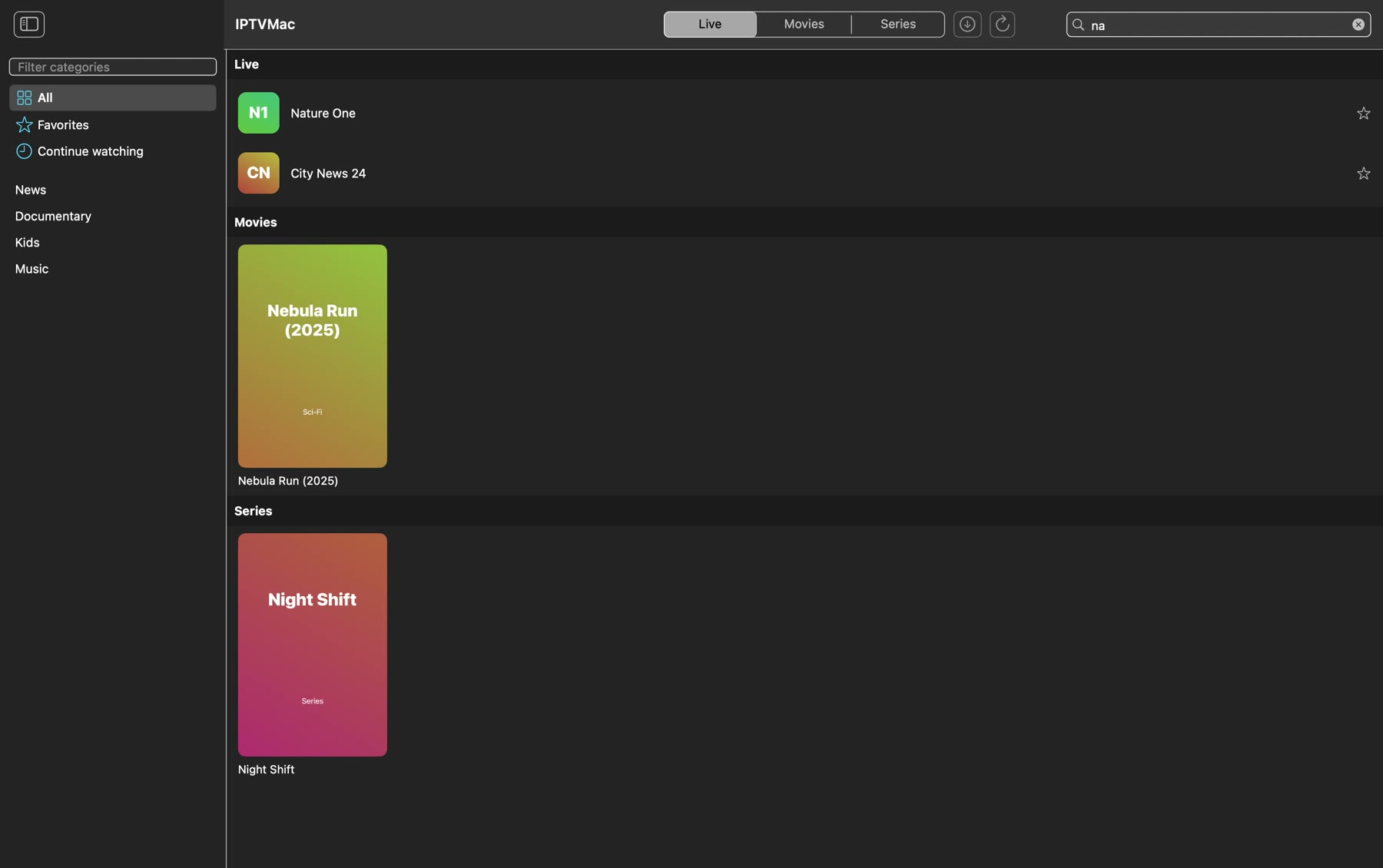
IPTV player for Mac: native macOS app for Xtream Codes and M3U with instant search, built-in mpv player, subtitles, Picture in Picture, catch-up and downloads. Open source, GPL-3.0.
Screenshots
How to install IPTVMac on a Mac
- Get OpenDMG. It is a free app store for open source Mac apps. Download OpenDMG.
- Search for IPTVMac and press Get. OpenDMG downloads version 0.9.0 from Goelir's own GitHub release.
- Open it. The download is checked against its SHA-256 fingerprint and its signature is checked on your Mac before it lands in Applications.
Updates to IPTVMac show up in OpenDMG and install with one button. No account is needed.
Prefer to do it by hand? The developer's file is on GitHub: IPTVMac.dmg (15 MB).
What is new in IPTVMac 0.9.0
- **Details for movies and series.** Hover a poster and click the info button (or right-click > Details) to see what your provider has: poster, year, rating, duration, genre, plot, director, cast and a trailer link, with Play, Favorite and Download buttons. Series show the same details at the top of the episode list. Details come from your Xtream provider (M3U playlists have none) and are cached for 14 days.
- **Preview on the seek bar.** Hover the progress bar and a small window shows the picture at that moment, with the time, like on YouTube. It is always on for downloaded files. For streams it is off by default because it opens a second connection to your provider (some accounts allow only one): turn it on in Settings > Player.
- The preview shows the nearest earlier keyframe, so it can be a few seconds before the exact moment.

SHA-256 of IPTVMac.dmg: `a1b6eb1be70dfbf86473b01954d09cc7add17e7d9bddcd7bfb1eea2bde1dbdf6`
Signature: `U1NIU0lHAAAAAQAAADMAAAALc3NoLWVkMjU1MTkAAAAg9iheMqhm86fDaHeSziwC12aM5EyhgWL/ZY647yrXeyEAAAAPaXB0dm1hYy1yZWxlYXNlAAAAAAAAAAZzaGE1MTIAAABTAAAAC3NzaC1lZDI1NTE5AAAAQNZuiH37NoY9nXDYQ2yaiYChaogo6T0j0gLtSRvsVROtTWKmGnzDW1LJ9PtEGIRxMgjSs+CQJE4fk6efw7H7LwY=`
More Video and Screen Capture apps
-
 IINAThe modern video player for macOS
-
 Palmier ProOpen source video editor where you and AI agents generate and edit videos together in the…
-
 macshotScreenshot and screen recording tool with annotation, OCR, and scroll capture
-
 SnapzyOpen-source tool for screenshots, screen recording, annotation, and editing
-
 ScreendropBeautiful screenshot and screen recording tool — a native, self-hostable, and free Loom…
-
 BetterCaptureFree and open source screen recorder with professional encoding support