
Inquiline for Mac
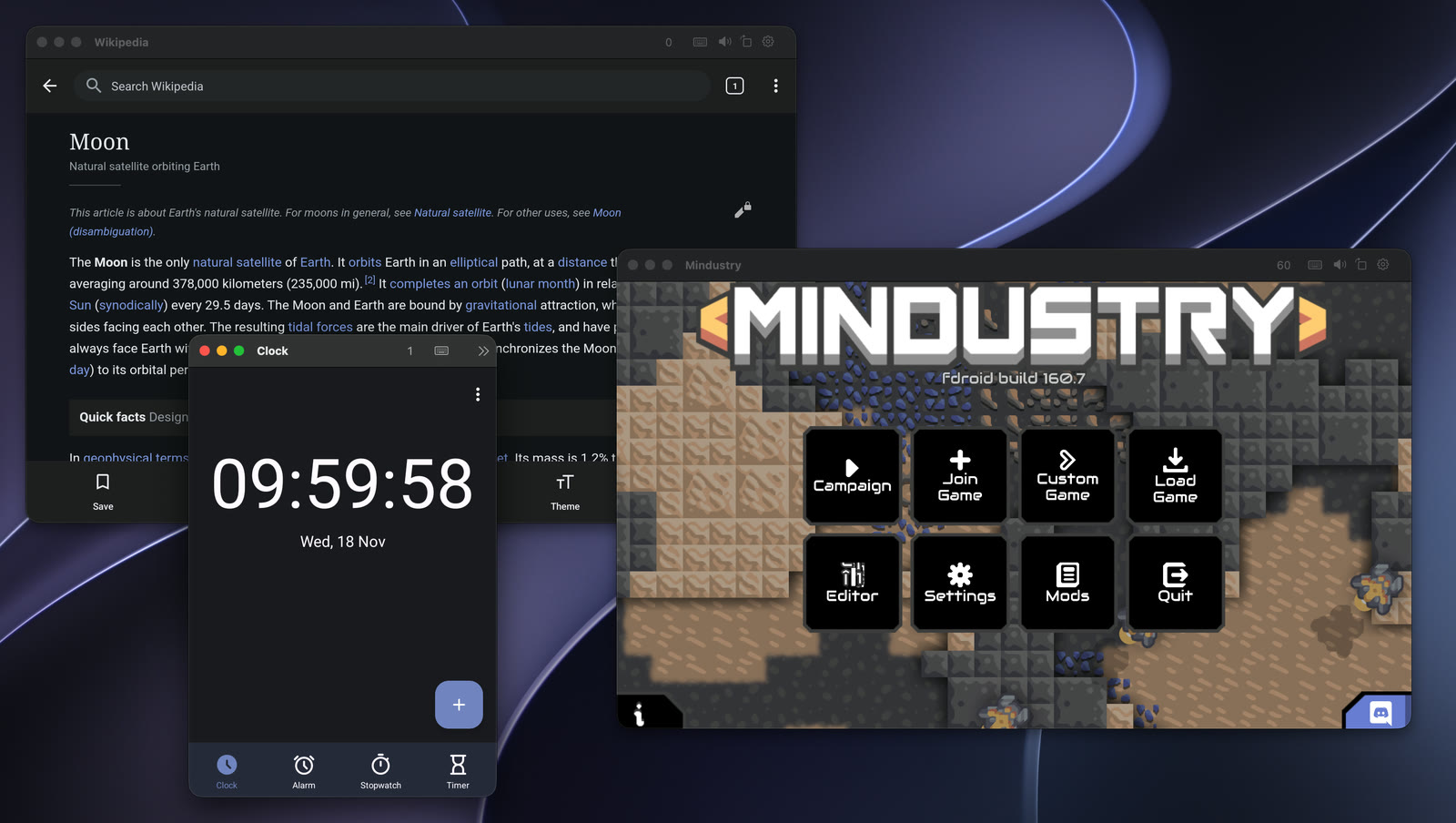
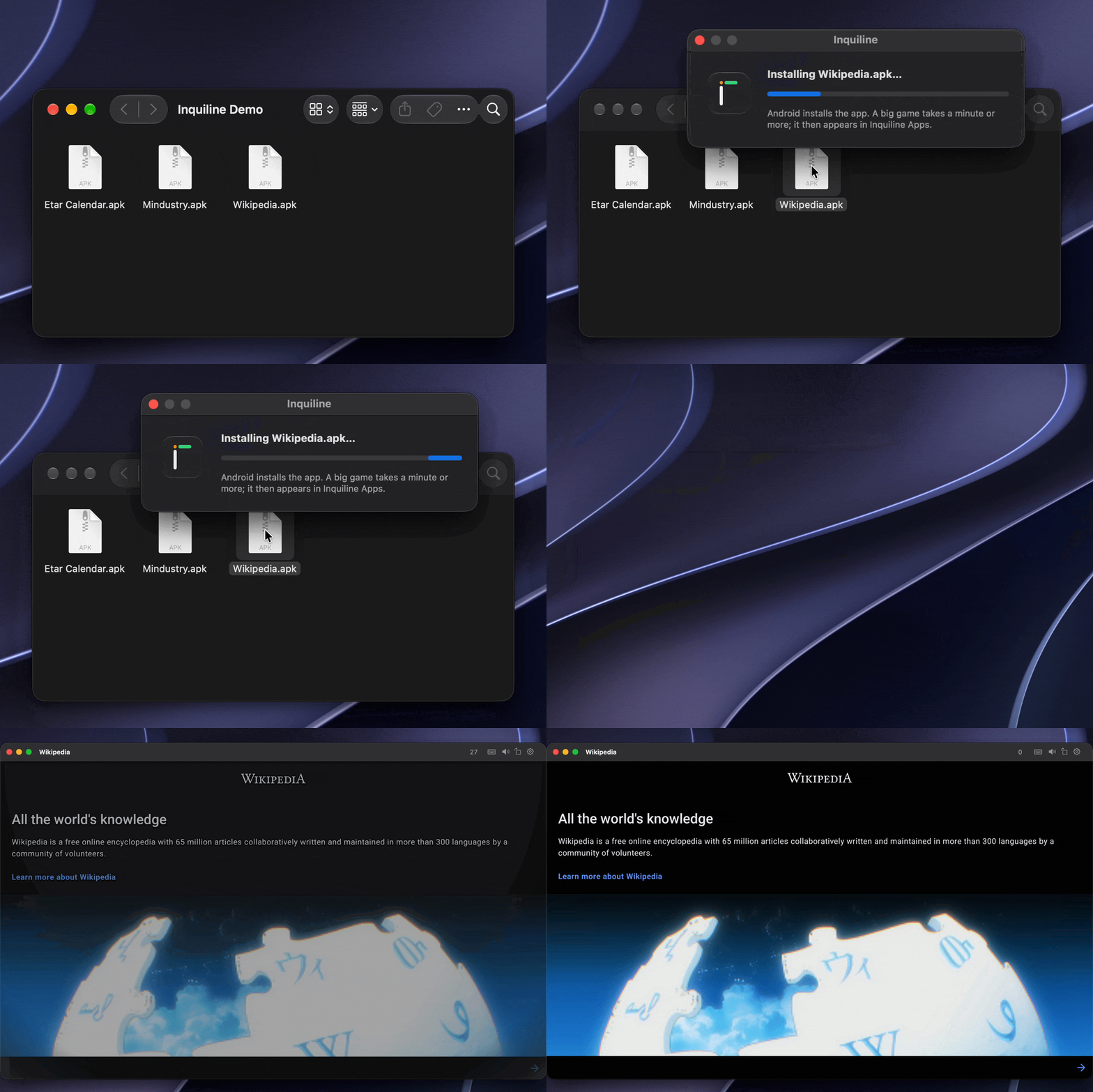
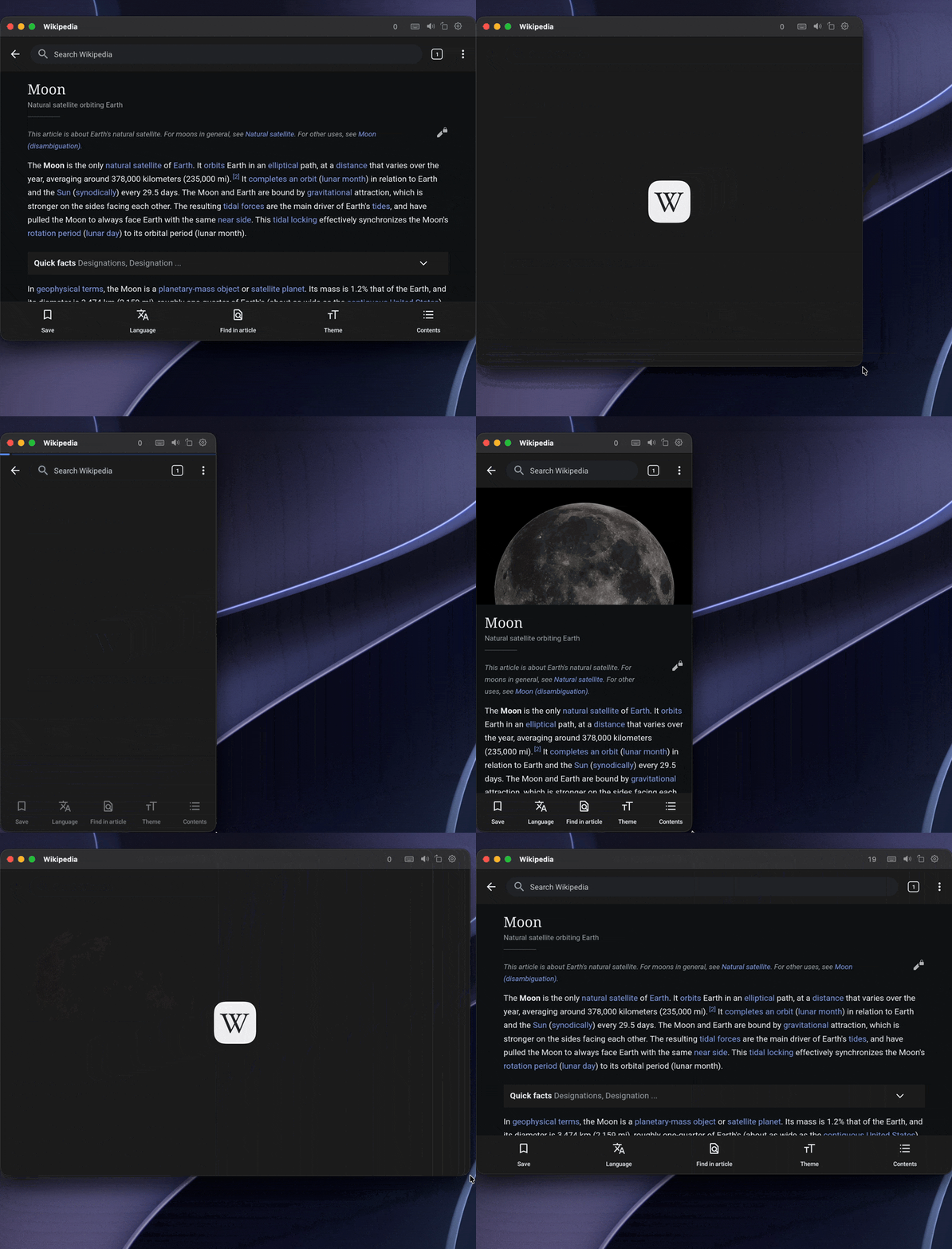
Run Android apps and games as Mac apps, each in its own window with its Dock icon and notifications, on Android 15 in a small VM.
By inquiline-app. Free and open source, Apache-2.0 licence.
Inquiline at a glance
- Version
- 0.9.0
- Released
- 25 November 2026
- Download size
- 523 MB
- Works on
- Apple silicon
- Licence
- Apache-2.0
- Category
- Developer Tools
- Developer
- inquiline-app
- GitHub stars
- 51
About Inquiline
Android apps on your Mac, as Mac apps
Screenshots
How to install Inquiline on a Mac
- Get OpenDMG. It is a free app store for open source Mac apps. Download OpenDMG.
- Search for Inquiline and press Get. OpenDMG downloads version 0.9.0 from inquiline-app's own GitHub release.
- Open it. The download is checked against its SHA-256 fingerprint and its signature is checked on your Mac before it lands in Applications.
Updates to Inquiline show up in OpenDMG and install with one button. No account is needed.
Prefer to do it by hand? The developer's file is on GitHub: Inquiline-0.9.0-arm64.dmg (523 MB).
What is new in Inquiline 0.9.0
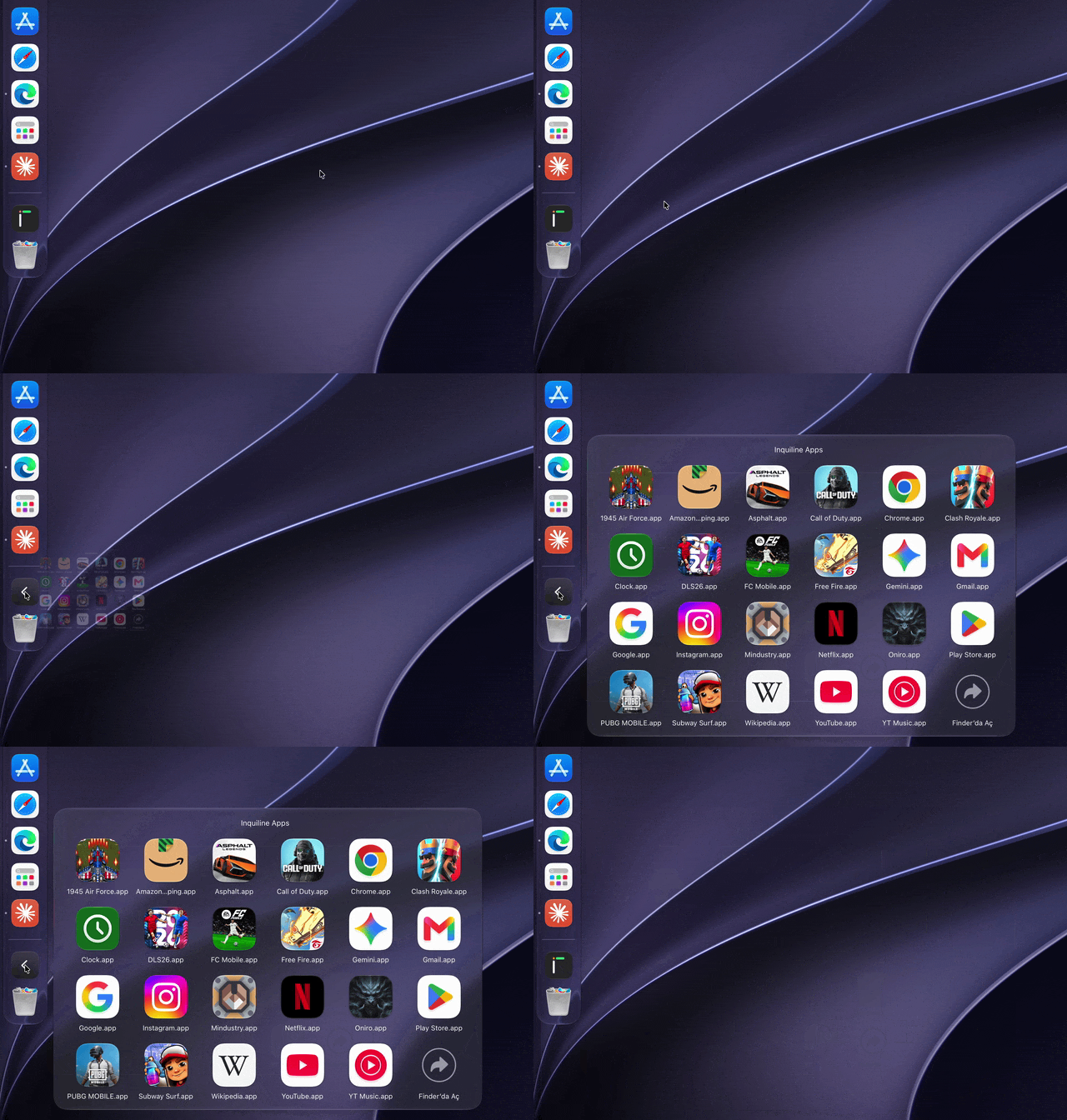
- **Your phone is a remote, redesigned.** The remote now looks and works like Apple's TV Remote: a large touch surface, round keys for Back, Play/Pause and Mute, and the app's name at the top. Tap the name to see your Inquiline apps, as in the Dock, and open one on your Mac.
- **The window on your phone.** A new key shows the app's window full screen on your phone, with its sound, and you play it right there by touch. Apps that fit their window turn with your phone, upright or sideways. Android's keyboard shows when you type. Swipe up with three fingers to go back. The window returns to your Mac when you leave, lock your phone or lose the connection. In the window's Sound settings, choose whether the sound plays on your Mac or your phone.
- **Two phones, two players.** Each phone that connects is a controller of its own, numbered as a player, for games you play side by side.
- **More from the remote.** Type or paste into the app with your phone's own keyboard. Use the touch surface as a trackpad with a cursor on your Mac. Take a screenshot or record the window from your phone. The Mute key mutes the app itself, in any app.
- **Macros, rebuilt.** Record a macro by just playing: taps, holds and swipes with their timing, keys, and a controller. Then set its key, how it plays and its speed in a small panel beside it, and try it or record it again.
…
More Developer Tools apps
-
 UTMVirtual machines for iOS and macOS
-
 vphone-cliCLI to boot a virtual iPhone (iOS 26) with Apple Virtualization.framework and PCC…
-
 VirtualBuddyVirtual machine manager for running recent macOS versions on Apple Silicon
-
 WWDCUnofficial WWDC app for macOS
-
 Xcodes.appThe easiest way to install and switch between multiple versions of Xcode
-
 Postgres.appThe easiest way to get started with PostgreSQL on the Mac