
Hop for Mac
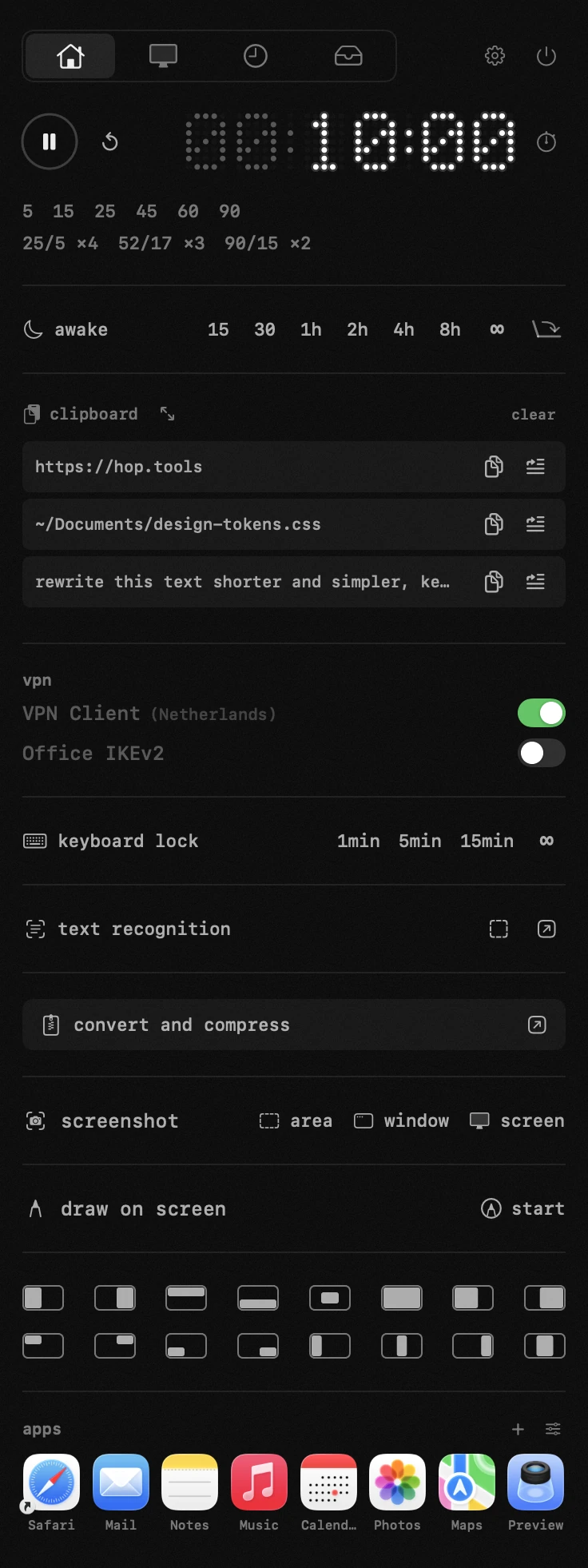
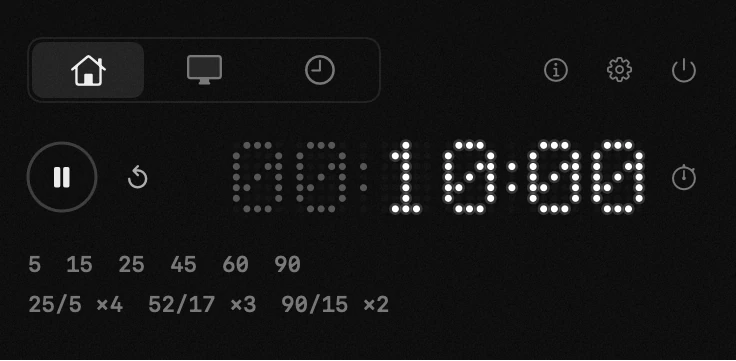
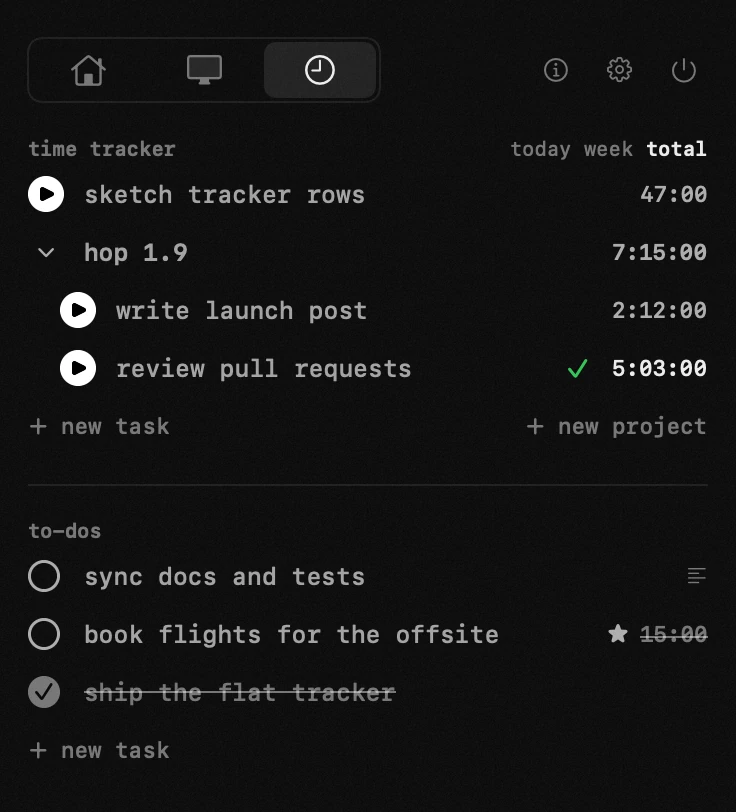
Tiny menu bar multi-tool with switchable modules — timer, to-dos, keep-awake, clipboard history, file converter, window manager, and a lite torrent client — arranged across up to four tabs.
By antonyshakirov. Free and open source, MIT licence.
Hop at a glance
- Version
- 2.3.2
- Released
- 2 October 2026
- Download size
- 7.8 MB
- Works on
- Apple silicon and Intel
- Licence
- MIT
- Category
- Menu Bar and Notch
- Developer
- antonyshakirov
- GitHub stars
- 131
About Hop
Free, open-source menu bar toolkit for macOS. Eighteen tools in one panel: Pomodoro timer, time tracker, keep-awake, system monitor, clipboard history, file converter, window manager, torrents, archives, OCR, screenshots, draw on screen, color picker, VPN switcher, app launcher, uninstaller, keyboard lock, speed test. SwiftUI, no telemetry, MIT.
Screenshots
How to install Hop on a Mac
- Get OpenDMG. It is a free app store for open source Mac apps. Download OpenDMG.
- Search for Hop and press Get. OpenDMG downloads version 2.3.2 from antonyshakirov's own GitHub release.
- Open it. The download is checked against its SHA-256 fingerprint and its signature is checked on your Mac before it lands in Applications.
Updates to Hop show up in OpenDMG and install with one button. No account is needed.
Prefer to do it by hand? The developer's files are on GitHub: Hop-intel.dmg (8.1 MB), Hop.dmg (7.8 MB).
What is new in Hop 2.3.2
- System monitor: memory and graphics load light the problem badge in the menu bar. Memory counts when swap passes its red threshold or macOS reports critical pressure; graphics load has its own thresholds, the "gpu %" row in the monitor settings. On a Mac without a graphics sensor of its own, the graphics row shows the temperature of the chip it shares with the processor.
- Keep-awake and running with the lid closed come back after an update relaunches Hop.
More Menu Bar and Notch apps
-
 StatsmacOS system monitor in your menu bar
-
 IcePowerful menu bar manager for macOS (upstream, temporarily inactive)
-
 Hidden BarAn ultra-light MacOS utility that helps hide menu bar icons
-
 ThawThe open-source menu bar manager: hide, organize, and take control of menu bar icons
-
 Boring NotchTurn your MacBook notch into a music and file control center
-
 eulmacOS status monitoring app written in SwiftUI