

Holeberry for Mac
A native macOS menu bar app to monitor and control your Pi-hole instances.
By pedrovieira. Free and open source, MIT licence.
Holeberry at a glance
- Version
- 1.2.0
- Released
- 20 September 2026
- Download size
- 7.3 MB
- Works on
- Apple silicon and Intel
- Licence
- MIT
- Category
- Menu Bar and Notch
- Developer
- pedrovieira
- GitHub stars
- 102
About Holeberry
A native and modern macOS menu bar app to monitor and control your Pi-hole instances
Screenshots
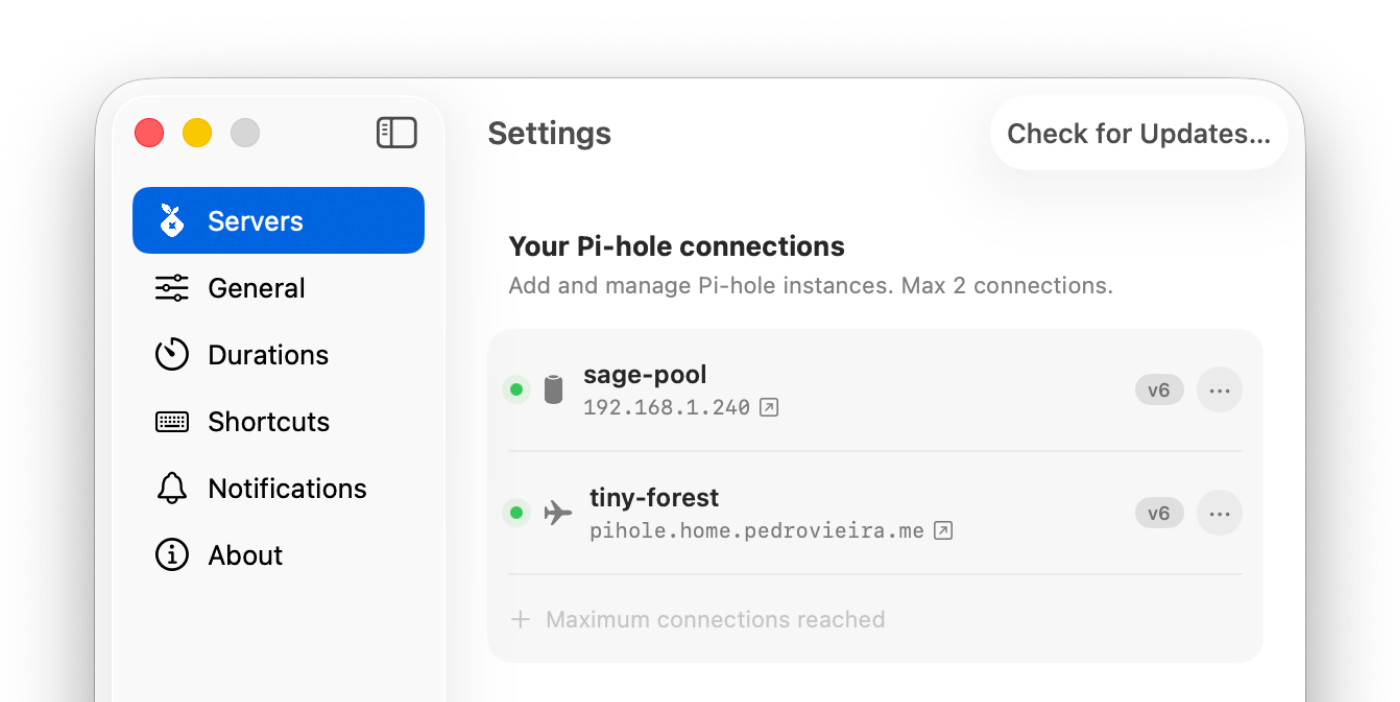
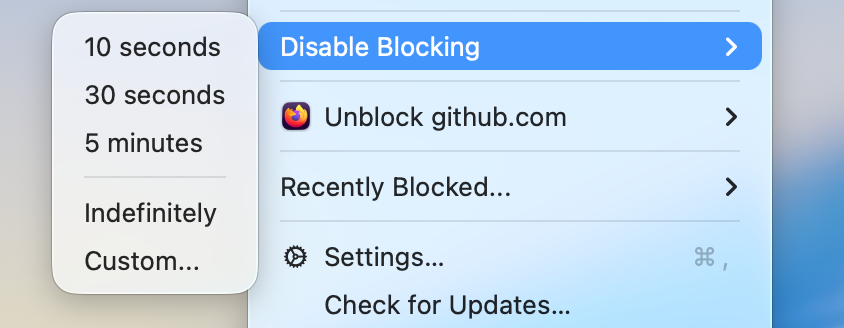
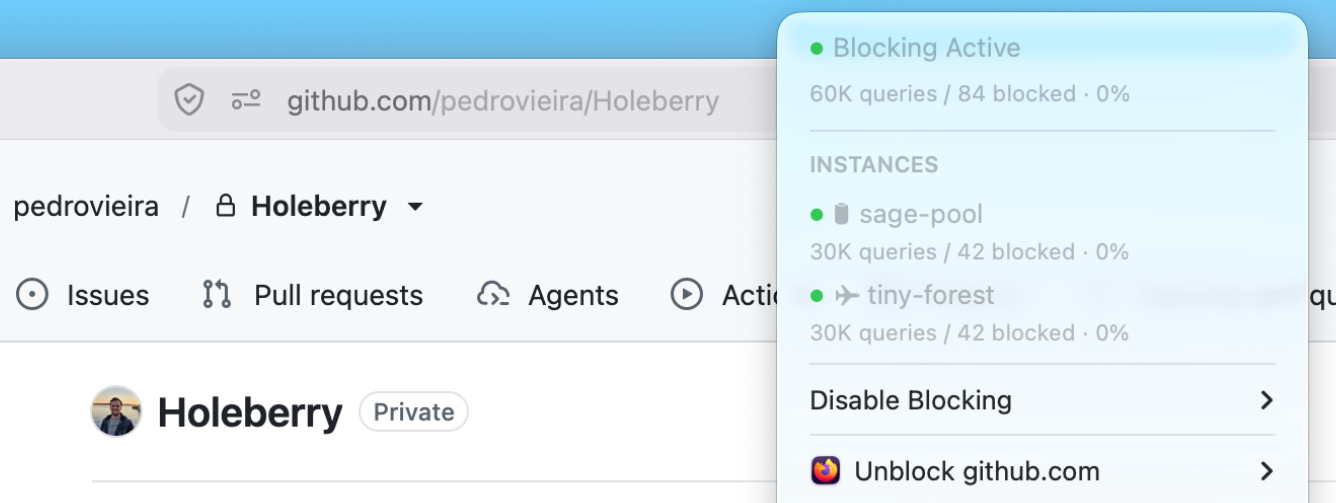
How to install Holeberry on a Mac
- Get OpenDMG. It is a free app store for open source Mac apps. Download OpenDMG.
- Search for Holeberry and press Get. OpenDMG downloads version 1.2.0 from pedrovieira's own GitHub release.
- Open it. The download is checked against its SHA-256 fingerprint and its signature is checked on your Mac before it lands in Applications.
Updates to Holeberry show up in OpenDMG and install with one button. No account is needed.
Prefer to do it by hand? The developer's file is on GitHub: Holeberry-1.2.0.dmg (7.3 MB).
What is new in Holeberry 1.2.0
<img width="2912" height="968" alt="image" src="https://github.com/user-attachments/assets/72e1b0a8-3464-416a-b283-3ce9a2b5ecff" />

Welcome to Holeberry `v1.2.0`! This is mostly a bug-fixing release, with a strong focus on **macOS 27** which just came out, plus one new feature: automatic Gravity updates.

## Highlights

- **Automatic Gravity updates on a schedule** (every 6h / 12h / daily / weekly)
- **macOS 27 fixes** — menu bar icons and Firefox-family tab unblocking are back
- **7 more browsers** supported for tab unblocking
- **Plain-HTTP Pi-hole hosts outside your LAN now connect** (e.g. Tailscale MagicDNS names)

---

## Automatic Gravity updates

Holeberry can now refresh your ad lists on its own, on a cadence you pick in **Settings → General → Gravity**: every 6 hours, every 12 hours, daily, or weekly — or _Never_, if you prefer the manual button. Intervals are rolling from your last update, and the schedule survives your Mac going to sleep: it resumes automatically after wake.

<img width="404" height="217" alt="image" src="https://github.com/user-attachments/assets/e97a886a-fb15-41a3-ab5c-7d6e5810b53a" />

Holeberry needs to be running for the schedule to fire, and a notification reports the outcome of every automatic update.
…
More Menu Bar and Notch apps
-
 StatsmacOS system monitor in your menu bar
-
 IcePowerful menu bar manager for macOS (upstream, temporarily inactive)
-
 Hidden BarAn ultra-light MacOS utility that helps hide menu bar icons
-
 ThawThe open-source menu bar manager: hide, organize, and take control of menu bar icons
-
 Boring NotchTurn your MacBook notch into a music and file control center
-
 eulmacOS status monitoring app written in SwiftUI