
Hermes for Mac
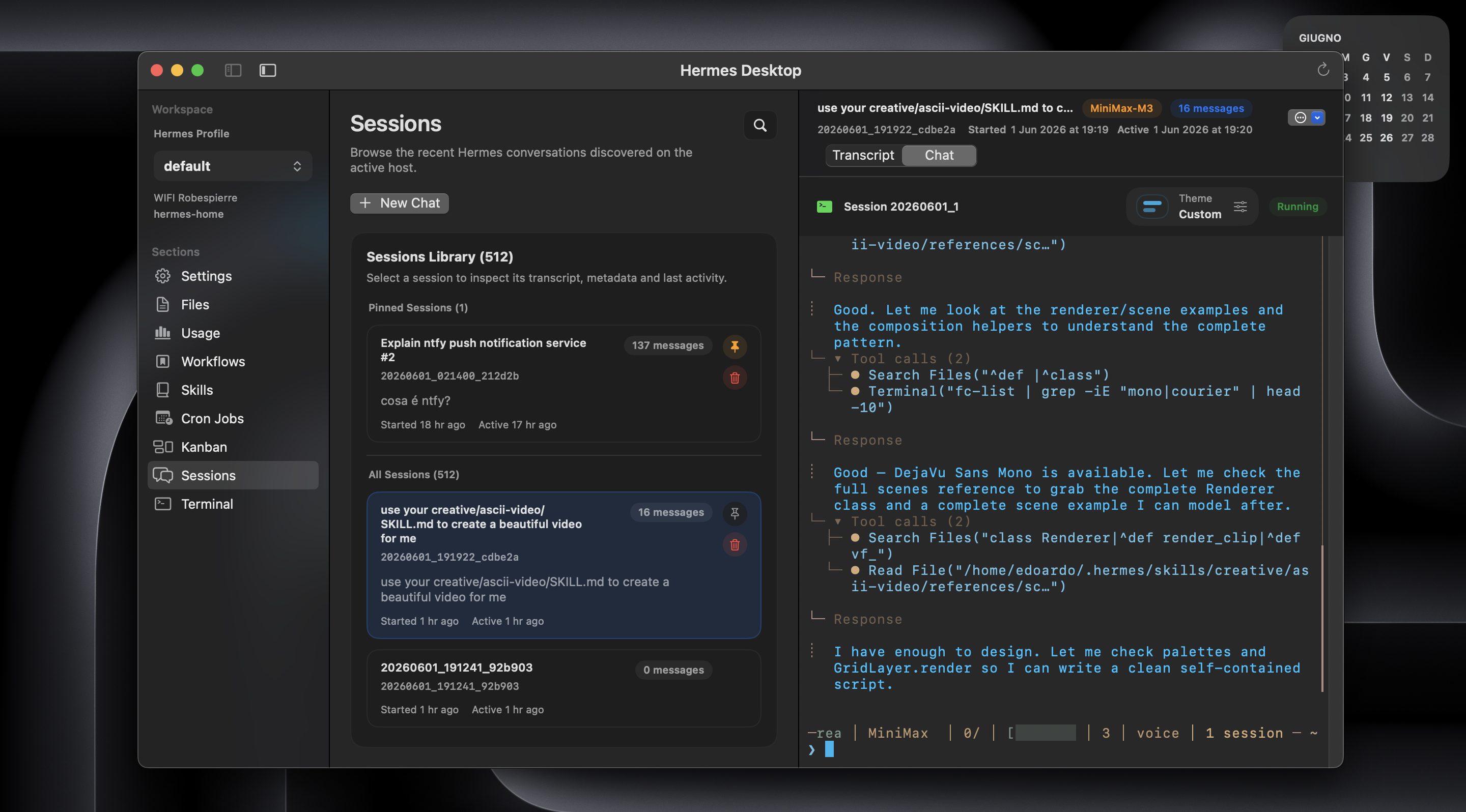
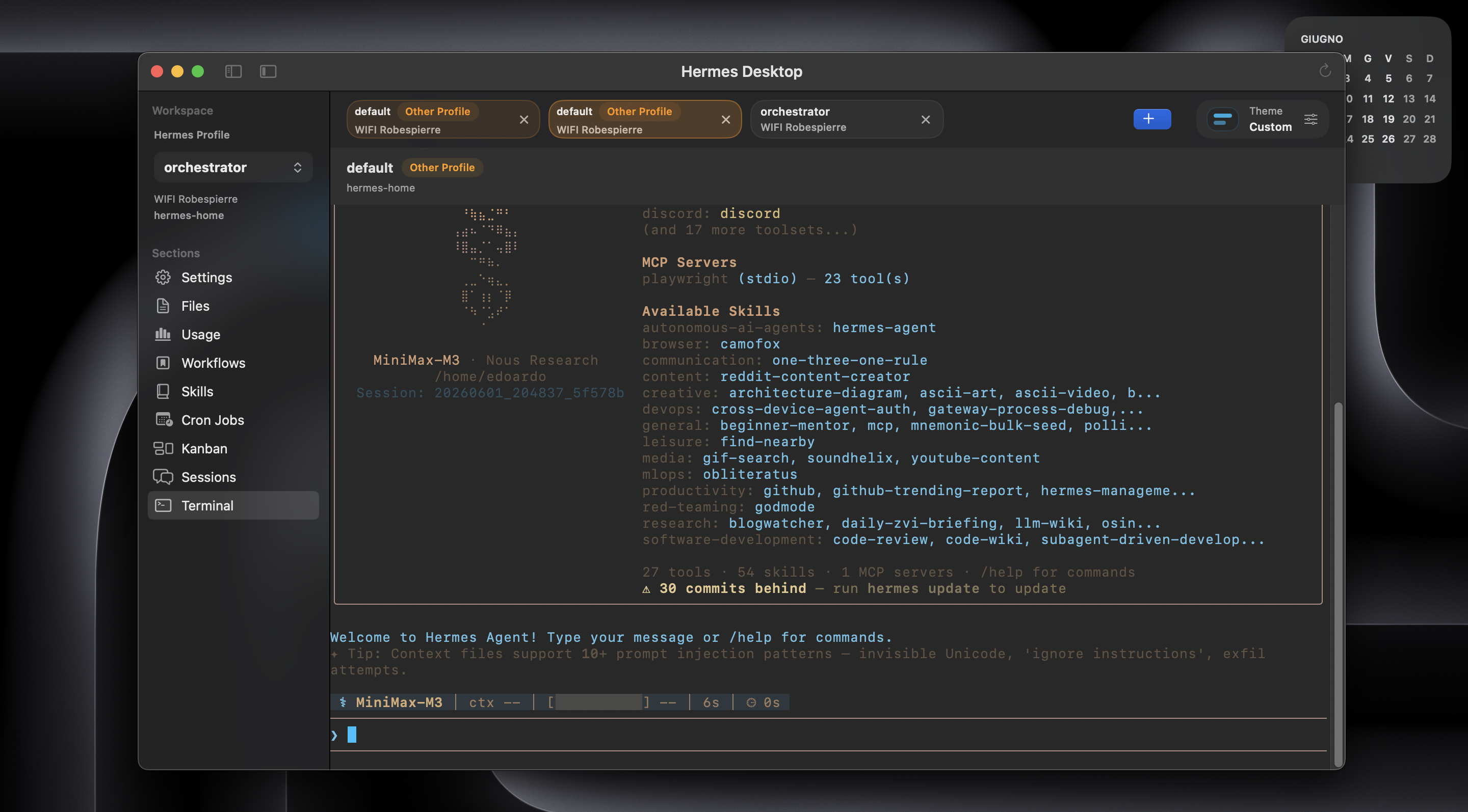
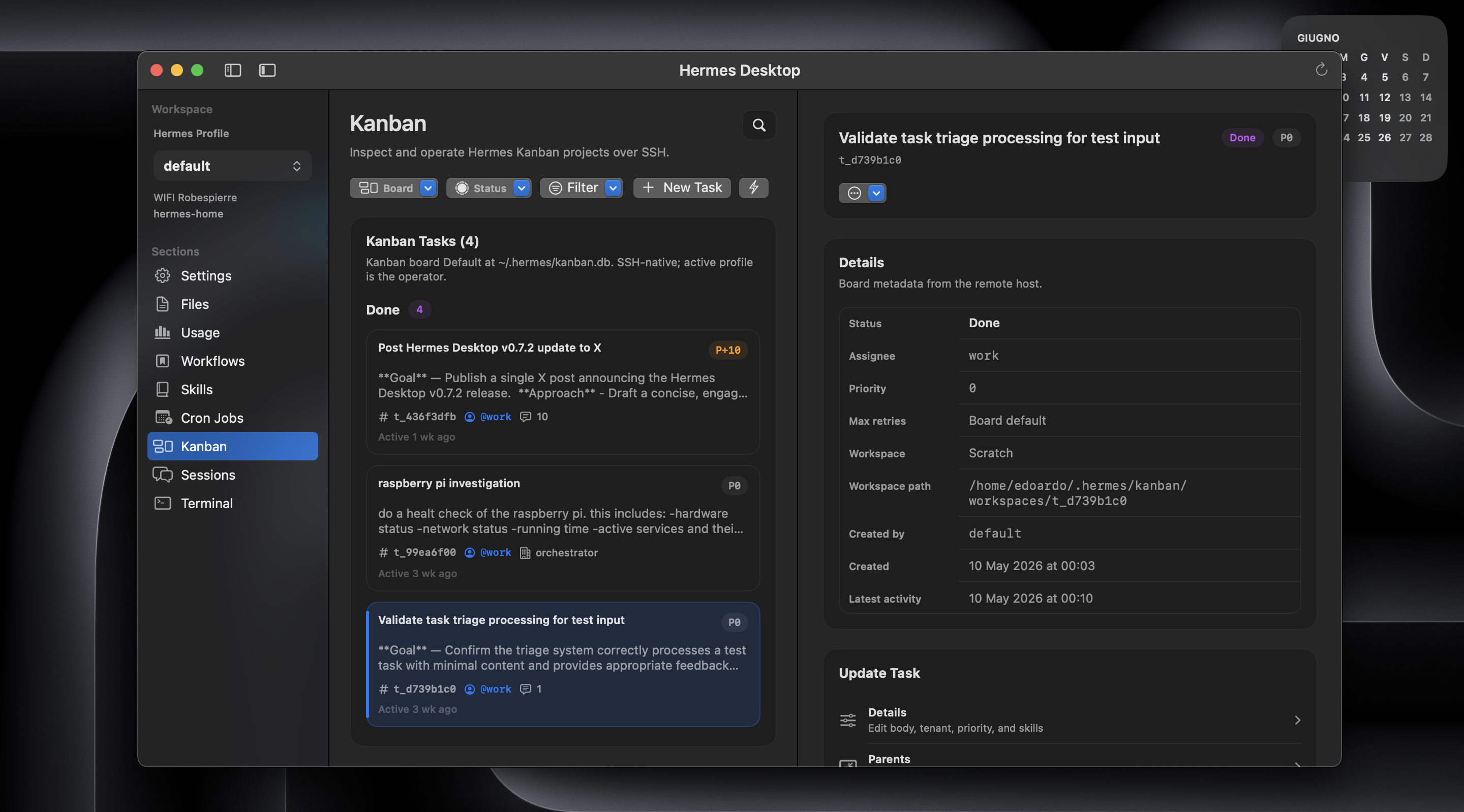
SSH workspace for Hermes with sessions, files, usage, skills, and a real terminal.
By dodo-reach. Free and open source, MIT licence.
Hermes at a glance
- Version
- 1.2.0
- Released
- 18 June 2026
- Download size
- 5.6 MB
- Works on
- Apple silicon and Intel
- Licence
- MIT
- Category
- Developer Tools
- Developer
- dodo-reach
- GitHub stars
- 2K
About Hermes
The safest, simplest way to manage Hermes from your Mac. Pure SSH. No gateways, no exposed ports, no browser layer.
Screenshots
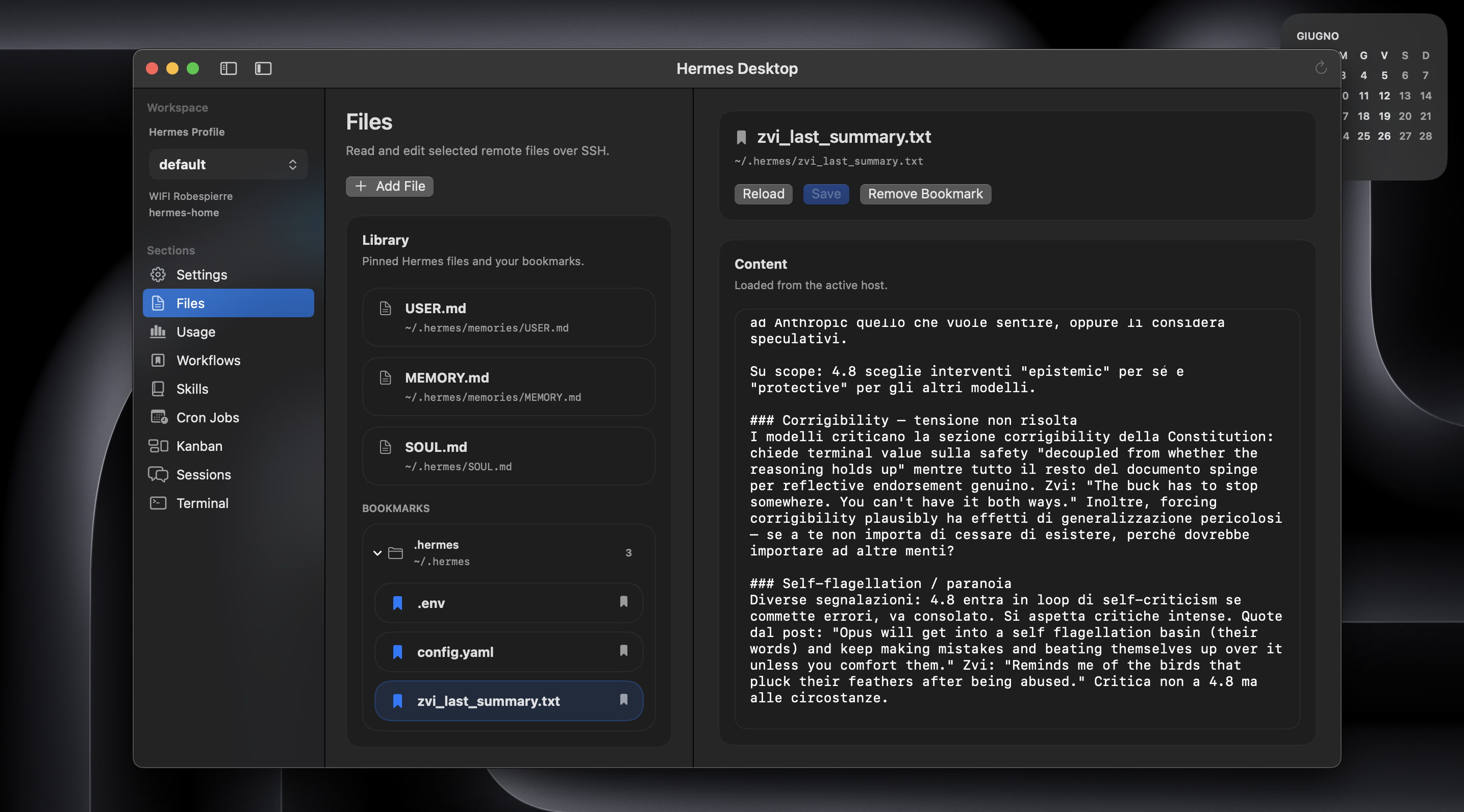
How to install Hermes on a Mac
- Get OpenDMG. It is a free app store for open source Mac apps. Download OpenDMG.
- Search for Hermes and press Get. OpenDMG downloads version 1.2.0 from dodo-reach's own GitHub release.
- Open it. The download is checked against its SHA-256 fingerprint and its signature is checked on your Mac before it lands in Applications.
Updates to Hermes show up in OpenDMG and install with one button. No account is needed.
Prefer to do it by hand? The developer's file is on GitHub: HermesDesktop.app.zip (5.6 MB).
What is new in Hermes 1.2.0
# Hermes Desktop v1.2.0

Hermes Desktop 1.2.0 is the local Hermes release.

If Hermes Agent runs on your Mac, you can now choose `This Mac` and use the
whole Desktop workspace without setting up SSH to localhost. Sessions, Chat,
Workflows, Files, Skills, Usage, Cron, Kanban, and Terminal work directly
against your current macOS account's real Hermes installation.

The idea stays the same: Hermes Desktop does not create a second copy of your
Hermes state. It now meets Hermes where it already runs, whether that is this
Mac, a Raspberry Pi on your network, another Mac, a VPS, or a remote server.

## What Changed

- Connections now have an explicit `This Mac` or `SSH Host` mode.
- `This Mac` needs only a connection name. There is no SSH alias, hostname,
 user, port, host-key setup, or passwordless SSH requirement.
- Every main workspace surface supports local Hermes: Sessions and transcripts,
 the real Hermes TUI in Chat, Workflows, Files, Skills, Usage, Cron Jobs,
 Kanban, discovery, and Terminal.
- The embedded Terminal opens a real local shell and uses the same Hermes
 profile, custom home, PATH preparation, and launch rules as the rest of the
 app.
- Named profiles and custom `HERMES_HOME` paths work in both local and SSH
 mode.
- Actions that edit files, skills, scheduler state, sessions, or Kanban make it
 clear when they are changing this Mac's real Hermes data.
…
More Developer Tools apps
-
 UTMVirtual machines for iOS and macOS
-
 vphone-cliCLI to boot a virtual iPhone (iOS 26) with Apple Virtualization.framework and PCC…
-
 VirtualBuddyVirtual machine manager for running recent macOS versions on Apple Silicon
-
 WWDCUnofficial WWDC app for macOS
-
 Xcodes.appThe easiest way to install and switch between multiple versions of Xcode
-
 Postgres.appThe easiest way to get started with PostgreSQL on the Mac