

Headroom for Mac
Disk space analyzer with visual storage maps and tools to safely free up space.
By Ryware. Free and open source, MIT licence.
Headroom at a glance
- Version
- 1.1.0
- Released
- 10 October 2026
- Download size
- 3.4 MB
- Works on
- Apple silicon and Intel
- Licence
- MIT
- Category
- System Tools
- Developer
- Ryware
- GitHub stars
- 11
About Headroom
Free native macOS disk analyzer with a folder tree, treemap, file categories, safety guidance, and fast cleanup.
Screenshots
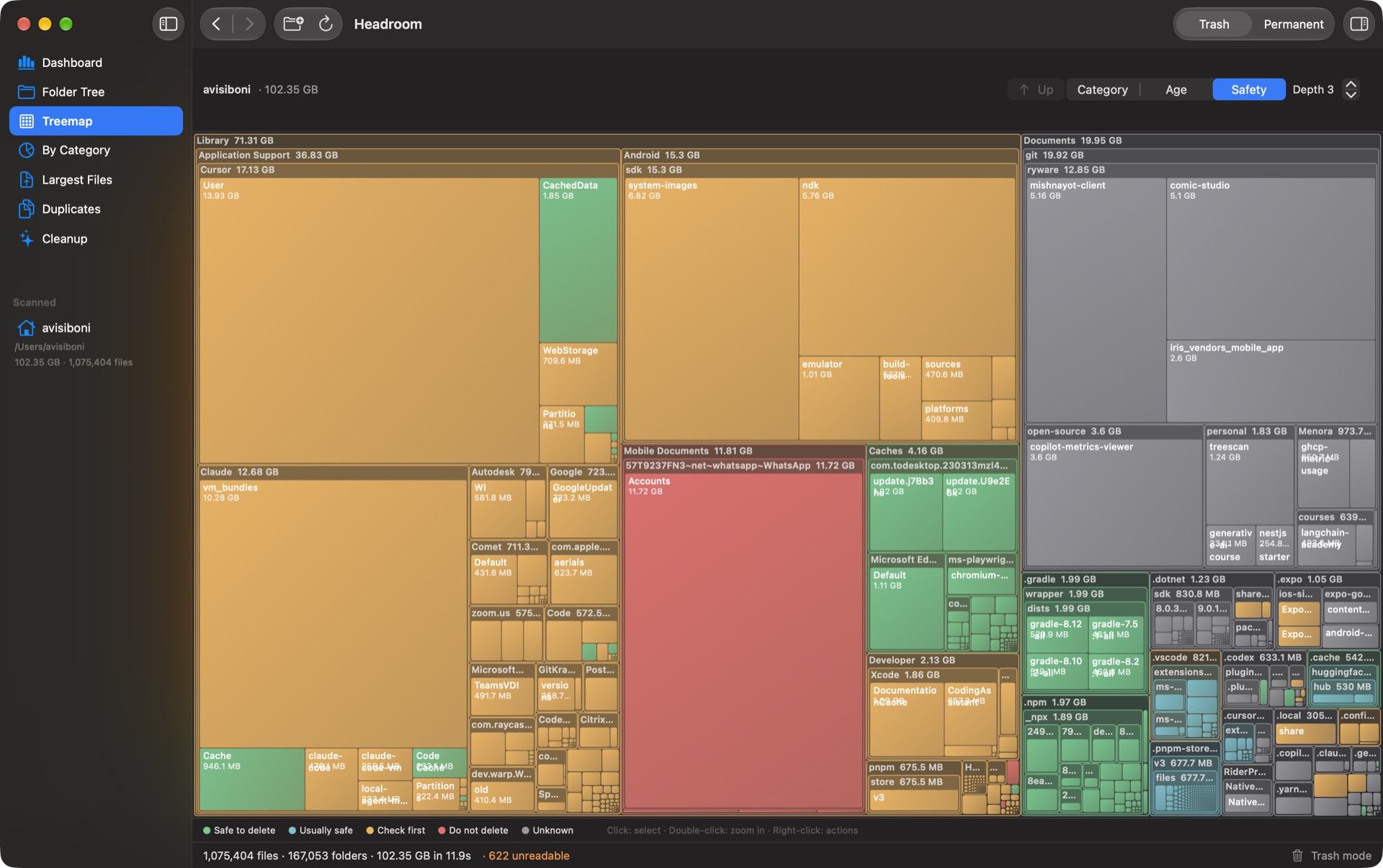
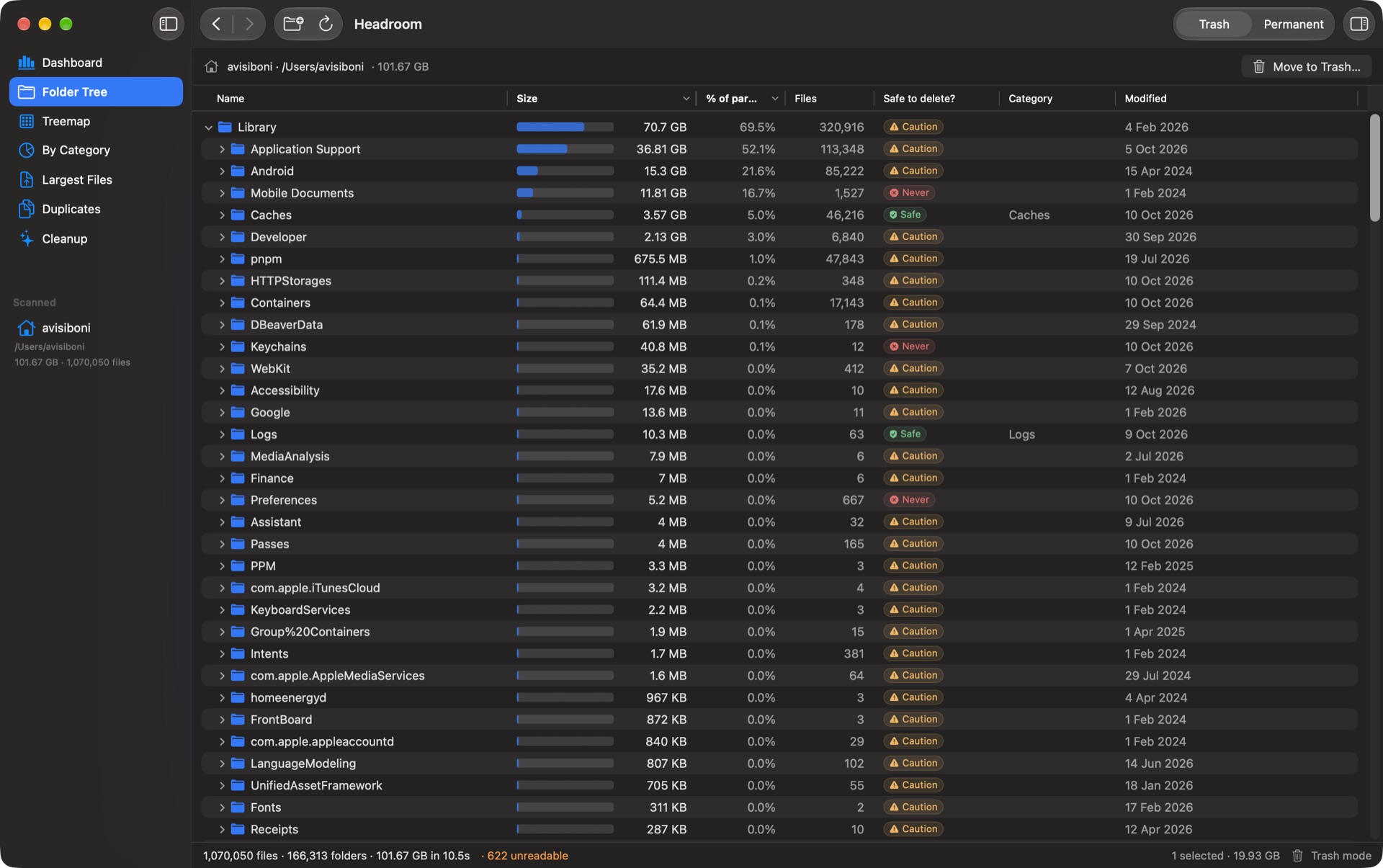
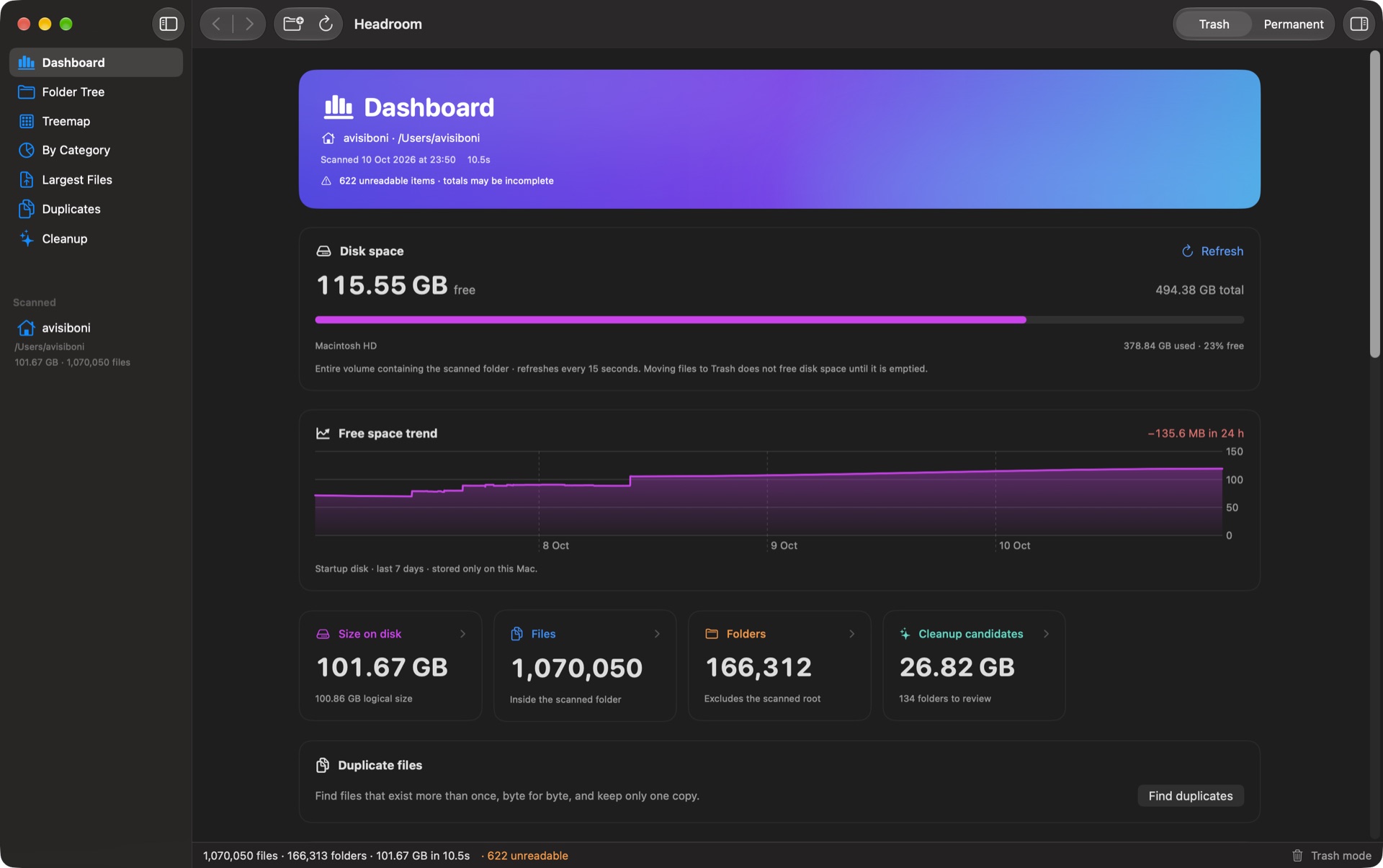
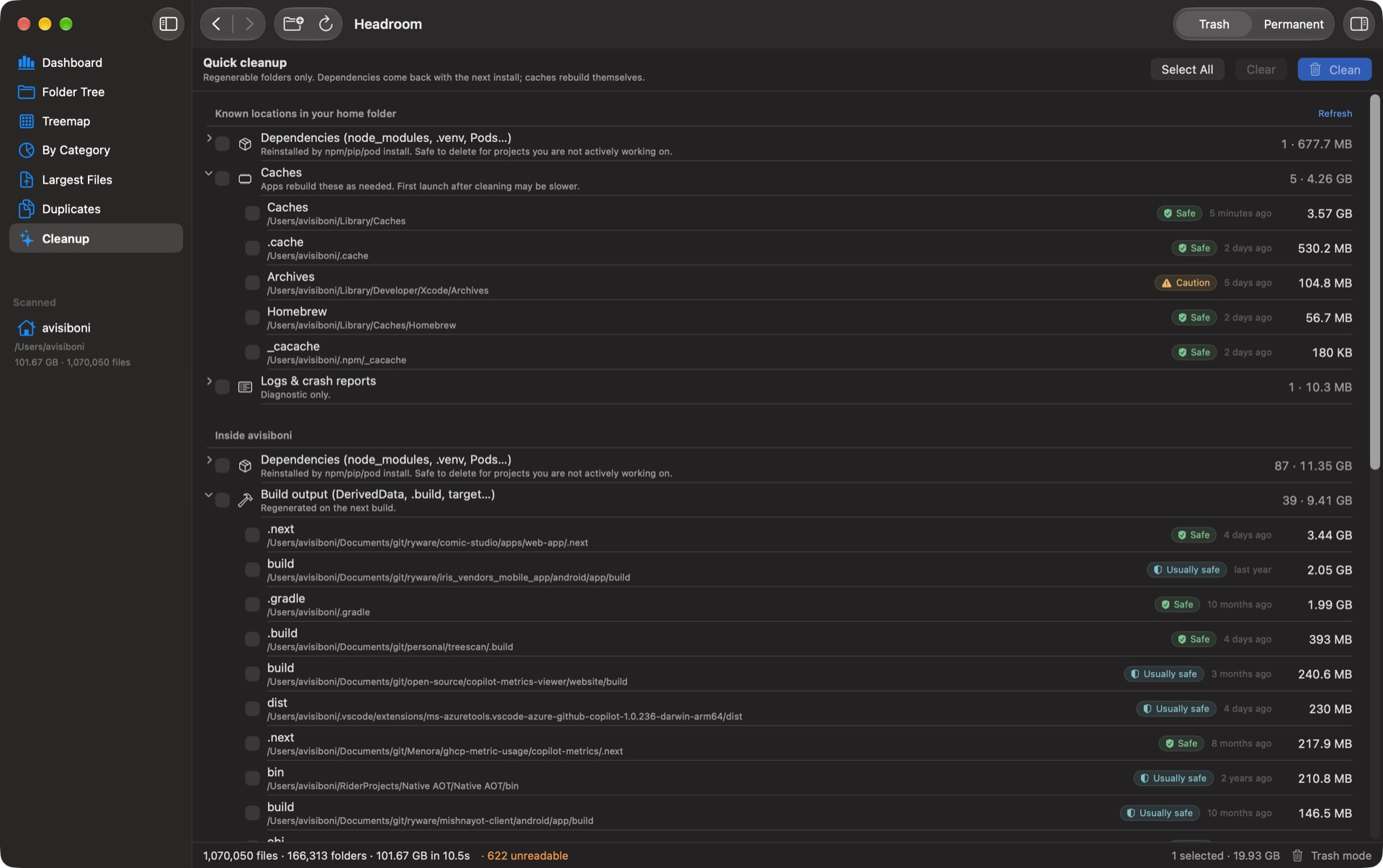
How to install Headroom on a Mac
- Get OpenDMG. It is a free app store for open source Mac apps. Download OpenDMG.
- Search for Headroom and press Get. OpenDMG downloads version 1.1.0 from Ryware's own GitHub release.
- Open it. The download is checked against its SHA-256 fingerprint and its signature is checked on your Mac before it lands in Applications.
Updates to Headroom show up in OpenDMG and install with one button. No account is needed.
Prefer to do it by hand? The developer's file is on GitHub: Headroom-1.1.0.dmg (3.4 MB).
What is new in Headroom 1.1.0
### 🚀 New feature

- **MCP server for AI agents.** `Headroom --mcp` serves the Model Context Protocol on stdio, so Claude Code, Claude Desktop, Cursor and other MCP clients can check free space, scan folders, find cleanup candidates and duplicates, and ask whether a path is safe to delete, using the same engine and safety rules as the app. The only write is `move_to_trash`, which is recoverable and refuses items marked *Do not delete*. See [Use with AI agents](README.md#use-with-ai-agents-mcp-and-command-line).
- **Command line tool for agents.** The app binary takes commands (`Headroom status`, `scan`, `cleanup`, `duplicates`, `explain`, `trash` and more) and prints JSON, for agents that run shell commands. The app carries instructions for agents in `Contents/Resources/AGENTS.md`, so an agent asked to use Headroom finds out how by itself.
- **Agent work shows in the window.** When the window is empty or shows the same folder, an agent's scan and duplicate search run there, so you see their progress and results.
- **Private to you.** While the app is open it also serves MCP on 127.0.0.1, and every request must carry a session token stored where only you can read it. **Settings → AI agents** turns it off. The App Store build does not include any of this.

### ✨ Changed
…
More System Tools apps
-
 PearcleanerApp Cleaner and Uninstaller Tool
-
 PureMacFree open-source system cleaner with privacy protection
-
 OpenInTerminalFinder toolbar tool for opening the current folder in a terminal
-
 DockDoorWindow peeking for macOS
-
 LatestApp update checker that notifies you of available updates for installed applications
-
 DorsoPosture reminder that progressively blurs your screen when you slouch