

Hangar for Mac
Isolates AI coding agents in virtual machines to protect your Mac.
By baseguard. Free and open source, Apache-2.0 licence.
Hangar at a glance
- Version
- 1.1.0
- Released
- 19 November 2026
- Download size
- 11 MB
- Works on
- Apple silicon and Intel
- Licence
- Apache-2.0
- Category
- Developer Tools
- Developer
- baseguard
- GitHub stars
- 103
About Hangar
Run AI coding agents in a macOS, Linux or Windows virtual machine on your Mac.
Screenshots

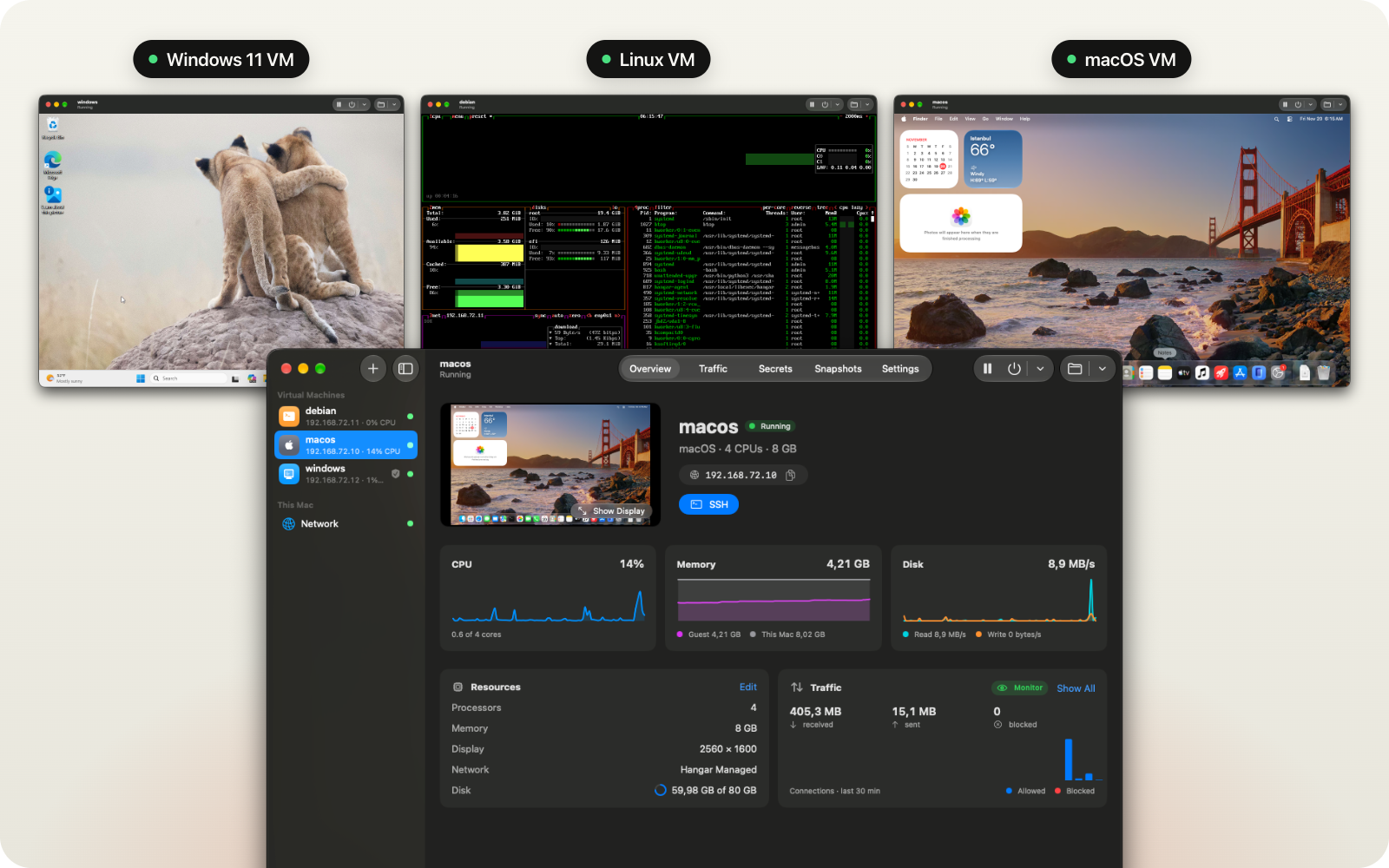
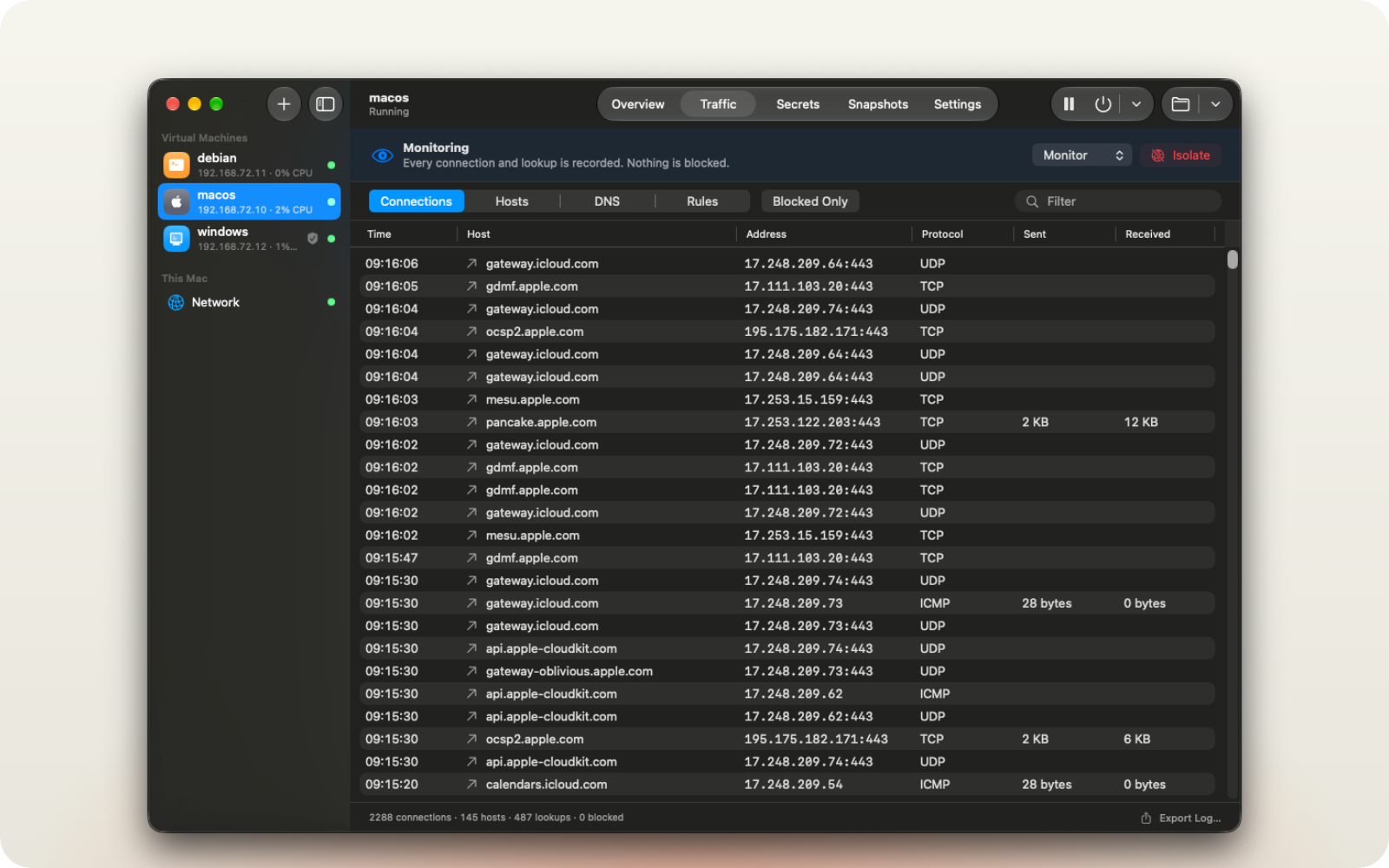
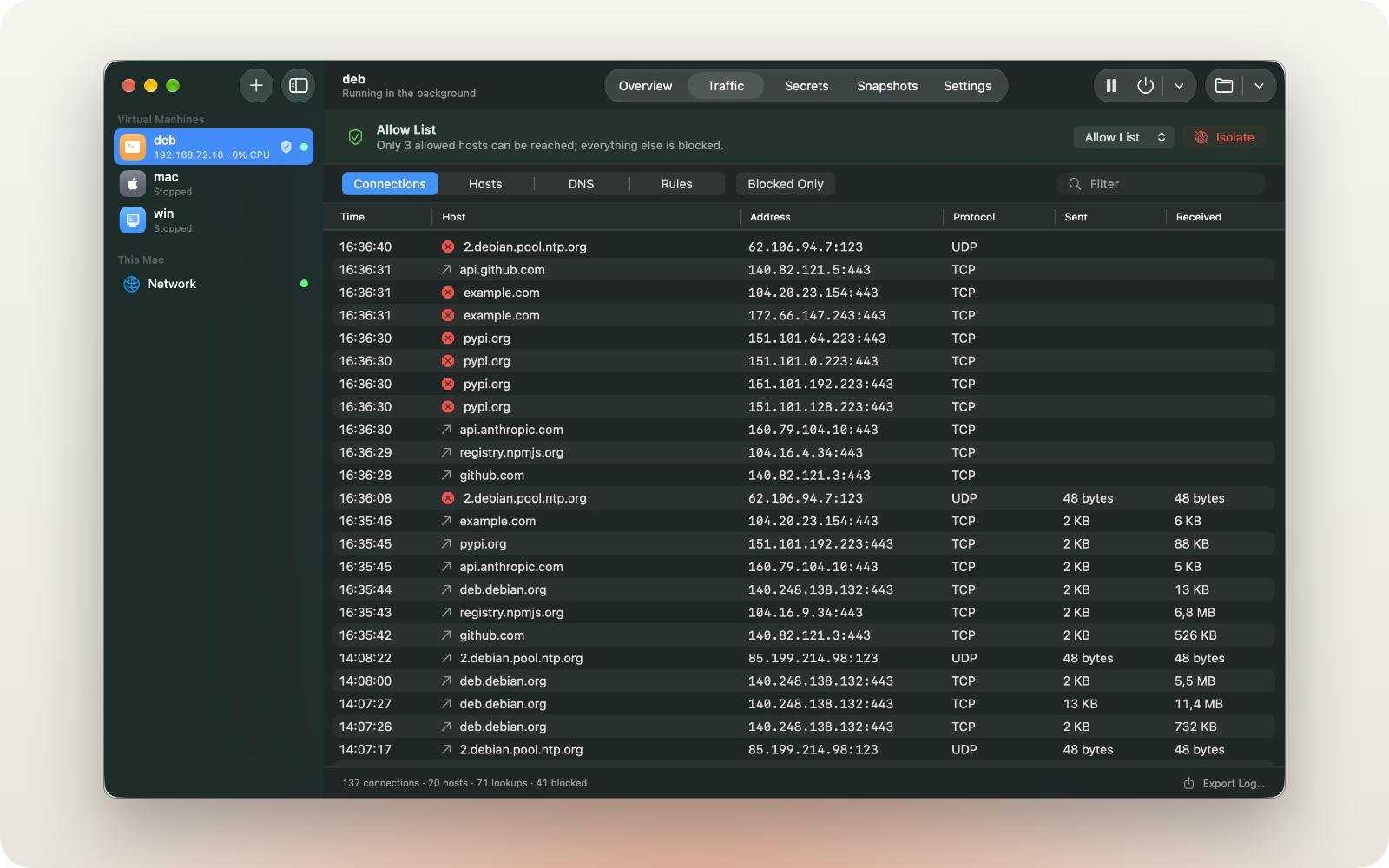
How to install Hangar on a Mac
- Get OpenDMG. It is a free app store for open source Mac apps. Download OpenDMG.
- Search for Hangar and press Get. OpenDMG downloads version 1.1.0 from baseguard's own GitHub release.
- Open it. The download is checked against its SHA-256 fingerprint and its signature is checked on your Mac before it lands in Applications.
Updates to Hangar show up in OpenDMG and install with one button. No account is needed.
Prefer to do it by hand? The developer's file is on GitHub: Hangar.dmg (11 MB).
What is new in Hangar 1.1.0
## Hangar 1.1.0

### New
- Auto update
- Fedora 45 in Quick Start
- Omarchy 4.5 in the Linux install list
- Secrets: `*.domain` hosts and Basic auth

### Fixes
- macOS VMs now use the space when their disk grows
- Shared clipboard no longer stops after copying a lot of text
- Clipboard works again for VMs started in the background
- A VM's window no longer grabs the keyboard and pointer when it opens
- Downloads require TLS 1.2 or newer

### Other
- Guest agent 35: update existing VMs with **Virtual Machine › Update Guest Agent…**
More Developer Tools apps
-
 UTMVirtual machines for iOS and macOS
-
 vphone-cliCLI to boot a virtual iPhone (iOS 26) with Apple Virtualization.framework and PCC…
-
 VirtualBuddyVirtual machine manager for running recent macOS versions on Apple Silicon
-
 WWDCUnofficial WWDC app for macOS
-
 Xcodes.appThe easiest way to install and switch between multiple versions of Xcode
-
 Postgres.appThe easiest way to get started with PostgreSQL on the Mac