

HagimiMonitor for Mac
Menu bar monitor for Mac hardware metrics, history, and health scores.
By Acerola-1. Free and open source, AGPL-3.0 licence.
HagimiMonitor at a glance
- Version
- 1.7.2
- Released
- 8 October 2026
- Download size
- 6.4 MB
- Works on
- Apple silicon and Intel
- Licence
- AGPL-3.0
- Category
- System Tools
- Developer
- Acerola-1
- GitHub stars
- 319
About HagimiMonitor
macOS 菜单栏极简性能监测工具
Screenshots
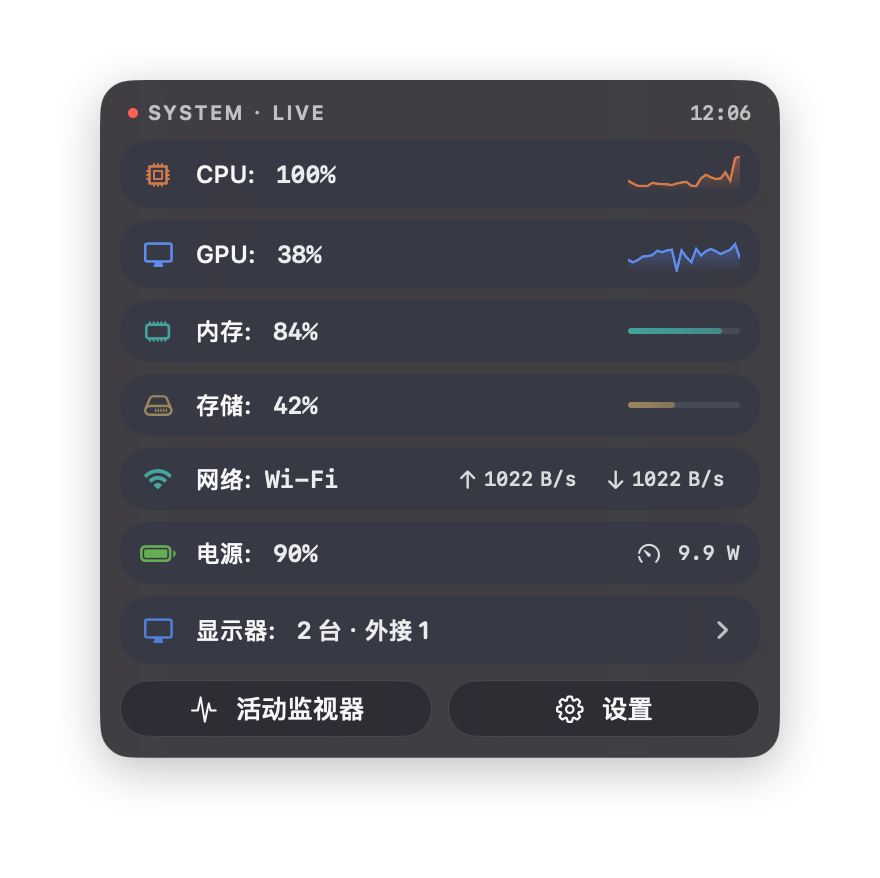
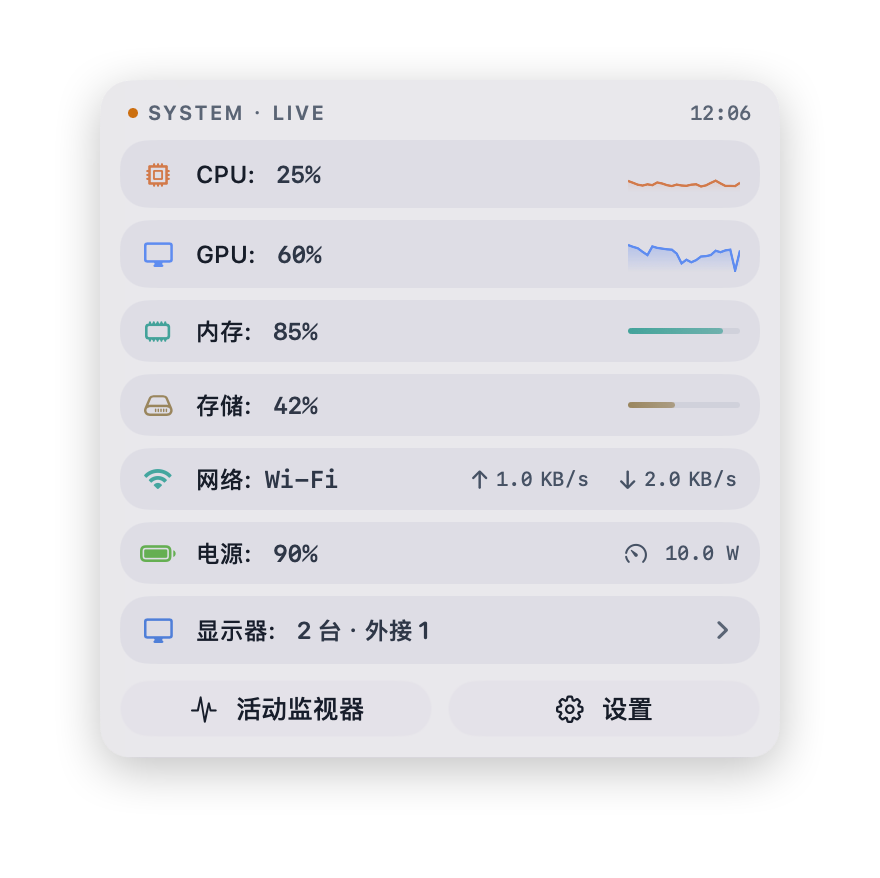
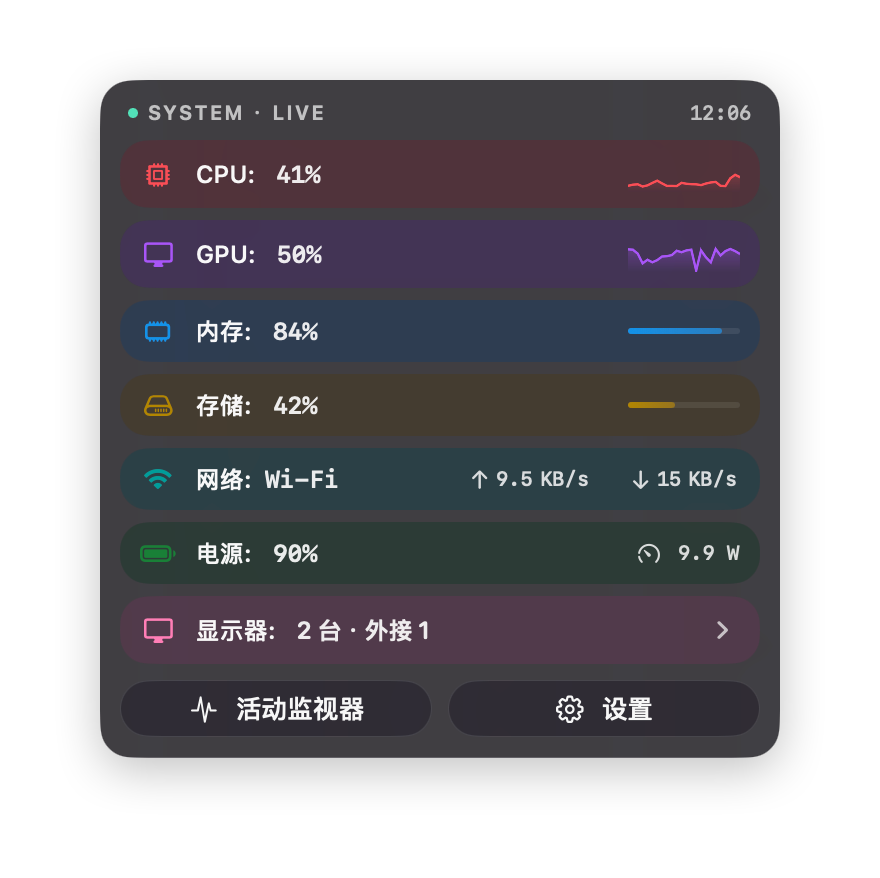
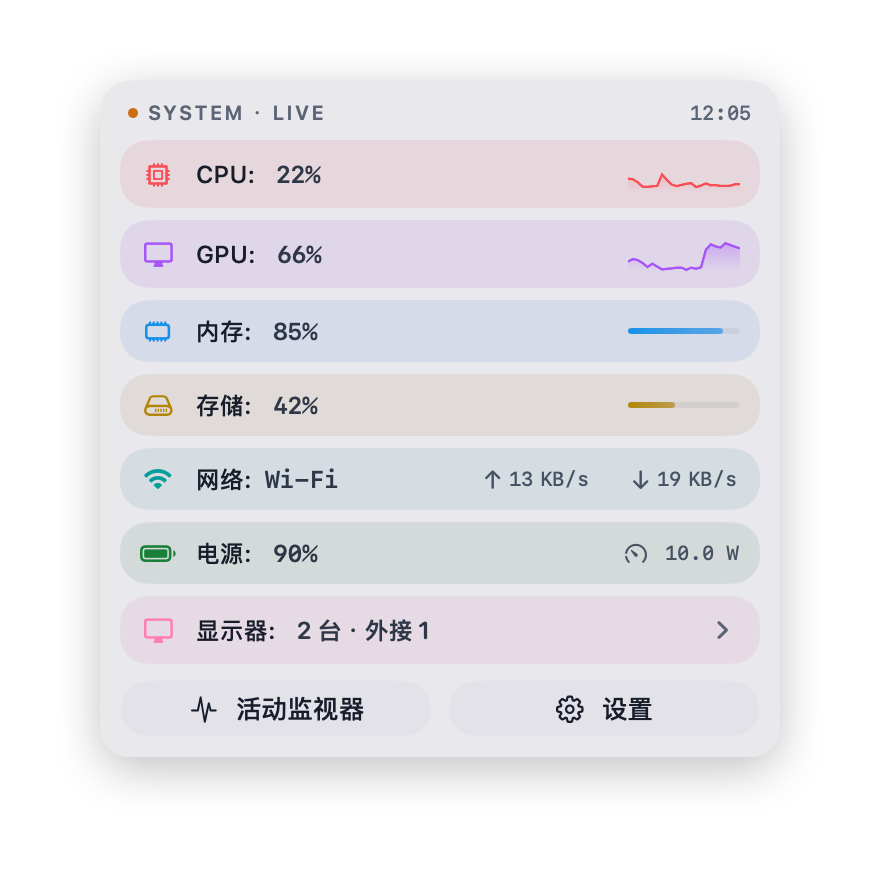
How to install HagimiMonitor on a Mac
- Get OpenDMG. It is a free app store for open source Mac apps. Download OpenDMG.
- Search for HagimiMonitor and press Get. OpenDMG downloads version 1.7.2 from Acerola-1's own GitHub release.
- Open it. The download is checked against its SHA-256 fingerprint and its signature is checked on your Mac before it lands in Applications.
Updates to HagimiMonitor show up in OpenDMG and install with one button. No account is needed.
Prefer to do it by hand? The developer's file is on GitHub: HagimiMonitor.dmg (6.4 MB).
What is new in HagimiMonitor 1.7.2
## 更新内容

### 中文

本次更新聚焦面板读数的清晰度与配色辨识度。

#### 优化与体验

- 电源与网络行的行头读数改为带文字标签的胶囊:网络行以「上传 / 下载」标签取代此前的箭头图标;电源行区分「输入」(适配器实际输入电脑的功率,含电池充电部分)与「功耗」(电脑运行消耗的功率,不含充电),悬停胶囊可查看每个读数的说明。
- 功率流图的电池条在状态下方新增实测充/放电功率读数;电池功率只使用实测值,缺失时以横杠表示、不做差值推算;电池供电时的状态文案由「电池供电」改为「放电中」。
- CPU 逐核负载环(活力配色)重构:性能核、能效核、超核分别采用冷蓝、青绿与紫色,性能核不再随超核是否存在而换色,CPU 模块自身的橙色不再参与核心着色;空闲轨道改用中性色,负载弧更醒目,核心环尺寸略有加大。平衡配色保持原有核心颜色。
- GPU 展开明细不再重复显示主行已有的总占用指标。
- 设置页的模块行卡片预览改为直接复用面板正式组件,预览与实际显示保持一致。

### English

This update focuses on the clarity of panel readings and core-ring color distinction.

#### Improvements

- Power and network row headers now use labeled pills: the network row shows "Upload / Download" text labels instead of arrow icons, and the power row distinguishes "Input" (actual power supplied by the adapter, including battery charging) from "Load" (power used by the computer, excluding charging). Hover a pill to see what each reading means.
- In the power flow diagram, the battery bar now shows the measured charging/discharging power under its status. Battery power uses measured readings only — unavailable values show a dash instead of an estimate — and the "On Battery" state is now labeled "Discharging".
…
More System Tools apps
-
 PearcleanerApp Cleaner and Uninstaller Tool
-
 OpenInTerminalFinder toolbar tool for opening the current folder in a terminal
-
 PureMacFree open-source system cleaner with privacy protection
-
 DockDoorWindow peeking for macOS
-
 LatestApp update checker that notifies you of available updates for installed applications
-
 DorsoPosture reminder that progressively blurs your screen when you slouch