

Glint for Mac
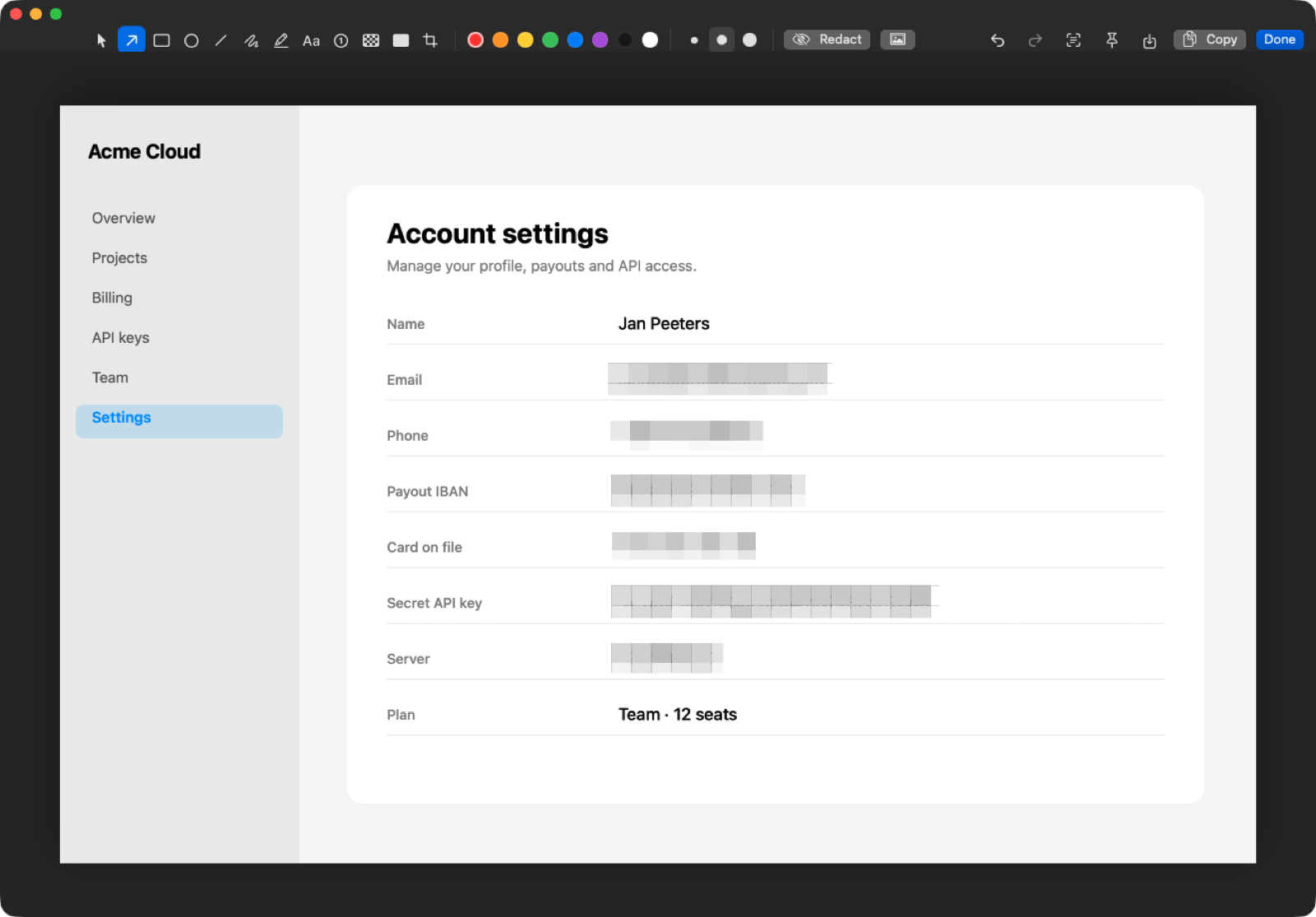
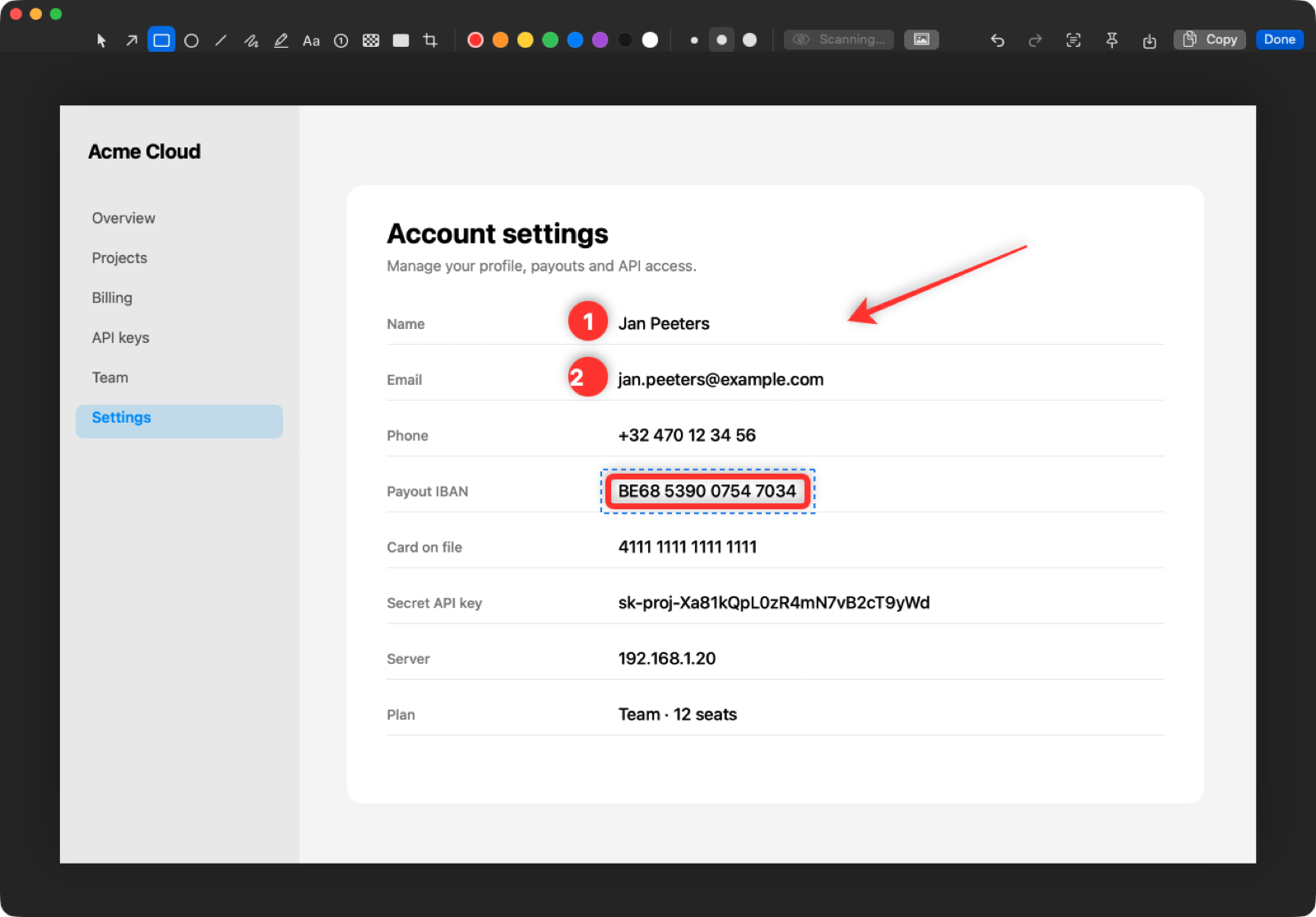
Screenshot and recording tool that detects and blurs sensitive information before sharing.
By brentc22. Free and open source, MIT licence.
Glint at a glance
- Version
- 0.4.0
- Released
- 29 September 2026
- Download size
- 2.3 MB
- Works on
- Apple silicon and Intel
- Licence
- MIT
- Category
- Video and Screen Capture
- Developer
- brentc22
- GitHub stars
- 1
About Glint
Free, open-source screenshot tool for macOS that blurs your secrets before you share them.
Screenshots
How to install Glint on a Mac
- Get OpenDMG. It is a free app store for open source Mac apps. Download OpenDMG.
- Search for Glint and press Get. OpenDMG downloads version 0.4.0 from brentc22's own GitHub release.
- Open it. The download is checked against its SHA-256 fingerprint and its signature is checked on your Mac before it lands in Applications.
Updates to Glint show up in OpenDMG and install with one button. No account is needed.
Prefer to do it by hand? The developer's file is on GitHub: Glint.zip (2.3 MB).
What is new in Glint 0.4.0
## 0.4.0 — 2026-09-29

Everything CleanShot X has that Glint didn't, and a few things it doesn't.

- Motion runs on real springs. Windows move on a display-link spring that keeps its speed
 when it gets a new target, so a card that's pushed twice bends instead of stopping and
 restarting. Toasts, pins and the recording HUD land with a little give.
- The capture's flight into its thumbnail moves one layer on the GPU instead of resizing a
 window every frame, so it no longer stutters, and it keeps a shadow the whole way.
- Swiping a thumbnail away carries on at the speed of your fingers; a quick flick is enough.
- The window highlight glides at the same speed on 60 and 120 Hz displays.
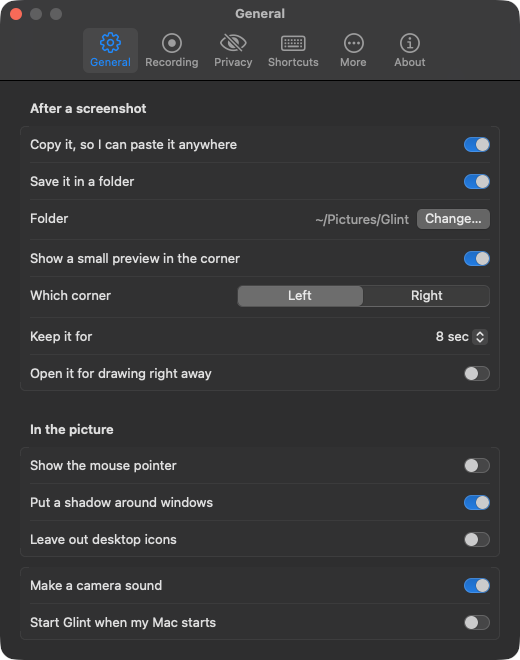
- Settings → More → Animations: turn motion off (fades only), and choose its speed and bounce.

**Recording**
- Sound: your Mac's audio and your microphone (macOS 15+). With both on they're mixed
 into one track, so every player plays the voice-over. Glint's own sounds stay out.
- Pause and resume, without a gap in the video. A 3-2-1 countdown. 30 or 60 fps.
- Show clicks (a ring where you click), shortcuts you press (⇧⌘K, ↩ — never plain typing,
 so a password typed while recording stays private) and your camera in a round bubble
 you can drag anywhere. All three are part of the video.
- Trim: the quick-access card's scissors open QuickTime's trim bar. The kept part is
…
More Video and Screen Capture apps
-
 IINAThe modern video player for macOS
-
 Palmier ProOpen source video editor where you and AI agents generate and edit videos together in the…
-
 Quick RecorderA lightweight and high-performance screen recorder for macOS
-
 macshotScreenshot and screen recording tool with annotation, OCR, and scroll capture
-
 SnapzyOpen-source tool for screenshots, screen recording, annotation, and editing
-
 ScreendropBeautiful screenshot and screen recording tool — a native, self-hostable, and free Loom…