

FunNotch for Mac
Turns the notch into a now-playing hub, file shelf, clipboard history, focus timer, and widget collection.
By JoshuaT1105. Free and open source, GPL-3.0 licence.
FunNotch at a glance
- Version
- 1.3
- Released
- 28 September 2026
- Download size
- 6.0 MB
- Works on
- Apple silicon and Intel
- Licence
- GPL-3.0
- Category
- Menu Bar and Notch
- Developer
- JoshuaT1105
- GitHub stars
- 7
About FunNotch
A free, open-source macOS app that gives your MacBook notch something to do: weather and your day at a glance, a drag-and-drop file shelf, clipboard history, focus sessions, notes, a timer and thirteen widgets. Works on displays without a notch too.
Screenshots
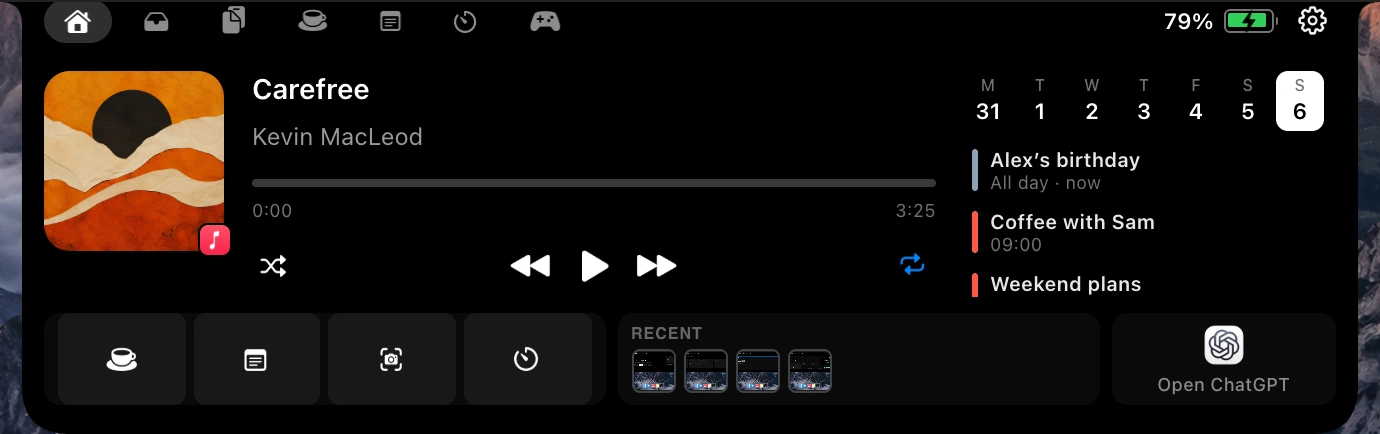
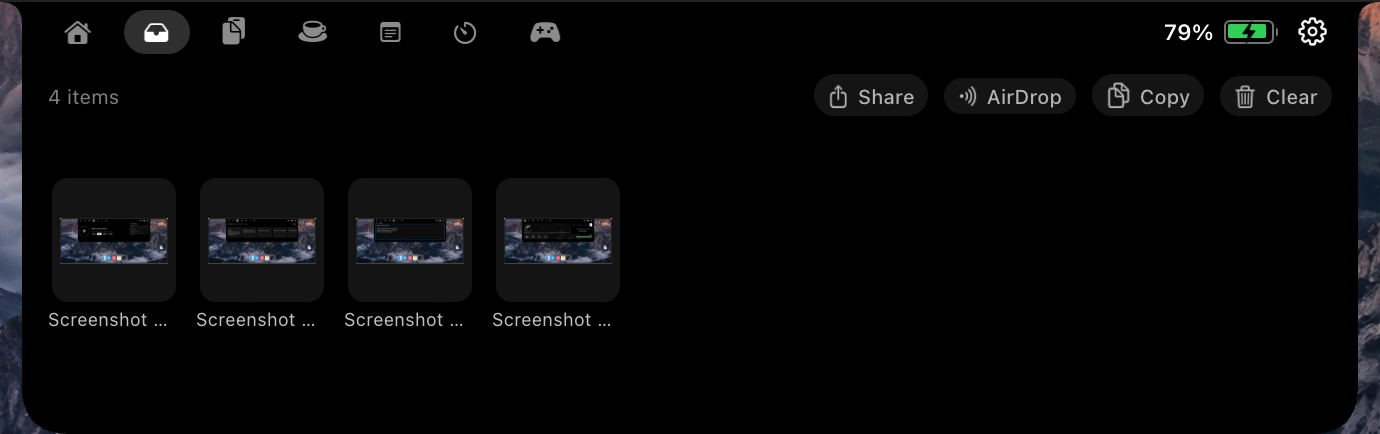
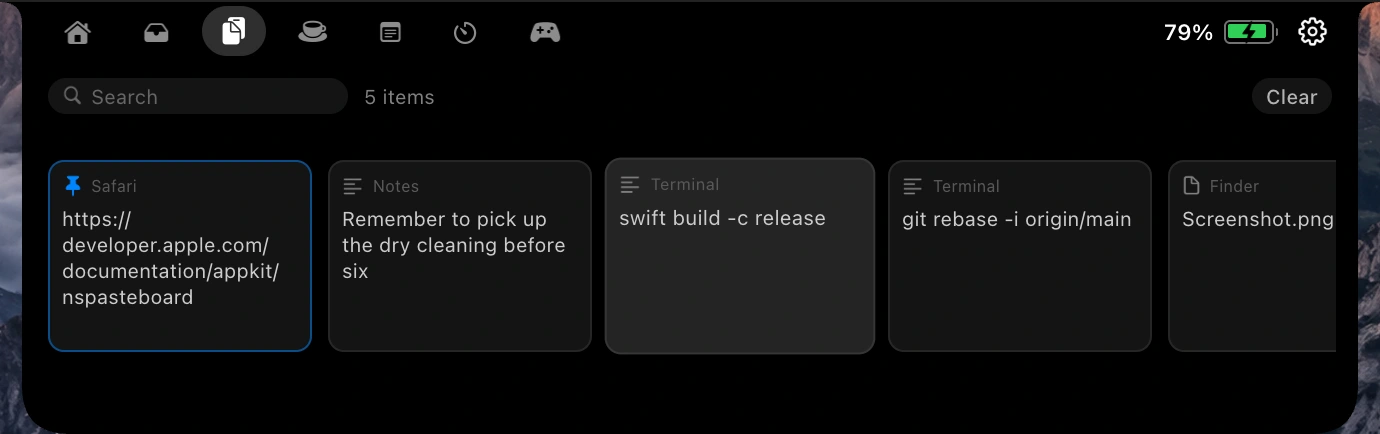
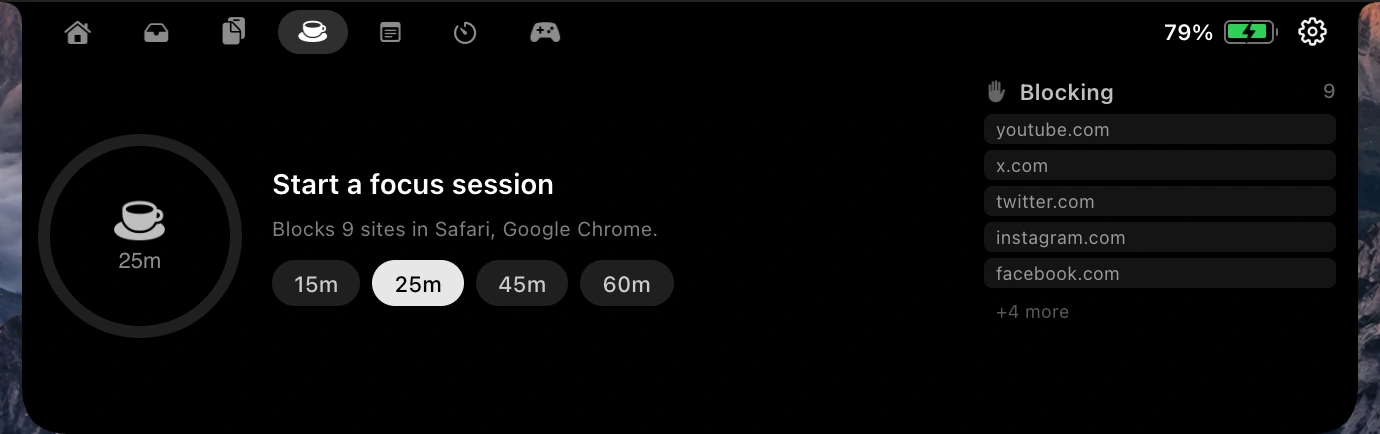
How to install FunNotch on a Mac
- Get OpenDMG. It is a free app store for open source Mac apps. Download OpenDMG.
- Search for FunNotch and press Get. OpenDMG downloads version 1.3 from JoshuaT1105's own GitHub release.
- Open it. The download is checked against its SHA-256 fingerprint and its signature is checked on your Mac before it lands in Applications.
Updates to FunNotch show up in OpenDMG and install with one button. No account is needed.
Prefer to do it by hand? The developer's file is on GitHub: FunNotch.dmg (6.0 MB).
What is new in FunNotch 1.3
## New

- **Dino Run.** A second game in the notch: an endless runner with a day-to-night sky, gems to collect, and a high score to beat. Breakout gets a modern look to match.
- **Focus & Timer, together.** One tab: wind the dial for a focus session, or switch to a timer or a stopwatch. Your week of focus and your streak sit beside it.
- **Weather that lives.** The weather is now a small pixel-art landscape, with drifting clouds, rain, snow, and day and night.
- **Claude Code and Codex, rebuilt.** Sessions are read from Claude Code's own session list, so the status is exact. The notch announces when a session starts, finishes, or needs you.
- **Simpler Settings and Customize windows**, and a livelier volume and brightness HUD.

## Fixed

- The Claude Code light could sit under the camera when widgets were showing. The collapsed notch now always stays centred on the camera.
- The Game tab was hidden under the camera. Tabs now always fit beside it.
- In-app updates to 1.1 and 1.2 failed with "The update is improperly signed". Updates are signed correctly from here on.
- Dino Run skipped its milestone chime when a gem bonus carried the score past a hundred.
- Calendar countdowns say "in 2h" instead of "in 2h 0m".
- Widgets can be dragged to the bin in Customize however they are dragged.
…
More Menu Bar and Notch apps
-
 StatsmacOS system monitor in your menu bar
-
 IcePowerful menu bar manager for macOS (upstream, temporarily inactive)
-
 Hidden BarAn ultra-light MacOS utility that helps hide menu bar icons
-
 ThawThe open-source menu bar manager: hide, organize, and take control of menu bar icons
-
 Boring NotchTurn your MacBook notch into a music and file control center
-
 eulmacOS status monitoring app written in SwiftUI