

ftop for Mac
Lightweight system monitor for Apple Silicon Macs with a resizable floating glass panel.
By Nongfsq. Free and open source, MIT licence.
ftop at a glance
- Version
- 0.2.5
- Released
- 9 October 2026
- Download size
- 1.2 MB
- Works on
- Apple silicon
- Licence
- MIT
- Category
- System Tools
- Developer
- Nongfsq
- GitHub stars
- 201
About ftop
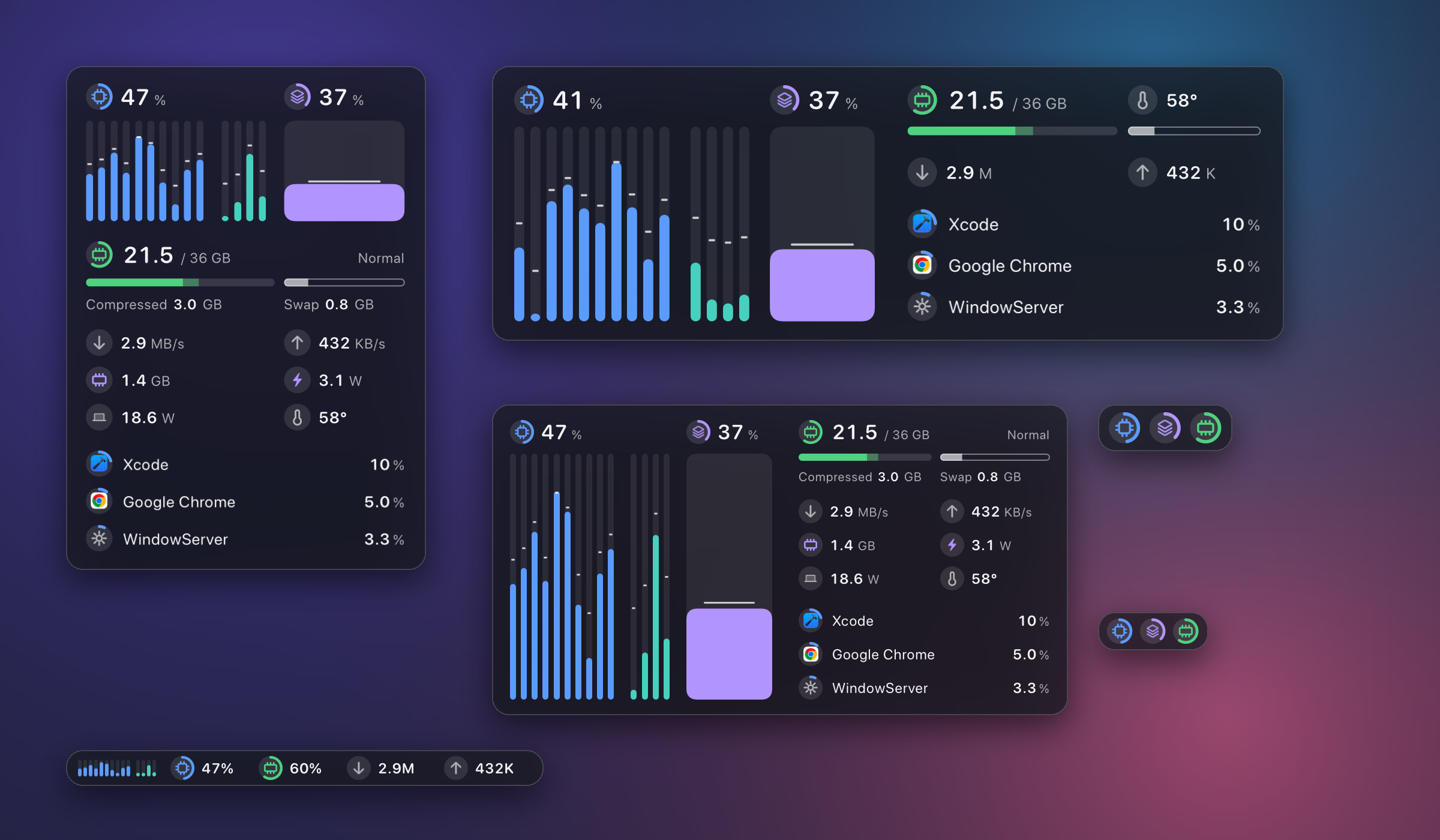
A small, quiet system monitor for Apple Silicon Macs: one floating glass panel that works at any size.
Screenshots
How to install ftop on a Mac
- Get OpenDMG. It is a free app store for open source Mac apps. Download OpenDMG.
- Search for ftop and press Get. OpenDMG downloads version 0.2.5 from Nongfsq's own GitHub release.
- Open it. The download is checked against its SHA-256 fingerprint and its signature is checked on your Mac before it lands in Applications.
Updates to ftop show up in OpenDMG and install with one button. No account is needed.
Prefer to do it by hand? The developer's file is on GitHub: Ftop-0.2.5-arm64.zip (1.2 MB).
What is new in ftop 0.2.5
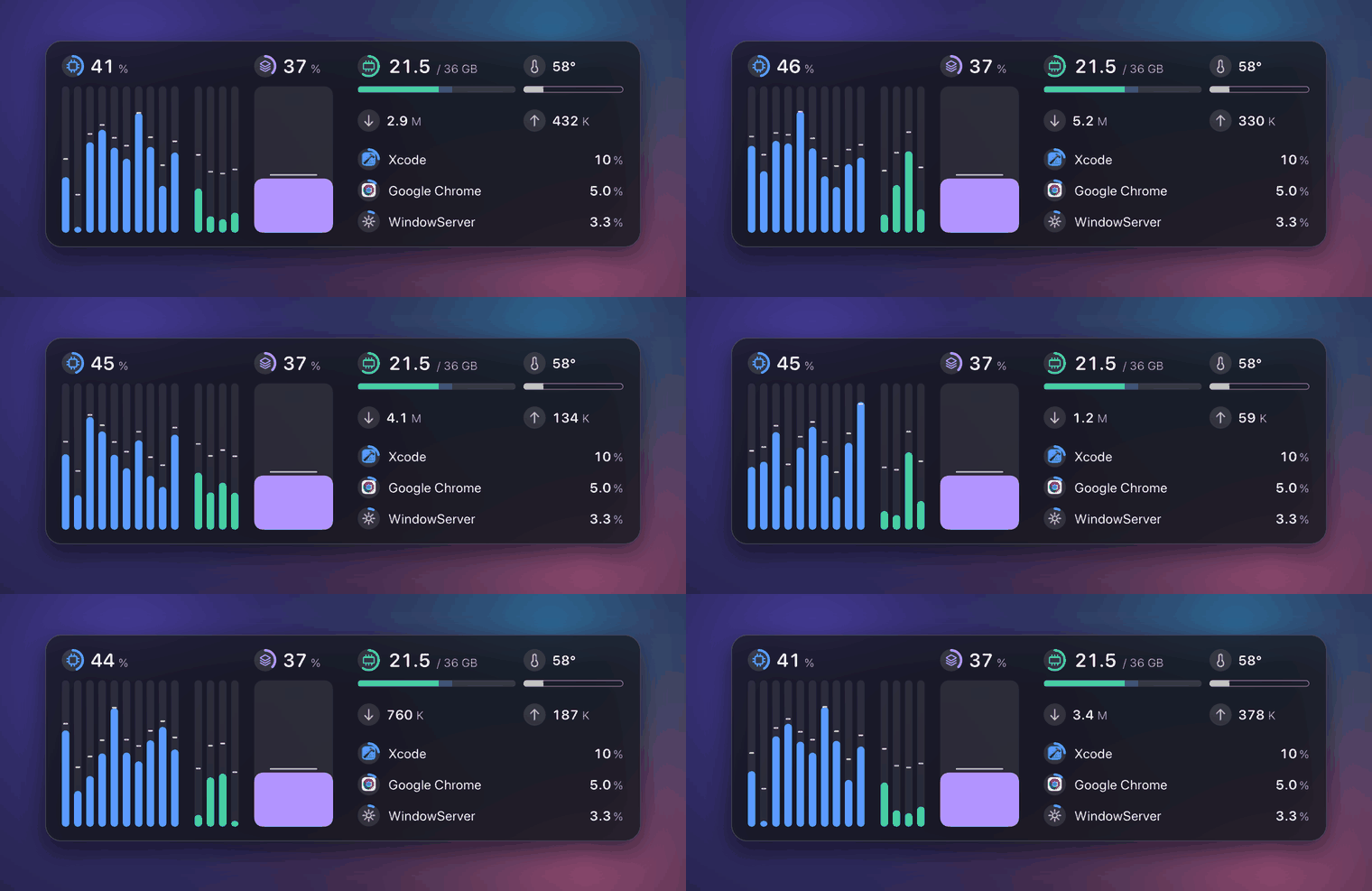
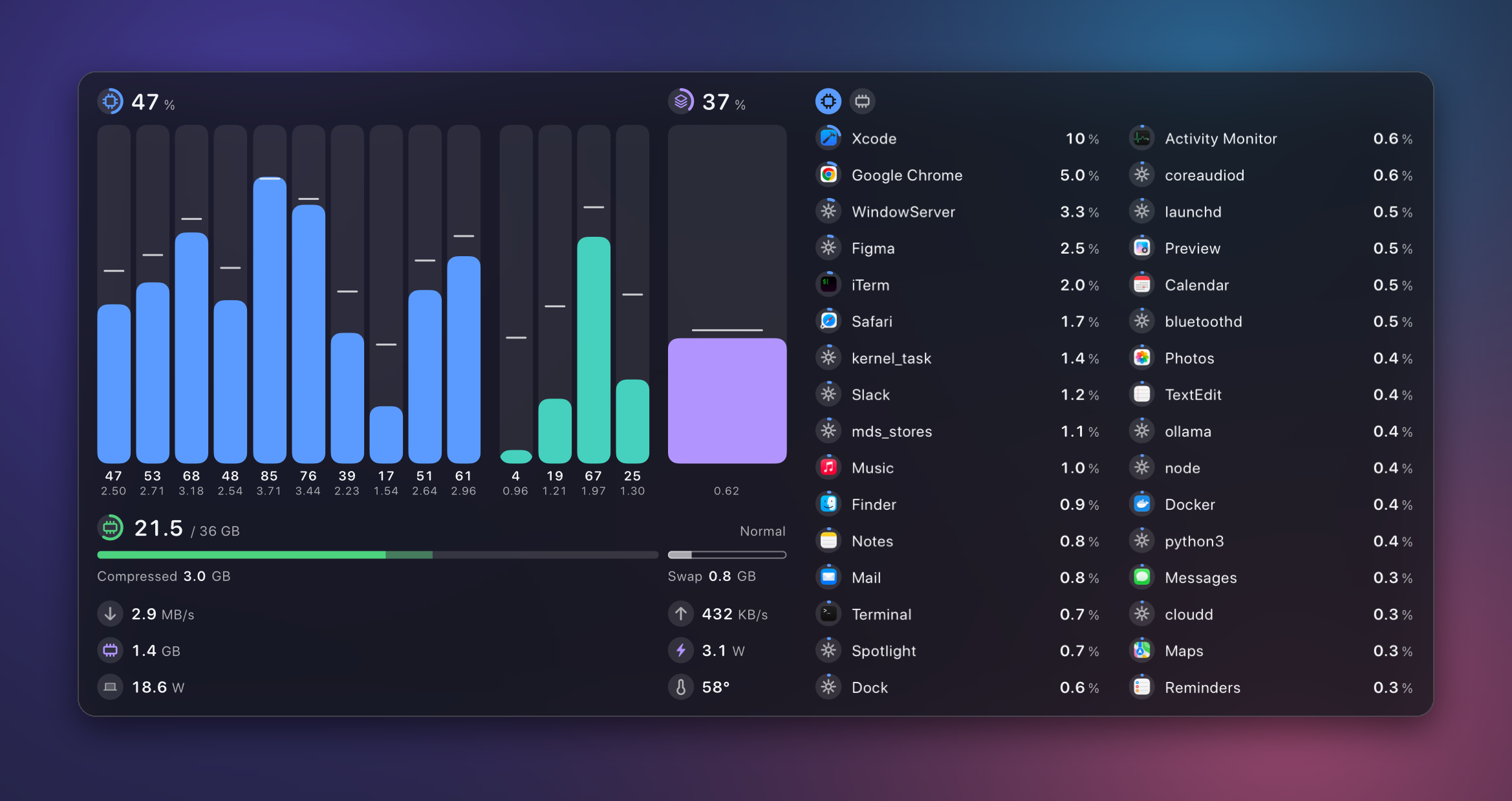
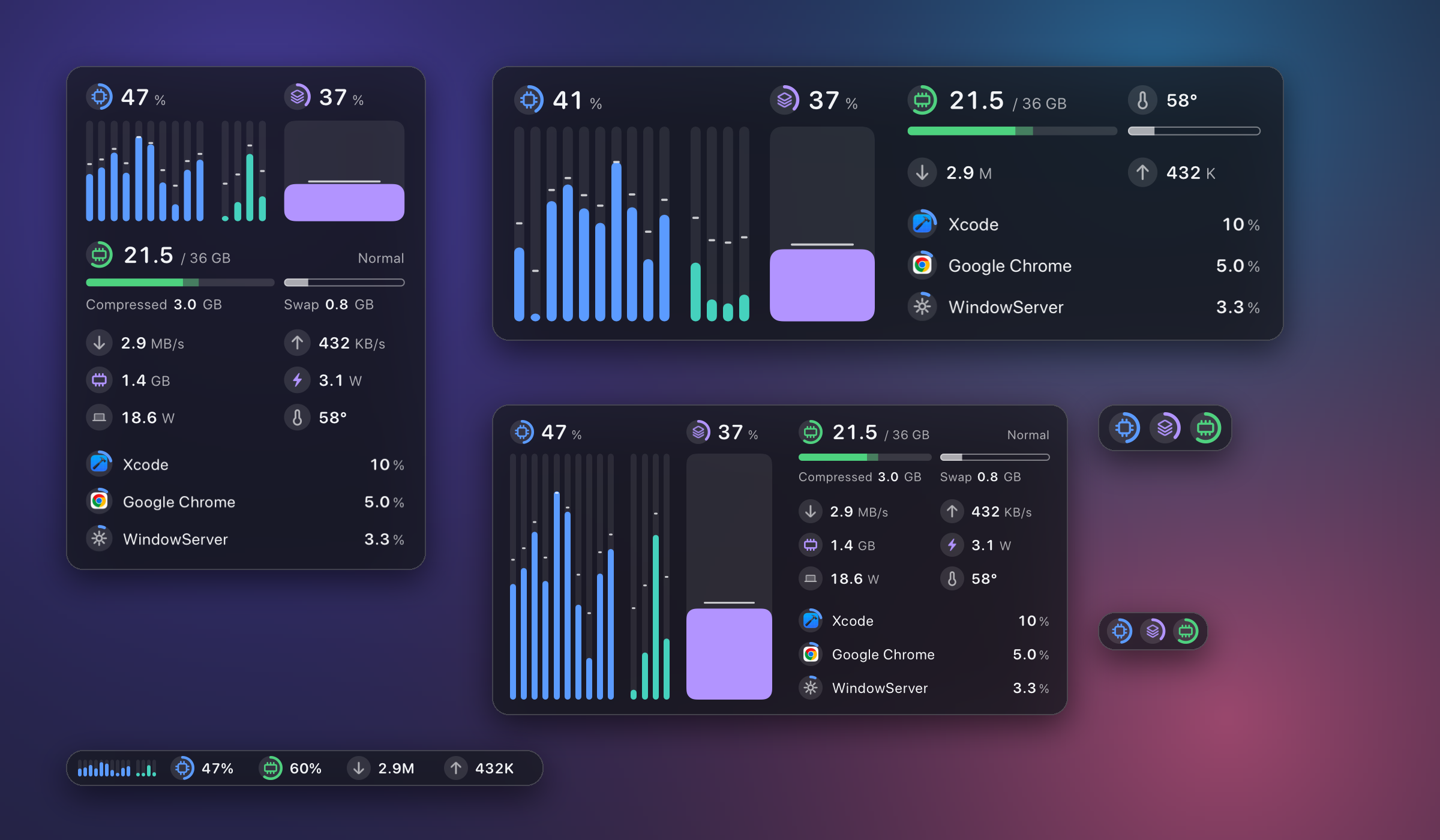 - **The GPU has a column of its own.** It stands beside the core columns and is read the same way: the fill is usage, the line across it is the current frequency. Its badge and figure sit above it, as the processor's sit above the cores. Suggested in #8. - **At every size.** Compact, full, and detailed layouts show the wide column; the corner layout puts the GPU's block on the right; the rich strip and the vertical strip carry a small column. The plain strip and the smallest layout are unchanged. - **The temperature moved down a row.** Nothing stands above the columns now except the figure they belong to. This closes #8: three kinds of core in three groups (0.2.2), core frequencies on the M6 (0.2.3), GPU frequency on the M6 (0.2.4), and the GPU's column. **Install:** 0.1.1 and later update themselves. Otherwise download `Ftop-0.2.5-arm64.zip`, unpack, move `Ftop.app` to `~/Applications`, then follow the two commands in the [README](https://github.com/Nongfsq/ftop#install). Requires Apple Silicon and macOS 15 or later. The app is ad-hoc signed and not notarized.
More System Tools apps
-
 PearcleanerApp Cleaner and Uninstaller Tool
-
 PureMacFree open-source system cleaner with privacy protection
-
 OpenInTerminalFinder toolbar tool for opening the current folder in a terminal
-
 DockDoorWindow peeking for macOS
-
 LatestApp update checker that notifies you of available updates for installed applications
-
 DorsoPosture reminder that progressively blurs your screen when you slouch