

FlowVision for Mac
A smooth waterfall-style viewer for images and videos on macOS.
By netdcy. Free and open source, GPL-3.0 licence.
FlowVision at a glance
- Version
- 1.7.6
- Released
- 8 September 2026
- Download size
- 20 MB
- Works on
- Apple silicon and Intel
- Licence
- GPL-3.0
- Category
- System Tools
- Developer
- netdcy
- GitHub stars
- 1.3K
About FlowVision
Waterfall-style image viewer for macOS, offering a smooth and immersive browsing experience.
Screenshots
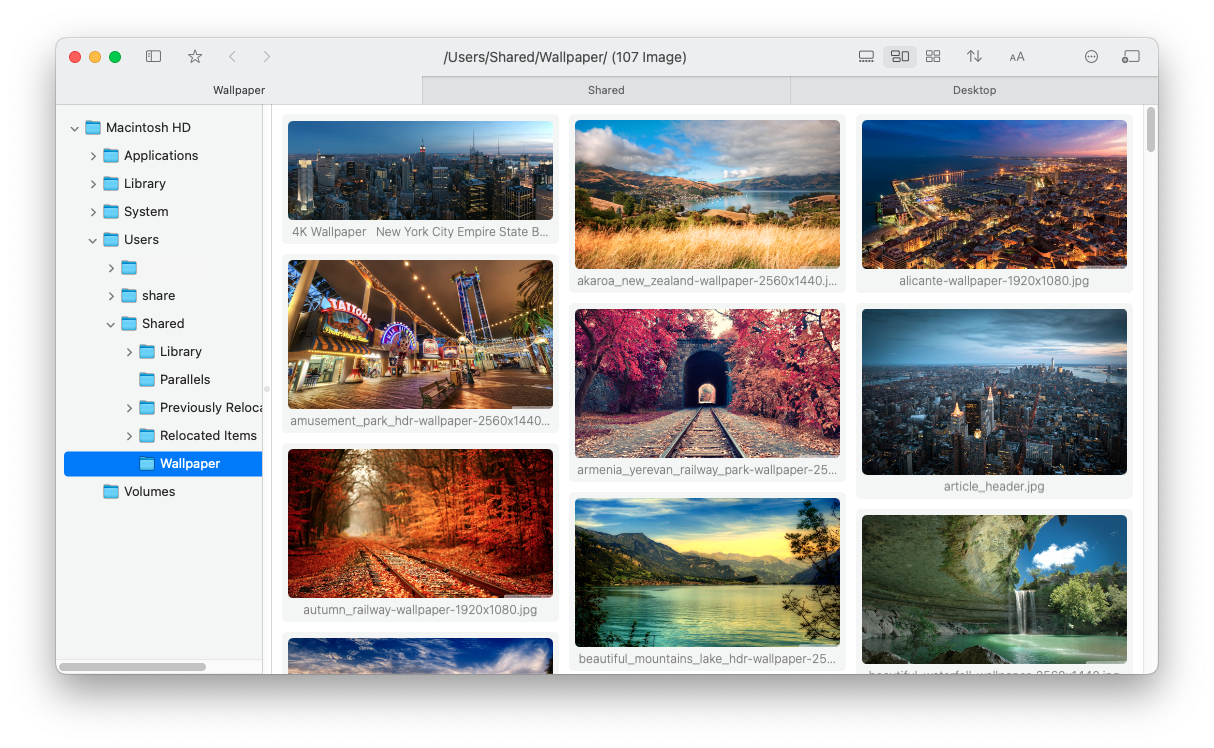
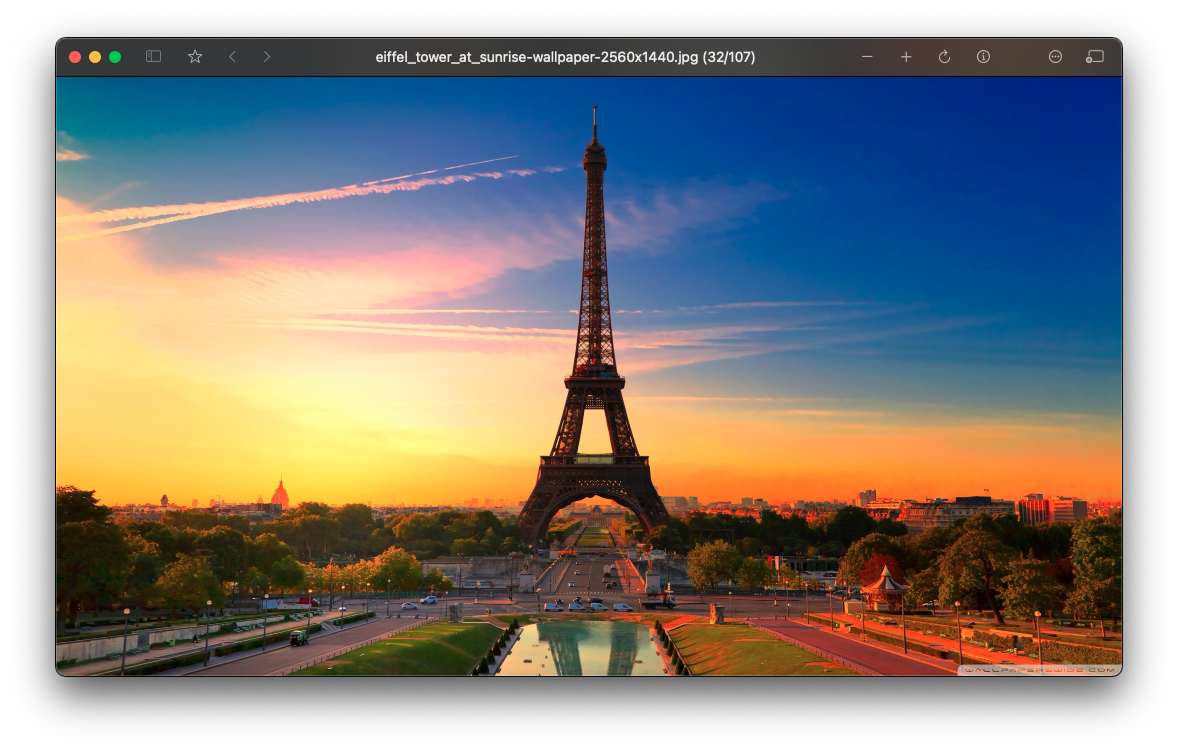


How to install FlowVision on a Mac
- Get OpenDMG. It is a free app store for open source Mac apps. Download OpenDMG.
- Search for FlowVision and press Get. OpenDMG downloads version 1.7.6 from netdcy's own GitHub release.
- Open it. The download is checked against its SHA-256 fingerprint and its signature is checked on your Mac before it lands in Applications.
Updates to FlowVision show up in OpenDMG and install with one button. No account is needed.
Prefer to do it by hand? The developer's file is on GitHub: FlowVision.1.7.6.zip (20 MB).
What is new in FlowVision 1.7.6
## Bug Fixes
- Fixed an issue where the favorites panel failed to pop up in full-screen mode.
- Fixed a crash that could occur when generating thumbnails for certain vector graphics.

## Note
- Two compiled versions are provided. The default version without a suffix is the Xcode 16 version; the version marked Xcode 26 will have a Liquid Glass–style toolbar on macOS 26.

## Bug 修复
- 修复全屏时无法弹出收藏夹的问题
- 修复生成部分矢量图的缩略图时可能闪退的问题

## 说明
- 提供两种编译版本。默认不带后缀的是Xcode16版本;标注了Xcode26的版本在macOS 26下会具有液态玻璃风格工具栏。
More System Tools apps
-
 PearcleanerApp Cleaner and Uninstaller Tool
-
 OpenInTerminalFinder toolbar tool for opening the current folder in a terminal
-
 PureMacFree open-source system cleaner with privacy protection
-
 DockDoorWindow peeking for macOS
-
 LatestApp update checker that notifies you of available updates for installed applications
-
 DorsoPosture reminder that progressively blurs your screen when you slouch