

FinderRight for Mac
Add new-file, terminal, path-copy, and cut/paste actions to Finder's context menu.
By funny-dog. Free and open source, MIT licence.
FinderRight at a glance
- Version
- 1.5.4
- Released
- 11 October 2026
- Download size
- 2.3 MB
- Works on
- Apple silicon and Intel
- Licence
- MIT
- Category
- System Tools
- Developer
- funny-dog
- GitHub stars
- 15
About FinderRight
增强 macOS Finder 右键菜单的轻量工具 · Supercharge the macOS Finder right-click menu
Screenshots
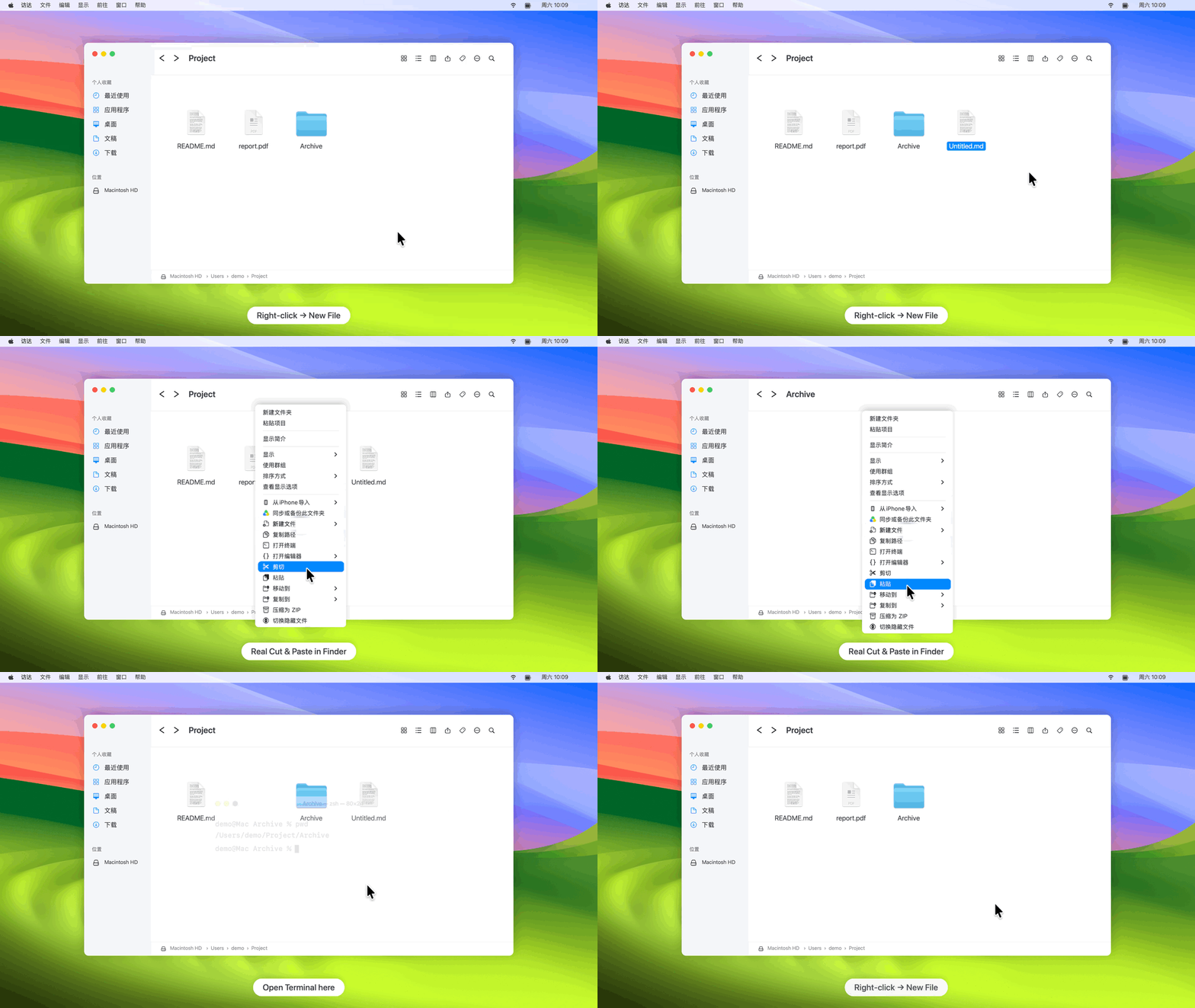
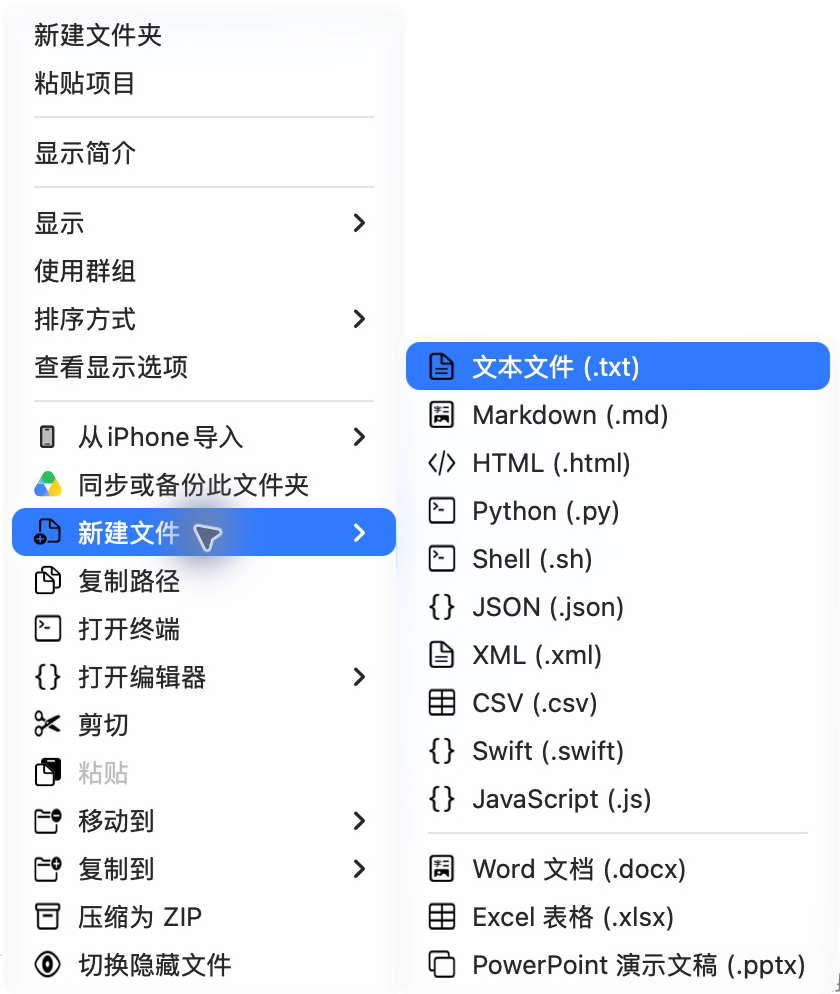
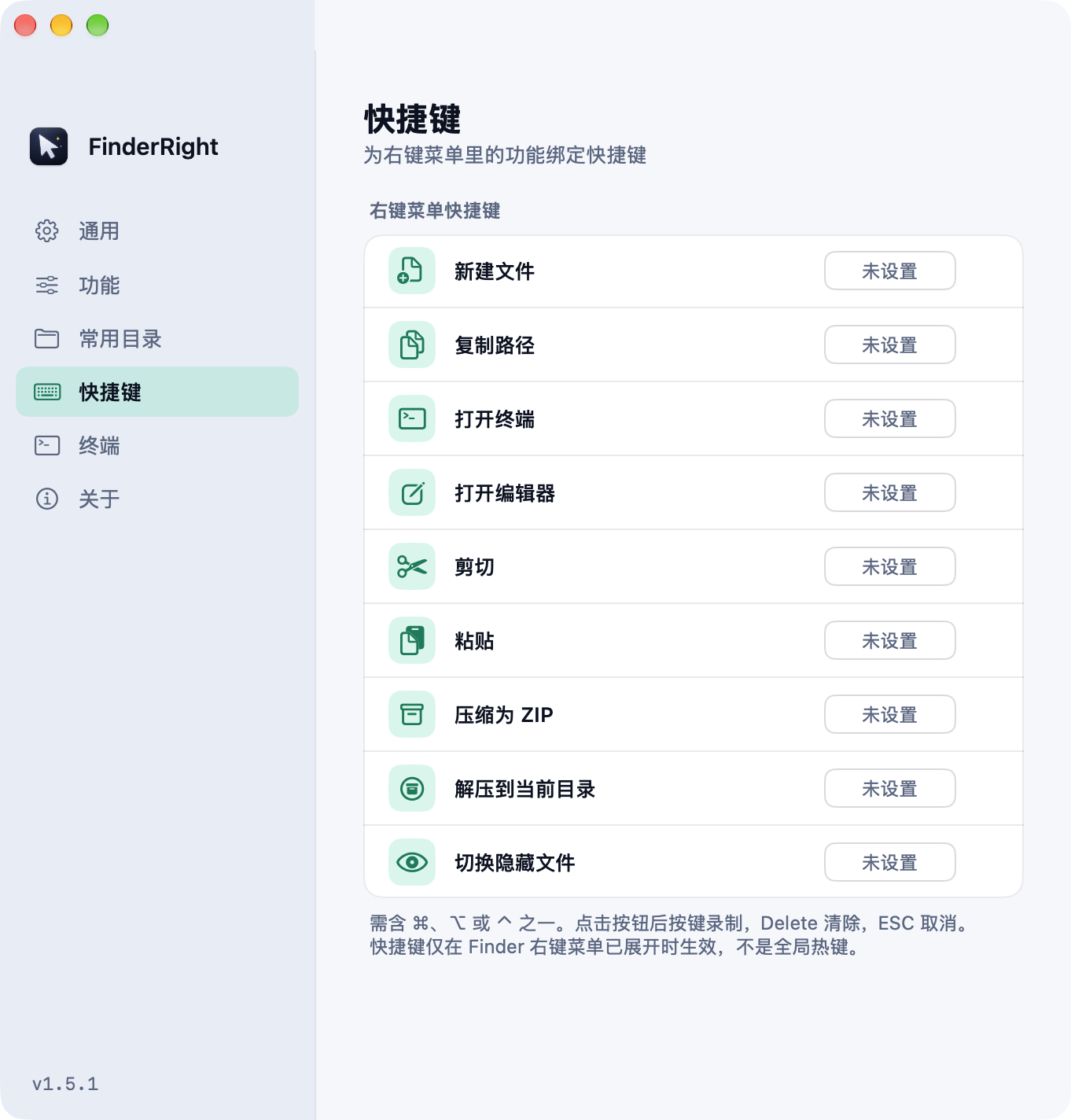
How to install FinderRight on a Mac
- Get OpenDMG. It is a free app store for open source Mac apps. Download OpenDMG.
- Search for FinderRight and press Get. OpenDMG downloads version 1.5.4 from funny-dog's own GitHub release.
- Open it. The download is checked against its SHA-256 fingerprint and its signature is checked on your Mac before it lands in Applications.
Updates to FinderRight show up in OpenDMG and install with one button. No account is needed.
Prefer to do it by hand? The developer's file is on GitHub: FinderRight.dmg (2.3 MB).
What is new in FinderRight 1.5.4
### 问题修复
- **云盘文件夹中剪切无效**:在 Google Drive、iCloud Drive 等云盘文件夹里通过右键「服务」菜单剪切文件时,剪切请求会被直接忽略,导致之后无法粘贴。现在会弹出确认框列出待剪切的文件,确认后即可在目标文件夹粘贴。
- **剪切有反馈**:云盘文件夹受系统限制无法显示剪切角标,确认框会告诉你剪切了哪些文件;剪切功能已关闭或剪切失败时也会弹窗说明,不再点击后没有反应。

### 升级提示
从 1.3.0 及以后版本升级无需重新授权。覆盖安装或自动更新后,请执行 `killall Finder` 让访达加载新版扩展。
More System Tools apps
-
 PearcleanerApp Cleaner and Uninstaller Tool
-
 PureMacFree open-source system cleaner with privacy protection
-
 OpenInTerminalFinder toolbar tool for opening the current folder in a terminal
-
 DockDoorWindow peeking for macOS
-
 LatestApp update checker that notifies you of available updates for installed applications
-
 DorsoPosture reminder that progressively blurs your screen when you slouch