
EnviousWispr for Mac
Sub-second on-device AI dictation with dual speech engines and optional AI polish via local or cloud models.
By saurabhav88. Free and open source, GPL-3.0 licence.
EnviousWispr at a glance
- Version
- 2.6.1
- Released
- 20 November 2026
- Download size
- 246 MB
- Works on
- Apple silicon and Intel
- Licence
- GPL-3.0
- Category
- Audio and Music
- Developer
- saurabhav88
- GitHub stars
- 229
About EnviousWispr
Free, on-device AI dictation and meeting notes for macOS. Sub-second dictation with Parakeet and Whisper on Apple Silicon, plus optional AI polish. EnviousMeet (Beta): record calls with no bot, get who-said-what transcripts and AI summaries on your Mac. No account, no subscription, open source. Your audio never leaves your Mac.
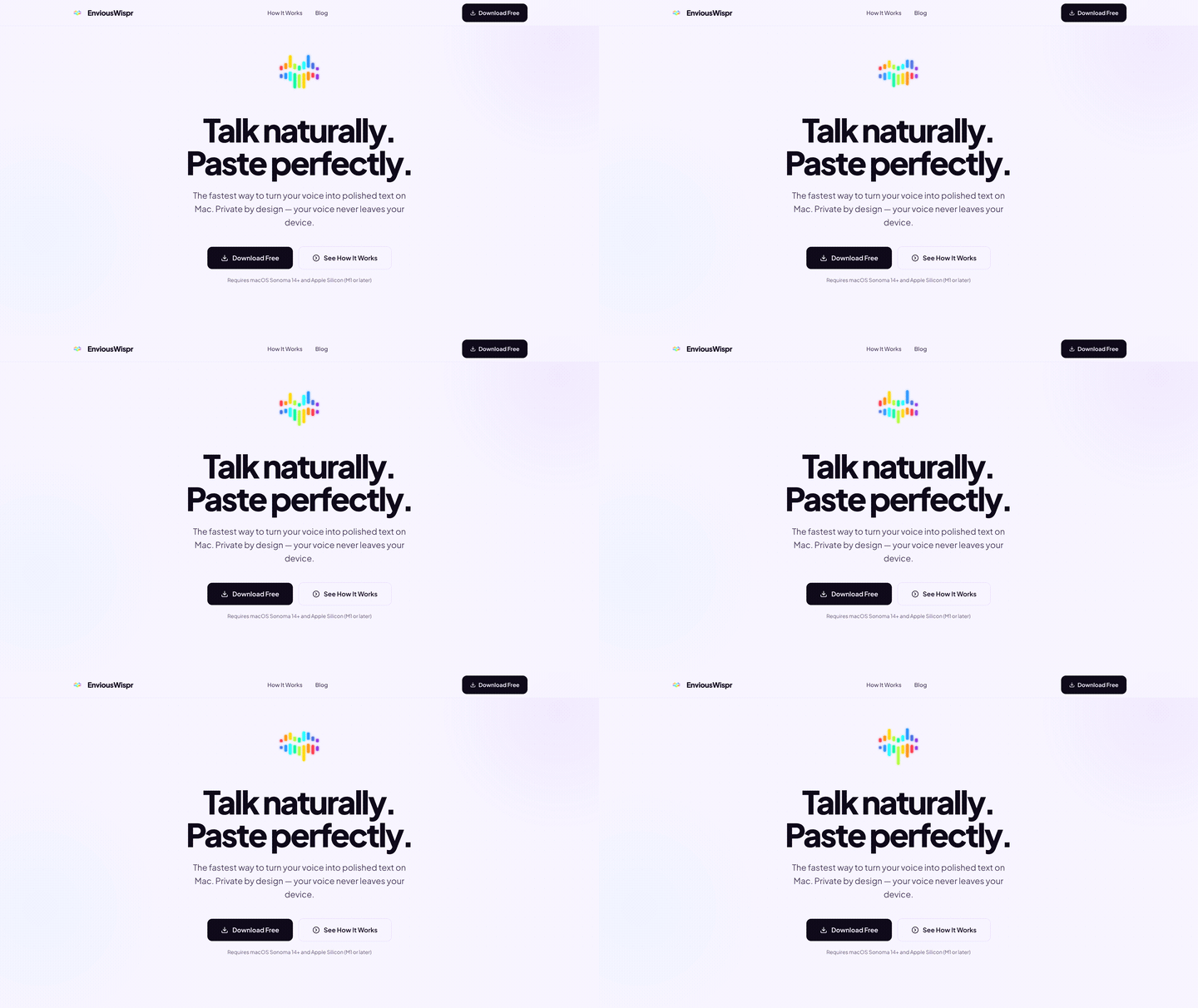
Screenshots
How to install EnviousWispr on a Mac
- Get OpenDMG. It is a free app store for open source Mac apps. Download OpenDMG.
- Search for EnviousWispr and press Get. OpenDMG downloads version 2.6.1 from saurabhav88's own GitHub release.
- Open it. The download is checked against its SHA-256 fingerprint and its signature is checked on your Mac before it lands in Applications.
Updates to EnviousWispr show up in OpenDMG and install with one button. No account is needed.
Prefer to do it by hand? The developer's file is on GitHub: EnviousWispr.dmg (246 MB).
What is new in EnviousWispr 2.6.1
## What's new in v2.6.1

### Redesigned History and dictation playback (#3147, #4586, #4611, #4703)

- **Three-tab diary:** History is rebuilt on a rebuildable local SQLite catalog with three tabs (Dictations, Transcripts, Meetings), grouped by day with 30-item paging, per-tab search, date filters, tab-specific filters, and `Select` to act on matching entries (`Delete all history` still clears every tab).
- **Dictation recordings (#4546):** With `Save dictation recordings` on, new eligible saved dictations keep a compressed audio recording on your Mac (AAC, 16 kHz mono, ~32 kbps, about 15 MB per hour) so you can play it back right from the dictation card with a voice waveform scrubber. Failed, cancelled, and Escape Recovery takes do not save audio, and recordings never leave your Mac.
…
More Audio and Music apps
-
 MonitorControlAdjust external monitor settings
-
 FluidVoiceVoice-to-text app with AI enhancement
-
 VoiceInkReal-time speech-to-text app
-
 eqMacSystem-wide audio equalizer and volume mixer
-
 LyricsXDisplay lyrics for iTunes/Spotify
-
 FreeFlowPush-to-talk speech-to-text tool that inserts polished transcripts into any app