

Enso for Mac
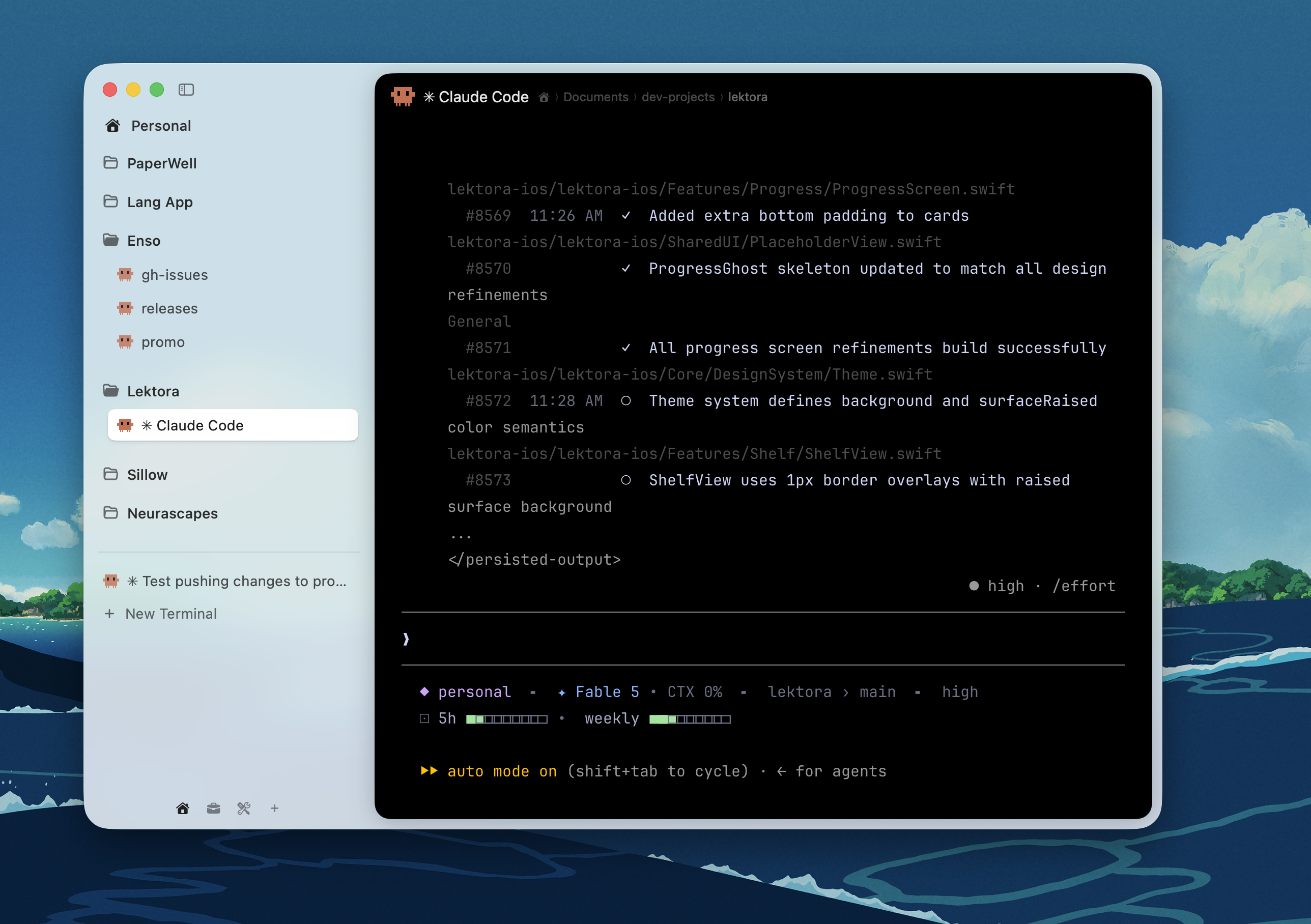
Smart terminal with organized tabs, workspaces, and command palette, GPU-accelerated and great for AI coding agents.
By amanfromsolan. Free and open source, GPL-3.0 licence.
Enso at a glance
- Version
- 0.11.2
- Released
- 2 September 2026
- Download size
- 13 MB
- Works on
- Apple silicon and Intel
- Licence
- GPL-3.0
- Category
- Developer Tools
- Developer
- amanfromsolan
- GitHub stars
- 37
About Enso
A friendly, native macOS terminal with workspaces, a command palette, and live process icons, built on libghostty and SwiftUI.
Screenshots
How to install Enso on a Mac
- Get OpenDMG. It is a free app store for open source Mac apps. Download OpenDMG.
- Search for Enso and press Get. OpenDMG downloads version 0.11.2 from amanfromsolan's own GitHub release.
- Open it. The download is checked against its SHA-256 fingerprint and its signature is checked on your Mac before it lands in Applications.
Updates to Enso show up in OpenDMG and install with one button. No account is needed.
Prefer to do it by hand? The developer's file is on GitHub: Enso-0.11.2.dmg (13 MB).
What is new in Enso 0.11.2
## New
- You can now drag to re-arrange spaces
- Double clicking a split border resets the split screen to its original ratio

Both suggested by Mike Rockett ([@mikerockett](https://github.com/mikerockett)). Thanks, Mike!

## Fixed
- Enso would expand all your folders on restart. Pretty silly. We told him not to do it.
- The sidebar now only opens when your pointer is on the left edge, not whenever it drifts nearby. Pointed out by [@eznix86](https://github.com/eznix86)
- In full screen the sidebar icon would linger. Now it hides with the sidebar as nature intended.
- Pressing Esc to close the command bar in full screen no longer kicks you out of full screen. Thanks to [@eznix86](https://github.com/eznix86) for the report.

Thank you for using Enso as your terminal!
More Developer Tools apps
-
 UTMVirtual machines for iOS and macOS
-
 vphone-cliCLI to boot a virtual iPhone (iOS 26) with Apple Virtualization.framework and PCC…
-
 VirtualBuddyVirtual machine manager for running recent macOS versions on Apple Silicon
-
 WWDCUnofficial WWDC app for macOS
-
 Xcodes.appThe easiest way to install and switch between multiple versions of Xcode
-
 Postgres.appThe easiest way to get started with PostgreSQL on the Mac