

Dusty for Mac
Menu bar cleaner that frees disk space and memory, showing everything before it goes.
By yagcioglutoprak. Free and open source, MIT licence.
Dusty at a glance
- Version
- 2.1.0
- Released
- 26 September 2026
- Download size
- 5.2 MB
- Works on
- Apple silicon and Intel
- Licence
- MIT
- Category
- System Tools
- Developer
- yagcioglutoprak
- GitHub stars
- 80
About Dusty
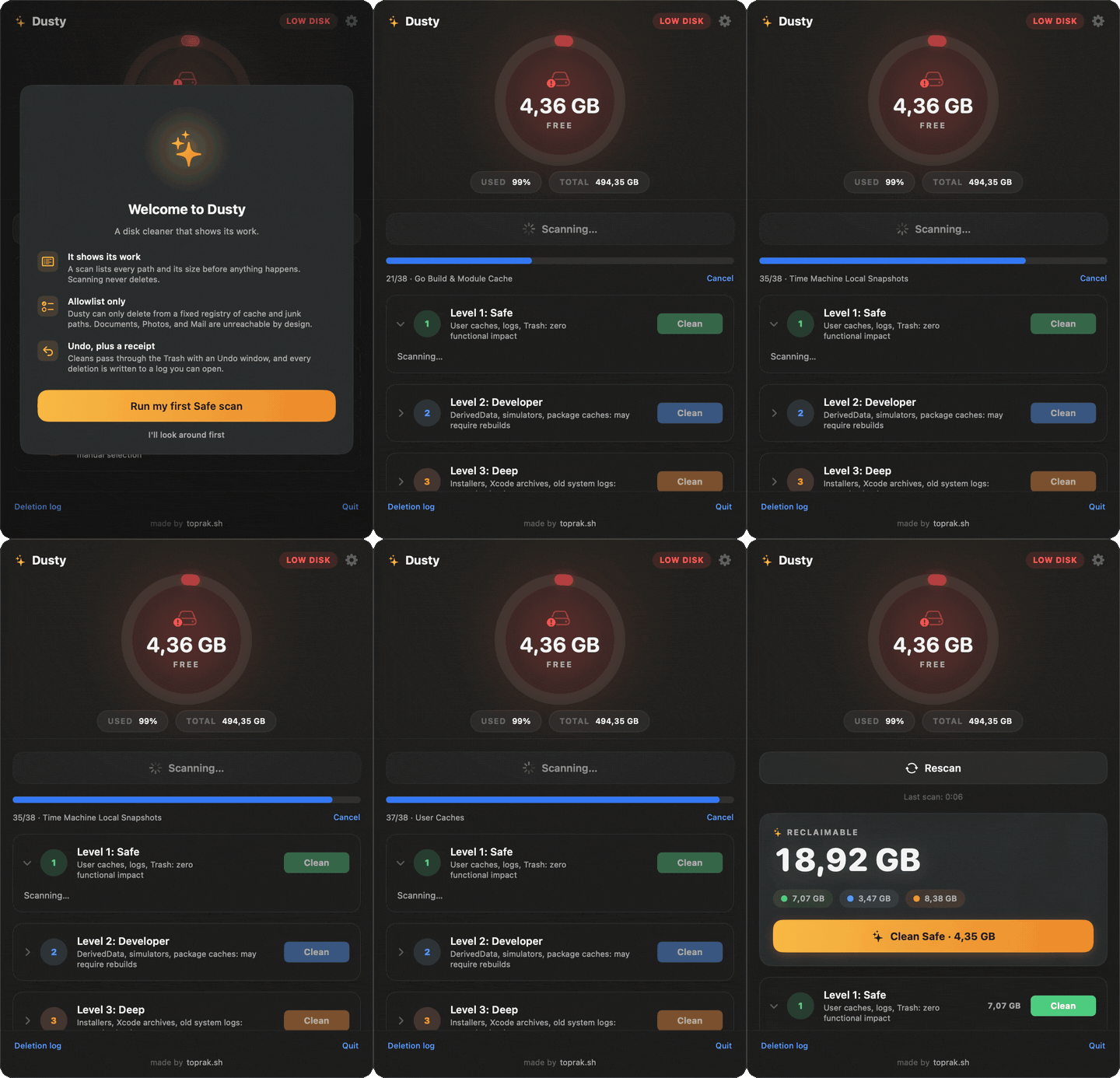
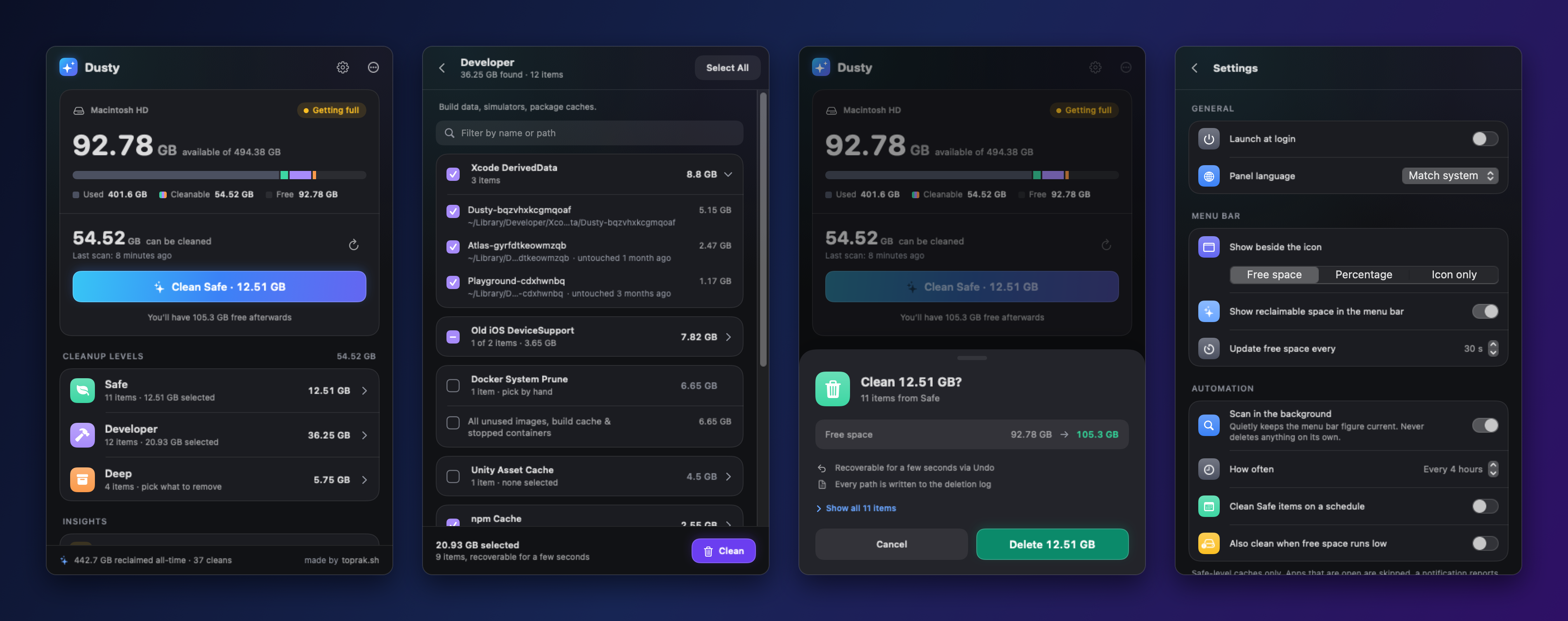
Free, open-source CleanMyMac alternative for macOS. Preview disk cleanup by path and size, inspect memory by app, and quit idle apps after review. Menu bar app, CLI, Homebrew. No account or telemetry.
Screenshots
How to install Dusty on a Mac
- Get OpenDMG. It is a free app store for open source Mac apps. Download OpenDMG.
- Search for Dusty and press Get. OpenDMG downloads version 2.1.0 from yagcioglutoprak's own GitHub release.
- Open it. The download is checked against its SHA-256 fingerprint and its signature is checked on your Mac before it lands in Applications.
Updates to Dusty show up in OpenDMG and install with one button. No account is needed.
Prefer to do it by hand? The developer's file is on GitHub: Dusty-2.1.0.dmg (5.2 MB).
What is new in Dusty 2.1.0
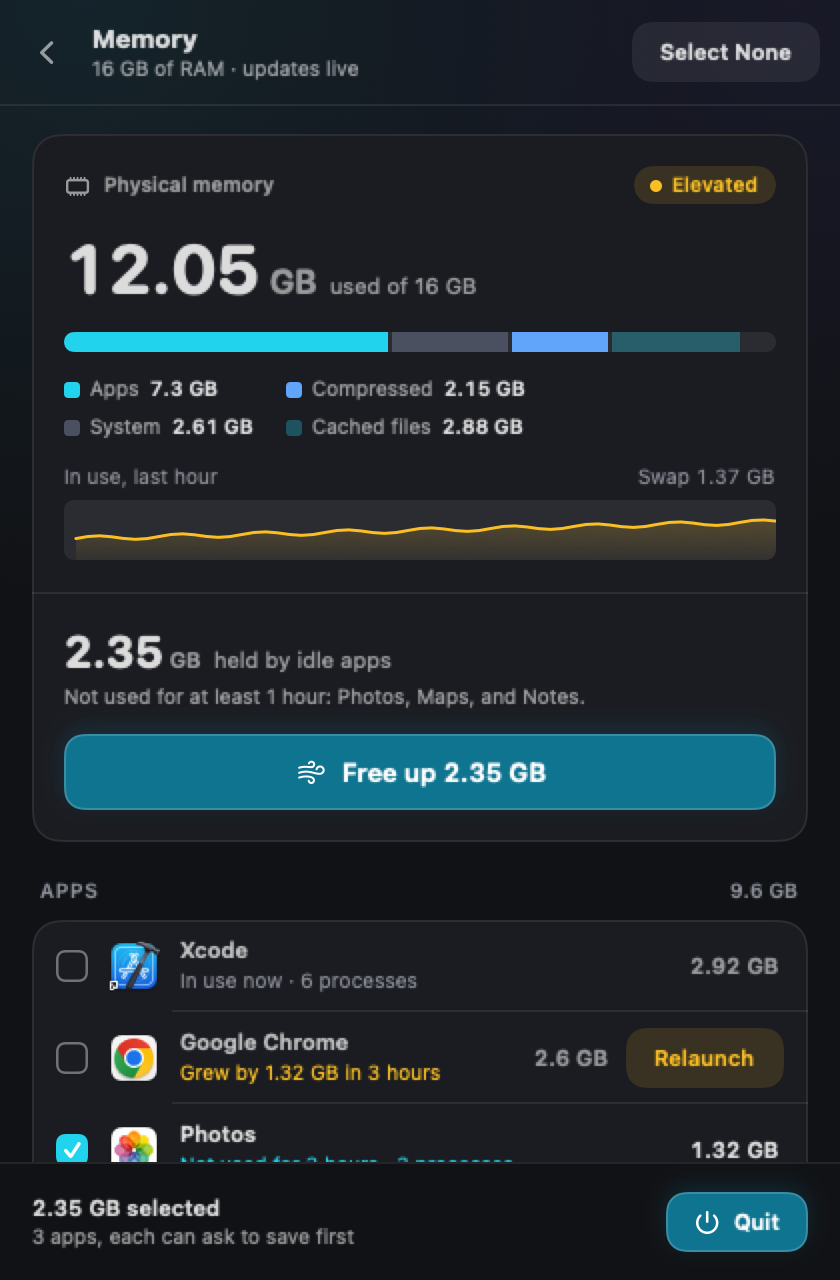
Dusty now frees memory too. Not with a "boost RAM" button that runs `purge` as root, but the way that actually gives memory back: by showing which apps are holding it and quitting the ones you are not using, after you say so.

**A Memory screen**

- **The real picture.** Memory in use, split the way Activity Monitor splits it (apps, system, compressed, cached files), swap, the last hour as a graph, and memory pressure, the one figure that says whether your Mac actually needs more.
- **Apps, not processes.** Every app's total counts all the processes working for it: Chrome's helpers, Safari's web pages, the tools a terminal started. That is exactly what quitting the app gives back.
- **Idle apps, already ticked.** Big apps you have not used for an hour are suggested. Dusty knows when you last used each app because it notices when you switch. Terminals, virtual machines, calls, and anything playing or recording sound are never suggested.
- **Free up, with a way back.** One tap quits the suggested apps after a confirmation that lists every app and its memory. They quit the way ⌘Q quits them, so anything with unsaved work asks first. For a few seconds afterwards, **Reopen** (or ⌘Z) brings them all back.
…
More System Tools apps
-
 PearcleanerApp Cleaner and Uninstaller Tool
-
 OpenInTerminalFinder toolbar tool for opening the current folder in a terminal
-
 PureMacFree open-source system cleaner with privacy protection
-
 DockDoorWindow peeking for macOS
-
 LatestApp update checker that notifies you of available updates for installed applications
-
 DorsoPosture reminder that progressively blurs your screen when you slouch