
Drama Studio for Mac
Runs the Drama 3 text-to-speech model locally on Apple silicon.
By maralski. Free and open source, Apache-2.0 licence.
Drama Studio at a glance
- Version
- 3.0.0
- Released
- 12 November 2026
- Download size
- 866 MB
- Works on
- Apple silicon and Intel
- Licence
- Apache-2.0
- Category
- Audio and Music
- Developer
- maralski
- GitHub stars
- 5
About Drama Studio
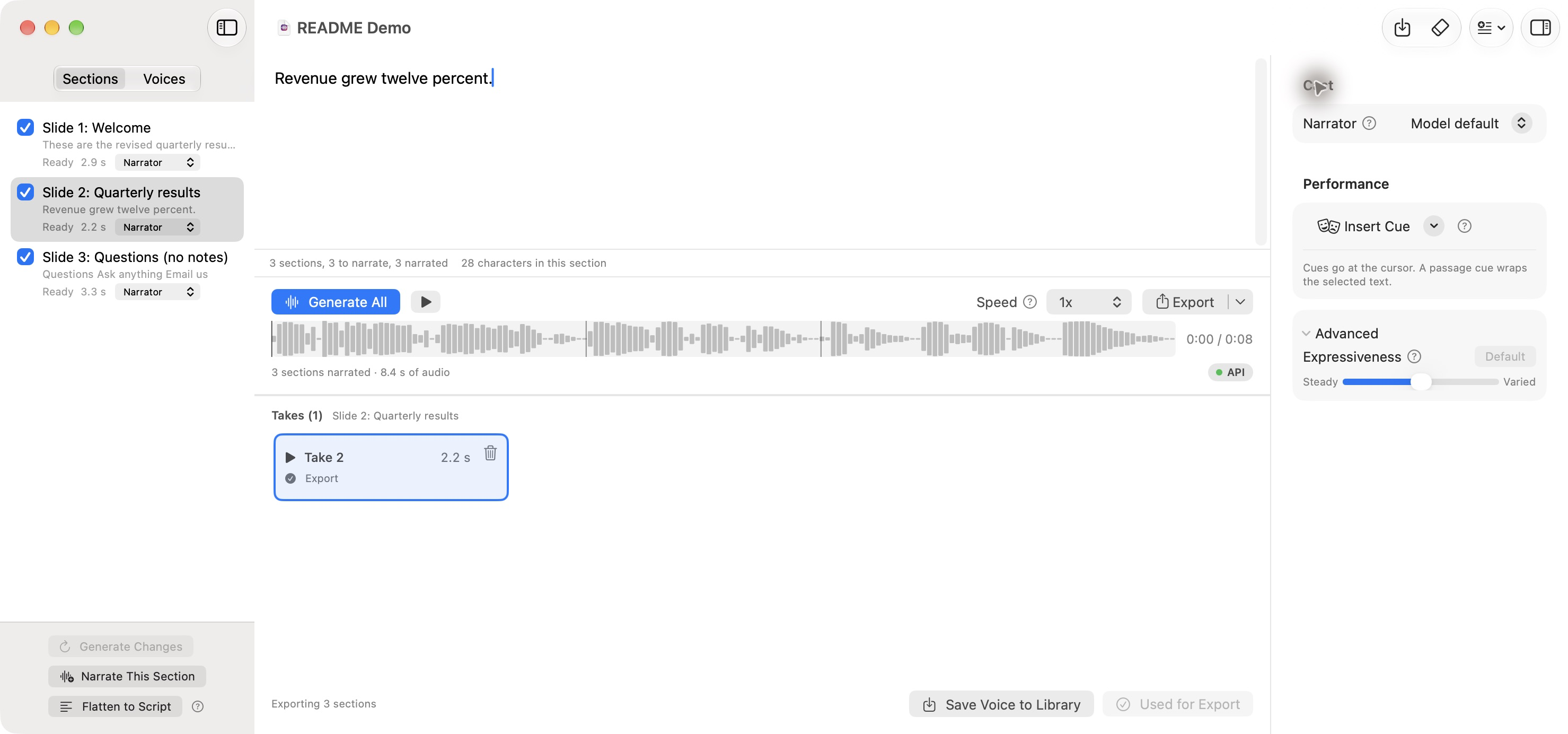
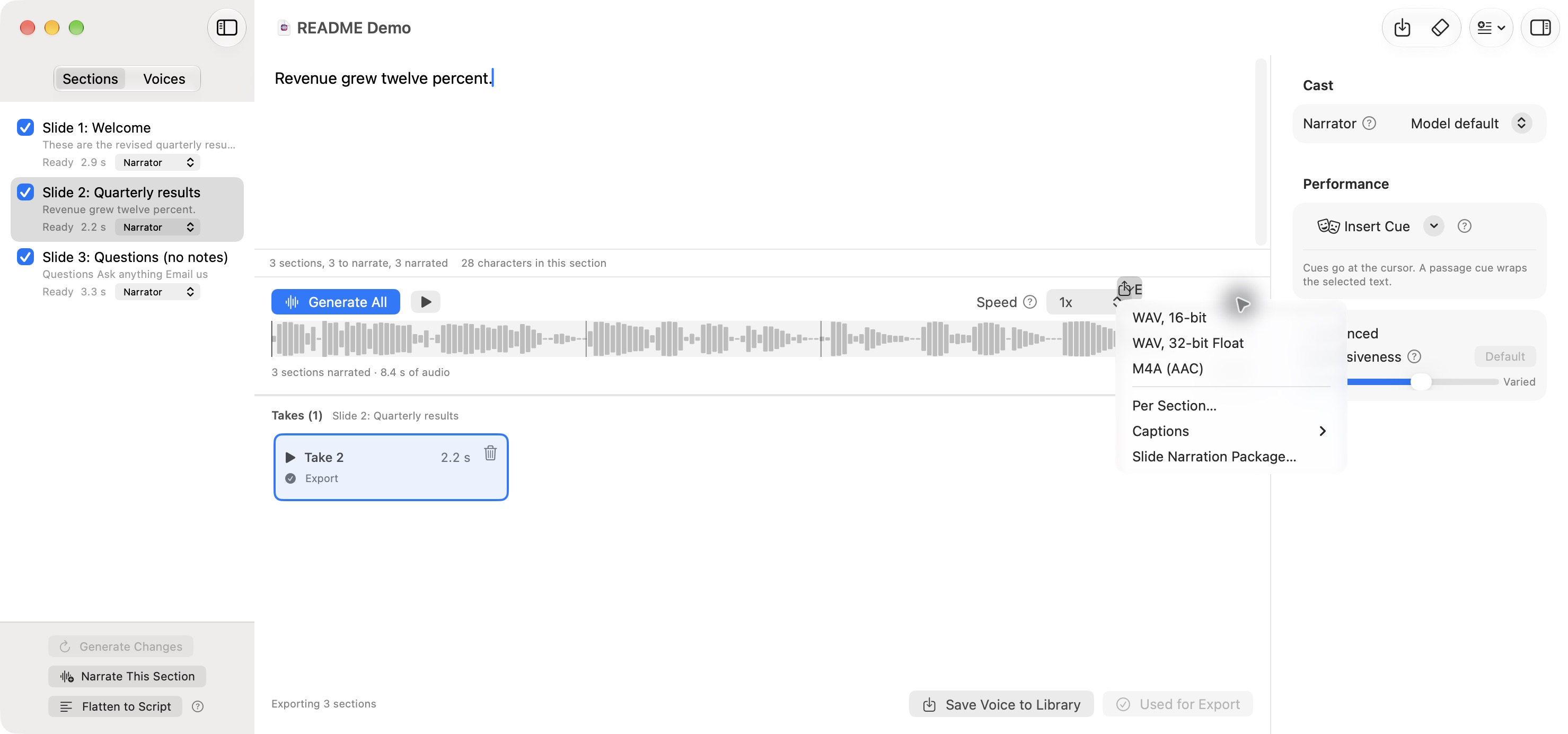
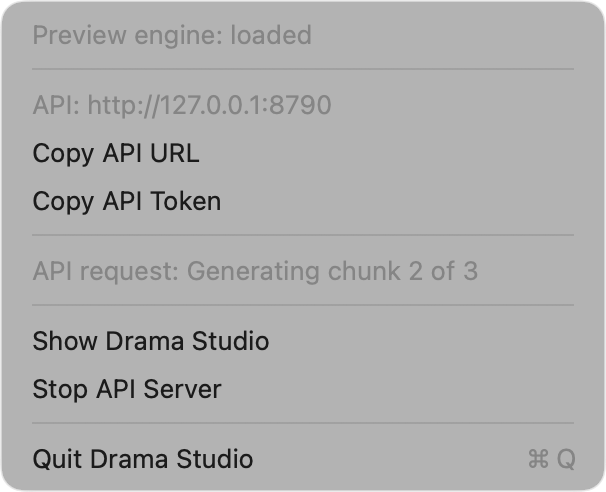
Drama Studio text-to-speech on Apple silicon: a native macOS app with optimized Metal kernels, an HTTP API and an MCP server
Screenshots
How to install Drama Studio on a Mac
- Get OpenDMG. It is a free app store for open source Mac apps. Download OpenDMG.
- Search for Drama Studio and press Get. OpenDMG downloads version 3.0.0 from maralski's own GitHub release.
- Open it. The download is checked against its SHA-256 fingerprint and its signature is checked on your Mac before it lands in Applications.
Updates to Drama Studio show up in OpenDMG and install with one button. No account is needed.
Prefer to do it by hand? The developer's file is on GitHub: DramaStudio-3.0.0.dmg (866 MB).
What is new in Drama Studio 3.0.0
## Changes in 3.0.0

Drama Studio now has a second speech engine, Ming, for Macs with less memory than Drama 3 needs. Ming is inclusionAI's Ming-3.0-tts-0.5B, a 3.0 GB download against Drama 3's 41.5 GB.

- Setup starts by asking which engine to install. It recommends Ming on a Mac with less than 64 GB of memory and Drama 3 otherwise. You can add the other engine later in Settings > General. An existing install keeps Drama 3 and sees no new step.
- The Inspector's Engine picker and the Speech menu switch engines. Only one engine is in memory at a time, and a retake runs on the engine that made its take.
- Ming has 241 built-in voices. Choose one under Cast with "Choose a Built-in Voice…", or by name through the API, `drama-say -v` and the MCP tools, for example `UK_George`.
- Ming performs fewer cues than Drama 3. Drama Studio maps the common ones, leaves out the rest, and says so in a notice such as "Ming can't perform [shouting], so it was left out."
- Scripts in other languages no longer need Apple's speech model for that language. When this Mac lacks it, the bundled Whisper model checks the words alone and the take carries a notice. Every speech route, `drama-say -l` and the MCP tools take a `language` code.
- The take grid shows whole rows only and scrolling rests on a row. Drag its top edge up to show more rows.
…
More Audio and Music apps
-
 MonitorControlAdjust external monitor settings
-
 FluidVoiceVoice-to-text app with AI enhancement
-
 VoiceInkReal-time speech-to-text app
-
 eqMacSystem-wide audio equalizer and volume mixer
-
 LyricsXDisplay lyrics for iTunes/Spotify
-
 FreeFlowPush-to-talk speech-to-text tool that inserts polished transcripts into any app