
DisplayMode Menu for Mac
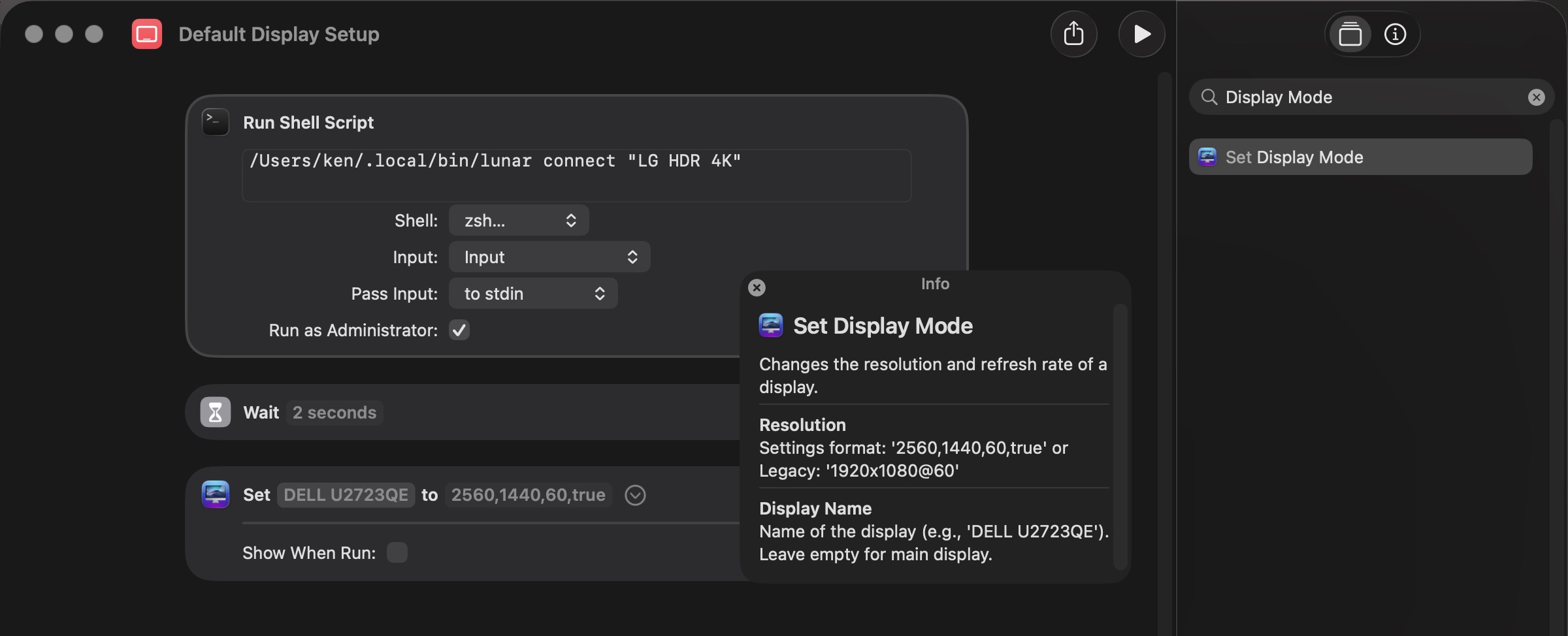
Quickly switch display resolutions with Shortcuts integration.
By peaz. Free and open source, Apache-2.0 licence.
DisplayMode Menu at a glance
- Version
- 0.2.2
- Released
- 13 March 2026
- Download size
- 2.2 MB
- Works on
- Apple silicon and Intel
- Licence
- Apache-2.0
- Category
- System Tools
- Developer
- peaz
- GitHub stars
- 15
About DisplayMode Menu
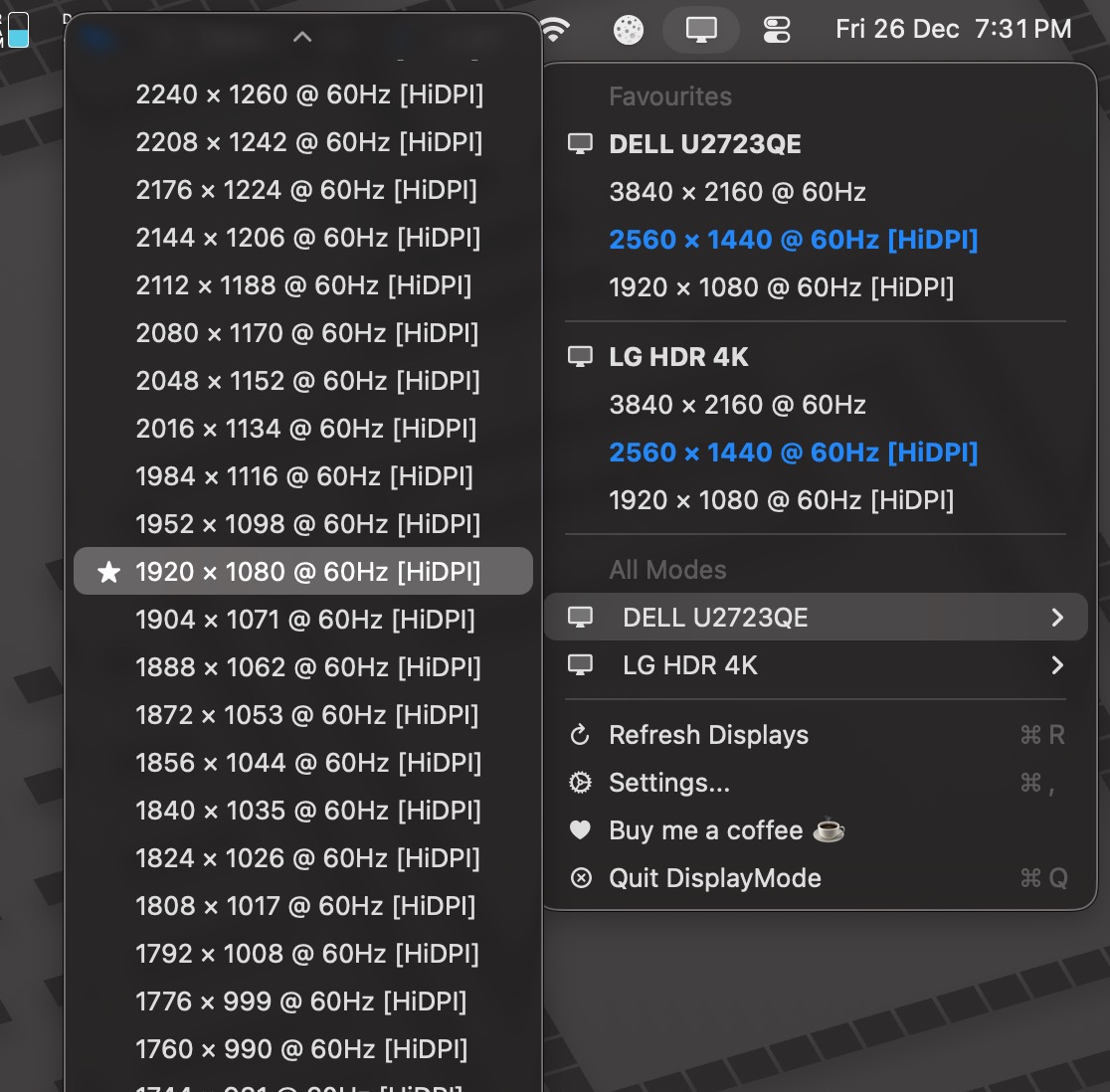
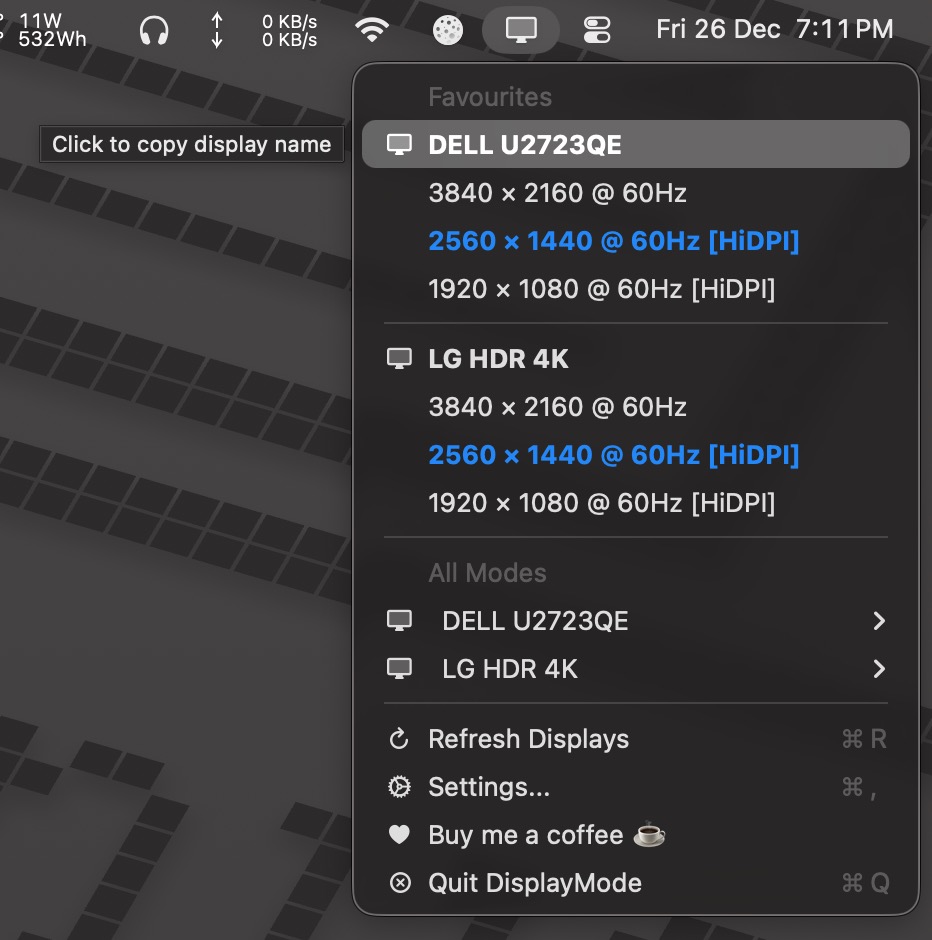
A lightweight macOS menu bar app for switching display resolutions, with Shortcuts integration. Requires macOS 13+ (Ventura or later).
Screenshots
How to install DisplayMode Menu on a Mac
- Get OpenDMG. It is a free app store for open source Mac apps. Download OpenDMG.
- Search for DisplayMode Menu and press Get. OpenDMG downloads version 0.2.2 from peaz's own GitHub release.
- Open it. The download is checked against its SHA-256 fingerprint and its signature is checked on your Mac before it lands in Applications.
Updates to DisplayMode Menu show up in OpenDMG and install with one button. No account is needed.
Prefer to do it by hand? The developer's file is on GitHub: DisplayModeMenu-v0.2.2.zip (2.2 MB).
What is new in DisplayMode Menu 0.2.2
## [0.2.2] - 2026-03-13

### Fixed
- CG display reconfiguration callback now properly unregistered on `stopObserving()` using a stable function pointer, preventing callback accumulation on repeated start/stop cycles
- Replaced unsafe unretained context pointer in CG callback with retained ownership; observer is kept alive for the full registration lifetime and released on successful removal, eliminating potential use-after-free crash
- Menu now refreshes in-place on open so display mode changes are reflected on the first click rather than requiring a second click
- Notification for clipboard copy now checks and requests user authorization before delivery; silently skips on denial instead of posting with no effect
- Removed dead `isMenuOpen` state variable that was written but never read
More System Tools apps
-
 PearcleanerApp Cleaner and Uninstaller Tool
-
 OpenInTerminalFinder toolbar tool for opening the current folder in a terminal
-
 PureMacFree open-source system cleaner with privacy protection
-
 DockDoorWindow peeking for macOS
-
 LatestApp update checker that notifies you of available updates for installed applications
-
 DorsoPosture reminder that progressively blurs your screen when you slouch