

DiskWise for Mac
Open-source disk cleaner whose only deletion path is the Trash, with per-session undo and a cache knowledge base that explains what each entry is and what removing it does.
By DreamOfXM. Free and open source, Apache-2.0 licence.
DiskWise at a glance
- Version
- 1.7
- Released
- 2 October 2026
- Download size
- 5.3 MB
- Works on
- Apple silicon and Intel
- Licence
- Apache-2.0
- Category
- System Tools
- Developer
- DreamOfXM
- GitHub stars
- 21
About DiskWise
Free, open-source CleanMyMac alternative for macOS. Native SwiftUI disk cleaner for app caches, node_modules, Xcode DerivedData and Docker usage - nothing is ever really deleted: it all goes to the Trash and stays undoable. No telemetry, no daemon, no subscription.
Screenshots
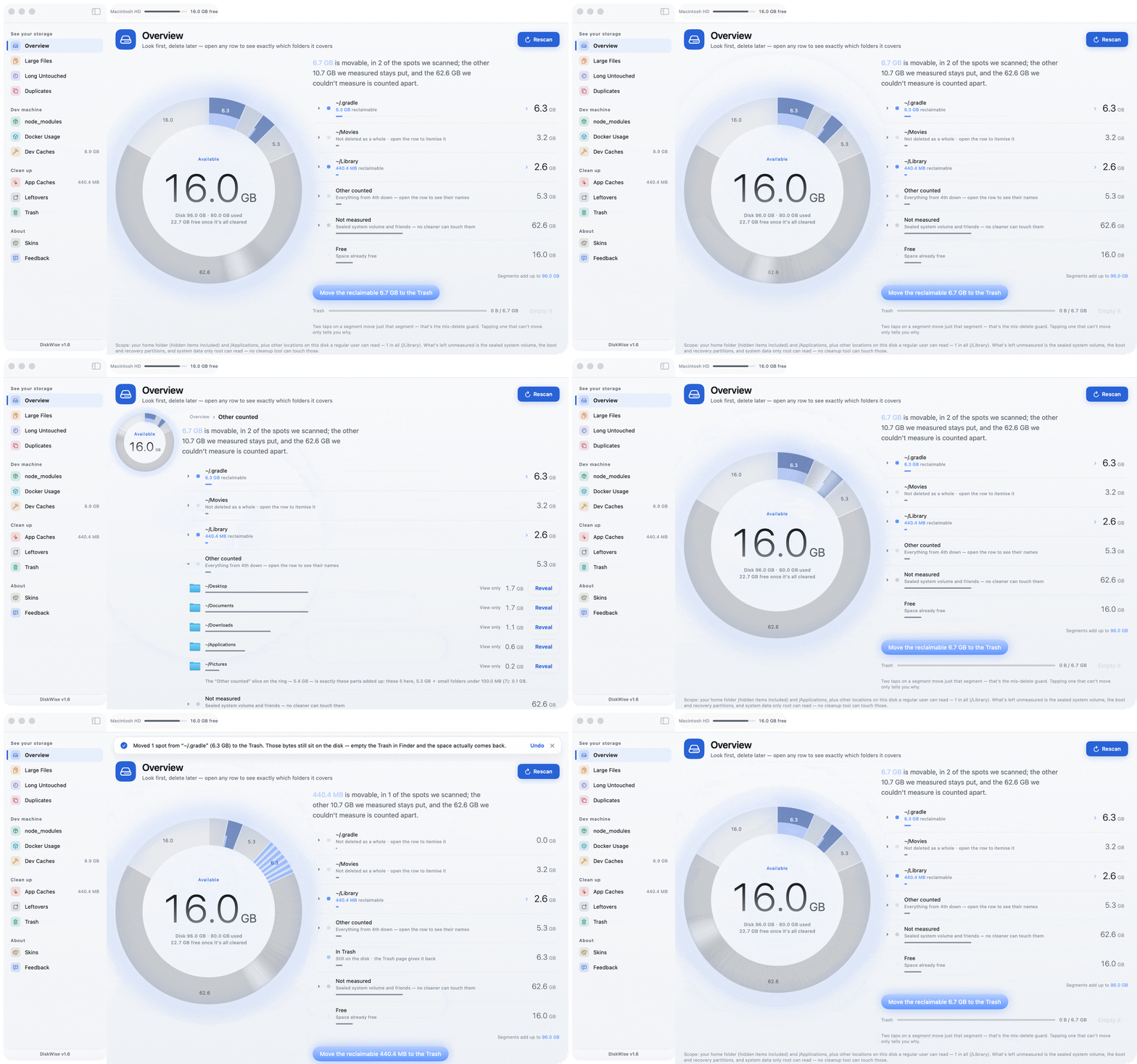
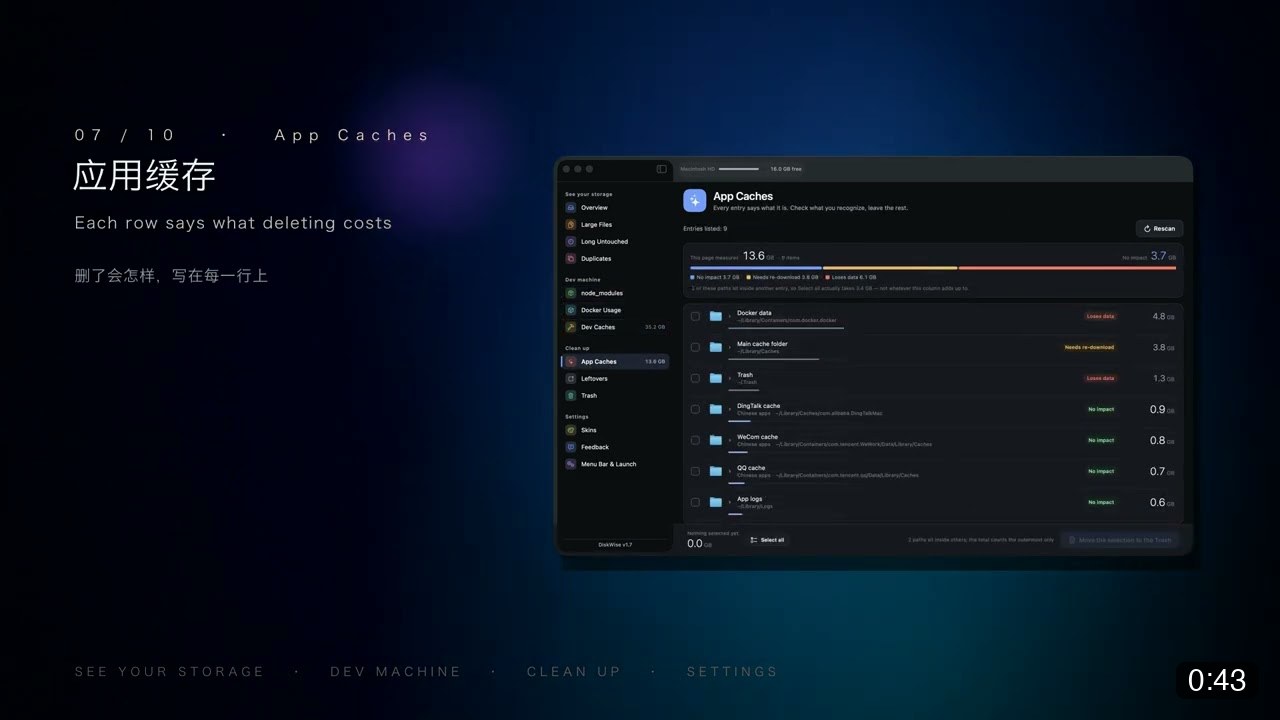
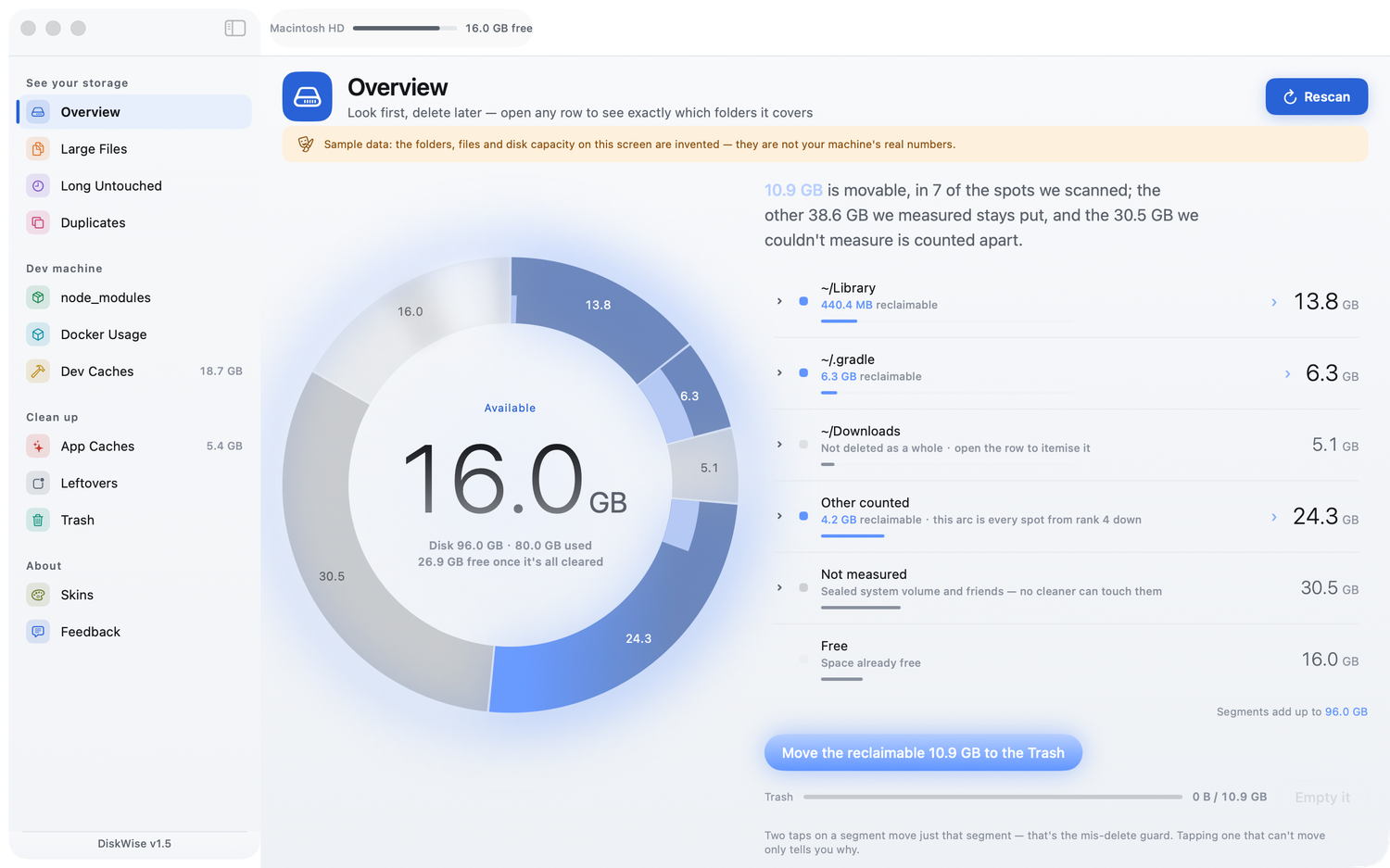
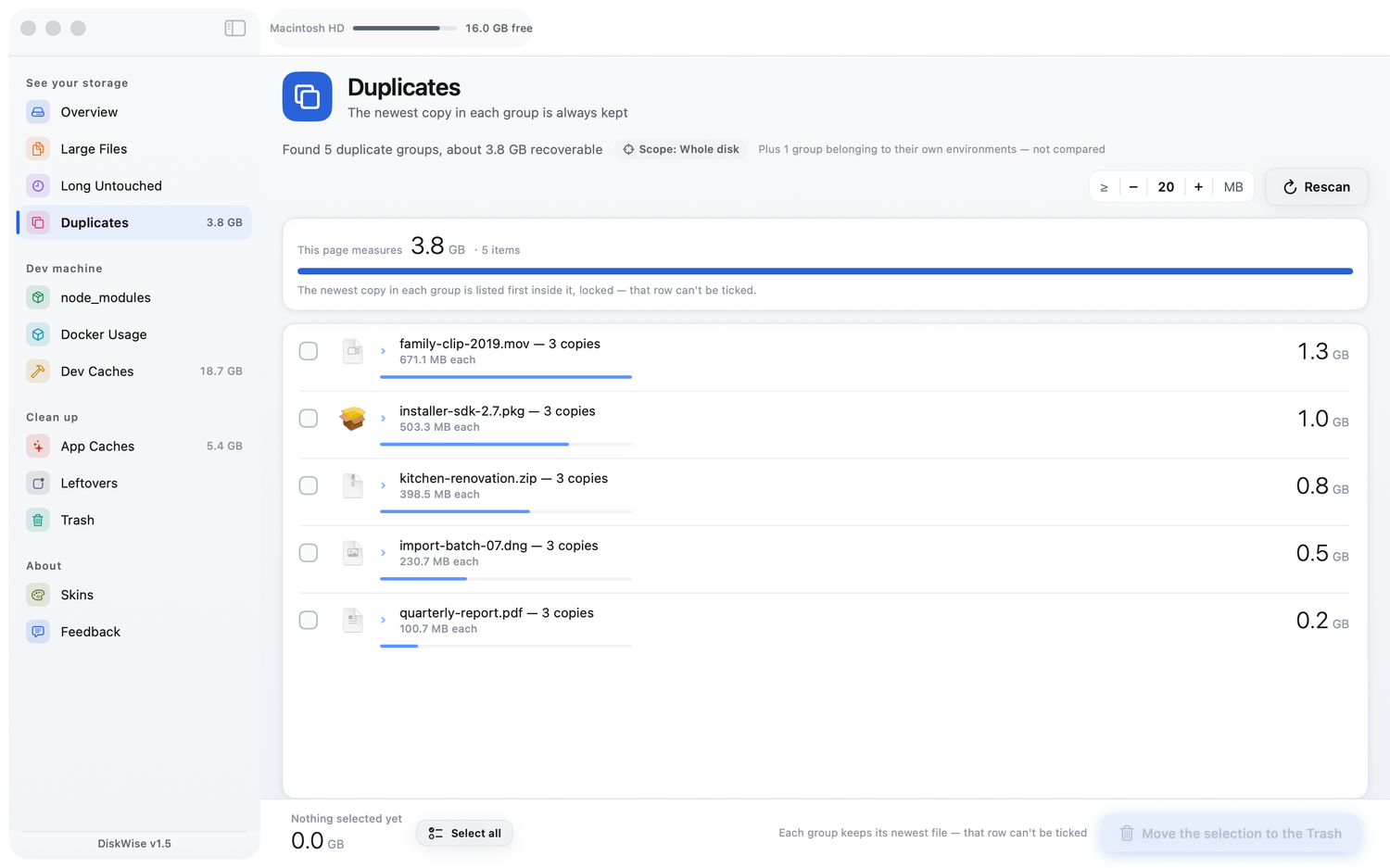
How to install DiskWise on a Mac
- Get OpenDMG. It is a free app store for open source Mac apps. Download OpenDMG.
- Search for DiskWise and press Get. OpenDMG downloads version 1.7 from DreamOfXM's own GitHub release.
- Open it. The download is checked against its SHA-256 fingerprint and its signature is checked on your Mac before it lands in Applications.
Updates to DiskWise show up in OpenDMG and install with one button. No account is needed.
Prefer to do it by hand? The developer's file is on GitHub: DiskWise-1.7-universal.dmg (5.3 MB).
What is new in DiskWise 1.7
**DiskWise 1.7** — the first build that is signed with a Developer ID certificate and notarized by Apple, so it opens on a double-click. No more "System Settings → Privacy → Open Anyway".

- **A folder drill page.** Large Files only ever showed a top list, and much of that list sits in system locations you can't delete, so "what is actually inside this folder" had nowhere to go. Enter any folder and each level lists its subfolders and files together, sorted by size on disk, one click to go deeper. You arrive from an overview ledger row, or from "Open containing folder" on the Large Files and Long Untouched pages.
- **Rows now say what the knowledge base knows about them.** A second badge and a second line: what the path is, what deleting it costs, and how it comes back. The footer accounts for the whole level — how many entries are known and safe, how many need a look first, how many aren't in the knowledge base at all. For `~/Library` that last number is 93 of 95, and not listed does not mean safe to delete.
…
More System Tools apps
-
 PearcleanerApp Cleaner and Uninstaller Tool
-
 OpenInTerminalFinder toolbar tool for opening the current folder in a terminal
-
 PureMacFree open-source system cleaner with privacy protection
-
 DockDoorWindow peeking for macOS
-
 LatestApp update checker that notifies you of available updates for installed applications
-
 DorsoPosture reminder that progressively blurs your screen when you slouch