

Depflush for Mac
Finds dev leftovers like Docker images, node_modules, and dumps, sized before trashing.
By cypriennkeneng. Free and open source, GPL-3.0 licence.
Depflush at a glance
- Version
- 1.3.1
- Released
- 4 October 2026
- Download size
- 1.1 MB
- Works on
- Apple silicon and Intel
- Licence
- GPL-3.0
- Category
- System Tools
- Developer
- cypriennkeneng
- GitHub stars
- 29
About Depflush
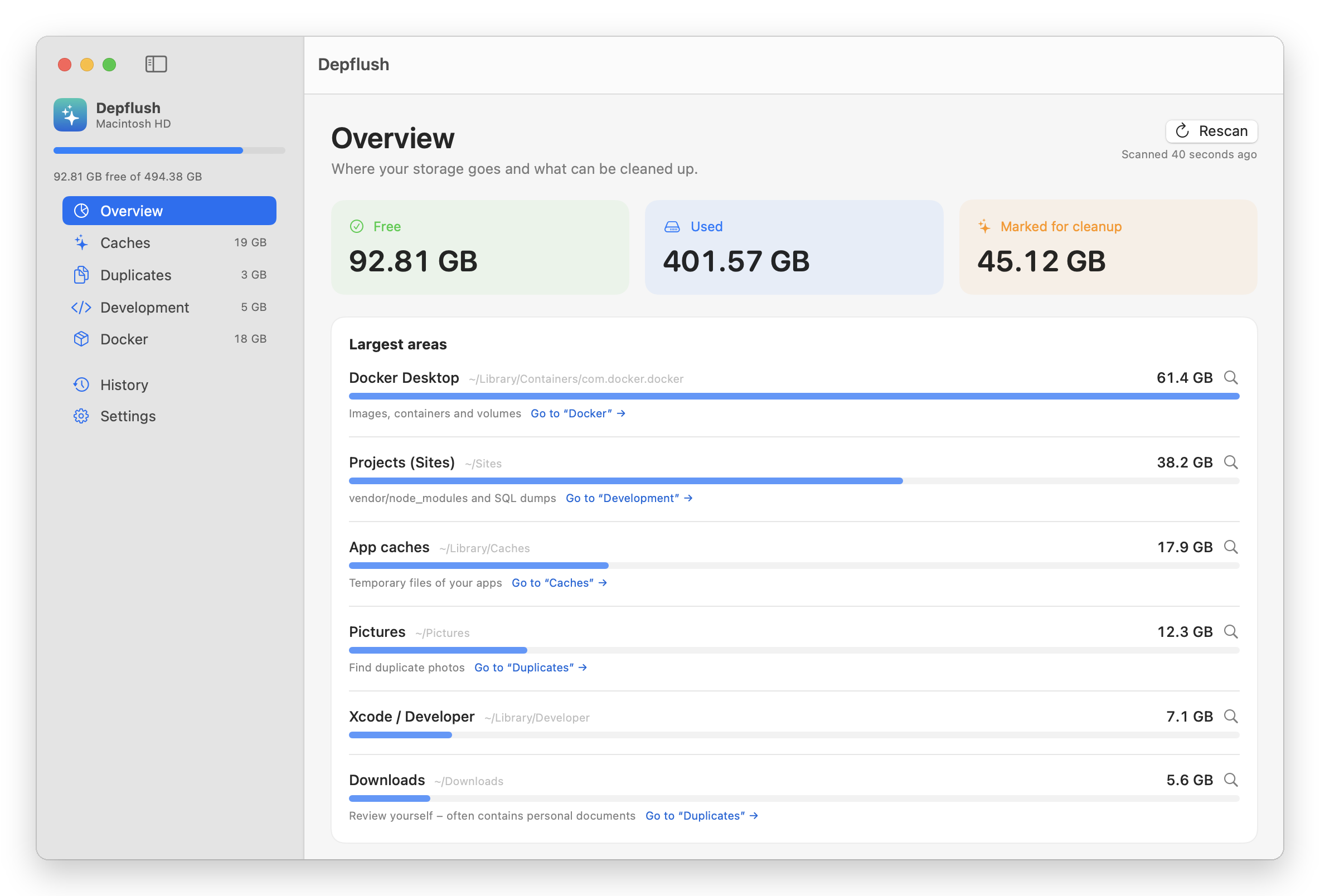
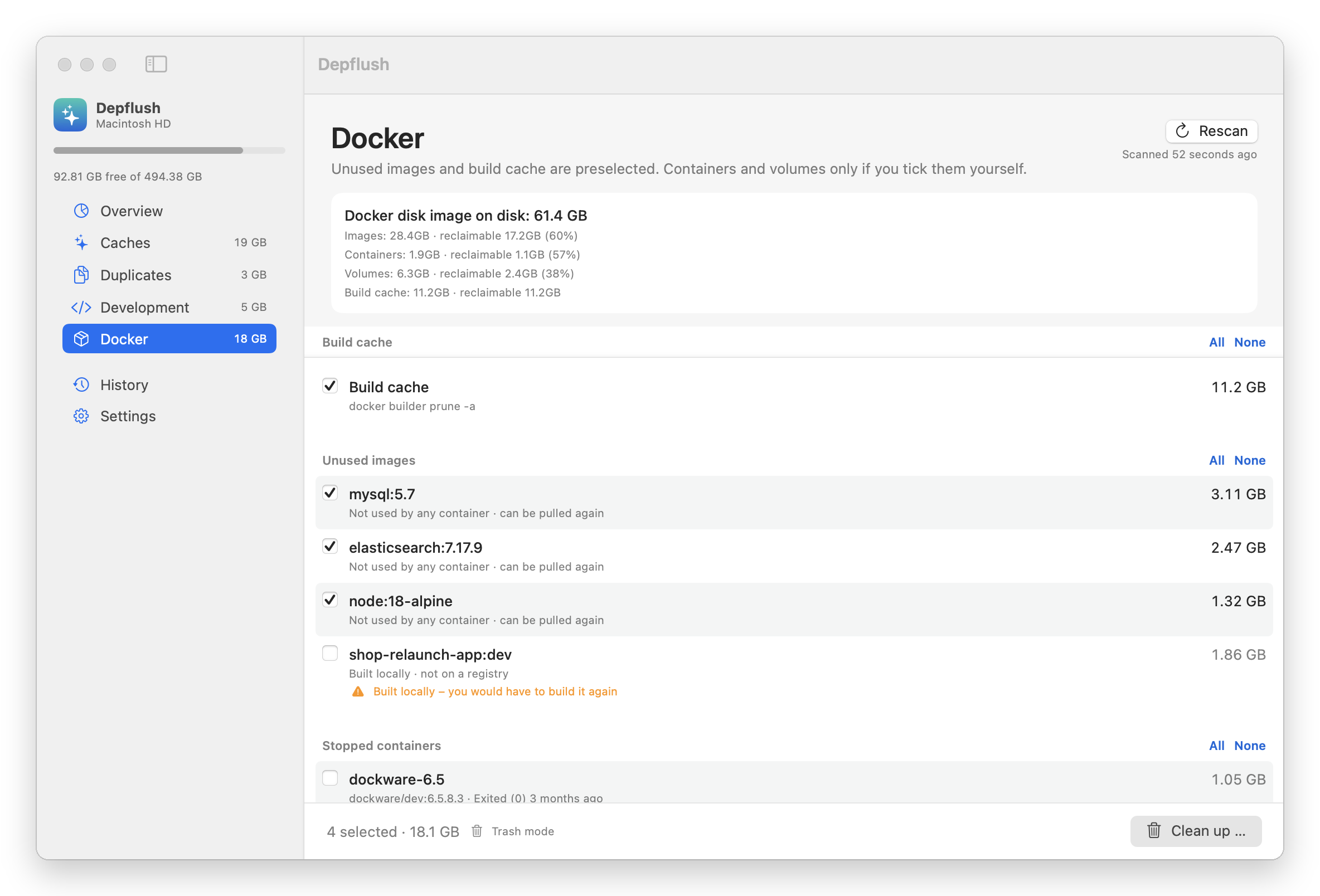
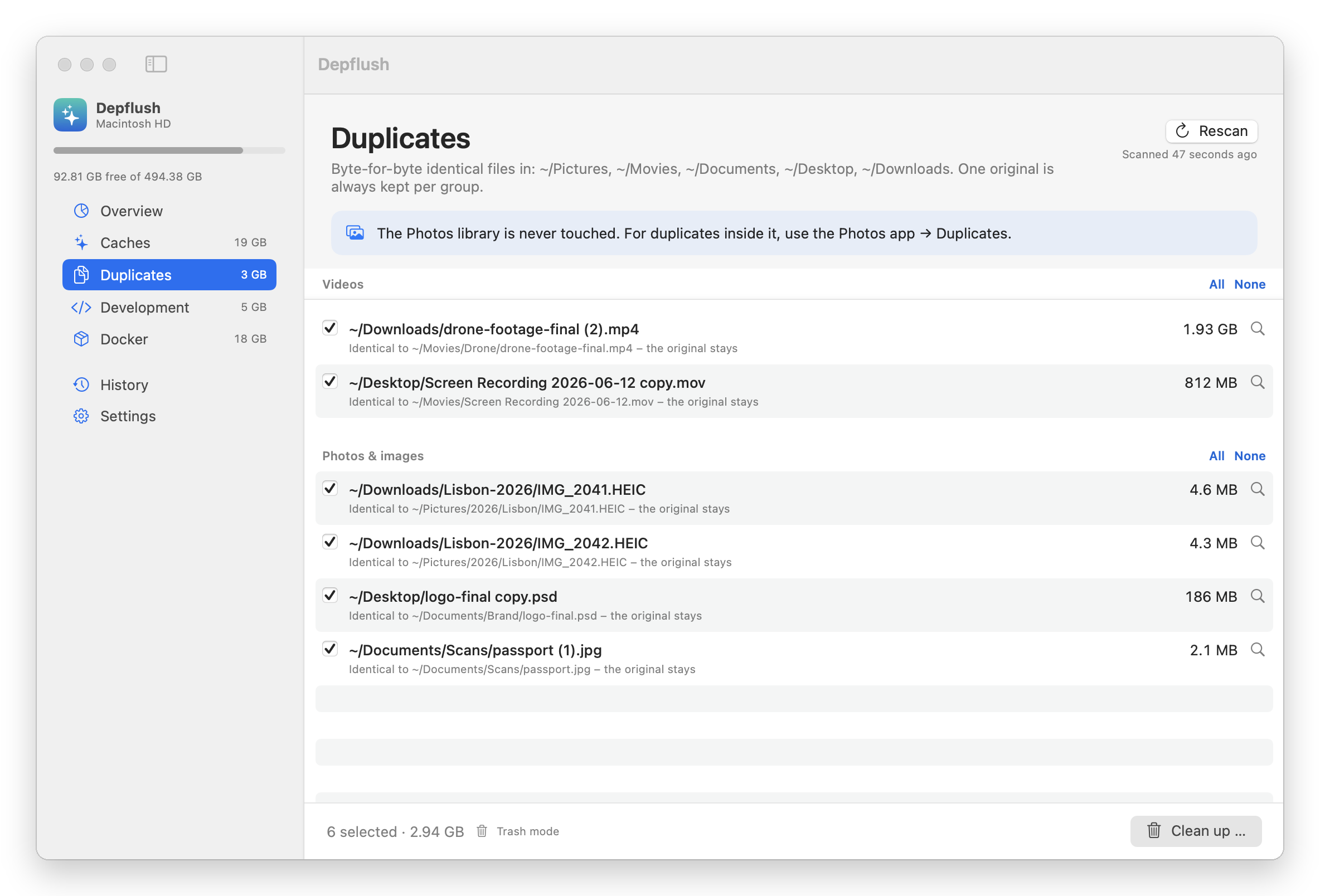
Free, open-source Mac app that finds what Docker, node_modules, old IDEs and duplicate files leave behind.
Screenshots
How to install Depflush on a Mac
- Get OpenDMG. It is a free app store for open source Mac apps. Download OpenDMG.
- Search for Depflush and press Get. OpenDMG downloads version 1.3.1 from cypriennkeneng's own GitHub release.
- Open it. The download is checked against its SHA-256 fingerprint and its signature is checked on your Mac before it lands in Applications.
Updates to Depflush show up in OpenDMG and install with one button. No account is needed.
Prefer to do it by hand? The developer's file is on GitHub: Depflush.zip (1.1 MB).
What is new in Depflush 1.3.1
- Emptying the Trash runs in the background; the app no longer freezes while Finder empties a large Trash (#1), and shows how much space was freed
- Free space now matches System Settings → Storage: it includes space macOS frees on demand (local Time Machine snapshots, iCloud copies), shown separately (#2)
- Disk stats update every 10 seconds and when the window becomes active, without a rescan
- Sizes follow the language chosen in the app

Install: `brew install --cask cypriennkeneng/tap/depflush` or download `Depflush.zip` below. Not yet notarized: on first launch, open System Settings → Privacy & Security and click "Open Anyway".
More System Tools apps
-
 PearcleanerApp Cleaner and Uninstaller Tool
-
 OpenInTerminalFinder toolbar tool for opening the current folder in a terminal
-
 PureMacFree open-source system cleaner with privacy protection
-
 DockDoorWindow peeking for macOS
-
 LatestApp update checker that notifies you of available updates for installed applications
-
 DorsoPosture reminder that progressively blurs your screen when you slouch