
Core-Monitor for Mac
Open-source Apple Silicon system monitor for macOS.
By offyotto. Free and open source, GPL-3.0 licence.
Core-Monitor at a glance
- Version
- 17.0.4
- Released
- 11 September 2026
- Download size
- 4.2 MB
- Works on
- Apple silicon and Intel
- Licence
- GPL-3.0
- Category
- System Tools
- Developer
- offyotto
- GitHub stars
- 120
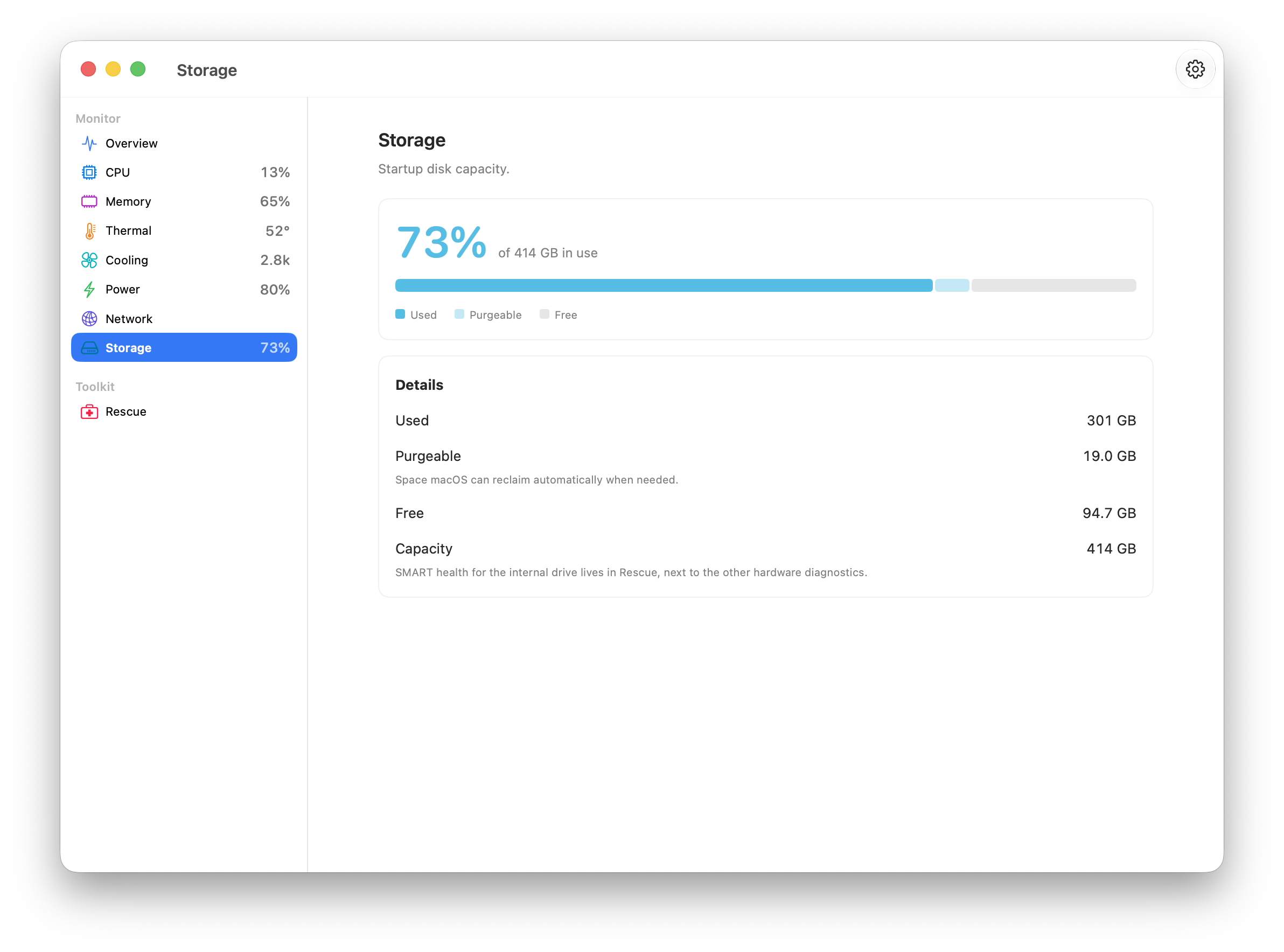
Screenshots
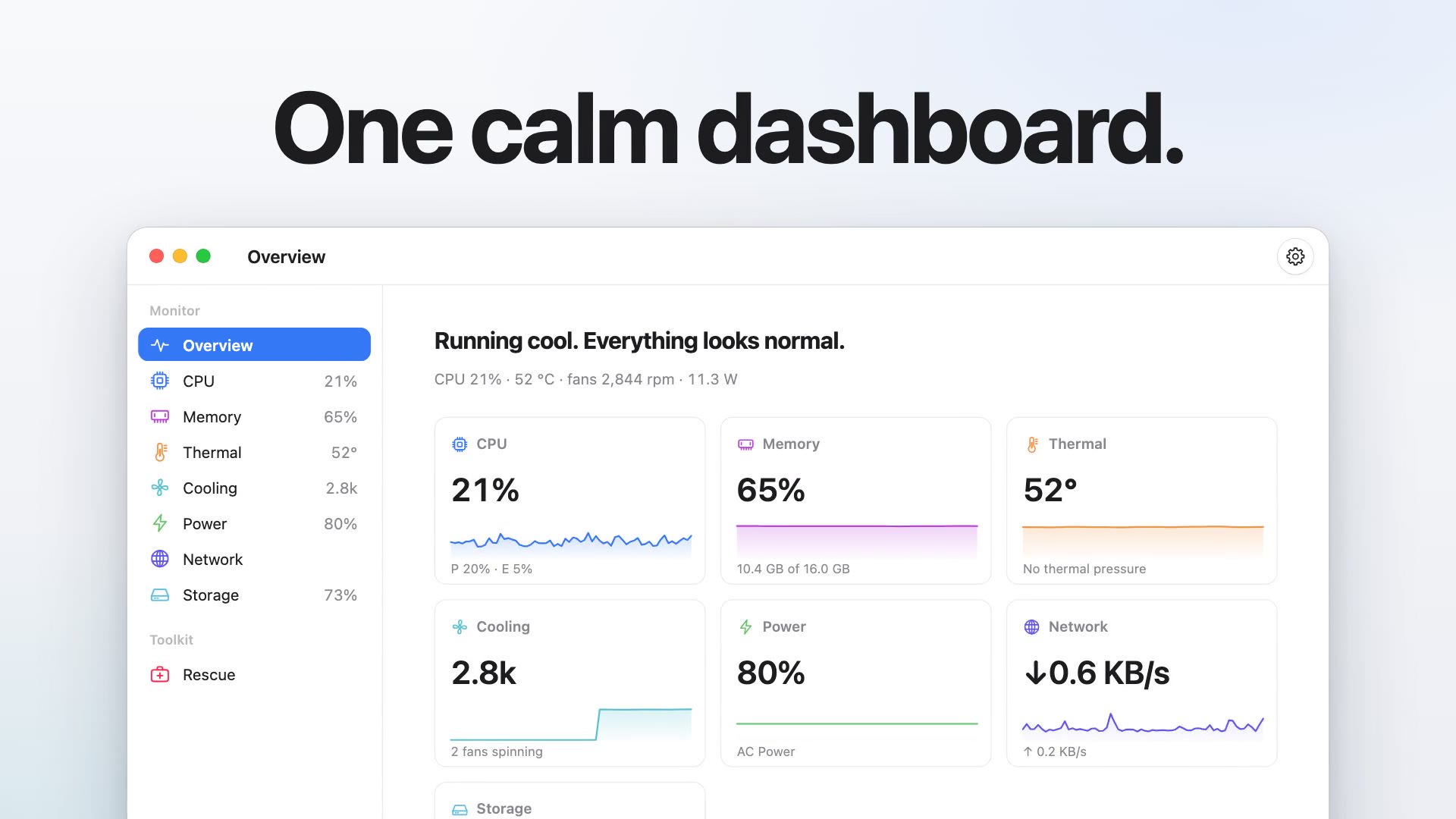
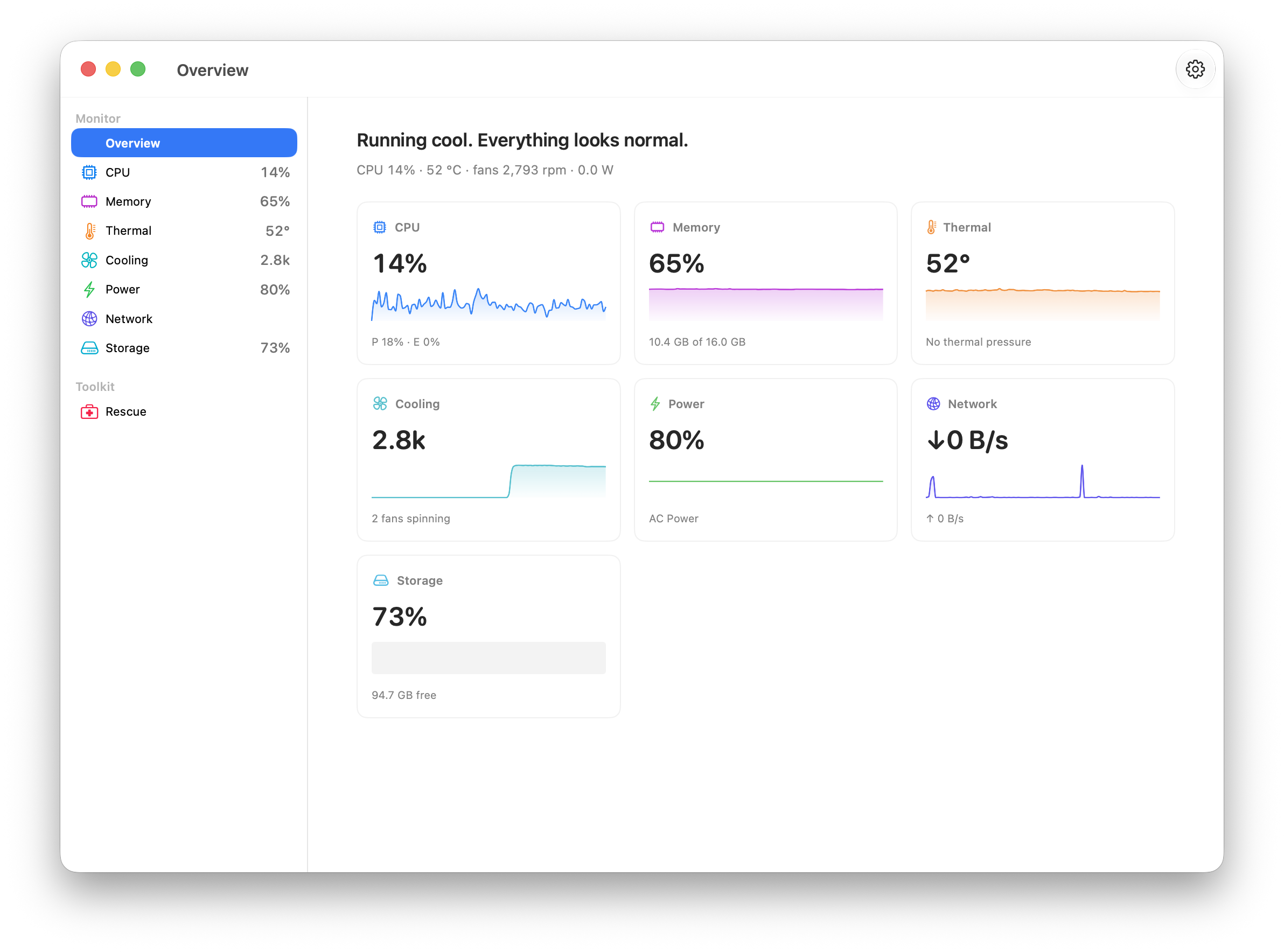
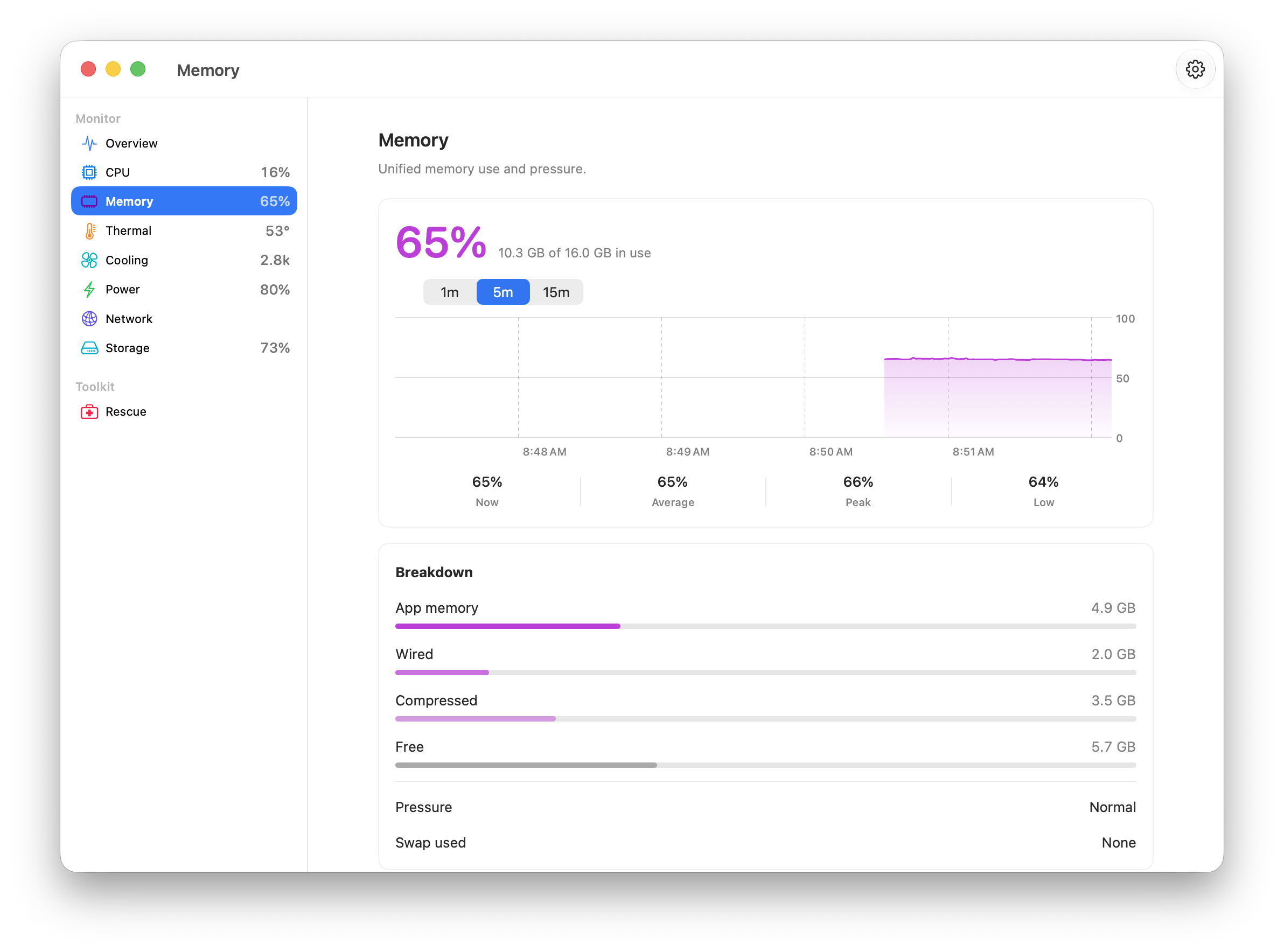
How to install Core-Monitor on a Mac
- Get OpenDMG. It is a free app store for open source Mac apps. Download OpenDMG.
- Search for Core-Monitor and press Get. OpenDMG downloads version 17.0.4 from offyotto's own GitHub release.
- Open it. The download is checked against its SHA-256 fingerprint and its signature is checked on your Mac before it lands in Applications.
Updates to Core-Monitor show up in OpenDMG and install with one button. No account is needed.
Prefer to do it by hand? The developer's file is on GitHub: Core-Monitor.dmg (4.2 MB).
What is new in Core-Monitor 17.0.4
<!-- Release notes generated using configuration in .github/release.yml at v17.0.4 -->

## What's Changed
### Everything Else
* Fix CPU process percentages on Apple silicon by @offyotto in https://github.com/offyotto/Core-Monitor/pull/82
* Update website design by @offyotto in https://github.com/offyotto/Core-Monitor/pull/83
* Correct capitalization for 'Apple Silicon Macs' by @offyotto in https://github.com/offyotto/Core-Monitor/pull/84
* Release 17.0.4 with native Liquid Glass by @offyotto in https://github.com/offyotto/Core-Monitor/pull/85

**Full Changelog**: https://github.com/offyotto/Core-Monitor/compare/v17.0.3...v17.0.4
More System Tools apps
-
 PearcleanerApp Cleaner and Uninstaller Tool
-
 OpenInTerminalFinder toolbar tool for opening the current folder in a terminal
-
 PureMacFree open-source system cleaner with privacy protection
-
 DockDoorWindow peeking for macOS
-
 LatestApp update checker that notifies you of available updates for installed applications
-
 DorsoPosture reminder that progressively blurs your screen when you slouch