
Console for Mac
macOS console application.
By macmade. Free and open source.
Console at a glance
- Version
- 0.3.1
- Released
- 20 November 2020
- Download size
- 4.7 MB
- Works on
- Apple silicon and Intel
- Category
- Developer Tools
- Developer
- macmade
- GitHub stars
- 428
About Console
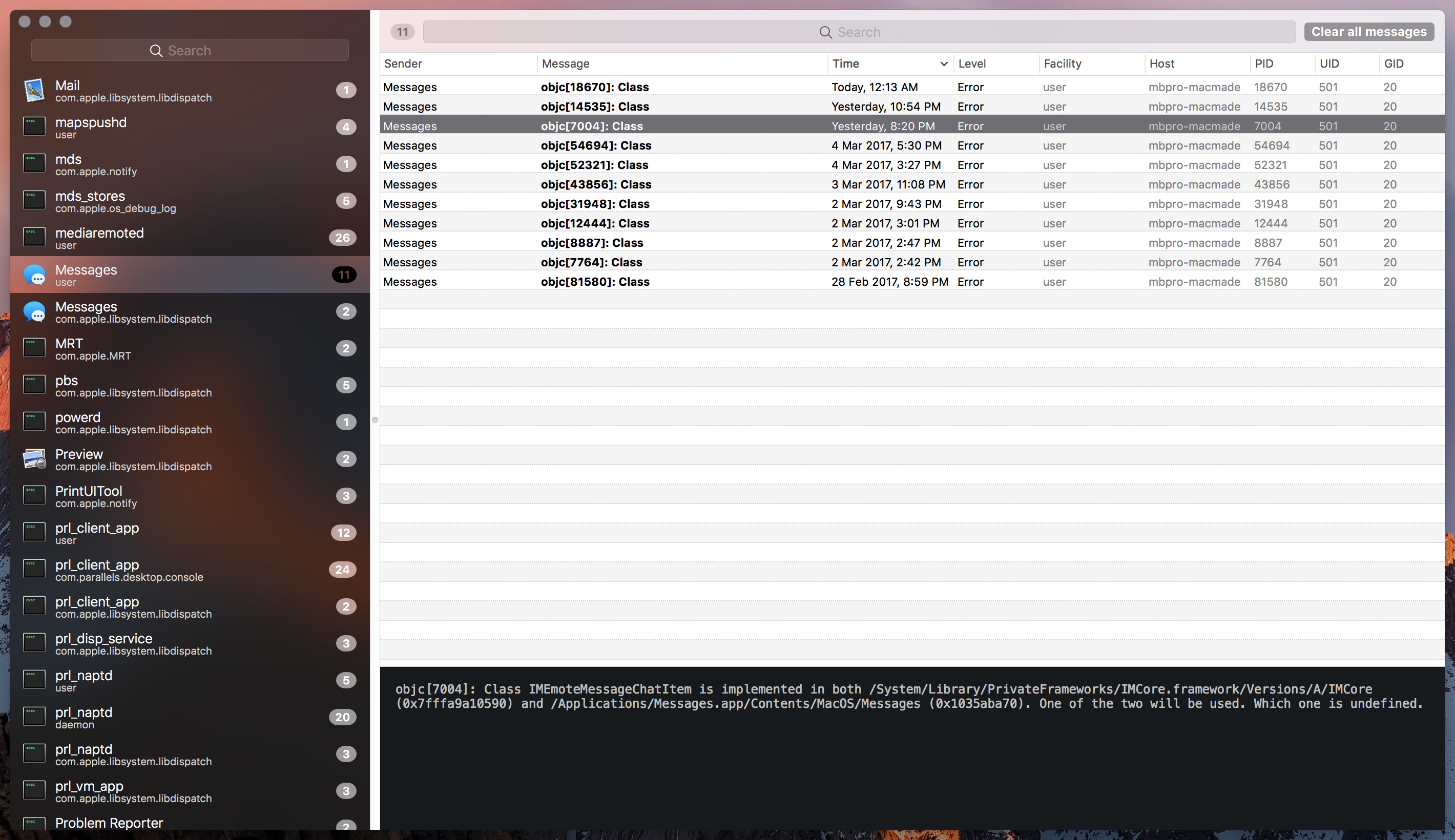
OS X console application.
Screenshots
How to install Console on a Mac
- Get OpenDMG. It is a free app store for open source Mac apps. Download OpenDMG.
- Search for Console and press Get. OpenDMG downloads version 0.3.1 from macmade's own GitHub release.
- Open it. The download is checked against its SHA-256 fingerprint and its signature is checked on your Mac before it lands in Applications.
Updates to Console show up in OpenDMG and install with one button. No account is needed.
Prefer to do it by hand? The developer's file is on GitHub: Console.app.zip (4.7 MB).
What is new in Console 0.3.1
- Update for macOS BigSur.
 - Application is now universal and will run natively on Apple Silicon hardware.
More Developer Tools apps
-
 UTMVirtual machines for iOS and macOS
-
 vphone-cliCLI to boot a virtual iPhone (iOS 26) with Apple Virtualization.framework and PCC…
-
 VirtualBuddyVirtual machine manager for running recent macOS versions on Apple Silicon
-
 WWDCUnofficial WWDC app for macOS
-
 Xcodes.appThe easiest way to install and switch between multiple versions of Xcode
-
 Postgres.appThe easiest way to get started with PostgreSQL on the Mac