

codexU for Mac
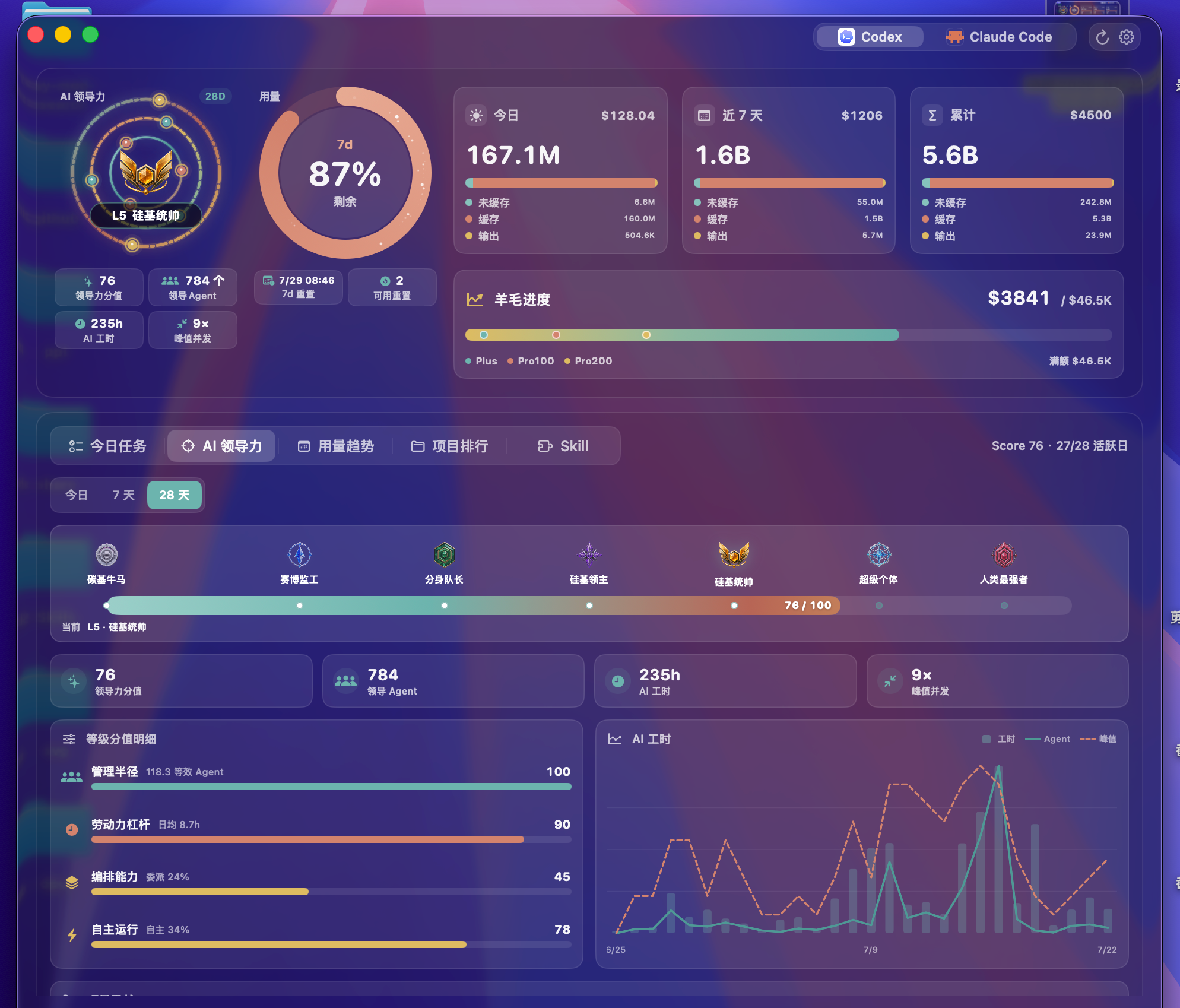
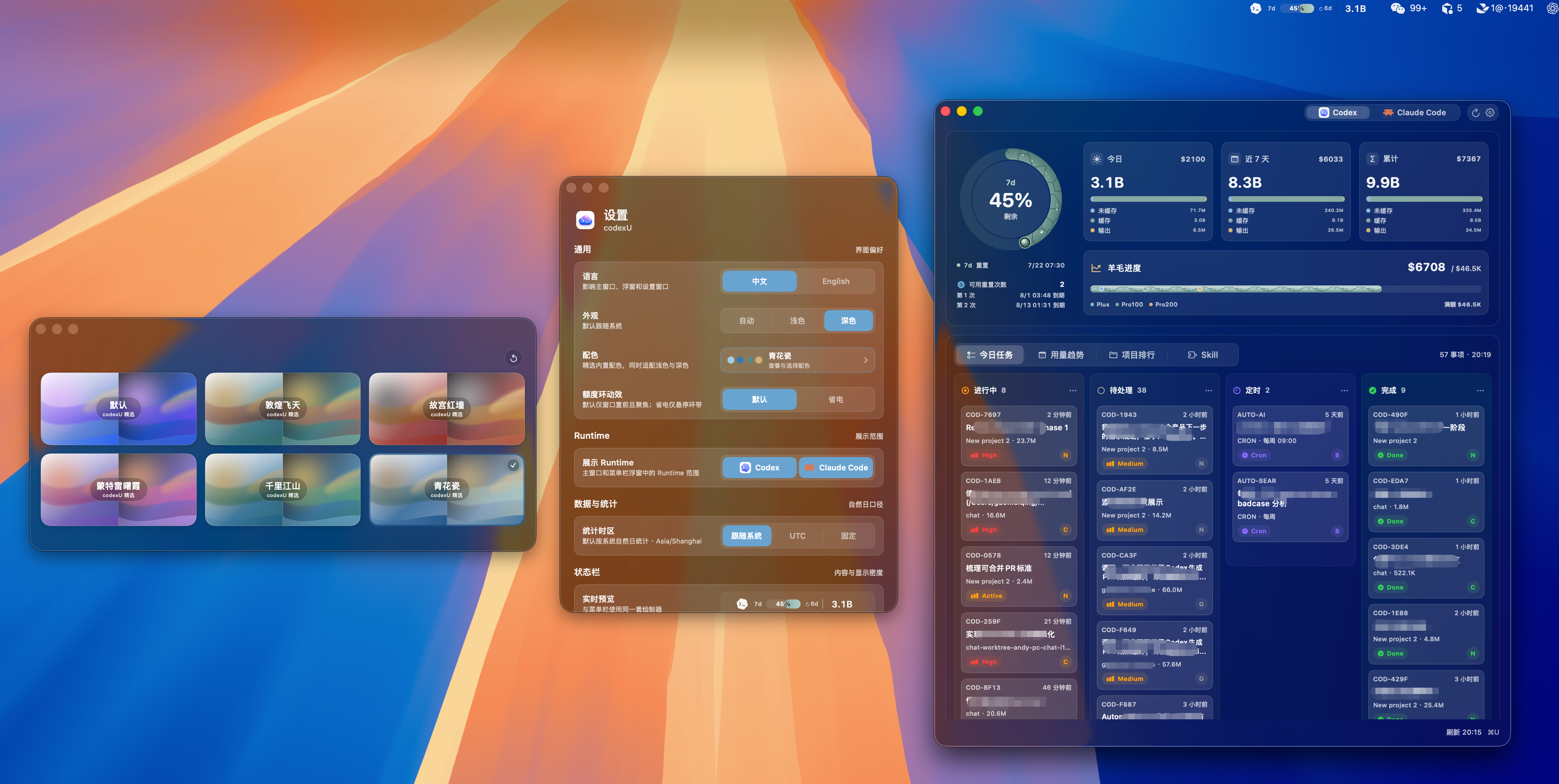
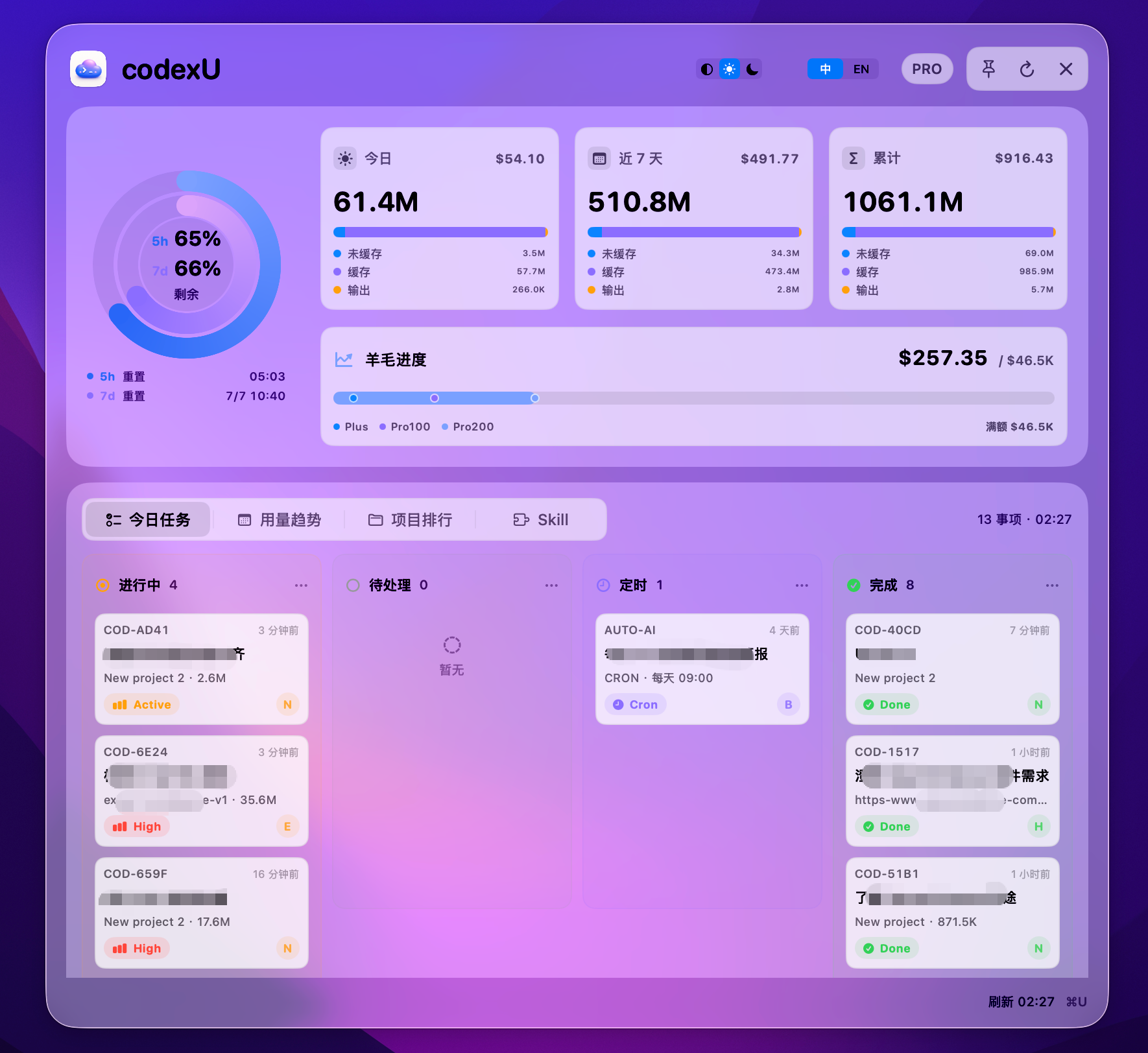
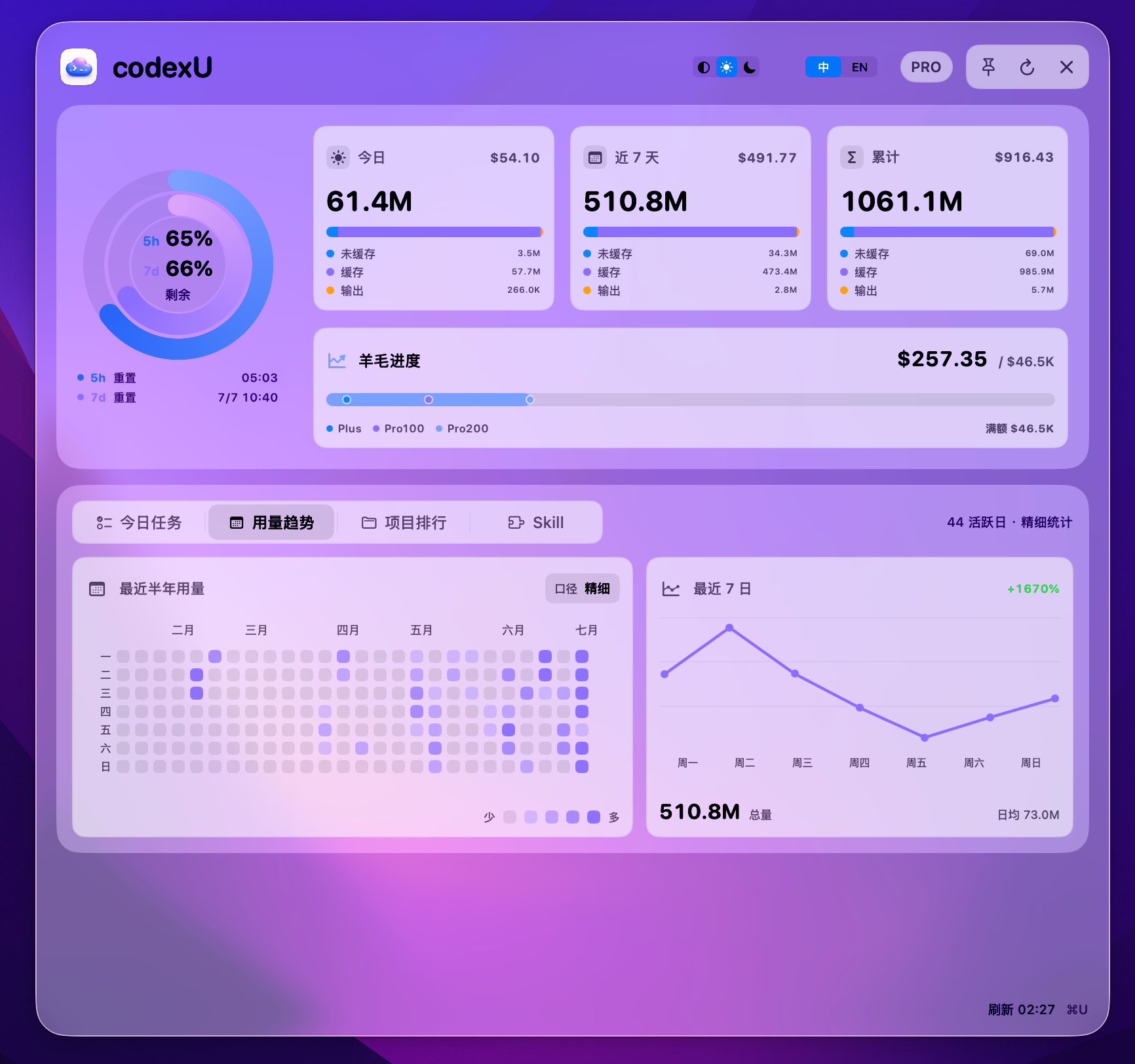
View Codex, ChatGPT Codex, and Claude Code quota windows, token usage, and daily task status from the menu bar.
By shanggqm. Free and open source, MIT licence.
codexU at a glance
- Version
- 1.3.2
- Released
- 8 October 2026
- Download size
- 10 MB
- Works on
- Apple silicon and Intel
- Licence
- MIT
- Category
- Menu Bar and Notch
- Developer
- shanggqm
- GitHub stars
- 351
About codexU
macOS desktop widget for OpenAI Codex usage, quota tracking, token usage, and today task board
Screenshots
How to install codexU on a Mac
- Get OpenDMG. It is a free app store for open source Mac apps. Download OpenDMG.
- Search for codexU and press Get. OpenDMG downloads version 1.3.2 from shanggqm's own GitHub release.
- Open it. The download is checked against its SHA-256 fingerprint and its signature is checked on your Mac before it lands in Applications.
Updates to codexU show up in OpenDMG and install with one button. No account is needed.
Prefer to do it by hand? The developer's files are on GitHub: codexU-1.3.2-mac-arm64.dmg (10 MB), codexU-1.3.2-mac-x86_64.dmg (11 MB).
What is new in codexU 1.3.2
codexU v1.3.2 修复 ChatGPT 升级后的 macOS 额度读取,并改善历史统计的增量加载、缓存回收和完整结果保留。

## 主要更新

- 兼容新版 ChatGPT 的内嵌 Codex CLI 布局,继续支持旧版应用、改名或移动的应用及常规 CLI 安装路径。
- macOS 首页先恢复本地摘要,额度、任务和完整历史分别刷新;历史统计使用可恢复的 SQLite 增量索引与每日归档。
- 修复过期中间报告积压造成的缓存空间耗尽,分批回收可复用页面,保留当前发布结果、使用中的版本和原始日志。
- 历史补全期间继续显示上次完整累计与领导力;缓存不足、索引占用和读取失败时提供明确状态,成功后自动恢复。
- 优化趋势日期计算,补充历史去重、追加/改写、检查点恢复、缓存和首页回归测试,并纳入发布门禁。
- 同步提供 Windows x86_64 MSI/NSIS 安装包;本次历史索引与 ChatGPT 路径修复属于 macOS 实现。
More Menu Bar and Notch apps
-
 StatsmacOS system monitor in your menu bar
-
 IcePowerful menu bar manager for macOS (upstream, temporarily inactive)
-
 Hidden BarAn ultra-light MacOS utility that helps hide menu bar icons
-
 ThawThe open-source menu bar manager: hide, organize, and take control of menu bar icons
-
 Boring NotchTurn your MacBook notch into a music and file control center
-
 eulmacOS status monitoring app written in SwiftUI