

ClickMate for Mac
Add a configurable action submenu to the Finder right-click context menu.
By Funnyrz. Free and open source, MIT licence.
ClickMate at a glance
- Version
- 1.3.4
- Released
- 18 September 2026
- Download size
- 6.4 MB
- Works on
- Apple silicon and Intel
- Licence
- MIT
- Category
- System Tools
- Developer
- Funnyrz
- GitHub stars
- 31
About ClickMate
ClickMate is a native macOS Finder context-menu enhancer built with SwiftUI, AppKit, and a Finder Sync extension. It adds a configurable `ClickMate` submenu to Finder so common file and folder actions are available directly from right-click menus.
Screenshots
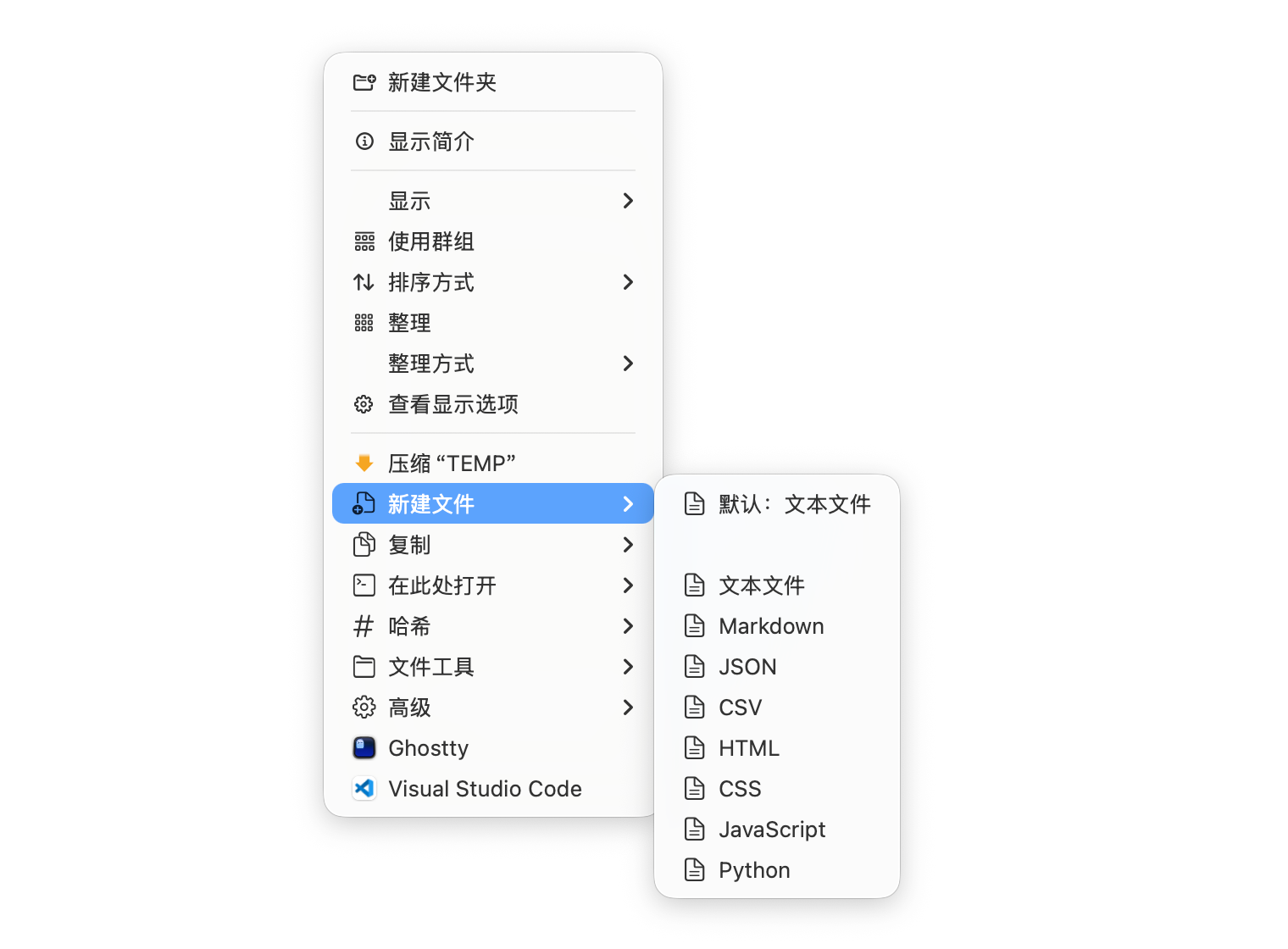
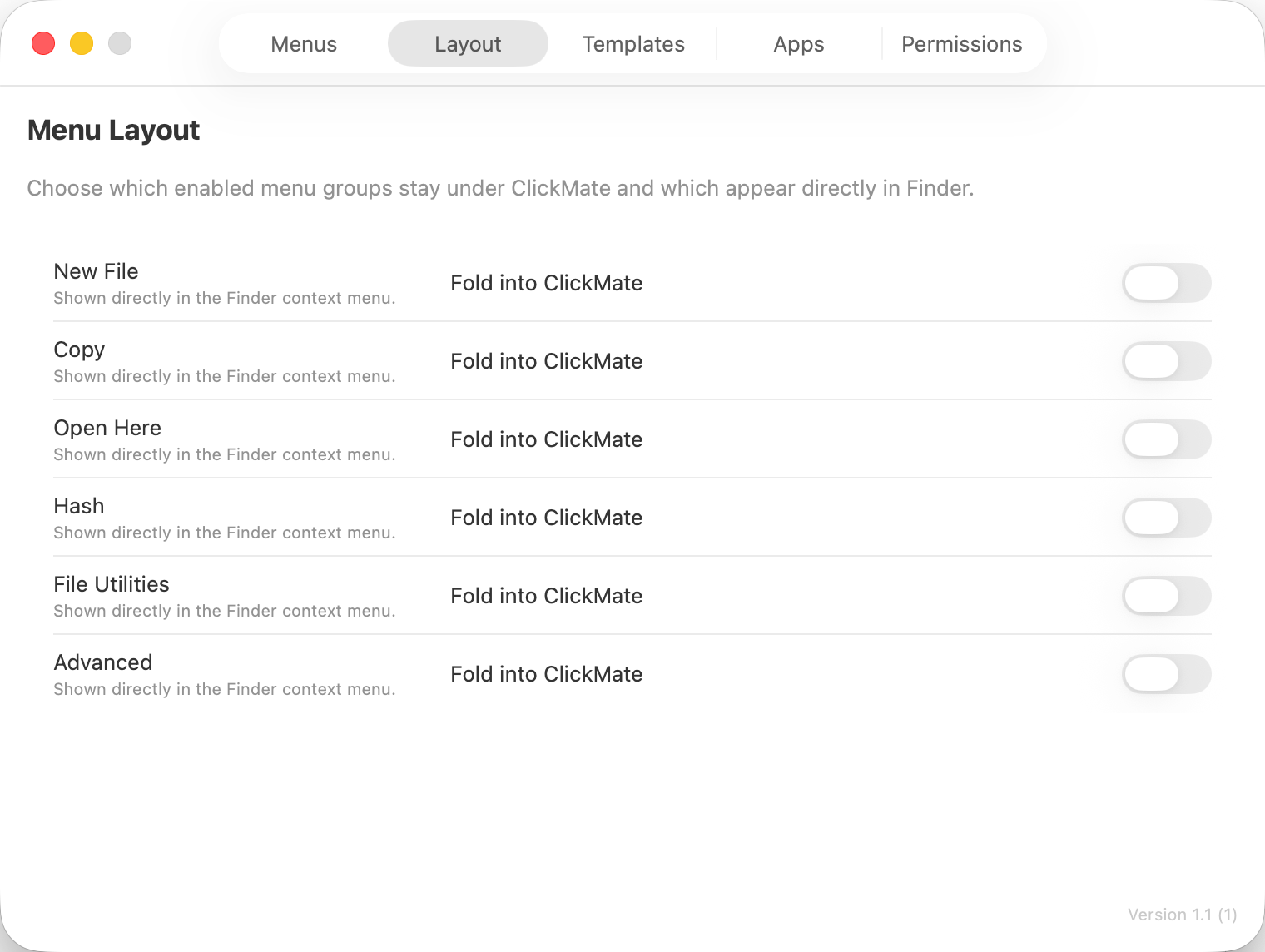
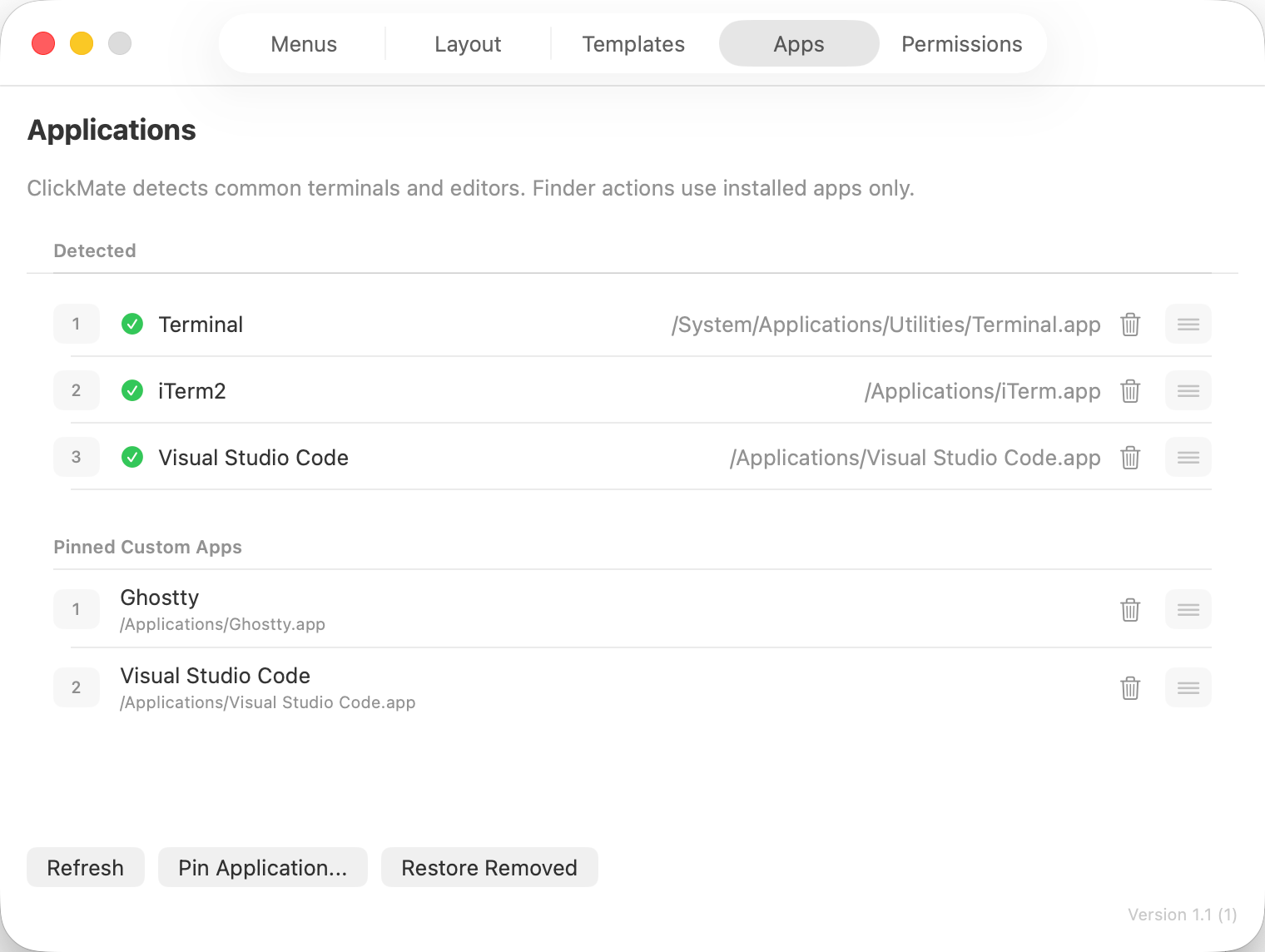
How to install ClickMate on a Mac
- Get OpenDMG. It is a free app store for open source Mac apps. Download OpenDMG.
- Search for ClickMate and press Get. OpenDMG downloads version 1.3.4 from Funnyrz's own GitHub release.
- Open it. The download is checked against its SHA-256 fingerprint and its signature is checked on your Mac before it lands in Applications.
Updates to ClickMate show up in OpenDMG and install with one button. No account is needed.
Prefer to do it by hand? The developer's file is on GitHub: ClickMate-1.3.4-universal-unsigned.dmg (6.4 MB).
What is new in ClickMate 1.3.4
> [!WARNING]
> 此版本未经过 Developer ID 签名和 Apple 公证。复制到 `/Applications` 后如被 macOS 阻止,可运行:
> `xattr -dr com.apple.quarantine /Applications/ClickMate.app`
> 应用更新后可能需要重新授予辅助功能、屏幕录制和完全磁盘访问权限;App Group 同步不可用。
>
> This build is not Developer ID signed or notarized. After copying it to `/Applications`, run the command above if macOS blocks it. Permissions may need to be granted again after updates, and App Group synchronization is unavailable.

新增 JAR / ZIP 压缩包原位编辑功能。

- 在 Finder 中右键单个 `.jar` 或 `.zip` 文件,选择“文件工具 → 编辑 JAR / ZIP”。
- 使用独立、可调整大小的编辑器窗口浏览压缩包目录树并编辑 UTF-8 文本文件,无需解压整个压缩包。
- 首屏目录树加宽并占满窗口高度;再次打开其他压缩包时会保护未保存的修改。
- 可选择首次保存前自动备份;修改可能已签名的 JAR 前会显示提醒。

> [!WARNING]
> 此版本为未签名、未公证构建。复制到 `/Applications` 后如被 macOS 阻止,请运行:
> `xattr -dr com.apple.quarantine /Applications/ClickMate.app`
> 更新后可能需要重新授予辅助功能、屏幕录制和完全磁盘访问权限。

**Full Changelog**: https://github.com/Funnyrz/ClickMate/compare/v1.3.3...v1.3.4
More System Tools apps
-
 PearcleanerApp Cleaner and Uninstaller Tool
-
 OpenInTerminalFinder toolbar tool for opening the current folder in a terminal
-
 PureMacFree open-source system cleaner with privacy protection
-
 DockDoorWindow peeking for macOS
-
 LatestApp update checker that notifies you of available updates for installed applications
-
 DorsoPosture reminder that progressively blurs your screen when you slouch