
ChargeWatching for Mac
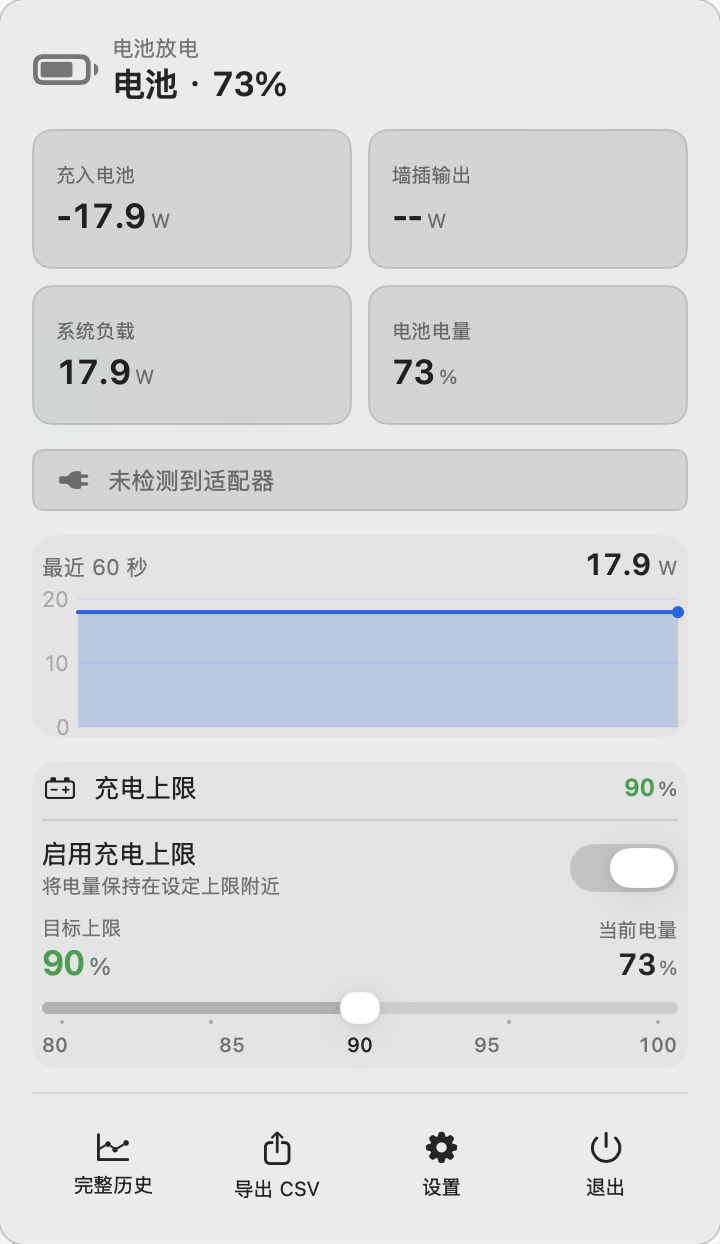
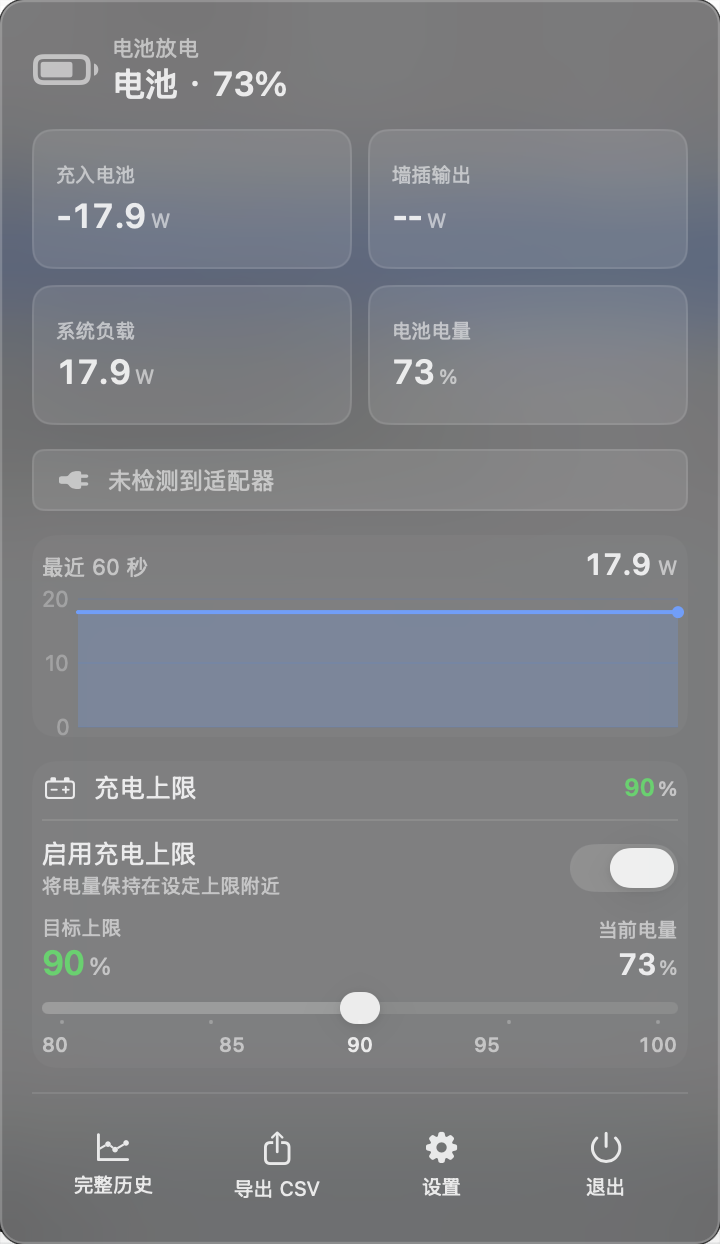
Menu bar charging monitor with real-time wattage and a battery charge cap that keeps power direct once the limit is reached.
By TY-teo. Free and open source, MIT licence.
ChargeWatching at a glance
- Version
- 0.7.0
- Released
- 16 June 2026
- Download size
- 2.5 MB
- Works on
- Apple silicon and Intel
- Licence
- MIT
- Category
- Menu Bar and Notch
- Developer
- TY-teo
- GitHub stars
- 18
About ChargeWatching
ChargeWatch (repo: ChargeWatching) — free, open-source macOS menu bar app for Apple Silicon. Real-time charging power/wattage monitor plus a battery charge limit: at your limit it stops charging without discharging and runs on adapter power, keeping battery current near 0. A free AlDente alternative; set limits even below 80%. MIT licensed.
Screenshots
How to install ChargeWatching on a Mac
- Get OpenDMG. It is a free app store for open source Mac apps. Download OpenDMG.
- Search for ChargeWatching and press Get. OpenDMG downloads version 0.7.0 from TY-teo's own GitHub release.
- Open it. The download is checked against its SHA-256 fingerprint and its signature is checked on your Mac before it lands in Applications.
Updates to ChargeWatching show up in OpenDMG and install with one button. No account is needed.
Prefer to do it by hand? The developer's file is on GitHub: ChargeWatch-0.7.0.dmg (2.5 MB).
What is new in ChargeWatching 0.7.0
## 新功能:充电冲突提示更清晰

当系统设置里的「电池上限 < 100%」与 ChargeWatch 的充电上限发生冲突时, 菜单栏面板会显示一个红色徽标 + 说明 popover。

本次更新让 popover 内嵌一张「系统设置 > 电池」页面的缩略截图, 红圈精确标出「充电」一行右侧的 ⓘ 按钮位置——用户跳转之前就先知道要找哪一行, 避免到了系统设置之后还要在电池页面里翻找。

附「打开系统设置 > 电池」一键跳转按钮。

## 系统要求

- macOS 13 及以上: 功率监控
- Apple Silicon (M1/M2/M3/M4): 充电上限
- 已在 macOS 26.4 Tahoe + Apple Silicon 实测

## 安装

下载 `ChargeWatch-0.7.0.dmg`, 双击打开后把 ChargeWatch 拖到 Applications。

由于使用 ad-hoc 签名 (个人开源分发, 未走 Apple 公证), 首次打开需要在 ChargeWatch.app 上点右键 → 「打开」 → 在弹窗里再点一次「打开」绕过 Gatekeeper。

完整说明见仓库 [README.md](https://github.com/TY-teo/ChargeWatching/blob/main/README.md)。

## Changelog

- `7d2a92a` feat(charge-limit): 冲突 popover 增加系统设置「电池」页引导截图
- `038513d` feat(charge-limit): 冲突提示徽标 + popover (共享 base)
More Menu Bar and Notch apps
-
 StatsmacOS system monitor in your menu bar
-
 IcePowerful menu bar manager for macOS (upstream, temporarily inactive)
-
 Hidden BarAn ultra-light MacOS utility that helps hide menu bar icons
-
 ThawThe open-source menu bar manager: hide, organize, and take control of menu bar icons
-
 Boring NotchTurn your MacBook notch into a music and file control center
-
 eulmacOS status monitoring app written in SwiftUI