

capcap for Mac
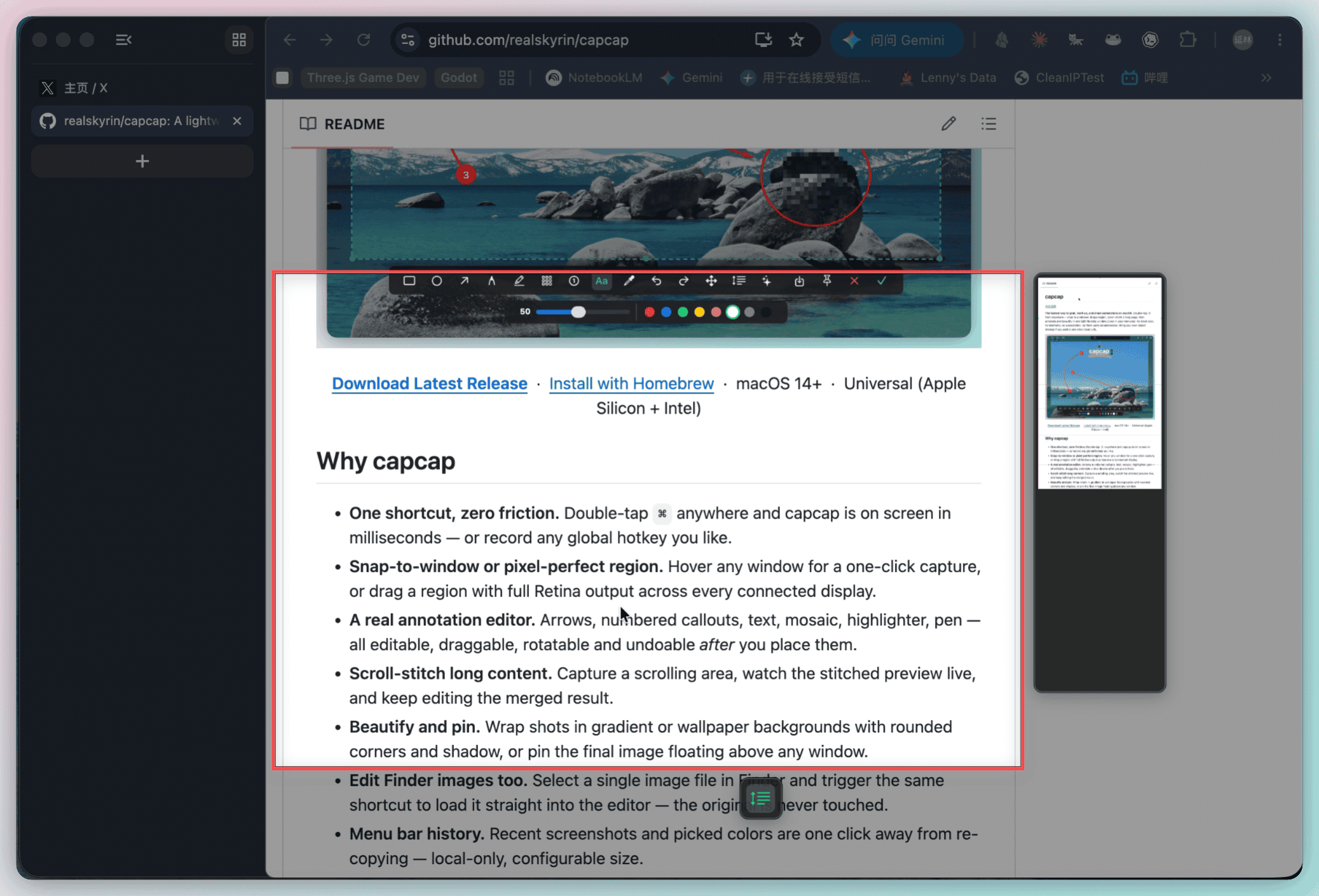
Screenshot tool with snap-to-window capture, scroll stitching, annotation, and beautify in one floating editor.
By realskyrin. Free and open source, MIT licence.
capcap at a glance
- Version
- 1.7.17
- Released
- 28 September 2026
- Download size
- 8.1 MB
- Works on
- Apple silicon and Intel
- Licence
- MIT
- Category
- Video and Screen Capture
- Developer
- realskyrin
- GitHub stars
- 963
About capcap
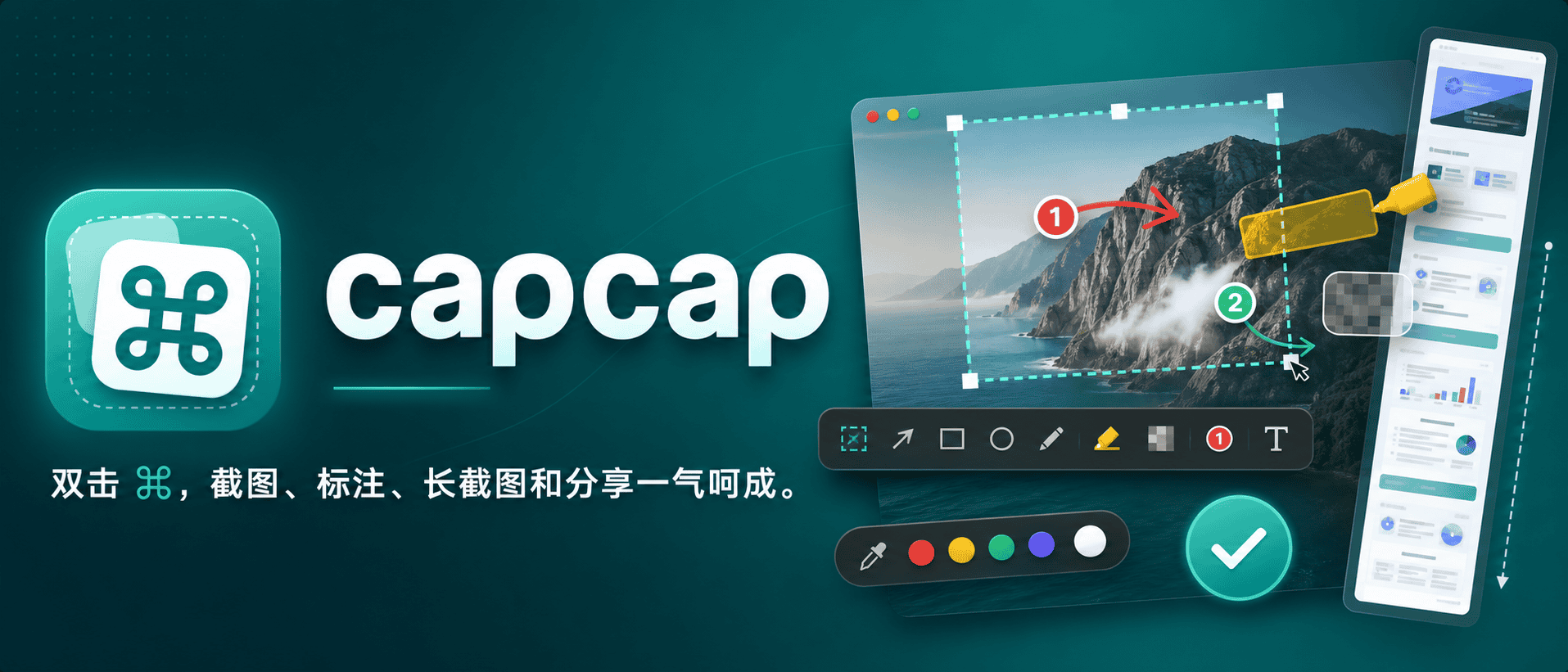
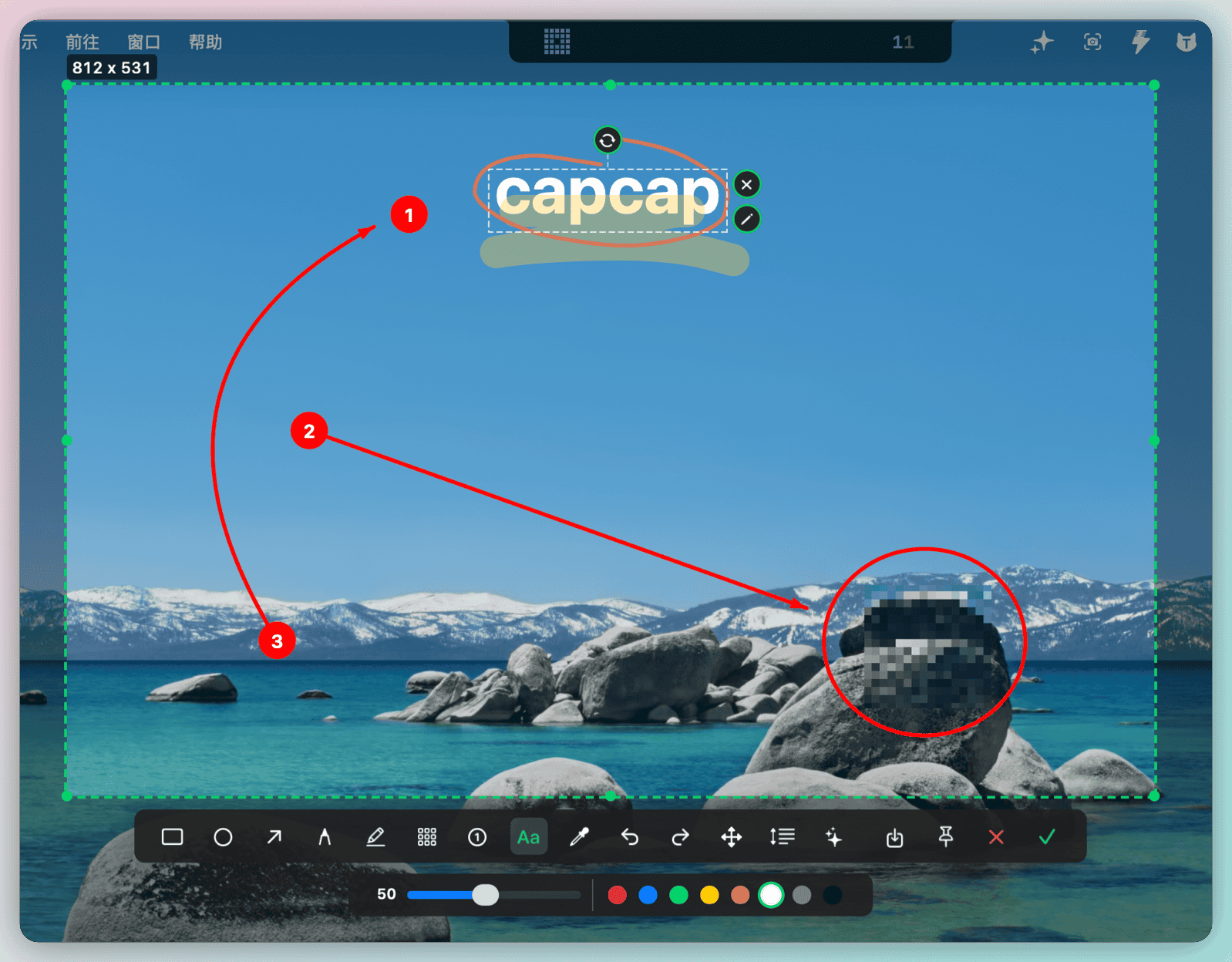
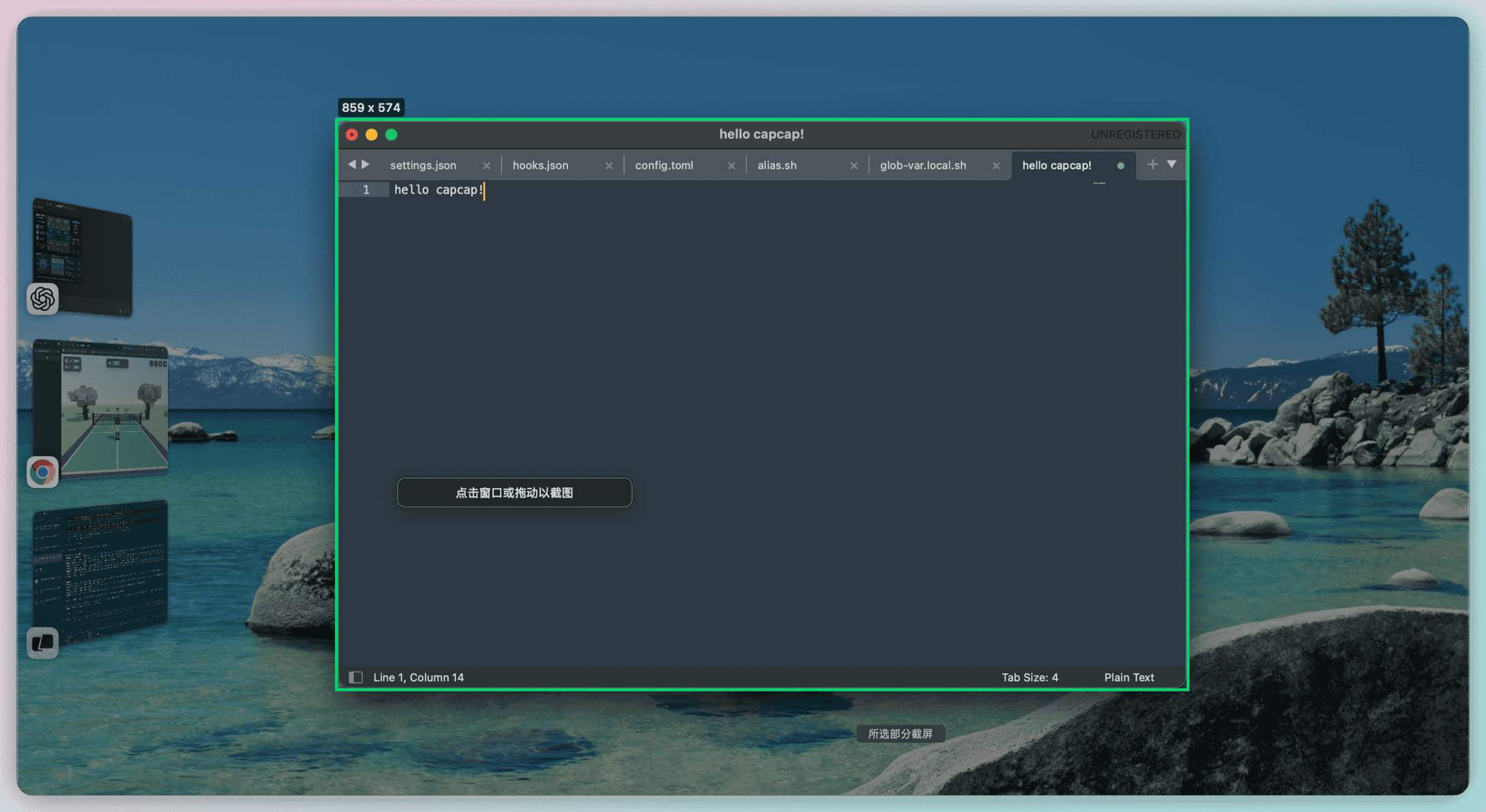
⌘⌘ - A lightweight, native macOS screenshot tool that lives in your menu bar. Double-tap ⌘ Command to capture any region of your screen — instantly copied to clipboard, or annotate first with pen and mosaic tools.
Screenshots
How to install capcap on a Mac
- Get OpenDMG. It is a free app store for open source Mac apps. Download OpenDMG.
- Search for capcap and press Get. OpenDMG downloads version 1.7.17 from realskyrin's own GitHub release.
- Open it. The download is checked against its SHA-256 fingerprint and its signature is checked on your Mac before it lands in Applications.
Updates to capcap show up in OpenDMG and install with one button. No account is needed.
Prefer to do it by hand? The developer's file is on GitHub: capcap-1.7.17-macos.dmg (8.1 MB).
What is new in capcap 1.7.17
### Added
- Add font selection to the text tool with a default in Settings (ad5e239)

### Fixed
- Fix toolbar symbol clipping across display scales (8495799)

### Changed
- Remove automatic permission prompts (62e99e3)
- Offer the latest release on manual checks in debug builds (7946136)
- Set OCR and translation toolbar icons (a5d7a55)
- Update build guidance and translation settings icon (6d6d712)
More Video and Screen Capture apps
-
 IINAThe modern video player for macOS
-
 Palmier ProOpen source video editor where you and AI agents generate and edit videos together in the…
-
 macshotScreenshot and screen recording tool with annotation, OCR, and scroll capture
-
 SnapzyOpen-source tool for screenshots, screen recording, annotation, and editing
-
 ScreendropBeautiful screenshot and screen recording tool — a native, self-hostable, and free Loom…
-
 BetterCaptureFree and open source screen recorder with professional encoding support