

Burrow for Mac
System cleaner and monitor with junk removal, app uninstall, disk analysis, live status, long-range history, and MCP access for AI agents.
By caezium. Free and open source, MIT licence.
Burrow at a glance
- Version
- 0.14.0
- Released
- 10 August 2026
- Download size
- 24 MB
- Works on
- Apple silicon and Intel
- Licence
- MIT
- Category
- System Tools
- Developer
- caezium
- GitHub stars
- 1.6K
About Burrow
🐹 Cleanup, app management, maintenance, disk analysis, and live status in one free, open-source, native Mac app + extensive support for AI agents.
Screenshots
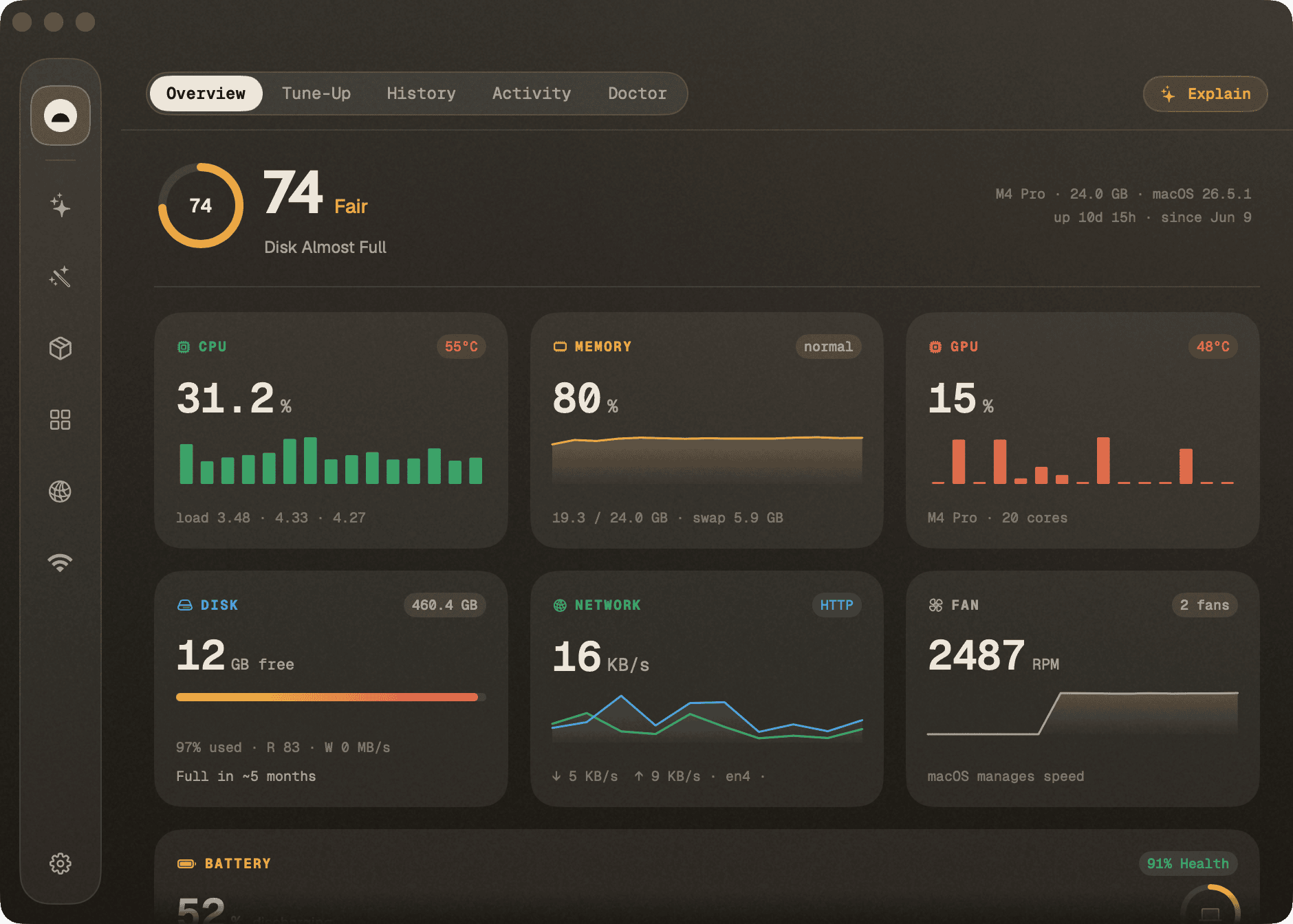
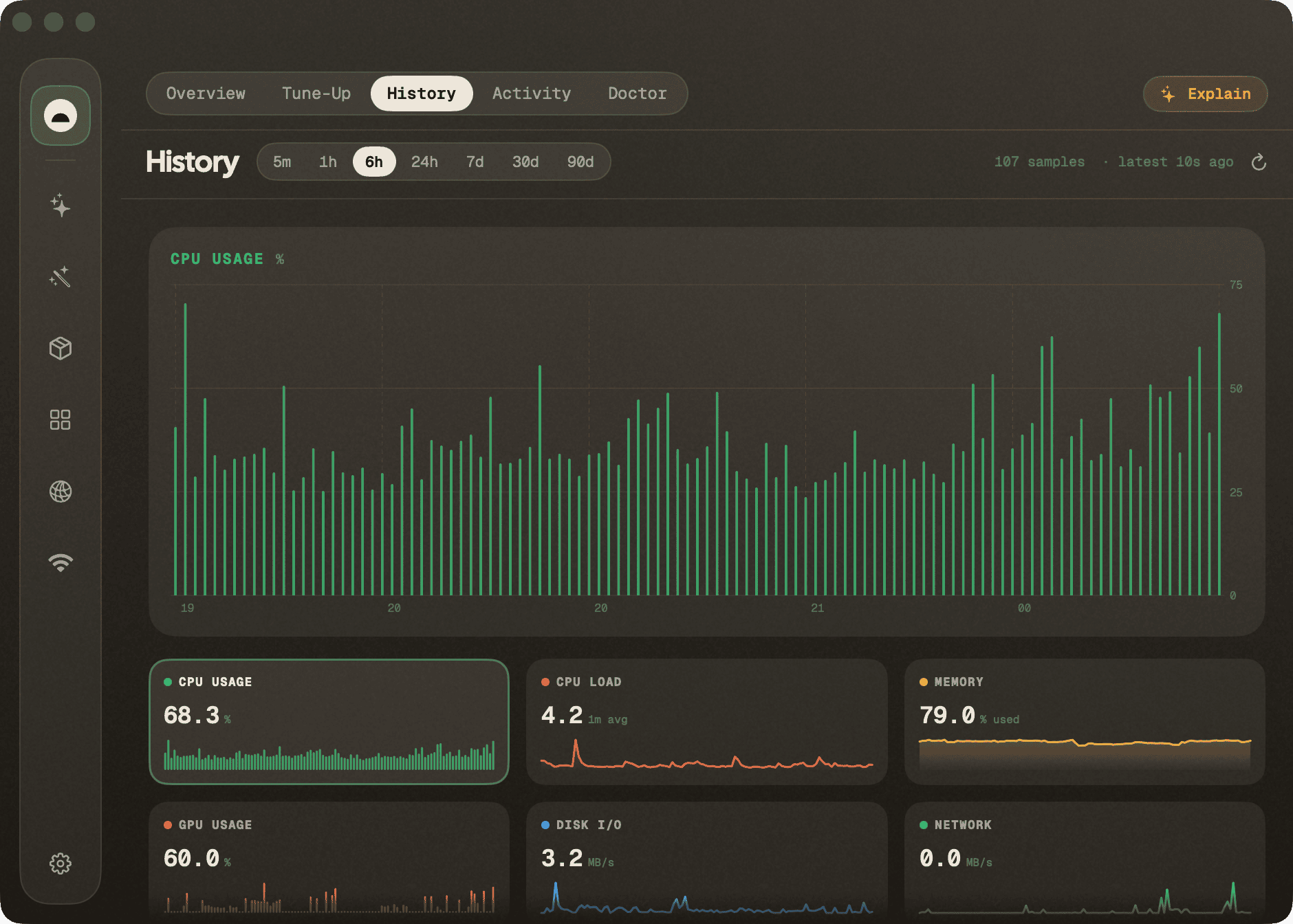
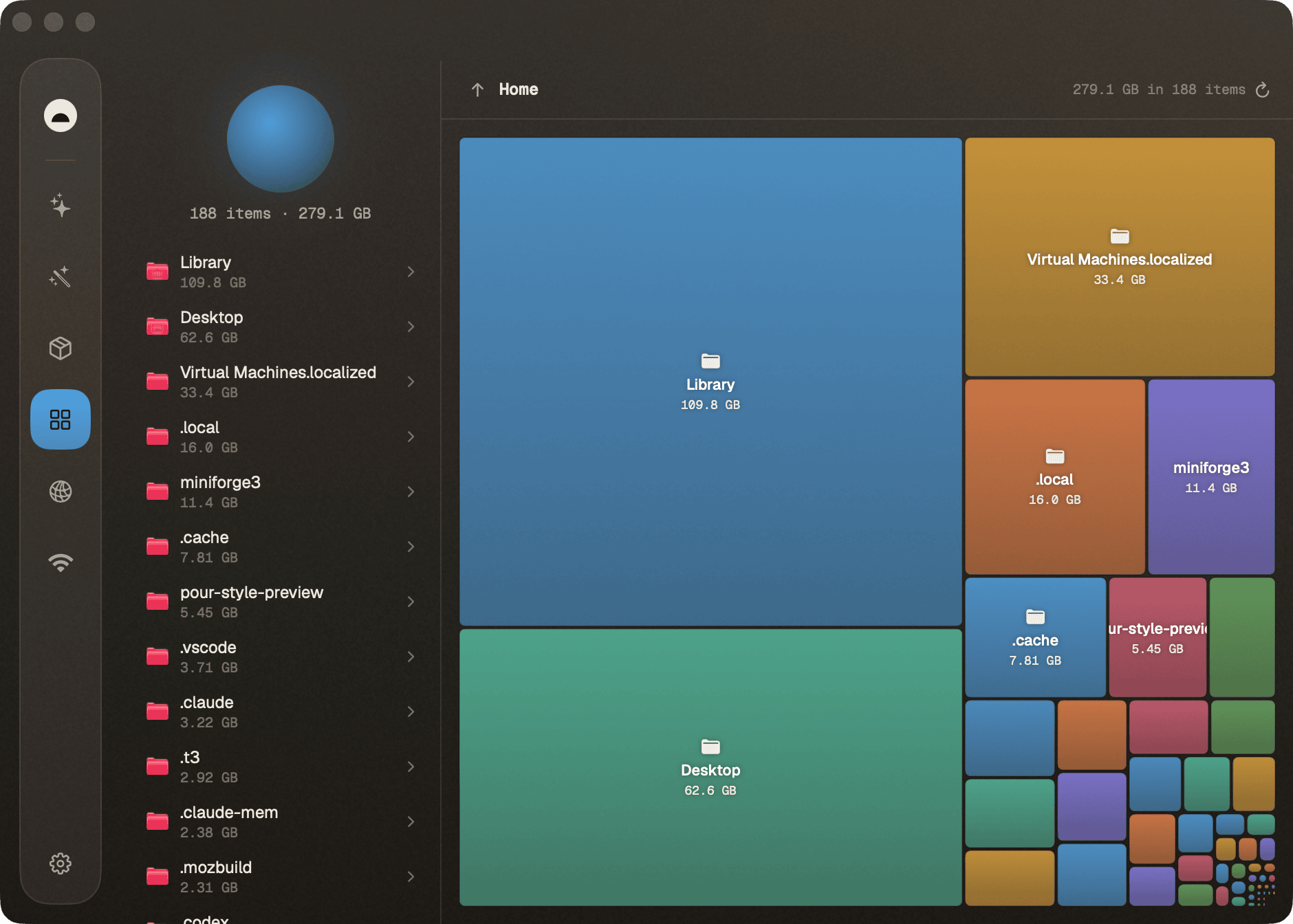
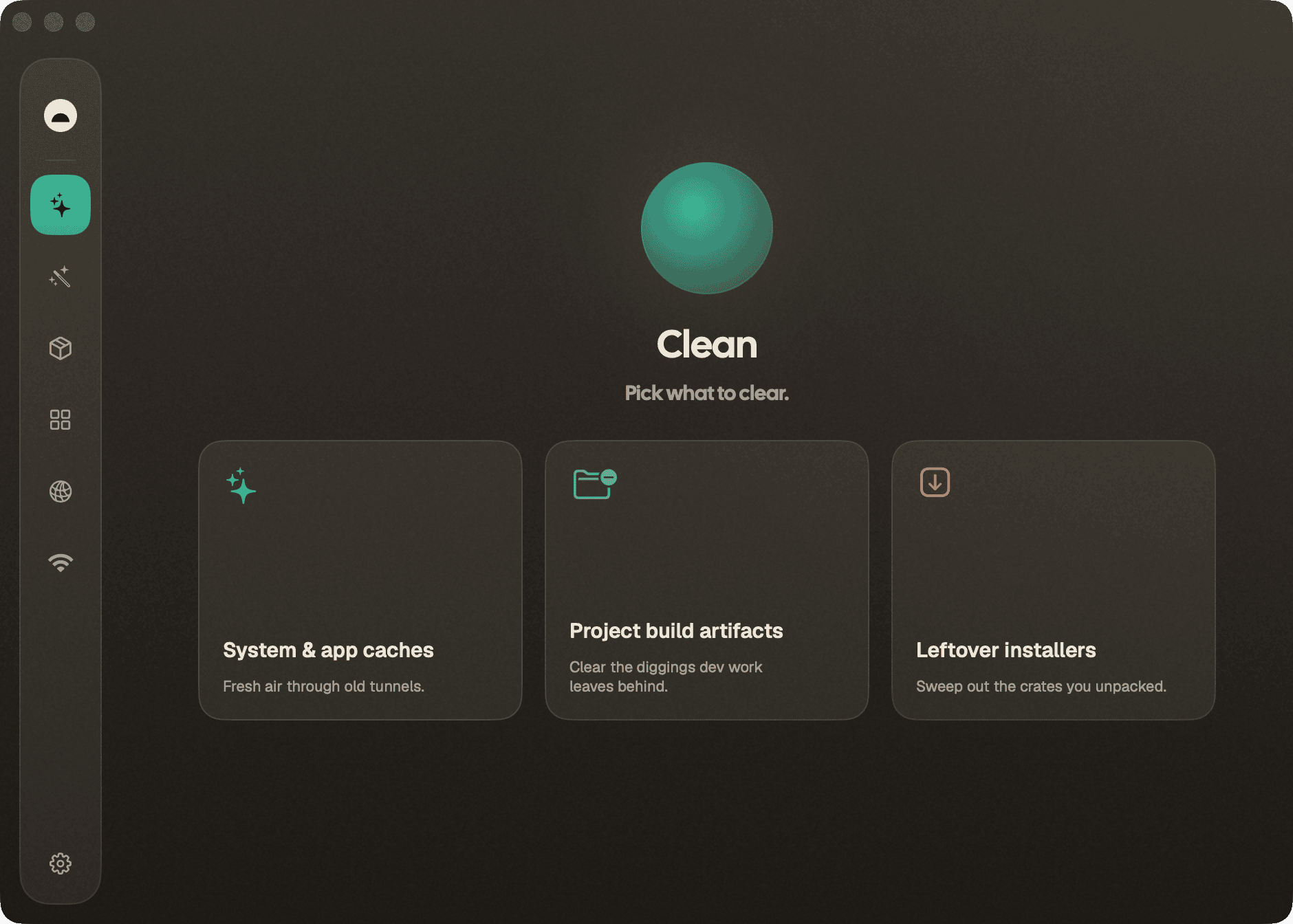
How to install Burrow on a Mac
- Get OpenDMG. It is a free app store for open source Mac apps. Download OpenDMG.
- Search for Burrow and press Get. OpenDMG downloads version 0.14.0 from caezium's own GitHub release.
- Open it. The download is checked against its SHA-256 fingerprint and its signature is checked on your Mac before it lands in Applications.
Updates to Burrow show up in OpenDMG and install with one button. No account is needed.
Prefer to do it by hand? The developer's file is on GitHub: Burrow-0.14.0.zip (24 MB).
What is new in Burrow 0.14.0
# Burrow 0.14.0

The Touch ID helper now offers itself, and the reviewed clean says what it
removed instead of finishing silently.

## Added
- **Burrow offers the privileged helper.** The helper that lets admin
 operations authenticate with Touch ID shipped in 0.13.0 behind a single
 button in **Settings ▸ Advanced**, and nothing pointed anyone at it —
 upgraders learned about it from the release notes, fresh installs not at all.
 It is now offered the way Full Disk Access is: one banner over the window,
 informing rather than blocking. At most one notice shows at a time, and
 dismissing the helper notice is permanent, because the helper is a
 convenience rather than something Burrow needs to work.

## Fixed
- **The reviewed clean reports what it removed.** It deleted exactly what was
 ticked and then looked like it had done nothing. That path doesn't run the
 engine's cleaner — it deletes each reviewed path with `find`, which succeeds
 *silently*, so the result screen had no output to show: no items, no freed
 total, no done banner. It now reports the paths it was authorized to remove,
 grouped by category with their sizes summed, which is a statement of fact
 rather than optimism — the run only succeeds after confirming every planned
 path is gone.

Nothing changed about what the reviewed clean deletes, or about the checks it
…
More System Tools apps
-
 PearcleanerApp Cleaner and Uninstaller Tool
-
 OpenInTerminalFinder toolbar tool for opening the current folder in a terminal
-
 PureMacFree open-source system cleaner with privacy protection
-
 DockDoorWindow peeking for macOS
-
 LatestApp update checker that notifies you of available updates for installed applications
-
 DorsoPosture reminder that progressively blurs your screen when you slouch