

Brink for Mac
Screen-edge notch that keeps your Notion pages and tasks one hover away.
By StepanBlaha. Free and open source, MIT licence.
Brink at a glance
- Version
- 0.11.2
- Released
- 6 October 2026
- Download size
- 6.2 MB
- Works on
- Apple silicon and Intel
- Licence
- MIT
- Category
- Menu Bar and Notch
- Developer
- StepanBlaha
- GitHub stars
- 8
About Brink
A quiet notch on your Mac's screen edge that keeps your Notion pages and tasks one hover away. Native Swift, free.
Screenshots
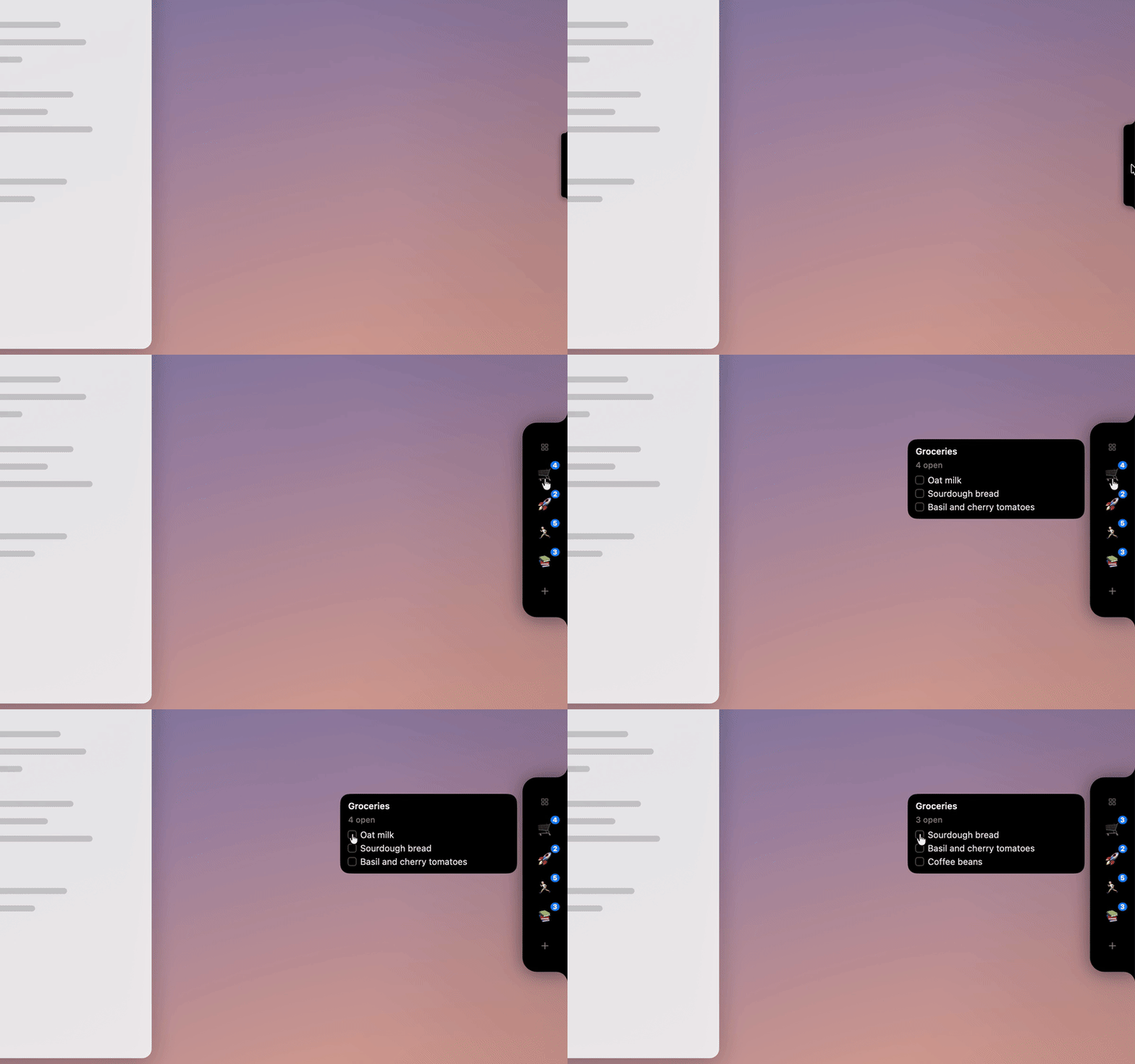
How to install Brink on a Mac
- Get OpenDMG. It is a free app store for open source Mac apps. Download OpenDMG.
- Search for Brink and press Get. OpenDMG downloads version 0.11.2 from StepanBlaha's own GitHub release.
- Open it. The download is checked against its SHA-256 fingerprint and its signature is checked on your Mac before it lands in Applications.
Updates to Brink show up in OpenDMG and install with one button. No account is needed.
Prefer to do it by hand? The developer's file is on GitHub: Brink-0.11.2.zip (6.2 MB).
What is new in Brink 0.11.2
Download **Brink-0.11.2.zip**, unzip, drag Brink to Applications. It is not notarized yet, so the first time right-click → Open. Or: `brew install --cask stepanblaha/tap/brink` ## 0.11.2 — 2026-10-06 ### Fixed - Apple Notes: titles and headings keep their style when you edit a note in Brink. Before, the first line of a note turned into plain bold text after the first save. - Apple Notes: "&", "<", ">" and quotes show up correctly instead of as "&" or "<". - Apple Notes: editing a note no longer reports "Changed in Notes while you were editing" on every second save. - Apple Notes: monospaced text keeps its style, and a numbered list right after a bulleted list stays numbered. - Apple Notes: links added by quick capture are written as plain addresses, so the note stays editable in Brink instead of turning read-only. - Apple Notes: search and pinned notes no longer show notes from Recently Deleted, in any language of macOS. - Apple Notes: folders with the same name in different accounts now show which account they belong to, and "Use Notes' version" no longer leaves an empty editor if a refresh is running. - Apple Notes: a slow answer from Notes now says so instead of showing a raw error. ## 0.11.1 — 2026-10-05 ### Fixed …
More Menu Bar and Notch apps
-
 StatsmacOS system monitor in your menu bar
-
 IcePowerful menu bar manager for macOS (upstream, temporarily inactive)
-
 Hidden BarAn ultra-light MacOS utility that helps hide menu bar icons
-
 ThawThe open-source menu bar manager: hide, organize, and take control of menu bar icons
-
 Boring NotchTurn your MacBook notch into a music and file control center
-
 eulmacOS status monitoring app written in SwiftUI