
Blurt for Mac
Hold-a-hotkey dictation that pastes cleaned-up text into any app, powered by AssemblyAI cloud speech-to-text.
By AssemblyAI. Free and open source, MIT licence.
Blurt at a glance
- Version
- 0.1.63
- Released
- 9 October 2026
- Download size
- 9.0 MB
- Works on
- Apple silicon and Intel
- Licence
- MIT
- Category
- Audio and Music
- Developer
- AssemblyAI
- GitHub stars
- 58
About Blurt
Open-source macOS dictation that turns speech into polished text in the app you're already using. Powered by AssemblyAI.
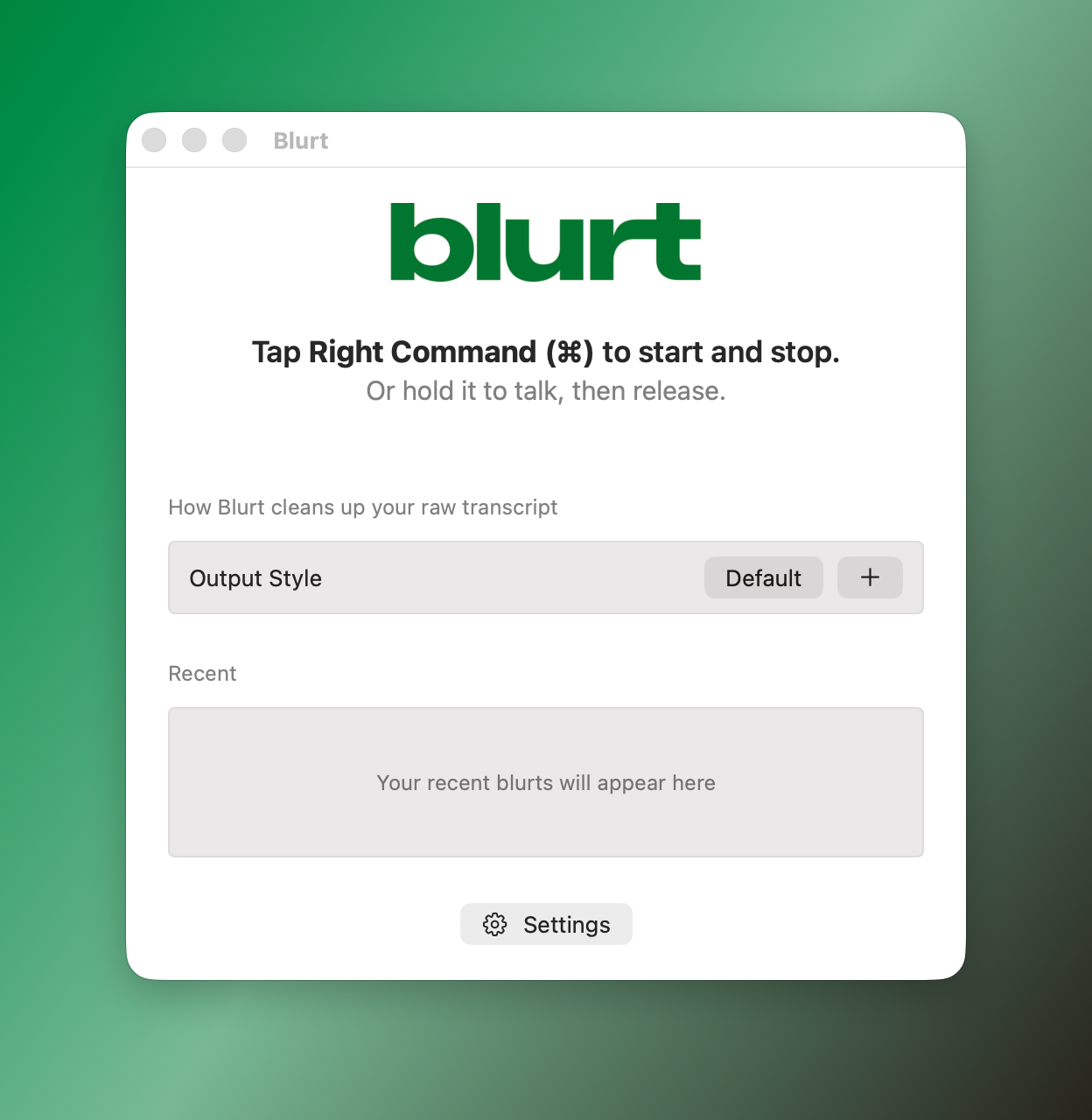
Screenshots
How to install Blurt on a Mac
- Get OpenDMG. It is a free app store for open source Mac apps. Download OpenDMG.
- Search for Blurt and press Get. OpenDMG downloads version 0.1.63 from AssemblyAI's own GitHub release.
- Open it. The download is checked against its SHA-256 fingerprint and its signature is checked on your Mac before it lands in Applications.
Updates to Blurt show up in OpenDMG and install with one button. No account is needed.
Prefer to do it by hand? The developer's file is on GitHub: Blurt.dmg (9.0 MB).
What is new in Blurt 0.1.63
## What's Changed
* Paste into Sublime Text, Sublime Merge and Zed by @alexkroman in https://github.com/AssemblyAI/blurt/pull/240
* Release v0.1.63 by @alexkroman in https://github.com/AssemblyAI/blurt/pull/241

**Full Changelog**: https://github.com/AssemblyAI/blurt/compare/v0.1.62...v0.1.63

## Checksums

```
b52ee9981c85ee7913b9b14ae8842649283b05c0ee3f0ce0cc8f4f37cc5de033 Blurt-0.1.63.dmg
48dbfa51b0552ddc2a0caaf236c36042bfc22b549abd48ebfe6ed543e049d127 Blurt-0.1.63.app.dSYM.zip
056c0e67c7434d7e83abc0faad4c49fd88b730b249fbfce617df8ca1f563ac71 appcast.xml
```
More Audio and Music apps
-
 MonitorControlAdjust external monitor settings
-
 FluidVoiceVoice-to-text app with AI enhancement
-
 eqMacSystem-wide audio equalizer and volume mixer
-
 VoiceInkReal-time speech-to-text app
-
 LyricsXDisplay lyrics for iTunes/Spotify
-
 FreeFlowPush-to-talk speech-to-text tool that inserts polished transcripts into any app