

BetterWispr for Mac
Open-source Wispr Flow alternative: on-device dictation with Whisper, Parakeet, and Apple speech.
By opennookorg. Free and open source, Apache-2.0 licence.
BetterWispr at a glance
- Version
- 0.1.6
- Released
- 13 November 2026
- Download size
- 21 MB
- Works on
- Apple silicon and Intel
- Licence
- Apache-2.0
- Category
- Audio and Music
- Developer
- opennookorg
- GitHub stars
- 533
About BetterWispr
Free, open-source, local-first dictation app for macOS. Hold a shortcut, speak, and text is typed into any app. On-device speech-to-text with Whisper, Parakeet and Apple speech. Private, offline, open-source Wispr Flow alternative.
Screenshots
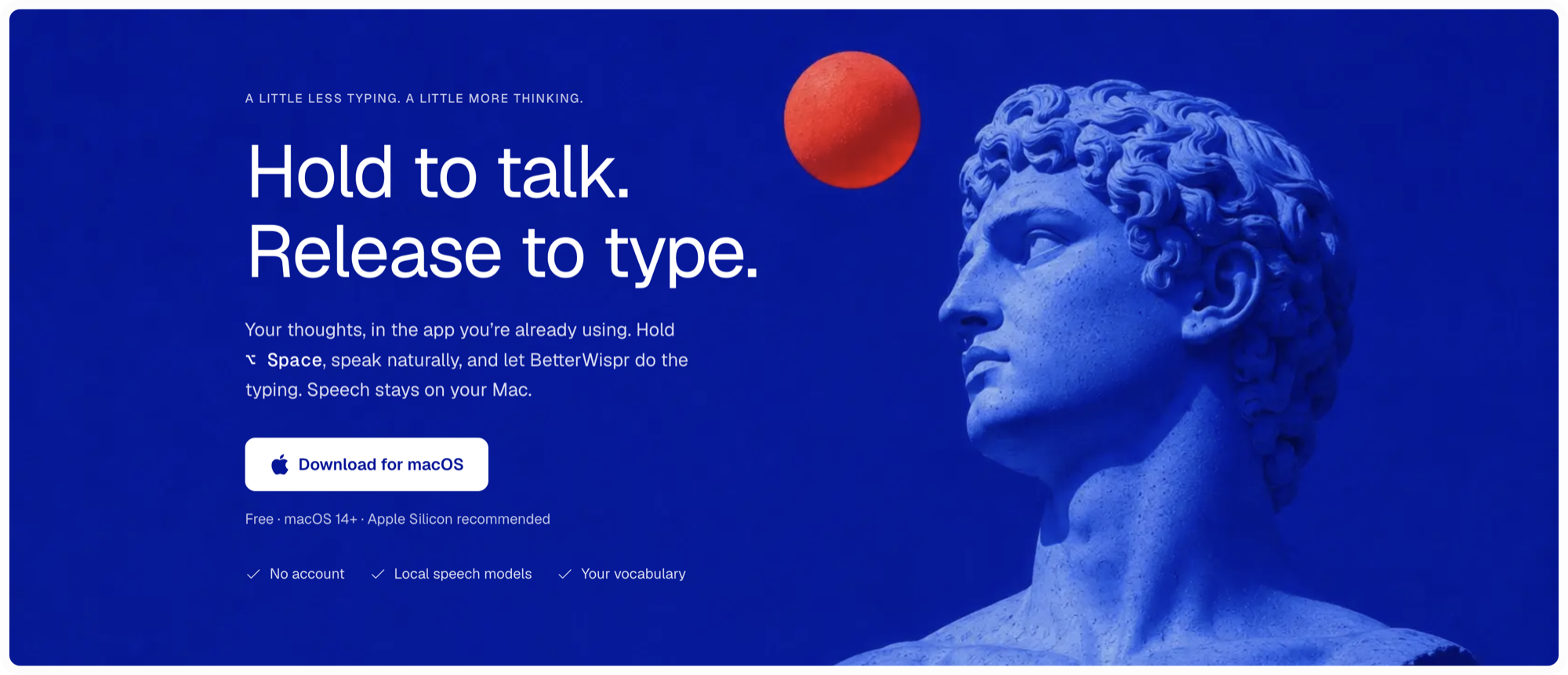
How to install BetterWispr on a Mac
- Get OpenDMG. It is a free app store for open source Mac apps. Download OpenDMG.
- Search for BetterWispr and press Get. OpenDMG downloads version 0.1.6 from opennookorg's own GitHub release.
- Open it. The download is checked against its SHA-256 fingerprint and its signature is checked on your Mac before it lands in Applications.
Updates to BetterWispr show up in OpenDMG and install with one button. No account is needed.
Prefer to do it by hand? The developer's files are on GitHub: BetterWispr-arm64.dmg (21 MB), BetterWispr-x86_64.dmg (22 MB).
What is new in BetterWispr 0.1.6
### Added

- **Calendar, a new page in the sidebar.** Click Connect Calendar to allow access, and it shows the calendars already on this Mac, such as iCloud, Google and Exchange, by Day, Week or Month, like the Calendar app. Week is the default. Day and Week lay out the hours with all-day events on top and a line at the current time, and Month shows up to three events a day. Use the arrows or ⌘← and ⌘→ to move, Today or ⌘T to come back, and click a day to open it. Click an event to see its time, calendar and invitees. A meeting with a video link has Join, and one that starts within 15 minutes or is under way has Take notes, which starts meeting notes with that event's title and invitees. The page says how many calendars it reads and from which accounts, and Choose calendars opens Settings to leave some out. Add Account…, on the page and in Settings > Calendar, opens Internet Accounts in System Settings, where you sign in to Google, Outlook, Exchange, Yahoo or iCloud with your email; the calendars appear once this Mac syncs them. For Outlook, choose Microsoft Exchange. BetterWispr never sees your password. It updates when your calendars change. If access is off, the page says so and opens System Settings; if this Mac has no calendar accounts, it offers Add Account…. BetterWispr only reads calendars and never changes them, and declined events aren't shown.
…
More Audio and Music apps
-
 MonitorControlAdjust external monitor settings
-
 FluidVoiceVoice-to-text app with AI enhancement
-
 VoiceInkReal-time speech-to-text app
-
 eqMacSystem-wide audio equalizer and volume mixer
-
 LyricsXDisplay lyrics for iTunes/Spotify
-
 FreeFlowPush-to-talk speech-to-text tool that inserts polished transcripts into any app