

BannerHither for Mac
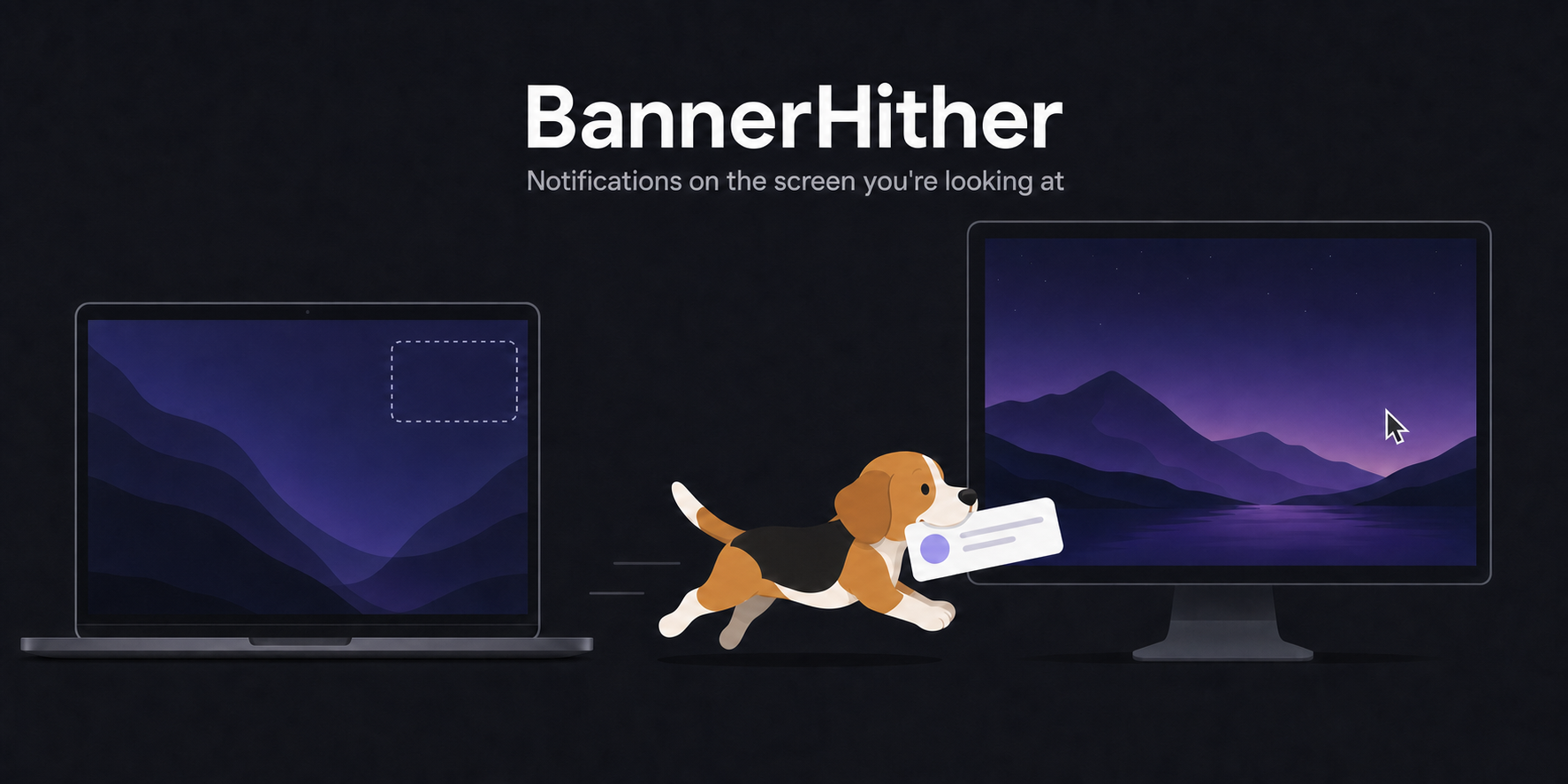
Menu bar utility that moves each notification banner to the display under your pointer, the screen of the active window, or one display you pick.
By KJeon10. Free and open source, MIT licence.
BannerHither at a glance
- Version
- 0.2.0
- Released
- 9 September 2026
- Download size
- 3.4 MB
- Works on
- Apple silicon and Intel
- Licence
- MIT
- Category
- Menu Bar and Notch
- Developer
- KJeon10
- GitHub stars
- 12
About BannerHither
Notification banners on the display you're actually looking at — follows your mouse or active window
Screenshots
How to install BannerHither on a Mac
- Get OpenDMG. It is a free app store for open source Mac apps. Download OpenDMG.
- Search for BannerHither and press Get. OpenDMG downloads version 0.2.0 from KJeon10's own GitHub release.
- Open it. The download is checked against its SHA-256 fingerprint and its signature is checked on your Mac before it lands in Applications.
Updates to BannerHither show up in OpenDMG and install with one button. No account is needed.
Prefer to do it by hand? The developer's file is on GitHub: BannerHither-0.2.0.dmg (3.4 MB).
What is new in BannerHither 0.2.0
Adds update checks. Banner placement is unchanged from 0.1.0.

**What's new**
- *Check for Updates…* in the menu compares the running version with the latest GitHub release and offers the download.
- With your consent, asked once after the first launch, the app also checks once a day in the background. A new version then appears as a menu item and as a dot on the menu bar icon; no dialog opens.
- *Skip This Version* hides a release until the next one is published.
- *About BannerHither* opens the standard About panel with links to the project.
- That release lookup is the app's only network request: it fetches the latest release number from api.github.com and identifies itself with nothing but the app name and version. Details are in the README's Privacy section.

**Install**
- Download `BannerHither-0.2.0.dmg`, open it and drag the app to Applications. The app and the image are Developer ID-signed and notarized.
- Or: `brew install --cask KJeon10/tap/bannerhither`, or `brew upgrade --cask bannerhither` if it is already installed.

SHA-256 of `BannerHither-0.2.0.dmg`: `28b355be60ed9047b03e00e32fa445ceaa35f4d24002baa4259255b3cc39f0ff`
More Menu Bar and Notch apps
-
 StatsmacOS system monitor in your menu bar
-
 IcePowerful menu bar manager for macOS (upstream, temporarily inactive)
-
 Hidden BarAn ultra-light MacOS utility that helps hide menu bar icons
-
 ThawThe open-source menu bar manager: hide, organize, and take control of menu bar icons
-
 Boring NotchTurn your MacBook notch into a music and file control center
-
 eulmacOS status monitoring app written in SwiftUI