

Avakasha for Mac
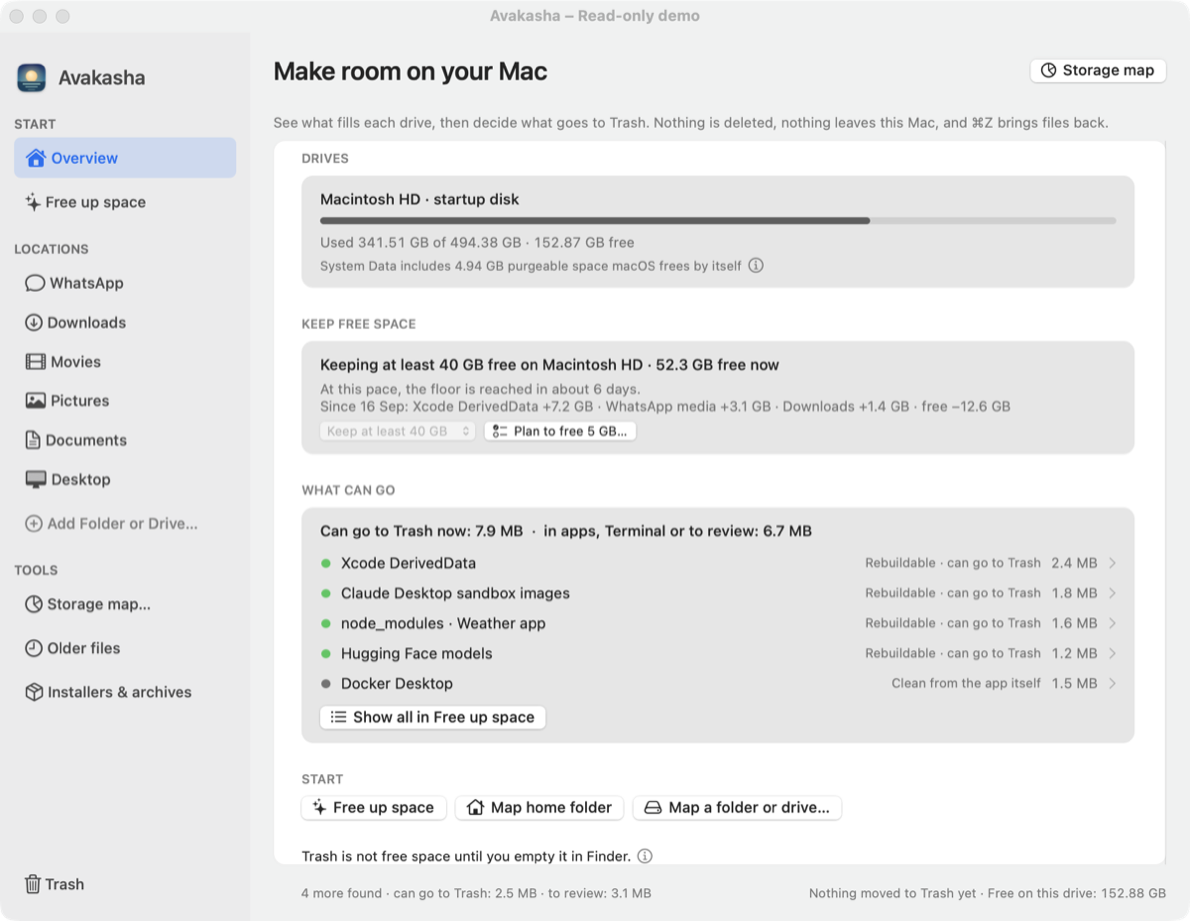
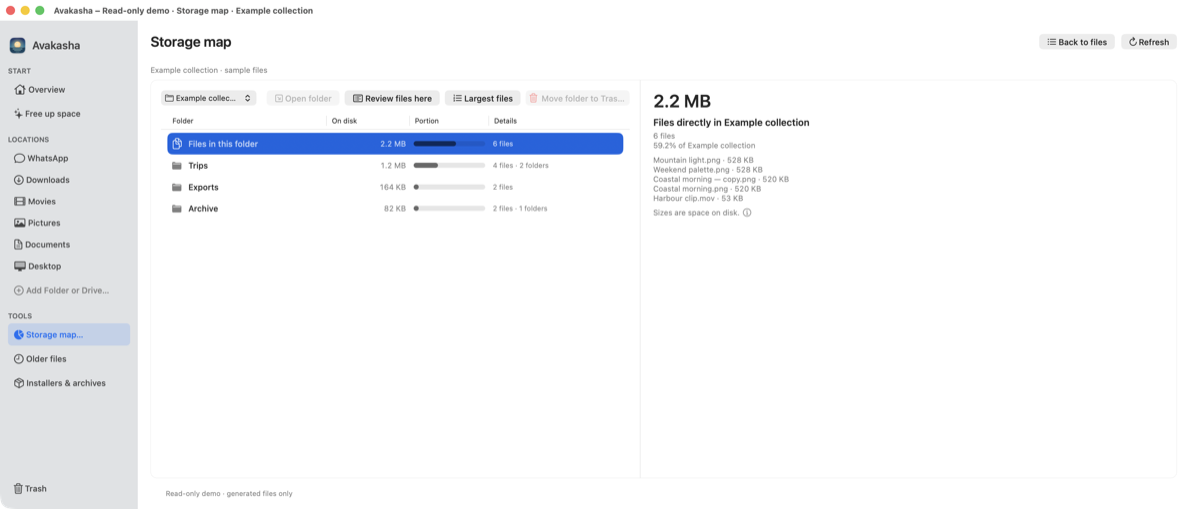
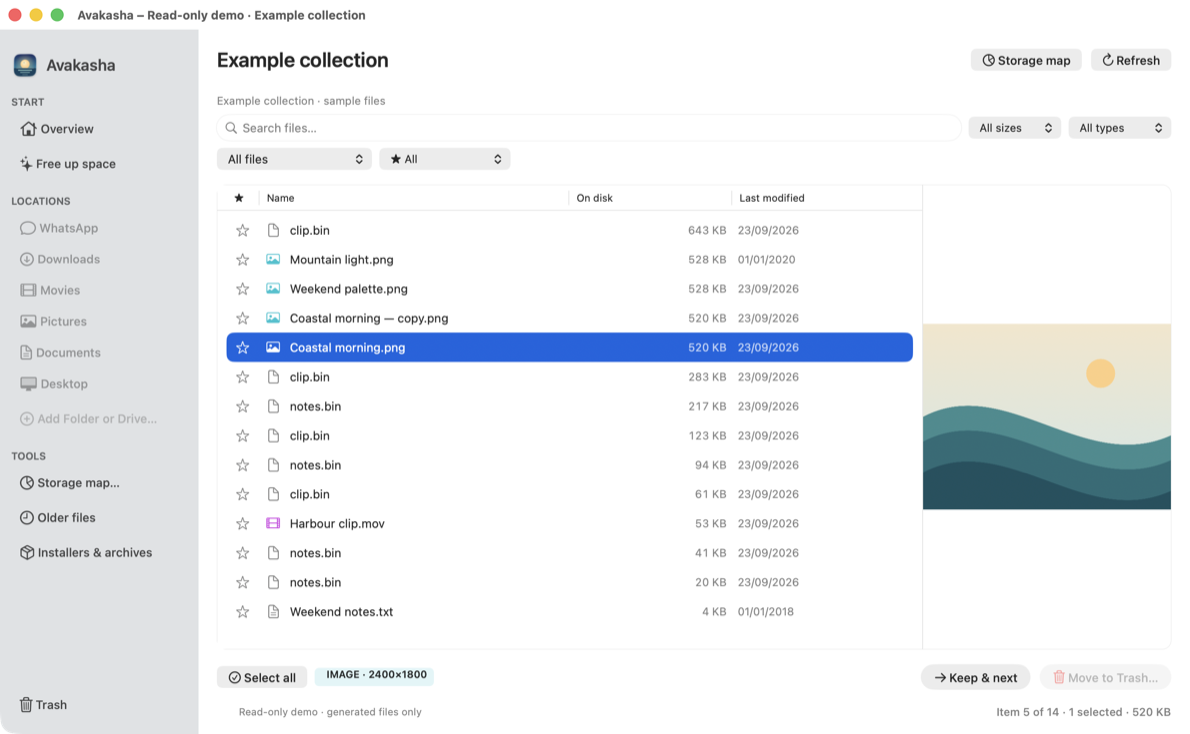
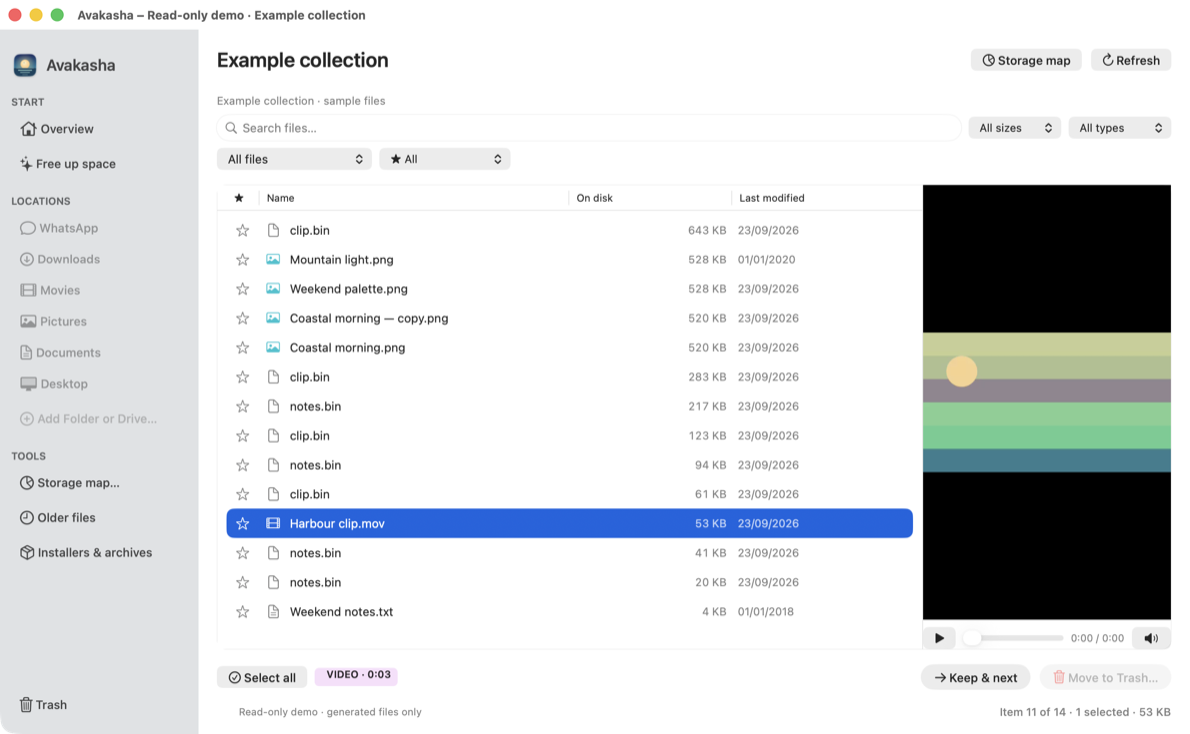
Keeps disk space free by showing what grows, planning what can go, and moving it to Trash with Undo or to a drive as a verified copy.
By danielsimisi-coder. Free and open source.
Avakasha at a glance
- Version
- 0.1.0-beta.18 (pre-release)
- Released
- 23 September 2026
- Download size
- 2.6 MB
- Works on
- Apple silicon and Intel
- Category
- System Tools
- Developer
- danielsimisi-coder
- GitHub stars
- 1
About Avakasha
Make room. Lose nothing. Keeps free space on your Mac: shows what grows, plans what can go, moves to Trash with Undo or to a drive, verified. Local, open source.
Screenshots
How to install Avakasha on a Mac
- Get OpenDMG. It is a free app store for open source Mac apps. Download OpenDMG.
- Search for Avakasha and press Get. OpenDMG downloads version 0.1.0-beta.18 from danielsimisi-coder's own GitHub release.
- Open it. The download is checked against its SHA-256 fingerprint and its signature is checked on your Mac before it lands in Applications.
Updates to Avakasha show up in OpenDMG and install with one button. No account is needed.
Prefer to do it by hand? The developer's file is on GitHub: Avakasha-0.1.0-beta.18-universal.zip (2.6 MB).
What is new in Avakasha 0.1.0-beta.18
- **Wrong verdict? Report it…** under the details of a Free up space row: choose what is wrong (not safe to move, could be marked safe, wrong description, something else), add an optional note, and Avakasha opens a prefilled issue on GitHub in your browser. Nothing is sent until you submit it there. The report holds the catalogue entry's name and fixed path, or for a folder found by searching only the name that matched (for example `~/…/node_modules`), never your own folder names; plus the verdict, your note and the app and macOS versions. Not offered for folders untouched for months, which are your own files, nor in the read-only demo.

### Install

Download `Avakasha-0.1.0-beta.18-universal.zip`, unzip, and move Avakasha to Applications. This beta is ad-hoc signed, not notarized: the first time, right-click the app and choose Open (or allow it in System Settings › Privacy & Security). You can also build it from source with `bash scripts/build-app.sh`. macOS 13 or later.

Checksum: see `Avakasha-0.1.0-beta.18-universal.zip.sha256`.
More System Tools apps
-
 PearcleanerApp Cleaner and Uninstaller Tool
-
 OpenInTerminalFinder toolbar tool for opening the current folder in a terminal
-
 PureMacFree open-source system cleaner with privacy protection
-
 DockDoorWindow peeking for macOS
-
 LatestApp update checker that notifies you of available updates for installed applications
-
 DorsoPosture reminder that progressively blurs your screen when you slouch