
atst for Mac
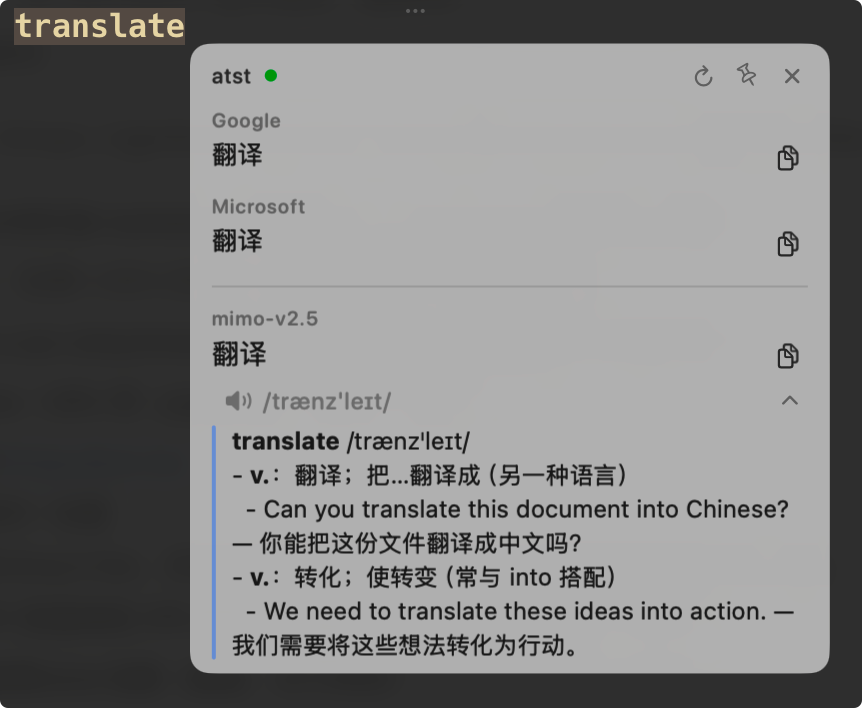
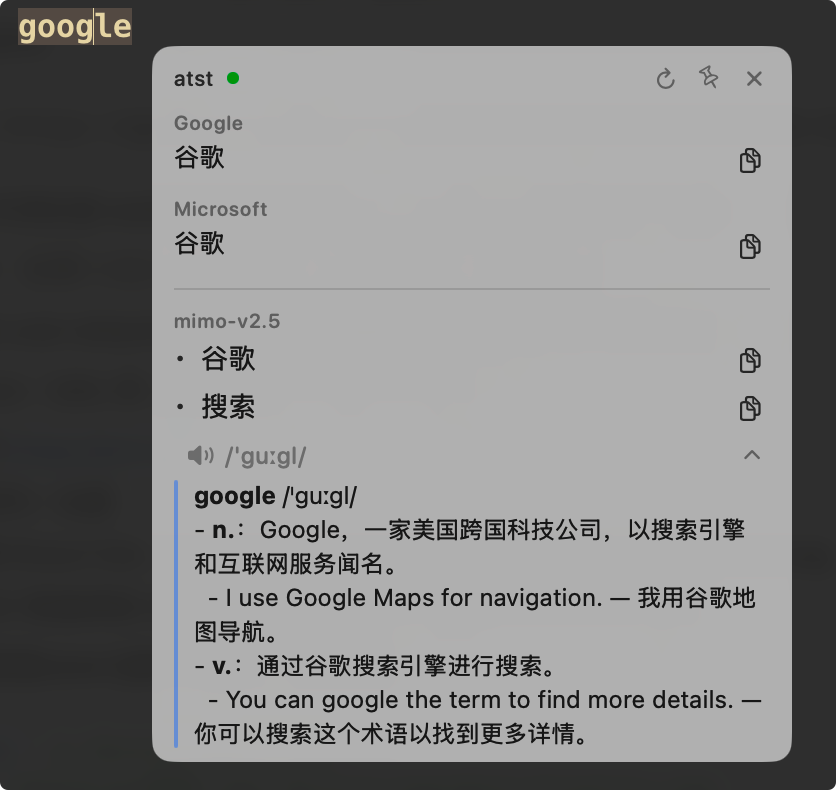
Tiny menu bar translator: press a hotkey to translate selected text, with built-in Google/Microsoft adapters and optional AI dictionary explanations.
By itaober. Free and open source, Apache-2.0 licence.
atst at a glance
- Version
- 0.4.0
- Released
- 7 September 2026
- Download size
- 2.1 MB
- Works on
- Apple silicon and Intel
- Licence
- Apache-2.0
- Category
- Menu Bar and Notch
- Developer
- itaober
- GitHub stars
- 17
About atst
a(i)-text-select-translate — a tiny menu-bar translator for macOS.
Screenshots
How to install atst on a Mac
- Get OpenDMG. It is a free app store for open source Mac apps. Download OpenDMG.
- Search for atst and press Get. OpenDMG downloads version 0.4.0 from itaober's own GitHub release.
- Open it. The download is checked against its SHA-256 fingerprint and its signature is checked on your Mac before it lands in Applications.
Updates to atst show up in OpenDMG and install with one button. No account is needed.
Prefer to do it by hand? The developer's file is on GitHub: atst.dmg (2.1 MB).
What is new in atst 0.4.0
## English

- **Line breaks survive translation** — the AI prompt now demands the source's line / paragraph structure, Microsoft translates line by line like Google, and screenshot OCR merges soft-wrapped lines inside a paragraph so line-by-line translators see whole sentences
- **Reverse translation** — when the selection is already in your target language it's translated into a new **Secondary language** setting instead (Chinese ⇄ English by default)
- **Type to translate** — `⌥D` with nothing selected opens a text box in the tooltip; Return translates, Shift+Return inserts a newline
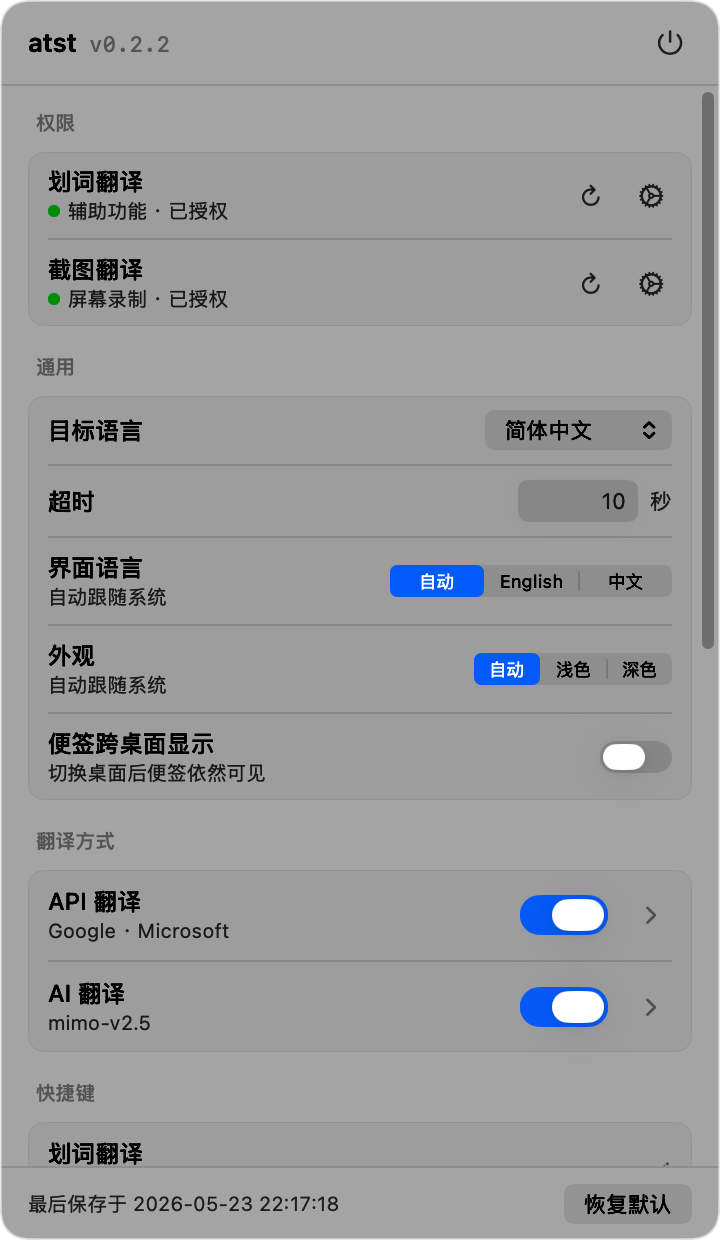
- **Launch at login** toggle in General settings
- **First-launch Accessibility prompt** — without the grant the hotkeys could never fire, and a fresh install sat there silently; the app now asks once per version and opens settings
- Tooltip header shows the detected source language and the target (`English → 简体中文`) instead of the app name
- Google and Microsoft rows merge into one when they return the same text
- A provider that fails three times in a row collapses to a single line with a **Disable** button instead of a full error every time
- `Esc` dismisses the tooltip (it never could — the panel wasn't a key window)
…
More Menu Bar and Notch apps
-
 StatsmacOS system monitor in your menu bar
-
 IcePowerful menu bar manager for macOS (upstream, temporarily inactive)
-
 Hidden BarAn ultra-light MacOS utility that helps hide menu bar icons
-
 ThawThe open-source menu bar manager: hide, organize, and take control of menu bar icons
-
 Boring NotchTurn your MacBook notch into a music and file control center
-
 eulmacOS status monitoring app written in SwiftUI