
App Monitor for Mac
Local-first utility for understanding app usage, storage, cleanup, updates, and uninstall impact in one dashboard.
By jcranokc. Free and open source, MIT licence.
App Monitor at a glance
- Version
- 1.2.0-beta.5 (pre-release)
- Released
- 13 July 2026
- Download size
- 11 MB
- Works on
- Apple silicon and Intel
- Licence
- MIT
- Category
- Menu Bar and Notch
- Developer
- jcranokc
- GitHub stars
- 166
About App Monitor
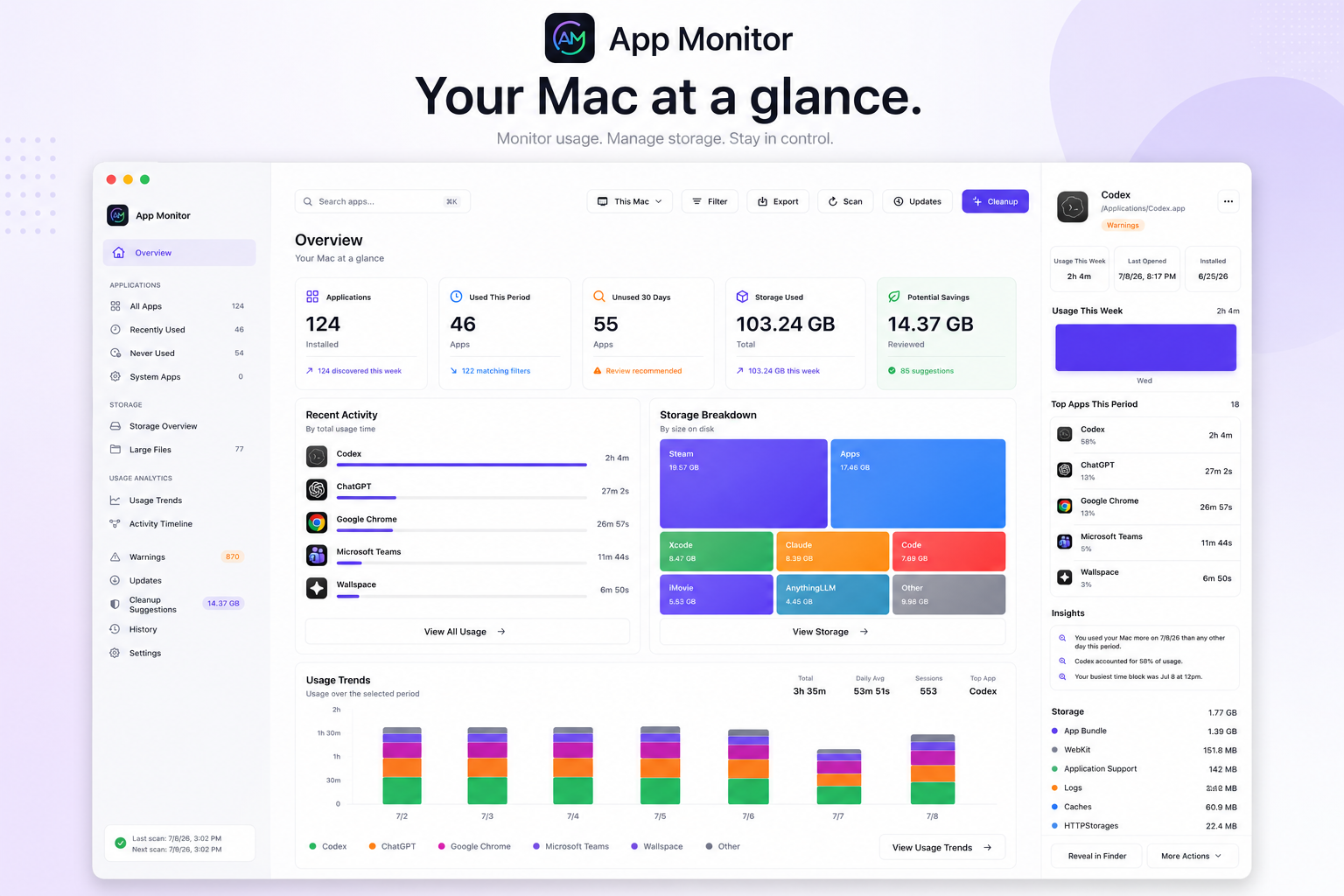
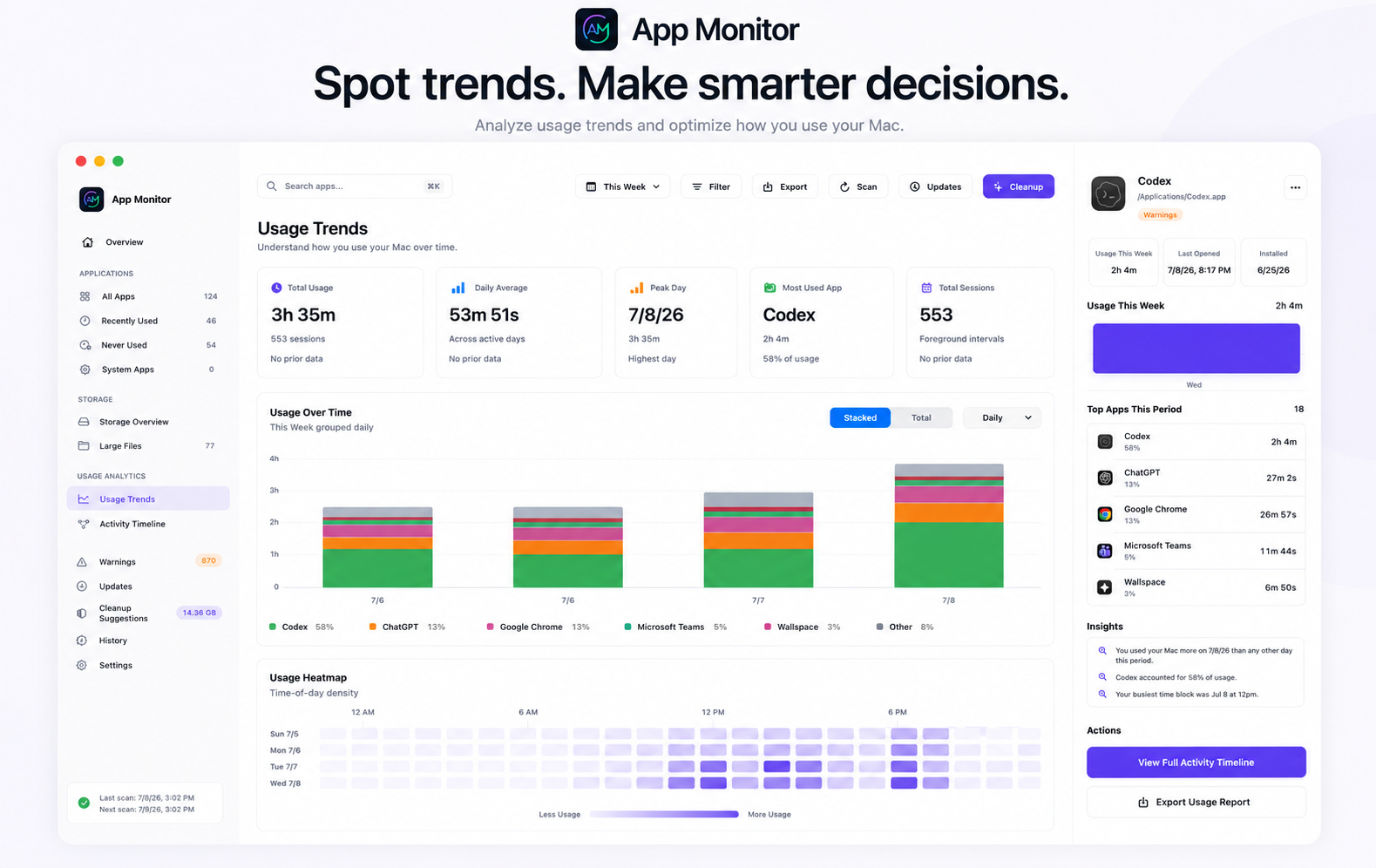
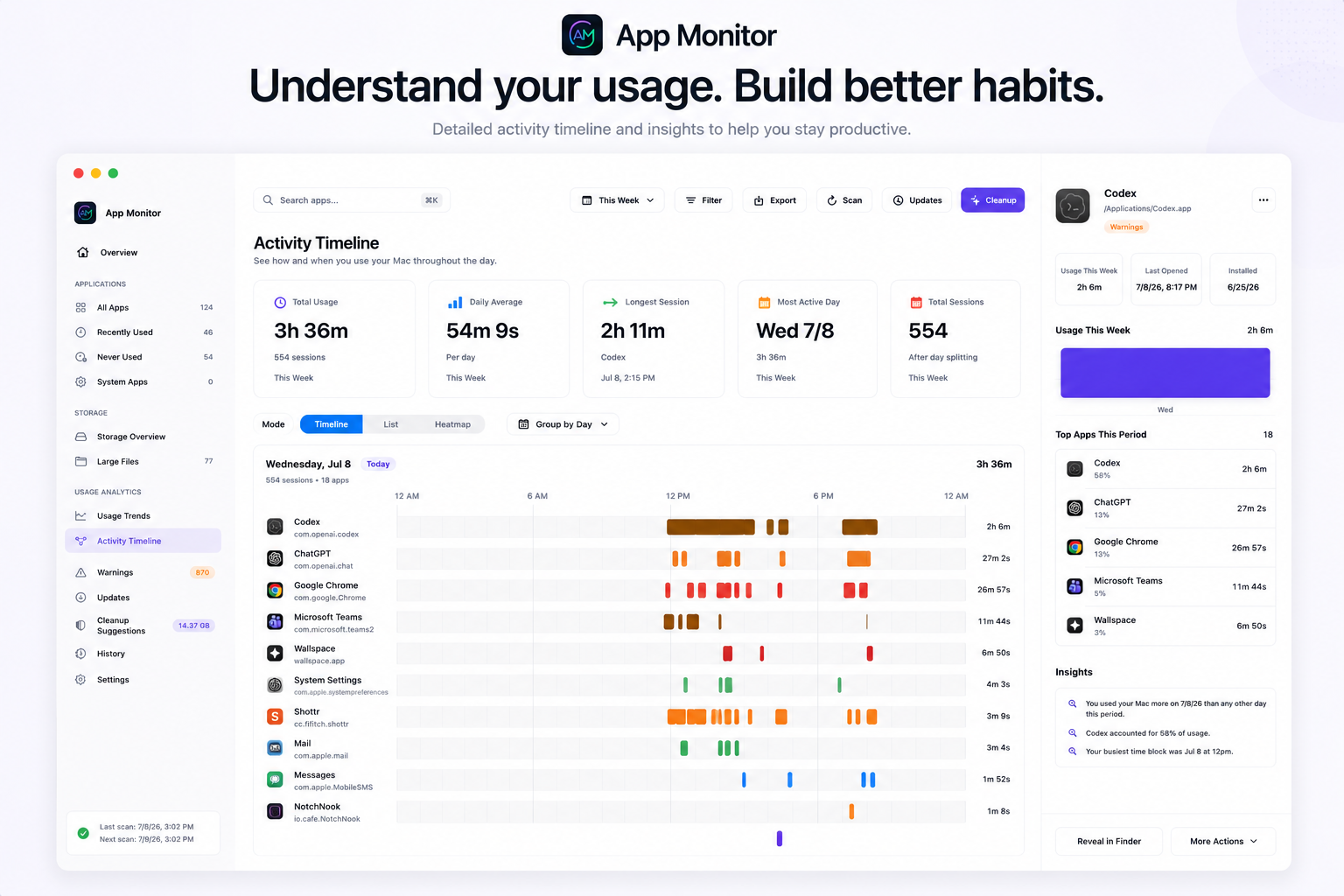
Local-first macOS app usage, storage, cleanup, update, and uninstall monitor.
Screenshots
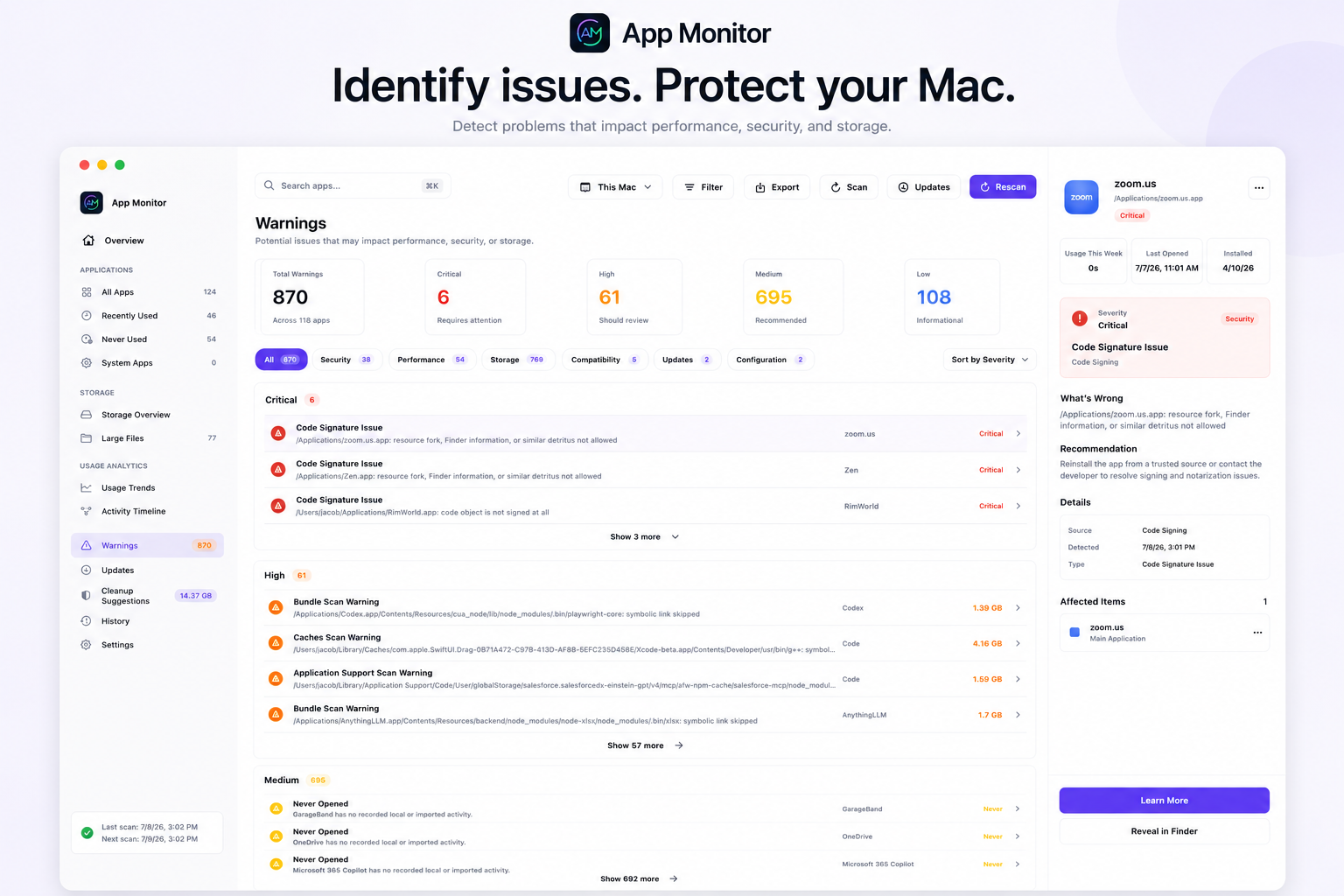
How to install App Monitor on a Mac
- Get OpenDMG. It is a free app store for open source Mac apps. Download OpenDMG.
- Search for App Monitor and press Get. OpenDMG downloads version 1.2.0-beta.5 from jcranokc's own GitHub release.
- Open it. The download is checked against its SHA-256 fingerprint and its signature is checked on your Mac before it lands in Applications.
Updates to App Monitor show up in OpenDMG and install with one button. No account is needed.
Prefer to do it by hand? The developer's file is on GitHub: App-Monitor-Beta.dmg (11 MB).
What is new in App Monitor 1.2.0-beta.5
# App Monitor 1.2.0 beta 5

This release packages the complete KAN-28 product-design, trust, and accessibility remediation epic (KAN-29 through KAN-49).

## Trust and safety

- Reduces warning saturation with normalized, deduplicated, confidence-ranked findings and protected-system exclusions.
- Replaces categorical cleanup safety claims with evidence, ownership, exclusions, confidence, and review-first handling for uncertain data.
- Separates missing monitoring history from verified inactivity and publishes scan-dependent data as one atomic snapshot.
- Reconciles duplicate app identities and distinguishes unscanned storage from confirmed zero-byte results.

## Product experience

- Makes the detail inspector and lower sidebar destinations work at default window sizes.
- Separates Homebrew adoption from genuine updates and makes toolbar actions contextual to each workspace.
- Improves dense tables, history outcomes, reversible-action language, sparse one-day charts, warning triage, Overview decisions, cleanup evidence, and Large Files review.
- Aligns the menu-bar popover with the main app across appearance modes, loading/empty/error states, freshness, and actions.

## Accessibility and privacy

- Adds non-color status and severity cues, stronger secondary-text contrast, stable focus treatment, and accessibility identifiers for core flows.
…
More Menu Bar and Notch apps
-
 StatsmacOS system monitor in your menu bar
-
 IcePowerful menu bar manager for macOS (upstream, temporarily inactive)
-
 Hidden BarAn ultra-light MacOS utility that helps hide menu bar icons
-
 ThawThe open-source menu bar manager: hide, organize, and take control of menu bar icons
-
 Boring NotchTurn your MacBook notch into a music and file control center
-
 eulmacOS status monitoring app written in SwiftUI