

Yowl for Mac
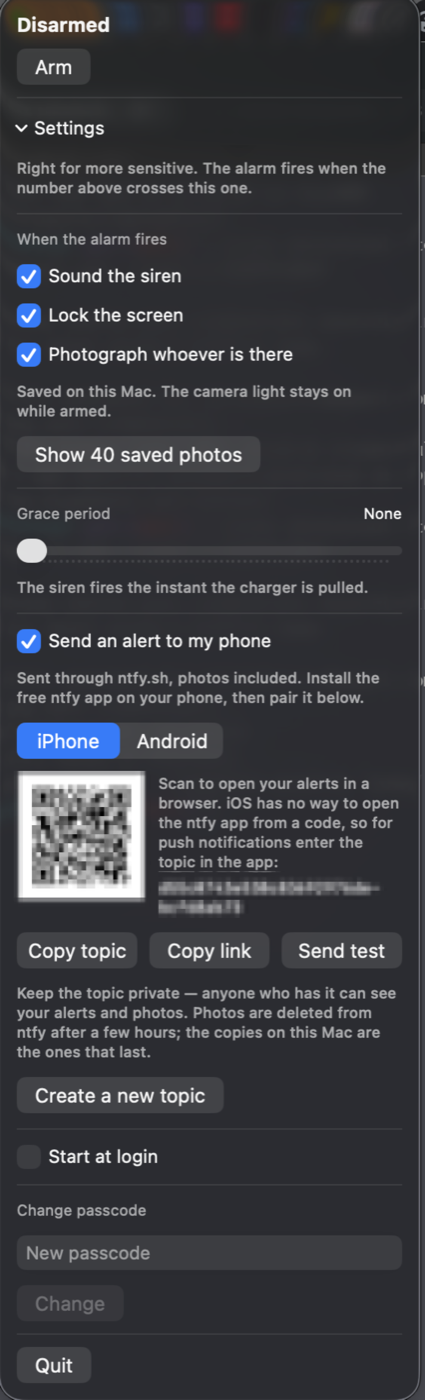
Menu bar theft alarm that sounds a siren and locks a MacBook when unplugged, with optional motion detection.
By nejcar20. Free and open source, MIT licence.
Yowl at a glance
- Version
- 1.3.2
- Released
- 8 October 2026
- Download size
- 1.4 MB
- Works on
- Apple silicon and Intel
- Licence
- MIT
- Category
- Security and Privacy
- Developer
- nejcar20
- GitHub stars
- 11
About Yowl
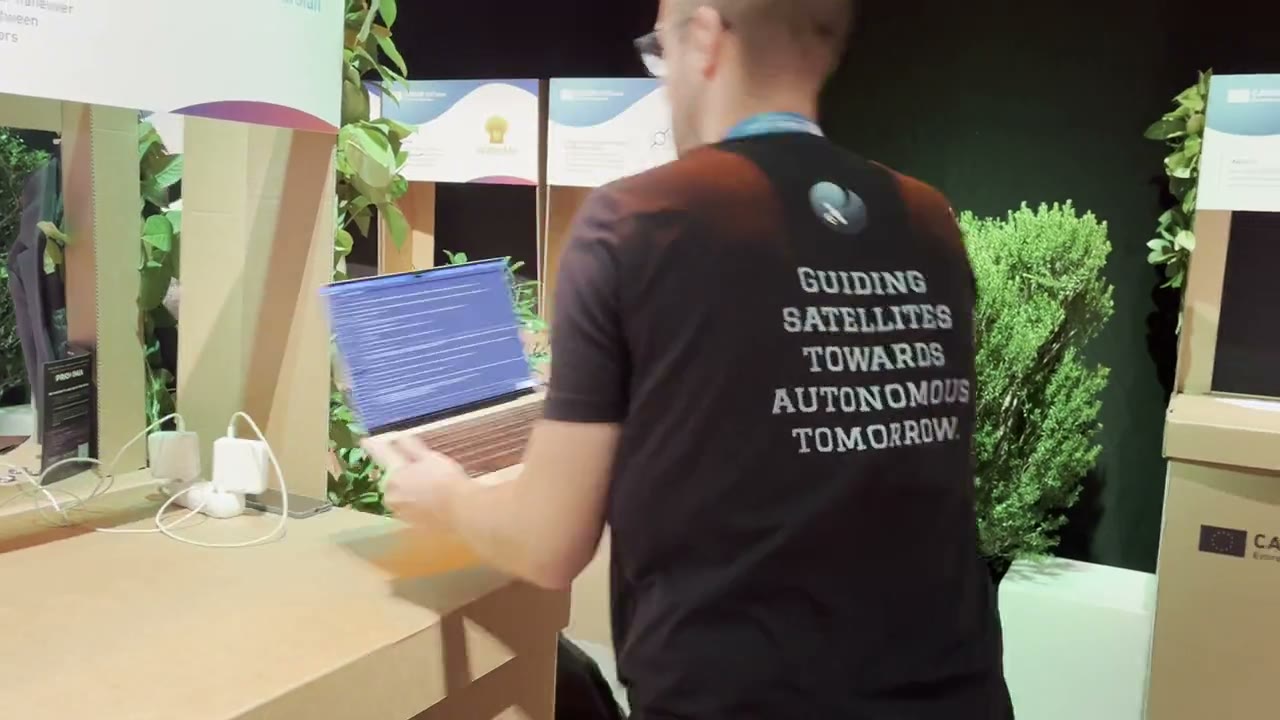
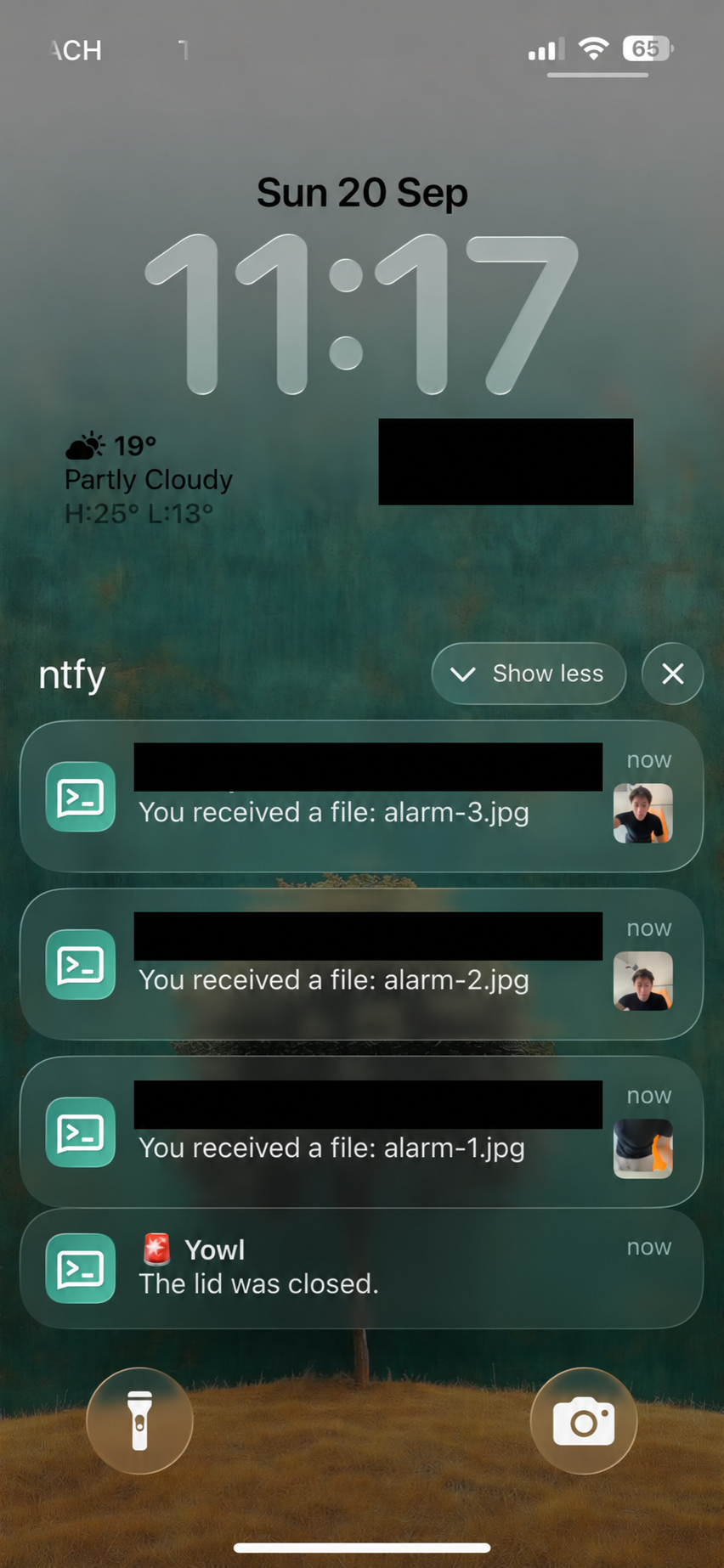
Yowl — a free, open-source laptop theft alarm for Mac and Windows. Unplug it or lift it and it screams over mute and headphones, locks the screen, and photographs whoever is there.
Screenshots
How to install Yowl on a Mac
- Get OpenDMG. It is a free app store for open source Mac apps. Download OpenDMG.
- Search for Yowl and press Get. OpenDMG downloads version 1.3.2 from nejcar20's own GitHub release.
- Open it. The download is checked against its SHA-256 fingerprint and its signature is checked on your Mac before it lands in Applications.
Updates to Yowl show up in OpenDMG and install with one button. No account is needed.
Prefer to do it by hand? The developer's file is on GitHub: Yowl-1.3.2.dmg (1.4 MB).
What is new in Yowl 1.3.2
**On Windows?** Get Yowl from the [Microsoft Store](https://apps.microsoft.com/detail/9NM387X4WVV2). The download below is for Mac.

**Keep screaming with the lid closed:** if installing the helper fails, Yowl now says why, instead of only showing "Helper: not installed". Cancelling the password prompt still reads as not authorised; anything else shows the underlying error (#1).

The install now checks only Yowl's own sudoers file afterwards. Before, a broken rule left by another app in /etc/sudoers.d failed the install even though Yowl's was valid. A rule that fails the check is removed rather than left behind.

309 tests. Signed and notarised, universal.
More Security and Privacy apps
-
 GlanceUnlock your Mac at a glance through on-device face recognition in a dynamic island-style…
-
 FaceGateLock sensitive apps behind Face ID, Touch ID, or a password — all processed on-device
-
 TracexySession-based network intelligence — capture live traffic or open saved captures, then…
-
 SentrySecurity monitor that alerts on activity while you're away
-
 TouchBridgeBiometric authentication tool using phone, watch, or browser for sudo and unlock
-
 MergenCIS benchmark security audit tool that checks 85 controls and auto-fixes most failures