
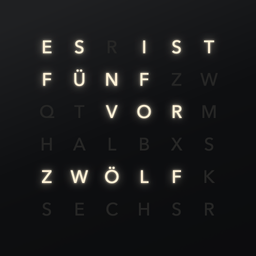
Wortuhr for Mac
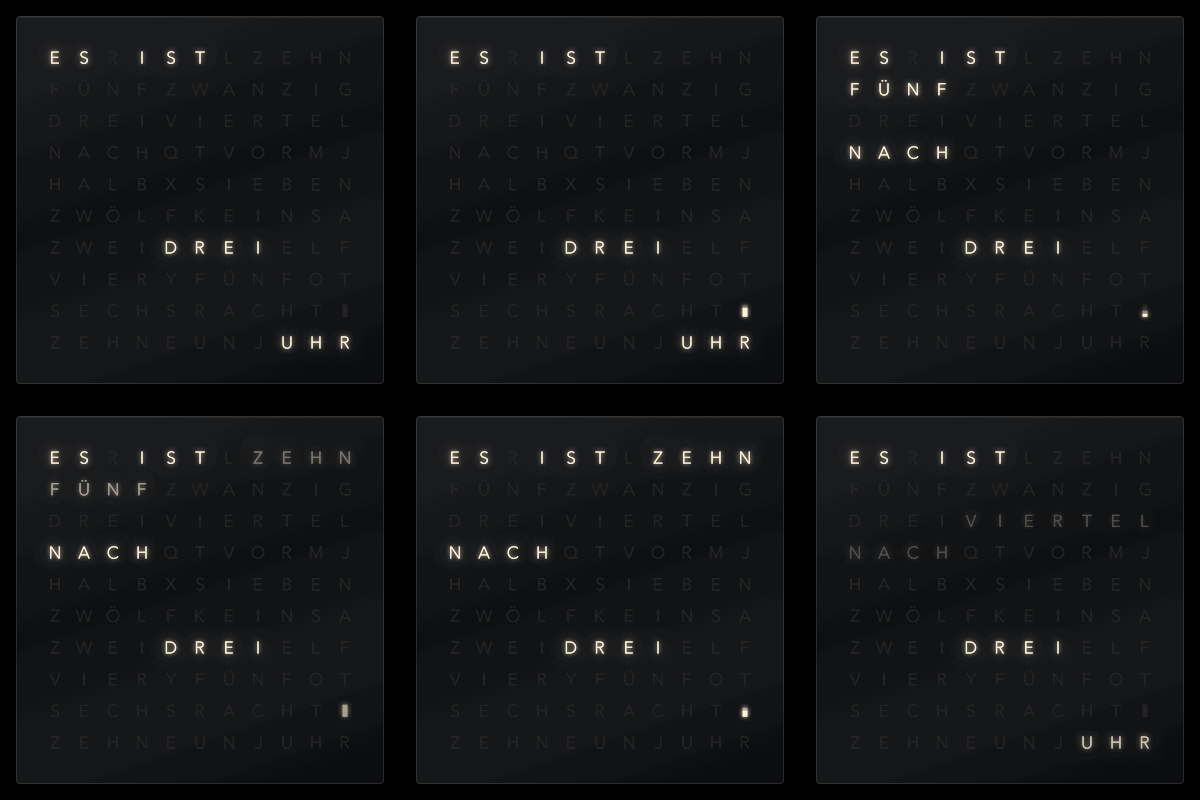
Word clock screensaver showing time on an 11×10 letter grid in six language variants.
By Diavolezza. Free and open source, MIT licence.
Wortuhr at a glance
- Version
- 1.10.0
- Released
- 3 November 2026
- Download size
- 240 KB
- Works on
- Apple silicon and Intel
- Licence
- MIT
- Category
- Graphics and Design
- Developer
- Diavolezza
- GitHub stars
- 1
About Wortuhr
Word clock on an 11×10 letter grid – screen saver for macOS, app and widgets for iPhone, iPad and Mac (also StandBy). Swift, Core Animation, SwiftUI, WidgetKit; German, Swiss German, English (UK/US), French, Italian, Spanish
Screenshots
How to install Wortuhr on a Mac
- Get OpenDMG. It is a free app store for open source Mac apps. Download OpenDMG.
- Search for Wortuhr and press Get. OpenDMG downloads version 1.10.0 from Diavolezza's own GitHub release.
- Open it. The download is checked against its SHA-256 fingerprint and its signature is checked on your Mac before it lands in Applications.
Updates to Wortuhr show up in OpenDMG and install with one button. No account is needed.
Prefer to do it by hand? The developer's file is on GitHub: Wortuhr-1.10.0.zip (240 KB).
What is new in Wortuhr 1.10.0
## Install

1. Unzip and double-click `Wortuhr.saver`. macOS asks whether to install it for you or for all users.
2. System Settings → Screen Saver → select “Wortuhr”.

The screen saver is signed with a Developer ID and notarised by Apple.

Runs on Apple Silicon and Intel, macOS 13 or later.
More Graphics and Design apps
-
 AerialApple TV Aerial Screensaver for macOS
-
 CompositorFree, open-source image editor aiming to be a full Photoshop alternative
-
 BrooklynScreensaver inspired by Apple's Event on October 30, 2018
-
 EquinoxCreate dynamic wallpapers for macOS
-
 ExcalidrawZA virtual whiteboard for sketching hand-drawn-like diagrams with native file management…
-
 WaifuXOpen-source ACG app for wallpapers, animated backgrounds, and anime videos