

WonderBox for Mac
System toolkit: monitoring, cleanup, uninstaller, disk analysis, fan control, and keep-awake.
By jasonwong1991. Free and open source, MIT licence.
WonderBox at a glance
- Version
- 1.2.4
- Released
- 7 November 2026
- Download size
- 4.3 MB
- Works on
- Apple silicon and Intel
- Licence
- MIT
- Category
- Utilities
- Developer
- jasonwong1991
- GitHub stars
- 573
About WonderBox
A native macOS system toolkit: honest memory optimization, deep cleanup that finds the real space hogs, fan control, keep-awake, disk analyzer.
Screenshots
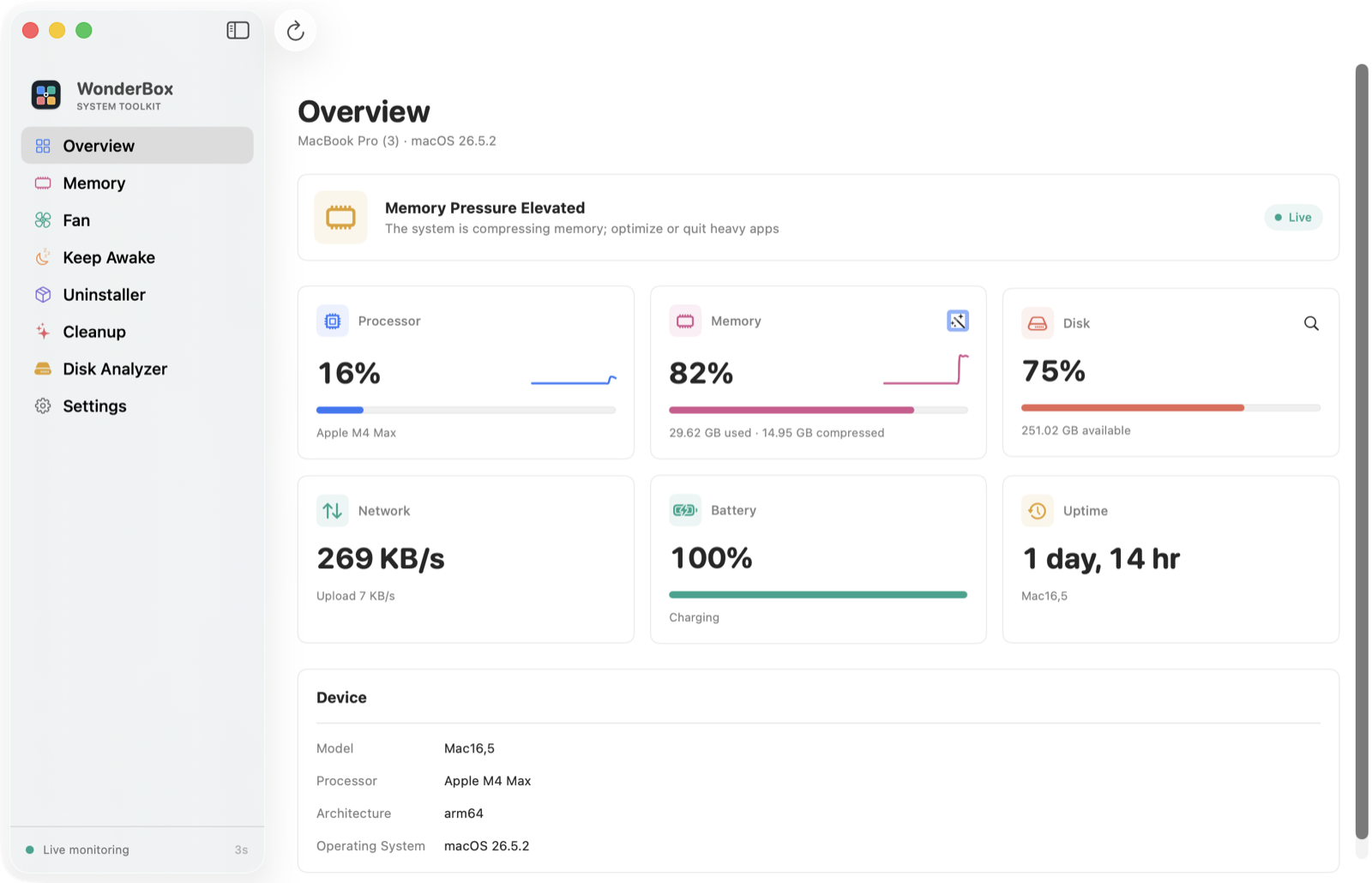
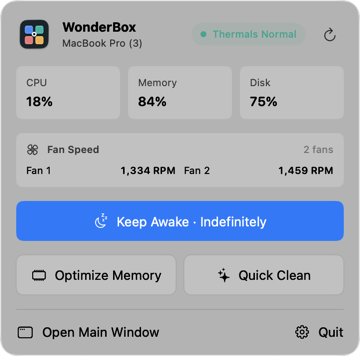
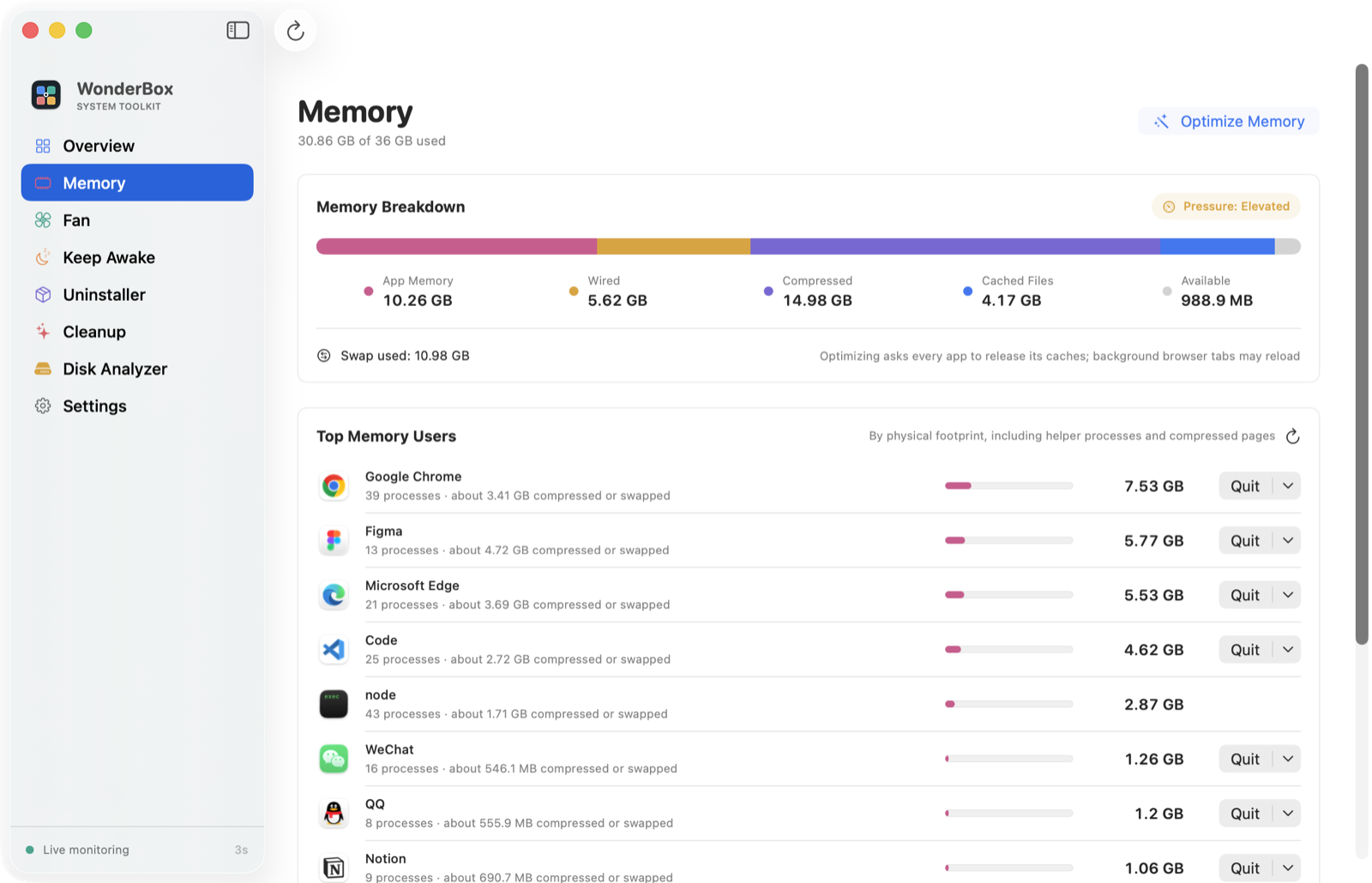
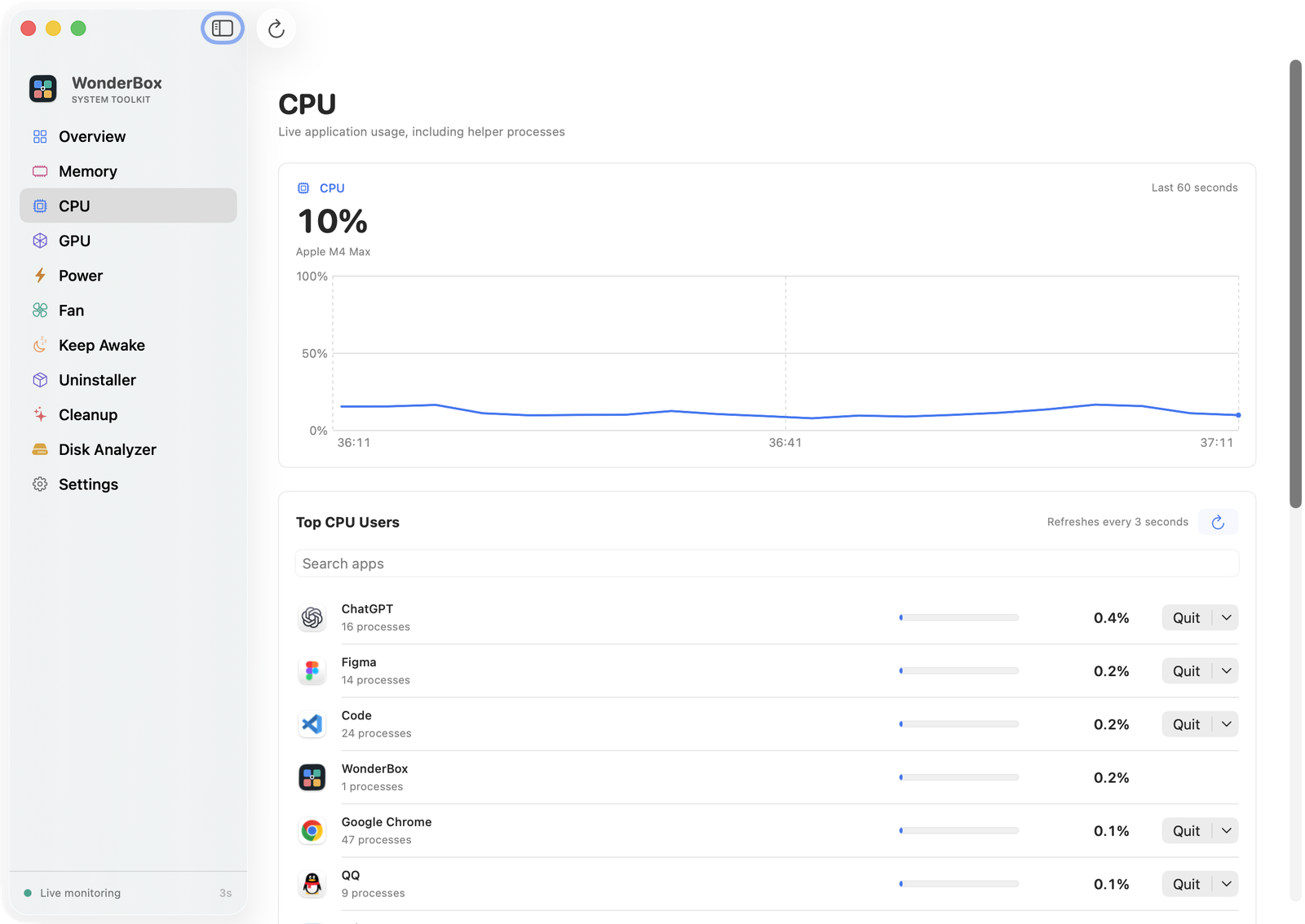
How to install WonderBox on a Mac
- Get OpenDMG. It is a free app store for open source Mac apps. Download OpenDMG.
- Search for WonderBox and press Get. OpenDMG downloads version 1.2.4 from jasonwong1991's own GitHub release.
- Open it. The download is checked against its SHA-256 fingerprint and its signature is checked on your Mac before it lands in Applications.
Updates to WonderBox show up in OpenDMG and install with one button. No account is needed.
Prefer to do it by hand? The developer's file is on GitHub: WonderBox-1.2.4.zip (4.3 MB).
What is new in WonderBox 1.2.4
# WonderBox 1.2.4

构建号:**124**。在概览和菜单栏查看整机功耗,并统一 README 的截图与排版。

Build **124**. System power in Overview and the menu bar, plus refreshed README screenshots and formatting.

## 整机功耗 / System Power

- 概览新增整机功耗卡片,显示实时瓦数与传感器来源;点击详情按钮即可进入功耗页。概览刷新同时更新普通指标与功耗,不另开采样器。

 Overview gains a system-power card with live watts and the sensor source. Its detail button opens the Power page, and Overview refresh updates both ordinary metrics and power without creating another sampler.

- 菜单栏新增独立的系统功耗选项,与 CPU、内存显示分开控制,默认关闭。在「设置 → 常驻」开启后,即使主窗口关闭也会约每三秒更新。

 The menu bar gains an independent system-power option, separate from CPU and RAM and off by default. Enable it in Settings → Always Available for updates approximately every three seconds, including with the main window closed.

- 两处整机功耗均使用功耗页同源的 SMC PSTR 传感器,不把 CPU+GPU、充电功率或适配器输入当作整机功耗。菜单栏使用轻量采样,不启动 CPU/GPU 能量订阅、进程扫描或功耗历史。缺失或过期读数显示 `—`,真实零值保留。

 Both system readings use the same SMC PSTR source as the Power page, not CPU + GPU, charging power or adapter input. The lightweight menu-bar sampler does not start CPU/GPU energy subscriptions, process scans or power history. Missing or stale readings show `—`; measured zero remains zero.

## 文档与截图 / Documentation and Screenshots

- 修复中文 README 中加粗标记直接显示、加粗范围错误的问题。
- 更新 18 张中英文截图,包含新增整机功耗的概览。除外观设置页展示深色主题外,其他截图统一为浅色;菜单面板保留实际浅色材质效果。
- 截图来自已安装的 WonderBox,不使用模拟界面,也未改写传感器数值。
…
More Utilities apps
-
 VorssaintAn open-source, free, and local toolkit that integrates functions such as preventing…
-
 BetterDisplayDisplay management tool with HiDPI scaling, PiP, and EDID controls
-
 MosSmooth your mouse's scrolling and reverse the mouse scroll direction
-
 EasydictmacOS instant translator — type/select/screenshot, multi-service, zero setup
-
 OpenHaystackOpen-source tracker for finding Bluetooth devices through Apple's Find My network
-
 OrkasOrkas is an open-source (MIT), local-first AI team for your desktop: a Commander turns…