

Mos for Mac
Smooth your mouse's scrolling and reverse the mouse scroll direction.
By Caldis. Free and open source.
Mos at a glance
- Version
- 4.2.1
- Released
- 31 May 2026
- Download size
- 12 MB
- Works on
- Apple silicon and Intel
- Category
- Utilities
- Developer
- Caldis
- GitHub stars
- 22K
About Mos
一个用于在 macOS 上平滑你的鼠标滚动效果或单独设置滚动方向的小工具, 让你的滚轮爽如触控板 | A lightweight tool used to smooth scrolling and set scroll direction independently for your mouse on macOS
Screenshots
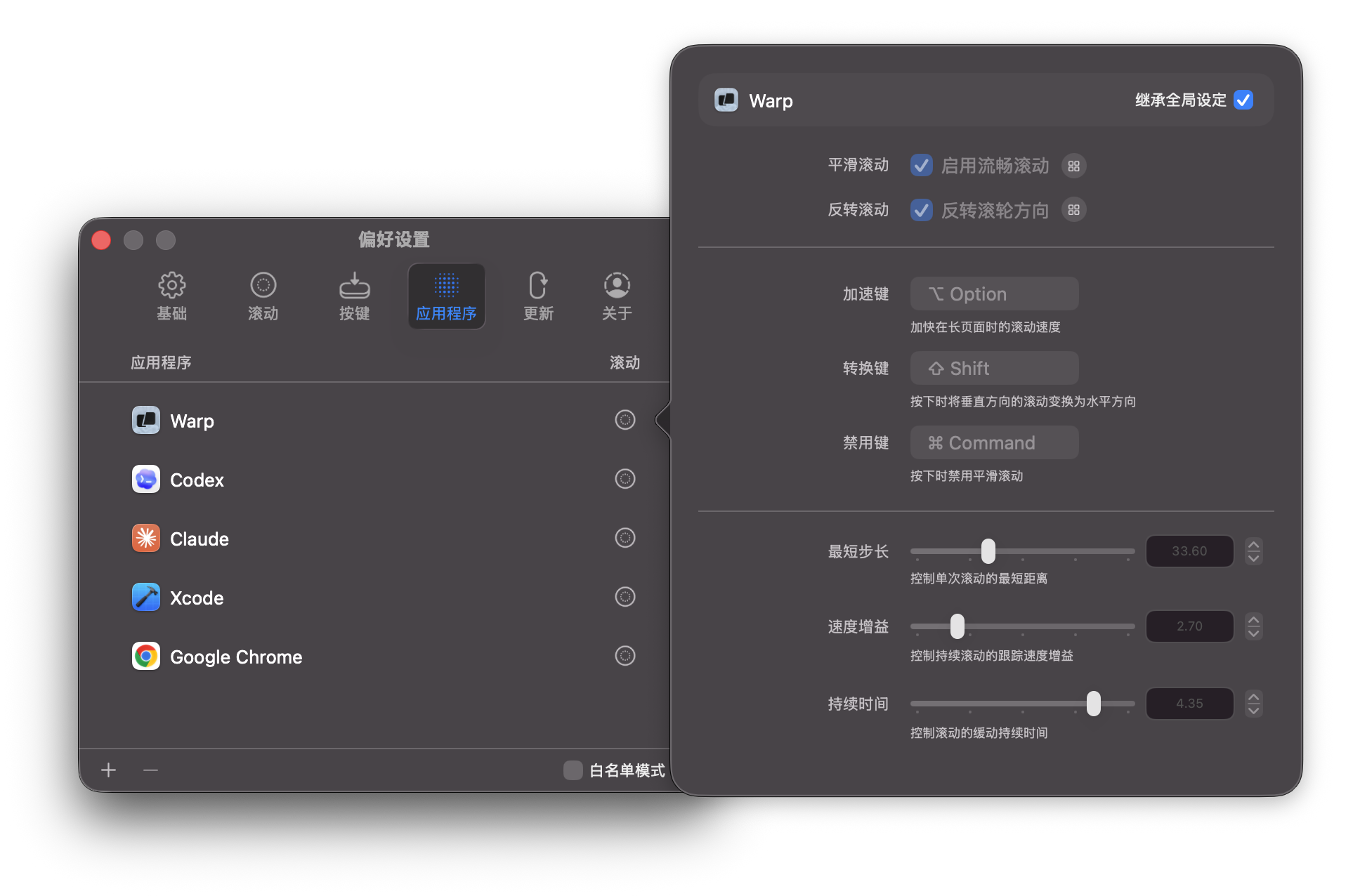
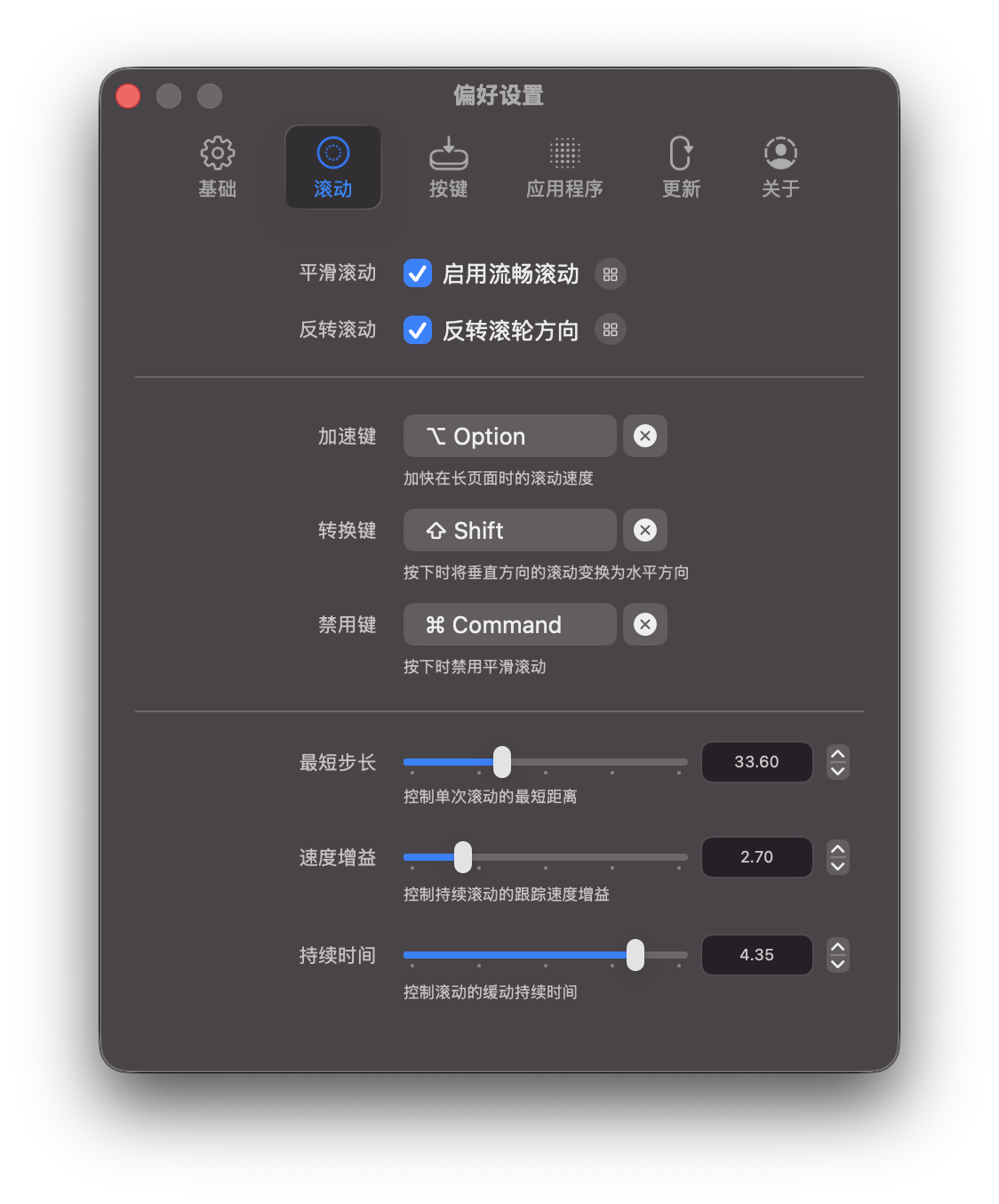
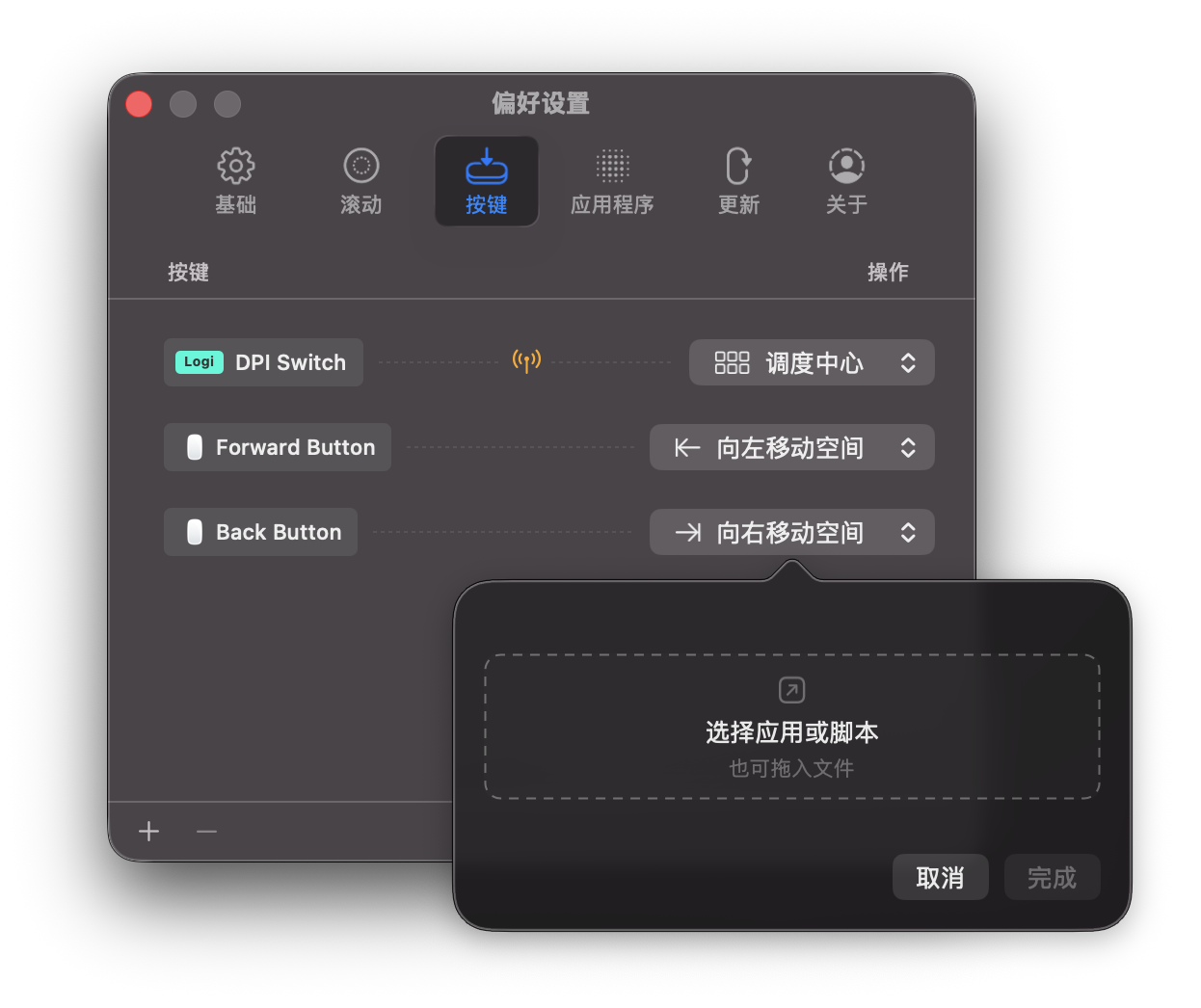
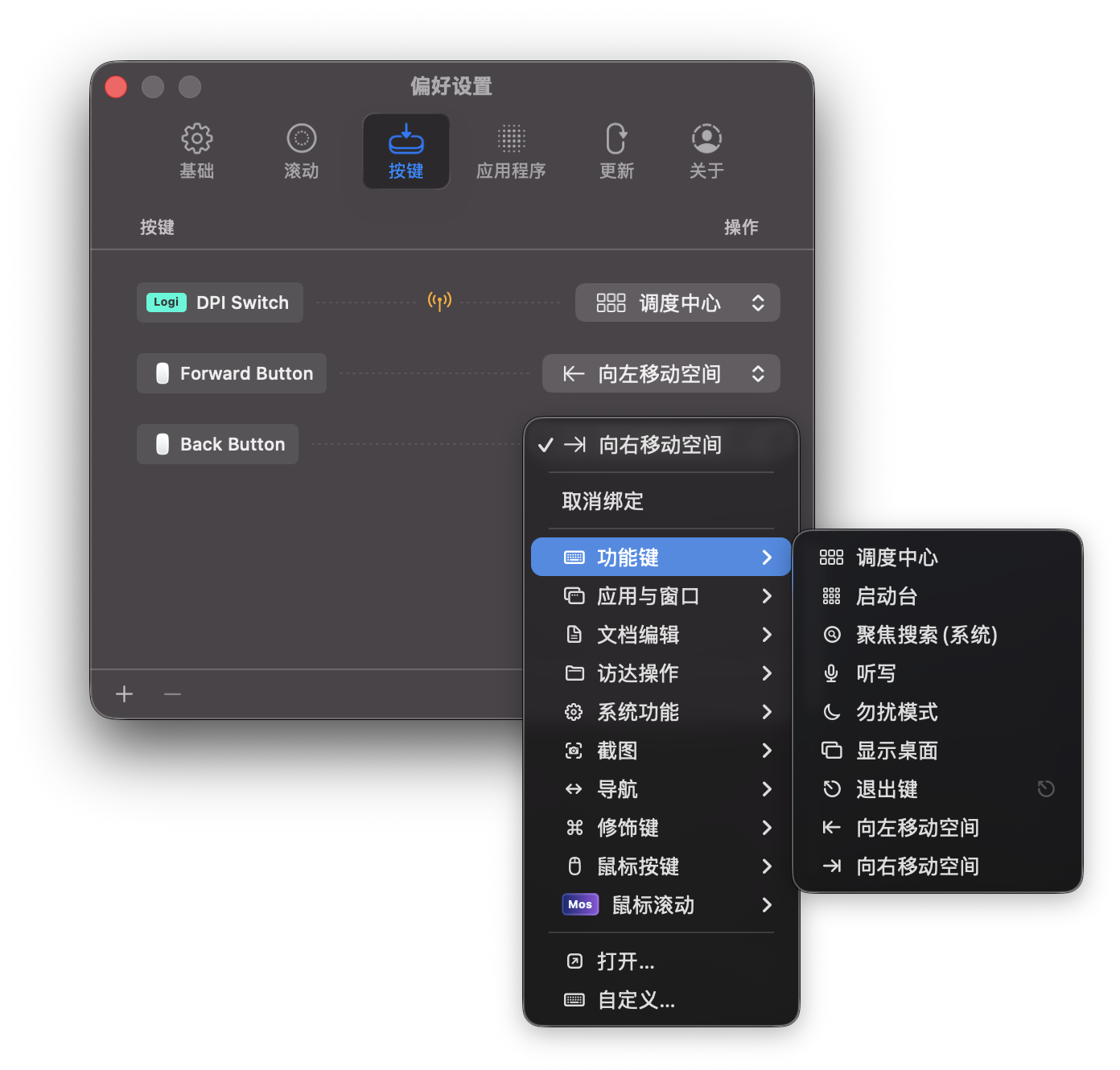
How to install Mos on a Mac
- Get OpenDMG. It is a free app store for open source Mac apps. Download OpenDMG.
- Search for Mos and press Get. OpenDMG downloads version 4.2.1 from Caldis's own GitHub release.
- Open it. The download is checked against its SHA-256 fingerprint and its signature is checked on your Mac before it lands in Applications.
Updates to Mos show up in OpenDMG and install with one button. No account is needed.
Prefer to do it by hand? The developer's file is on GitHub: Mos.Versions.4.2.1-20260531.1.zip (12 MB).
What is new in Mos 4.2.1
> 如果应用无法启动或遇到权限问题, 请参考 [Wiki: 如果应用无法正常运行](https://github.com/Caldis/Mos/wiki/%E5%A6%82%E6%9E%9C%E5%BA%94%E7%94%A8%E6%97%A0%E6%B3%95%E6%AD%A3%E5%B8%B8%E8%BF%90%E8%A1%8C)

## 修复
- 修复由于应用热键的输入检查导致的部分情况下的性能问题。

---

> If the application fails to start or encounters permission issues, please refer [Wiki: If the App not work properly](https://github.com/Caldis/Mos/wiki/If-the-App-not-work-properly)

## Fixes
- Fixed a performance issue in some cases caused by input checks for app hotkeys.
More Utilities apps
-
 BetterDisplayDisplay management tool with HiDPI scaling, PiP, and EDID controls
-
 VorssaintAn open-source, free, and local toolkit that integrates functions such as preventing…
-
 EasydictmacOS instant translator — type/select/screenshot, multi-service, zero setup
-
 OpenHaystackOpen-source tracker for finding Bluetooth devices through Apple's Find My network
-
 KekaKeka is a full featured file archiver, as easy as it can be
-
 DayflowScreen activity timeline with AI support