

Wisp for Mac
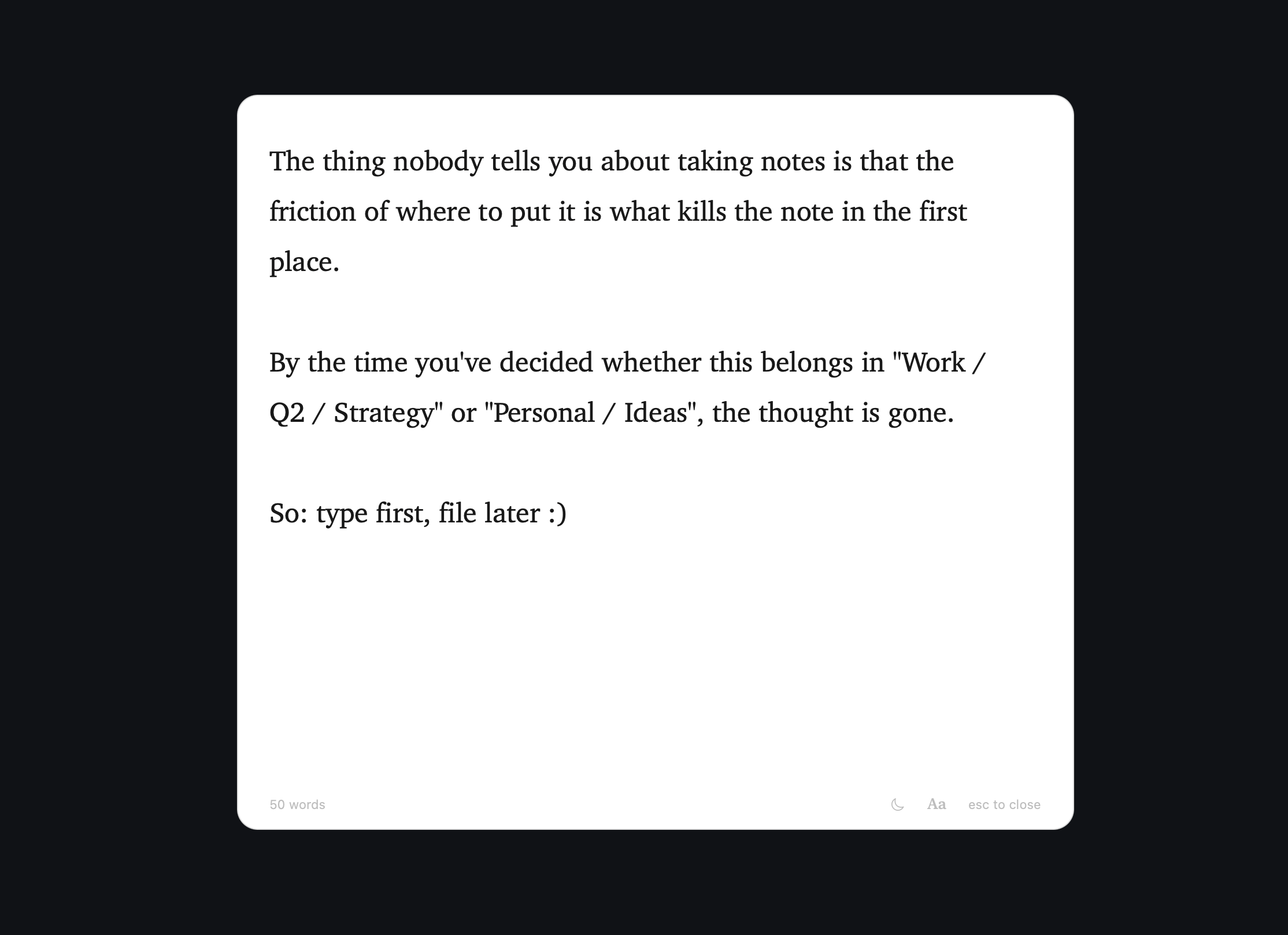
Dead-simple scratchpad that opens with a hotkey, type and dismiss with Esc.
By sulemaanhamza. Free and open source, MIT licence.
Wisp at a glance
- Version
- 0.1.46
- Released
- 9 October 2026
- Download size
- 1.5 MB
- Works on
- Apple silicon and Intel
- Licence
- MIT
- Category
- Productivity
- Developer
- sulemaanhamza
- GitHub stars
- 113
About Wisp
A dead-simple macOS scratchpad. Lives in your menu bar, opens with one keypress, gets out of the way.
Screenshots
How to install Wisp on a Mac
- Get OpenDMG. It is a free app store for open source Mac apps. Download OpenDMG.
- Search for Wisp and press Get. OpenDMG downloads version 0.1.46 from sulemaanhamza's own GitHub release.
- Open it. The download is checked against its SHA-256 fingerprint and its signature is checked on your Mac before it lands in Applications.
Updates to Wisp show up in OpenDMG and install with one button. No account is needed.
Prefer to do it by hand? The developer's file is on GitHub: Wisp-0.1.46.zip (1.5 MB).
What is new in Wisp 0.1.46
- Lines that start "Remind me" notify you
- Click the tick to tick the line off

<!--wisp:more-->

**Reminders.** Start a line with "Remind me" and a time, and Wisp notifies you then:

```
Remind me in 10 minutes to check the oven
Remind me tomorrow at 3pm to call John
- [ ] Remind me Friday to send the invoice
```

Click the notification and Wisp opens on that line, highlighted once. Nothing is added to your note.

**You see what it understood.** The time shows in grey after the line as you type. Once the line is set it gets a bell, and once the reminder has gone off, a tick: click the tick when you're done and the line is ticked off. A day with no time means 9:00 AM, and "at 7" means the next 7 o'clock that isn't in the small hours.

**Set when the line is finished.** Press Return, move to another line or close the panel. Typing "in 1" on the way to "in 15" never sets a stray one.

**It follows your edits.** Delete the line or tick it off and the reminder is cancelled. Change other words and it keeps its time; change the time and it moves. Cut and paste it, or undo, and nothing is lost. File the note to the Inbox and its reminders still go off.
…
More Productivity apps
-
 MaccyLightweight search-as-you-type clipboard manager
-
 AltTabBrings the Windows Alt-Tab functionality to macOS
-
 ClipyClipy is a Clipboard extension app for macOS
-
 TinycastLightweight native launcher with app search, clipboard management, window controls, and…
-
 FSNotesNotes manager for macOS/iOS: modern notational velocity (nvALT) on steroids
-
 OpenDisplayTurn spare Apple devices into second monitors — true extended display over USB or WiFi