

WinKeys for Mac
Open-source keyboard shortcut remapping tool that brings Windows shortcut habits to Mac for users switching from Windows.
By neural-beat. Free and open source, GPL-3.0 licence.
WinKeys at a glance
- Version
- 0.2.0
- Released
- 19 September 2026
- Download size
- 1.4 MB
- Works on
- Apple silicon and Intel
- Licence
- GPL-3.0
- Category
- Windows and Keyboard
- Developer
- neural-beat
- GitHub stars
- 3
About WinKeys
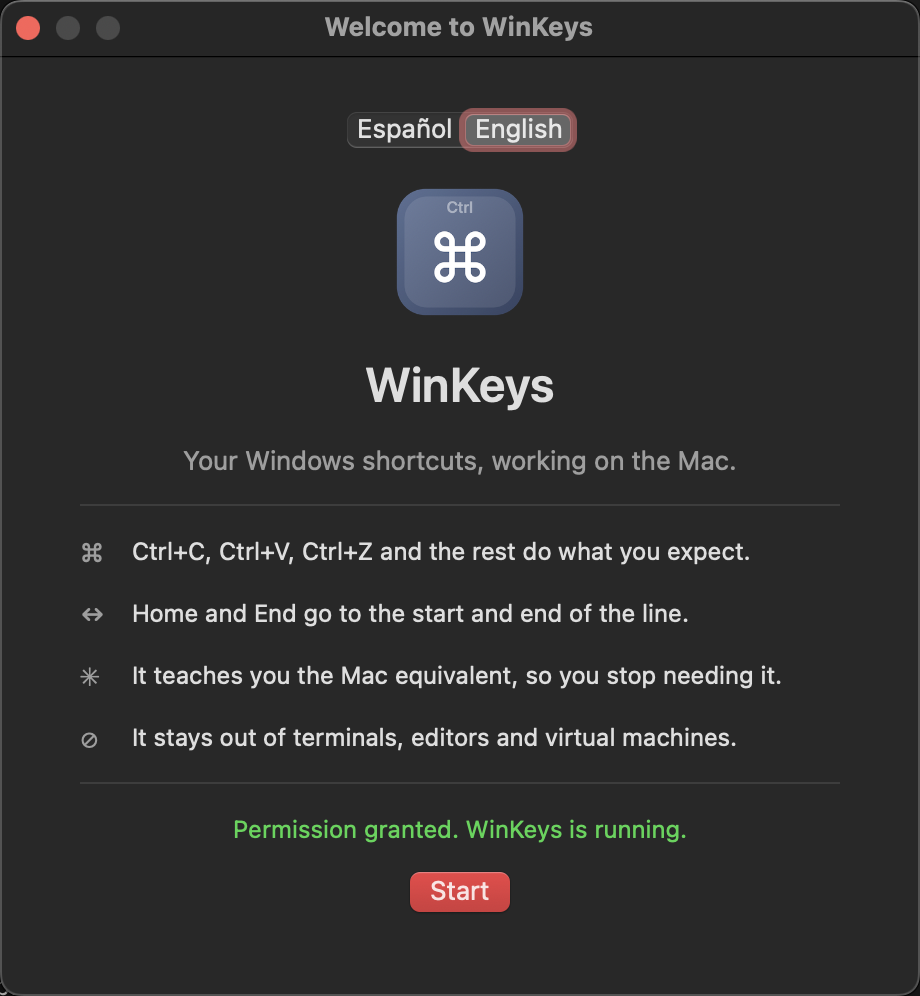
Windows keyboard shortcuts that work on macOS. Ctrl+C, Ctrl+V, Home and End behave like they did on Windows — one switch, no configuration. Universal, Intel and Apple Silicon.
Screenshots
How to install WinKeys on a Mac
- Get OpenDMG. It is a free app store for open source Mac apps. Download OpenDMG.
- Search for WinKeys and press Get. OpenDMG downloads version 0.2.0 from neural-beat's own GitHub release.
- Open it. The download is checked against its SHA-256 fingerprint and its signature is checked on your Mac before it lands in Applications.
Updates to WinKeys show up in OpenDMG and install with one button. No account is needed.
Prefer to do it by hand? The developer's file is on GitHub: WinKeys-0.2.0.zip (1.4 MB).
What is new in WinKeys 0.2.0
**Your Windows keyboard habits, working on the Mac.**

One switch, no configuration: Ctrl+C, Ctrl+V, Ctrl+Z, Home, End, F2, Alt+Tab and the rest behave the way they did on Windows. When you press a Windows shortcut, WinKeys also shows you the Mac equivalent, so you learn as you go.

Universal build (Apple Silicon and Intel).

### Install

Download `WinKeys-0.2.0.zip` (not "Source code"), unzip it, drag `WinKeys.app` to your Applications folder, then **right-click the app → Open → Open**. Grant the Accessibility permission when asked.

---

**Tus costumbres de teclado de Windows, funcionando en el Mac.**

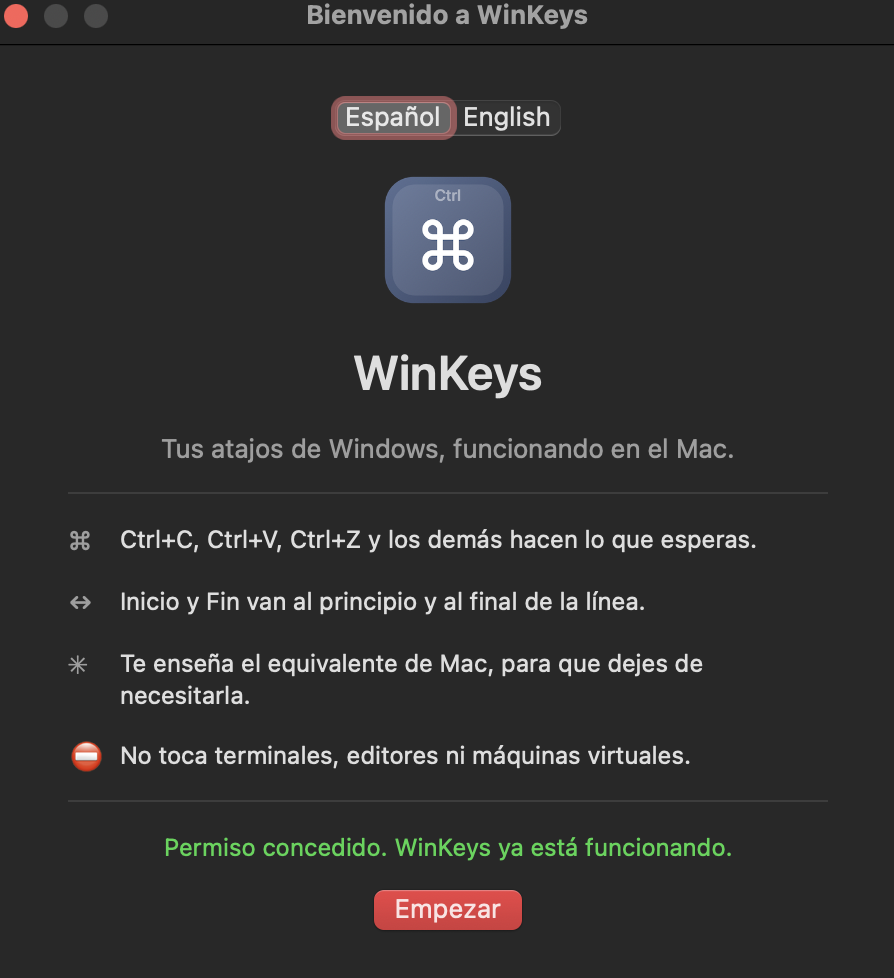
Un interruptor y cero configuración: Ctrl+C, Ctrl+V, Ctrl+Z, Inicio, Fin, F2, Alt+Tab y los demás se comportan como en Windows. Y cuando pulsas un atajo de Windows, WinKeys te enseña el equivalente del Mac, así que aprendes por el camino.

Universal (Apple Silicon e Intel).

### Instalación

Descarga `WinKeys-0.2.0.zip` (no "Source code"), descomprime, arrastra `WinKeys.app` a Aplicaciones y **clic derecho en la app → Abrir → Abrir**. Concede el permiso de Accesibilidad cuando lo pida.
More Windows and Keyboard apps
-
 RectangleRectangle is a window manager heavily based on Spectacle, written in Swift
-
 AeroSpaceAeroSpace is an i3-like tiling window manager for macOS
-
 AmethystAutomatic tiling window manager for macOS
-
 LoopWindow management made elegant
-
 FlashSpaceEnhance and replace the native Spaces functionality of macOS
-
 OmniWMA Flexible and Modern Tiling Window Manager